

Google's new "Find My Device" for Android guarantees you'll never lose your phone again.
Here're 5 quick and secure ways to find your misplaced items.
Don't forget to bookmark this for later!
Here're 5 quick and secure ways to find your misplaced items.
Don't forget to bookmark this for later!
1/ Locate offline devices
Locate offline Android devices by ringing or viewing their location on a map in the app, even when they're offline.
Pixel 8 and 8 Pro owners can find their devices if powered off or battery is dead.
Locate offline Android devices by ringing or viewing their location on a map in the app, even when they're offline.
Pixel 8 and 8 Pro owners can find their devices if powered off or battery is dead.

2/ Find nearby items easily:
Use the "Find nearby" button to locate your lost device or everyday items like wallets and keys when Bluetooth tags launch in May.
Use the "Find nearby" button to locate your lost device or everyday items like wallets and keys when Bluetooth tags launch in May.

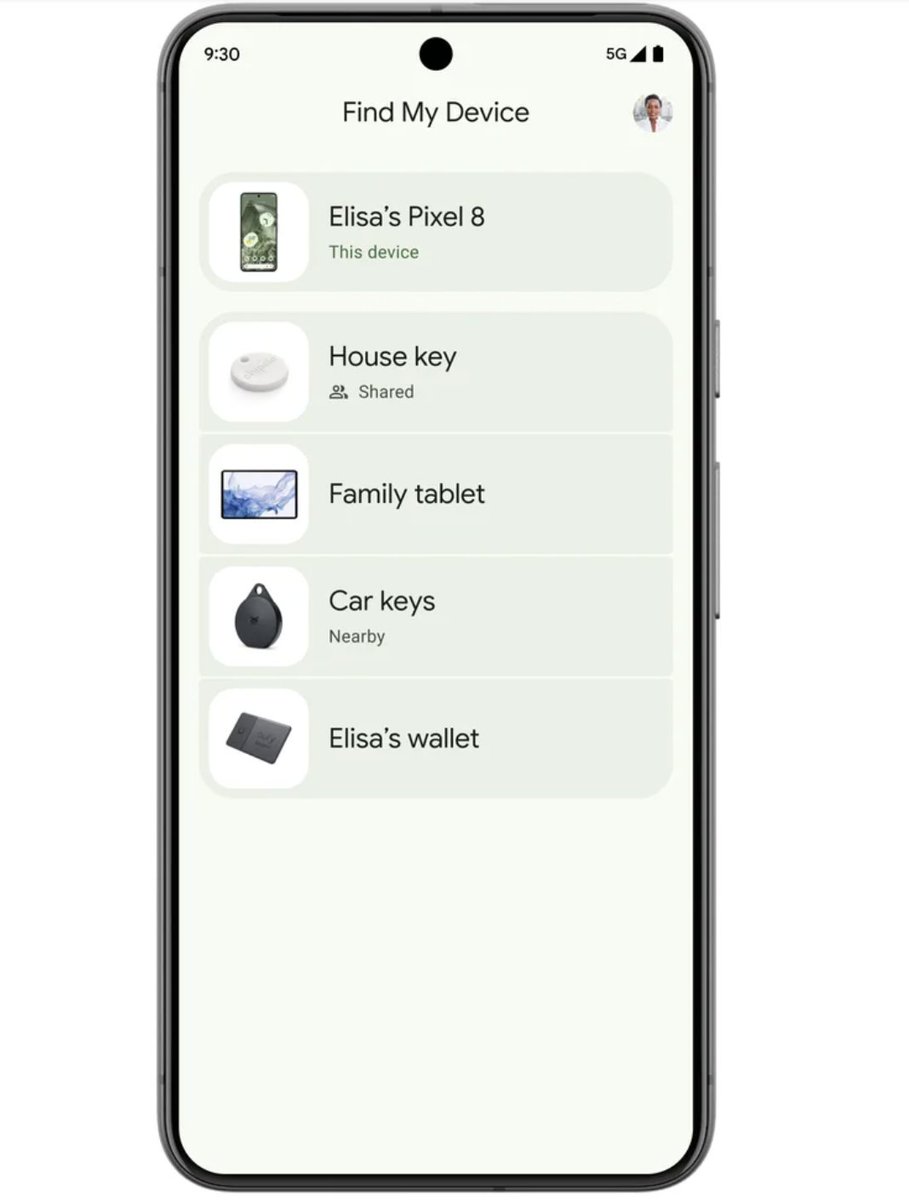
3/ Keep track of everyday items with compatible Bluetooth tags
Keep track of your everyday items using Bluetooth tags from Chipolo and Pebblebee in the Find My Device app.
These tags are compatible with Android and iOS for protection against unwanted tracking.
Keep track of your everyday items using Bluetooth tags from Chipolo and Pebblebee in the Find My Device app.
These tags are compatible with Android and iOS for protection against unwanted tracking.
Get the latest updates on AI insights and tutorials.
Join "AI Toast" the community of 14000 readers for FREE.
Read latest edition here:
aitoast.beehiiv.com
Join "AI Toast" the community of 14000 readers for FREE.
Read latest edition here:
aitoast.beehiiv.com

4/ Find lost items at home with Nest:
The Find My Device app now shows a lost device's proximity to your home Nest devices.
The Find My Device app now shows a lost device's proximity to your home Nest devices.

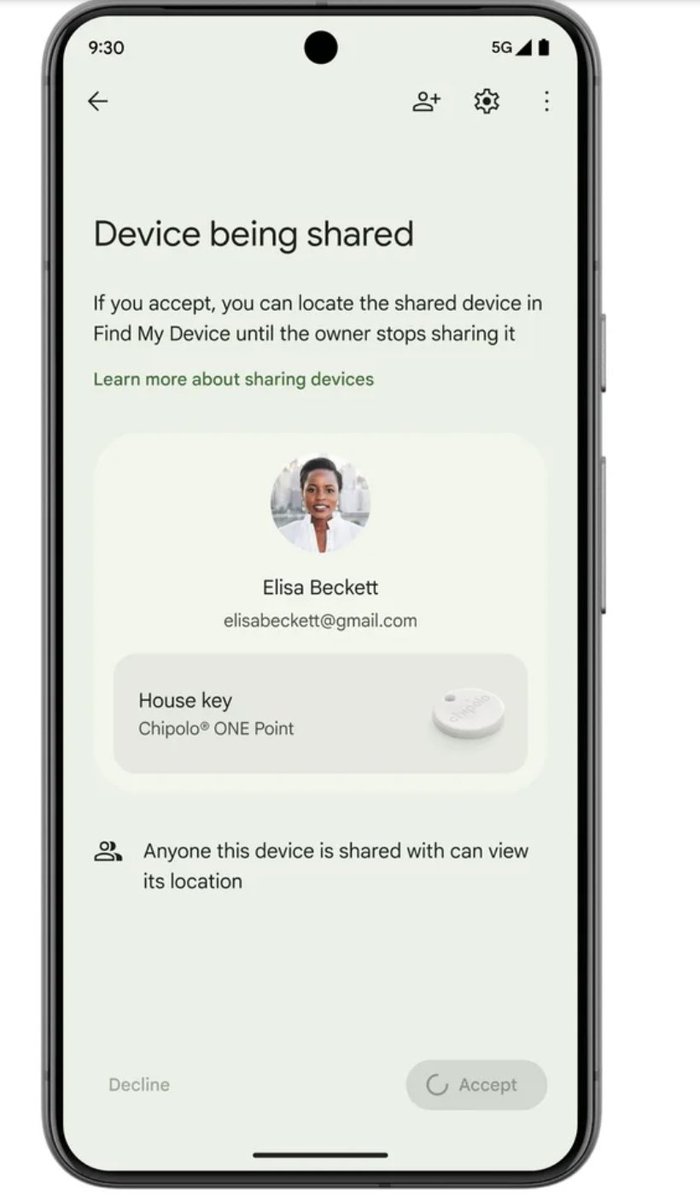
5/ Share accessories with friends and family
Share an accessory so everyone can keep an eye on it in the app.
Share an accessory so everyone can keep an eye on it in the app.
Thanks for reading.
If you enjoyed reading this post, you will love my Newsletter on AI updates and Tutorials.
Join AI Toast Community of 14000 readers for FREE:
aitoast.beehiiv.com
If you enjoyed reading this post, you will love my Newsletter on AI updates and Tutorials.
Join AI Toast Community of 14000 readers for FREE:
aitoast.beehiiv.com

I hope you've found this thread helpful
Loading suggestions...