

There's a frustration that comes with a creative idea locked inside you head, unable to come out cos of your artistic skills or even a creative block.
I've found a way with @StellaryAI
With a single click, you can generate images, videos, music, & even voices.
Come with me🧵
I've found a way with @StellaryAI
With a single click, you can generate images, videos, music, & even voices.
Come with me🧵
𝐂𝐨𝐧𝐭𝐞𝐧𝐭 𝐨𝐟 𝐓𝐡𝐫𝐞𝐚𝐝
Introduction
Features of StellaryAi
Future Development
Token and Tokenomics
MC Program
Revenue Sharing
Official Links
$stelAI #StellaryAI
Introduction
Features of StellaryAi
Future Development
Token and Tokenomics
MC Program
Revenue Sharing
Official Links
$stelAI #StellaryAI
@StellaryAI is an AI-powered platform that helps you unleash your creativity by turning tour ideas into different creative outputs, like music, art, or videos.
It uses AI to assist you in creating your creative pieces and allows you to monetize your work through the
It uses AI to assist you in creating your creative pieces and allows you to monetize your work through the
Model Creators Program.
#StellaryAI believes that you have creative potential and their platform helps to remove the barriers you face when trying to create something new.
𝐅𝐞𝐚𝐭𝐮𝐫𝐞𝐬 𝐨𝐟 𝐒𝐭𝐞𝐥𝐥𝐚𝐫𝐲𝐀𝐈
• Generating Images
• Generating Voices
• Generating Music
#StellaryAI believes that you have creative potential and their platform helps to remove the barriers you face when trying to create something new.
𝐅𝐞𝐚𝐭𝐮𝐫𝐞𝐬 𝐨𝐟 𝐒𝐭𝐞𝐥𝐥𝐚𝐫𝐲𝐀𝐈
• Generating Images
• Generating Voices
• Generating Music
• Generating Videos
• Prompt Marketplace
• Explore Gallery
𝘓𝘦𝘵'𝘴 𝘭𝘰𝘰𝘬 𝘢𝘵 𝘦𝘢𝘤𝘩 𝘪𝘯 𝘥𝘦𝘵𝘢𝘪𝘭𝘴.
𝙂𝙚𝙣𝙚𝙧𝙖𝙩𝙞𝙣𝙜 𝙄𝙢𝙖𝙜𝙚𝙨
#StellaryAI's "Generate Image" feature lets you create images using AI with a lot of creative control.
Here's what you can do:
• Prompt Marketplace
• Explore Gallery
𝘓𝘦𝘵'𝘴 𝘭𝘰𝘰𝘬 𝘢𝘵 𝘦𝘢𝘤𝘩 𝘪𝘯 𝘥𝘦𝘵𝘢𝘪𝘭𝘴.
𝙂𝙚𝙣𝙚𝙧𝙖𝙩𝙞𝙣𝙜 𝙄𝙢𝙖𝙜𝙚𝙨
#StellaryAI's "Generate Image" feature lets you create images using AI with a lot of creative control.
Here's what you can do:
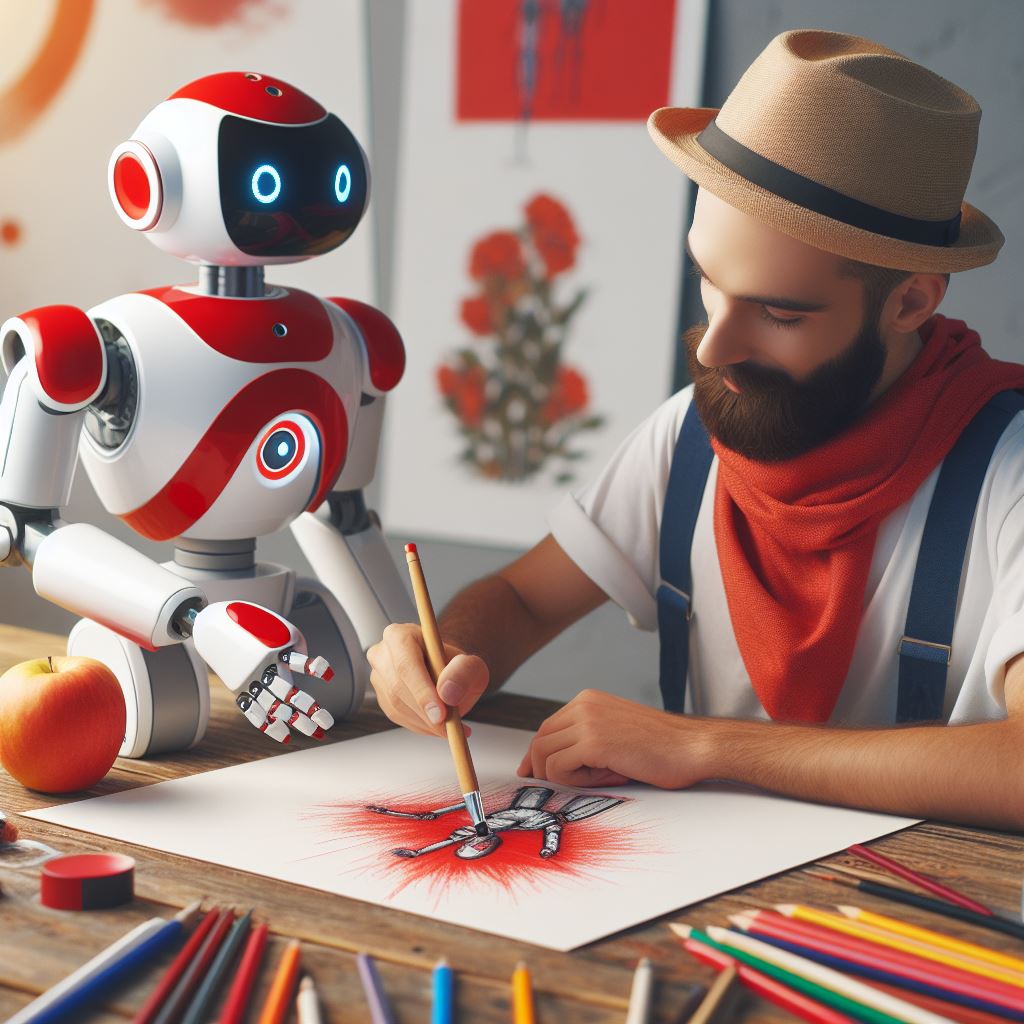
• Start with a prompt: Describe what you want the image to look like in words.
• Choose a model: StellaryAI offers over 30 models for different artistic styles, like surreal or photorealistic.
• Fine-tune the results: A "Guidance Scale" lets you control how closely the image
• Choose a model: StellaryAI offers over 30 models for different artistic styles, like surreal or photorealistic.
• Fine-tune the results: A "Guidance Scale" lets you control how closely the image
matches your description.
• Speed up generation: "Clip Skip" reduces processing time for faster image creation.
• Increase quality: "Quality Steps" allow for more detailed and polished images.
• Pick the size: Choose the dimensions (width and height) of your image.
• Speed up generation: "Clip Skip" reduces processing time for faster image creation.
• Increase quality: "Quality Steps" allow for more detailed and polished images.
• Pick the size: Choose the dimensions (width and height) of your image.
• Generate variations: See multiple versions of your image concept with "Samples."
• NSFW toggle: Generate images with mature content using this option (NSFW - Not Safe For Work).
@StellaryAI also offers various image editing features, including:
• Background removal
• NSFW toggle: Generate images with mature content using this option (NSFW - Not Safe For Work).
@StellaryAI also offers various image editing features, including:
• Background removal
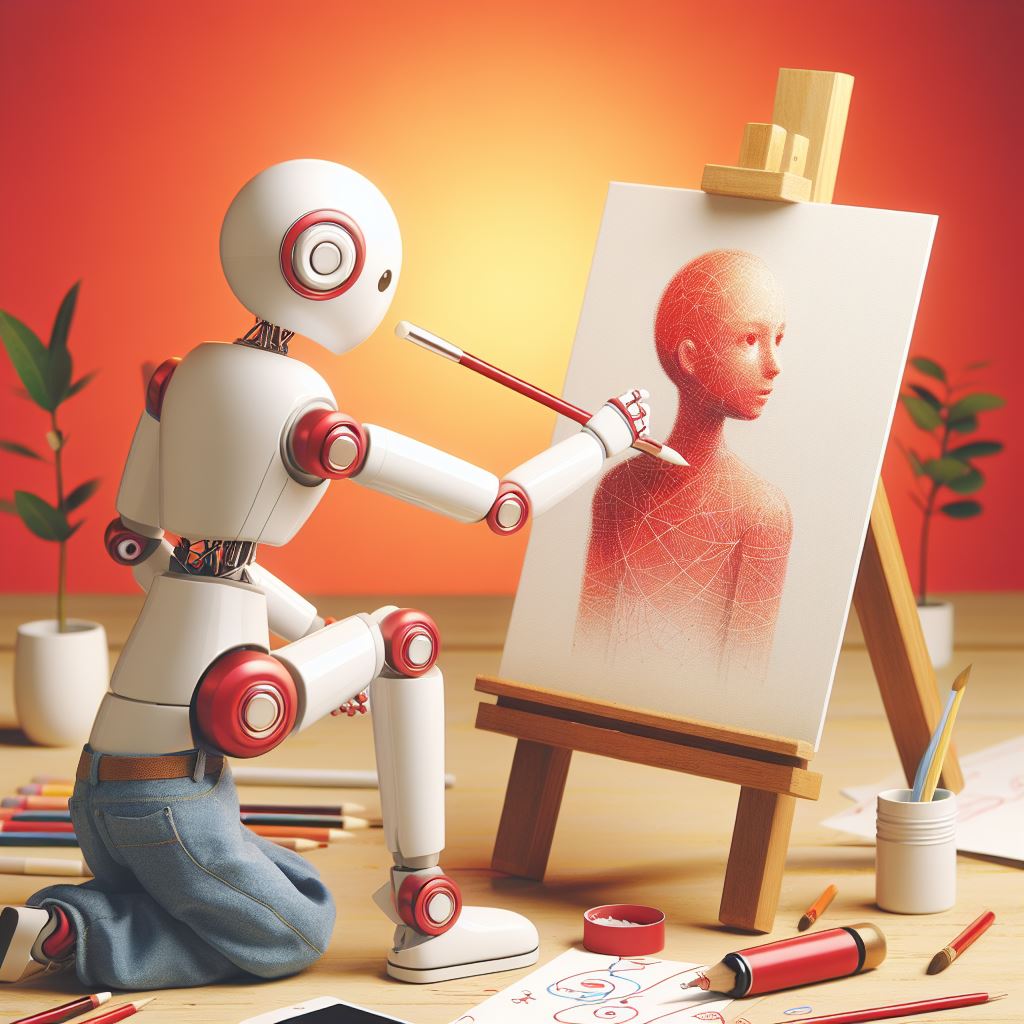
• Expanding images (outpainting)
• Filling in missing parts of images (inpainting)
• Creating variations of existing images
• Increasing image resolution (upscaling)
• Enhancing image quality
𝙂𝙚𝙣𝙚𝙧𝙖𝙩𝙞𝙣𝙜 𝙑𝙤𝙞𝙘𝙚𝙨
@StellaryAI's "Generate Voice" feature lets you
• Filling in missing parts of images (inpainting)
• Creating variations of existing images
• Increasing image resolution (upscaling)
• Enhancing image quality
𝙂𝙚𝙣𝙚𝙧𝙖𝙩𝙞𝙣𝙜 𝙑𝙤𝙞𝙘𝙚𝙨
@StellaryAI's "Generate Voice" feature lets you
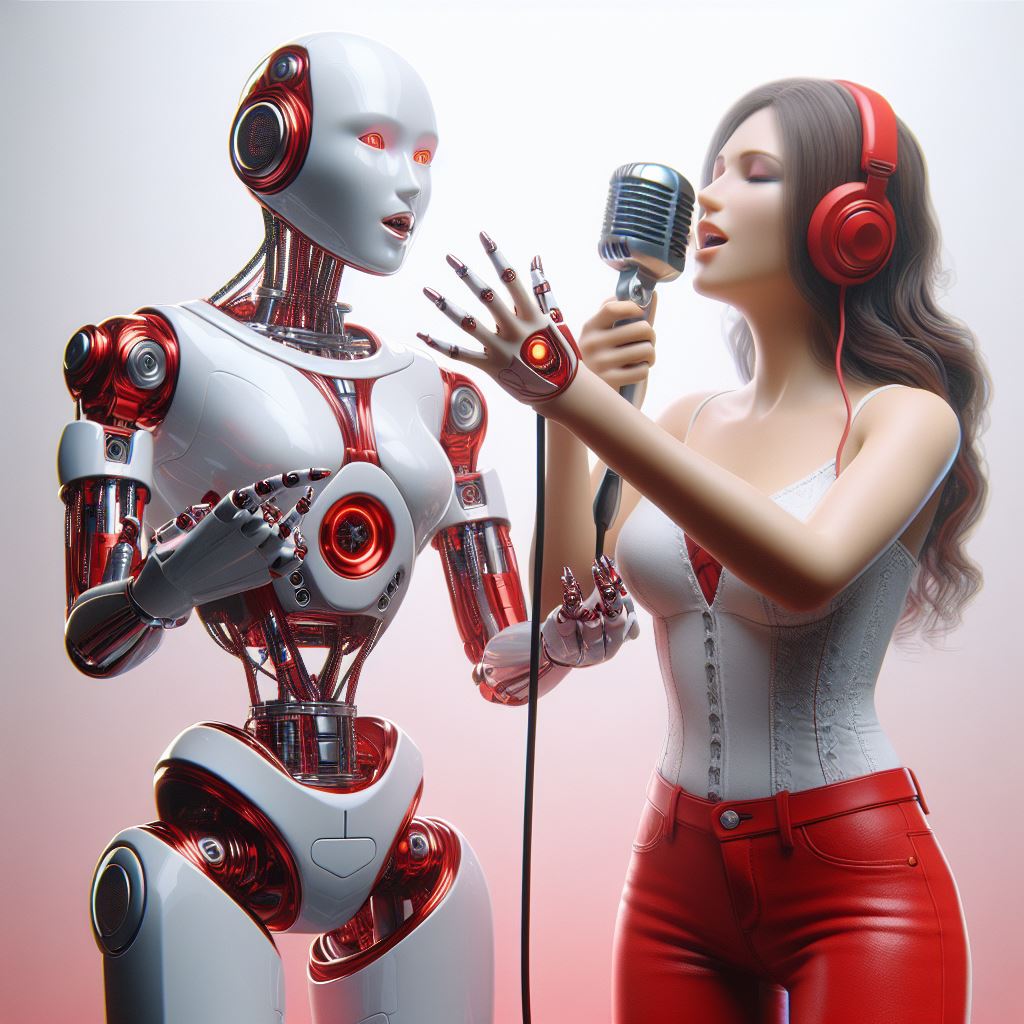
add AI-generated narration or singing to your projects using celebrity or character voices.
@StellaryAI offers over 20 AI voices, including celebrities like Drake and fictional characters like SpongeBob.
How to select a voice:
1. Open StellaryAI and find the "Generate Voice"
@StellaryAI offers over 20 AI voices, including celebrities like Drake and fictional characters like SpongeBob.
How to select a voice:
1. Open StellaryAI and find the "Generate Voice"
feature.
2. Browse through over 20 AI voice options to pick the one you need.
3. Listen to short audio clips to hear how each voice sounds.
4. Choose your favorite voice from the available options.
Currently, StellaryAI allows you to input links from YouTube
2. Browse through over 20 AI voice options to pick the one you need.
3. Listen to short audio clips to hear how each voice sounds.
4. Choose your favorite voice from the available options.
Currently, StellaryAI allows you to input links from YouTube
including YouTube music, to create voiceovers with AI.
This is helpful for adding AI voices to existing audio or creating unique vocals for music.
Here's how to go about it:
1. Find the YouTube or Music YouTube video/song you want to use for the voice.
2. Copy the URL of that
This is helpful for adding AI voices to existing audio or creating unique vocals for music.
Here's how to go about it:
1. Find the YouTube or Music YouTube video/song you want to use for the voice.
2. Copy the URL of that
video/song.
3. Paste the copied URL into StellaryAI's "Generate Voice" section.
@StellaryAI would be adding Text-to-speech functionality soonest.
This will allow you to type in any text and have it narrated in the chosen AI voice.
3. Paste the copied URL into StellaryAI's "Generate Voice" section.
@StellaryAI would be adding Text-to-speech functionality soonest.
This will allow you to type in any text and have it narrated in the chosen AI voice.
𝙂𝙚𝙣𝙚𝙧𝙖𝙩𝙞𝙣𝙜 𝙈𝙪𝙨𝙞𝙘
This feature would be coming soon.
𝙂𝙚𝙣𝙚𝙧𝙖𝙩𝙞𝙣𝙜 𝙑𝙞𝙙𝙚𝙤𝙨
This feature would be coming soon.
𝙋𝙧𝙤𝙢𝙥𝙩 𝙈𝙖𝙧𝙠𝙚𝙩𝙥𝙡𝙖𝙘𝙚
StellaryAI would soon be launching a Prompt Marketplace where you can buy and sell prompts used to create
This feature would be coming soon.
𝙂𝙚𝙣𝙚𝙧𝙖𝙩𝙞𝙣𝙜 𝙑𝙞𝙙𝙚𝙤𝙨
This feature would be coming soon.
𝙋𝙧𝙤𝙢𝙥𝙩 𝙈𝙖𝙧𝙠𝙚𝙩𝙥𝙡𝙖𝙘𝙚
StellaryAI would soon be launching a Prompt Marketplace where you can buy and sell prompts used to create
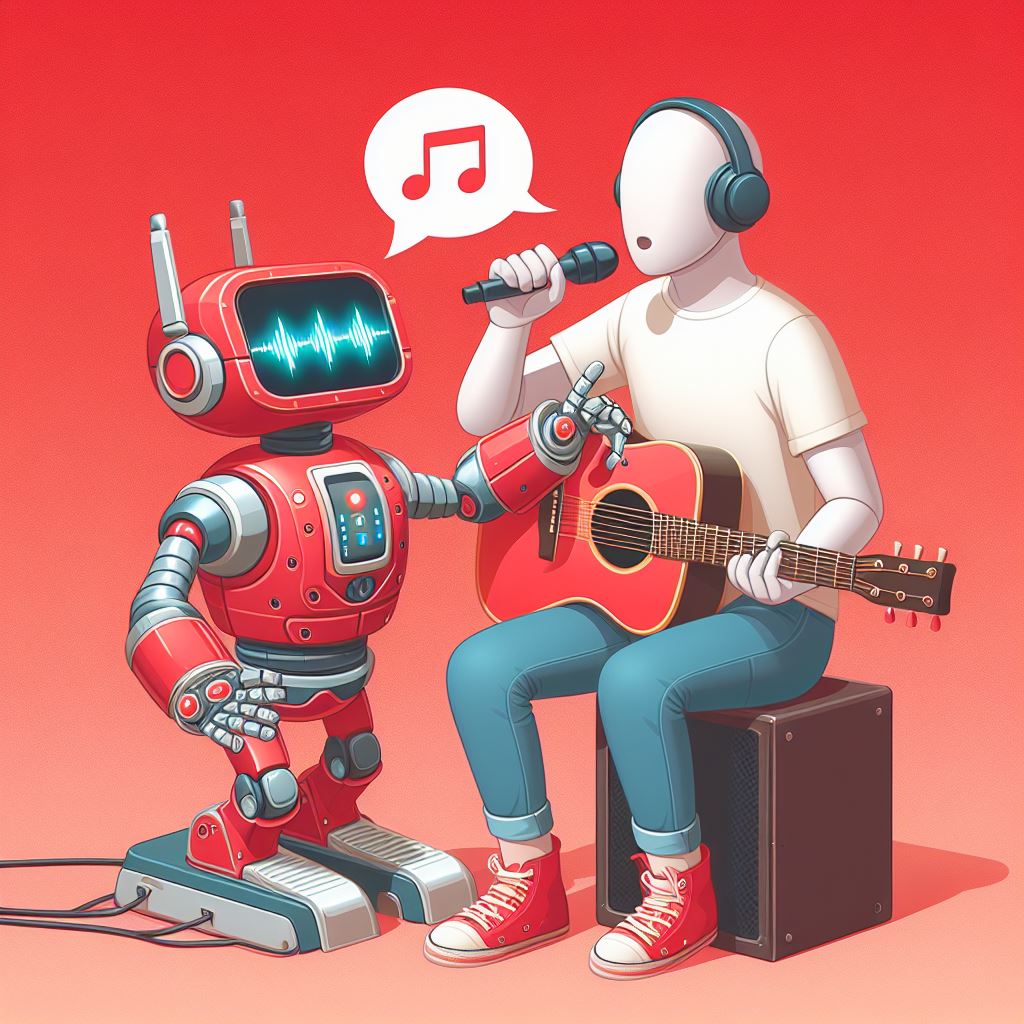
AI art, music, and videos.
Creators can submit their prompts and the AI art/music/video they made using those prompts, setting a price for others to buy the prompts.
Buyers can browse prompts by category (image, video, music) and buy prompts to use for their own AI creations.
Creators can submit their prompts and the AI art/music/video they made using those prompts, setting a price for others to buy the prompts.
Buyers can browse prompts by category (image, video, music) and buy prompts to use for their own AI creations.

This marketplace benefits both sides:
Sellers can make money from their creative prompts and gain recognition.
Buyers can get inspired, save time, and support the creative community.
𝙀𝙭𝙥𝙡𝙤𝙧𝙚 𝙂𝙖𝙡𝙡𝙚𝙧𝙮
@StellaryAI's Explore Gallery lets you see all sorts of
Sellers can make money from their creative prompts and gain recognition.
Buyers can get inspired, save time, and support the creative community.
𝙀𝙭𝙥𝙡𝙤𝙧𝙚 𝙂𝙖𝙡𝙡𝙚𝙧𝙮
@StellaryAI's Explore Gallery lets you see all sorts of
AI-generated art (images, videos, music, voices) created by others.
You can browse for inspiration, connect with other creators, and even share your own creations in the future.
There will also be features coming soon to let you like, comment, follow creators, and share art on
You can browse for inspiration, connect with other creators, and even share your own creations in the future.
There will also be features coming soon to let you like, comment, follow creators, and share art on
social media.
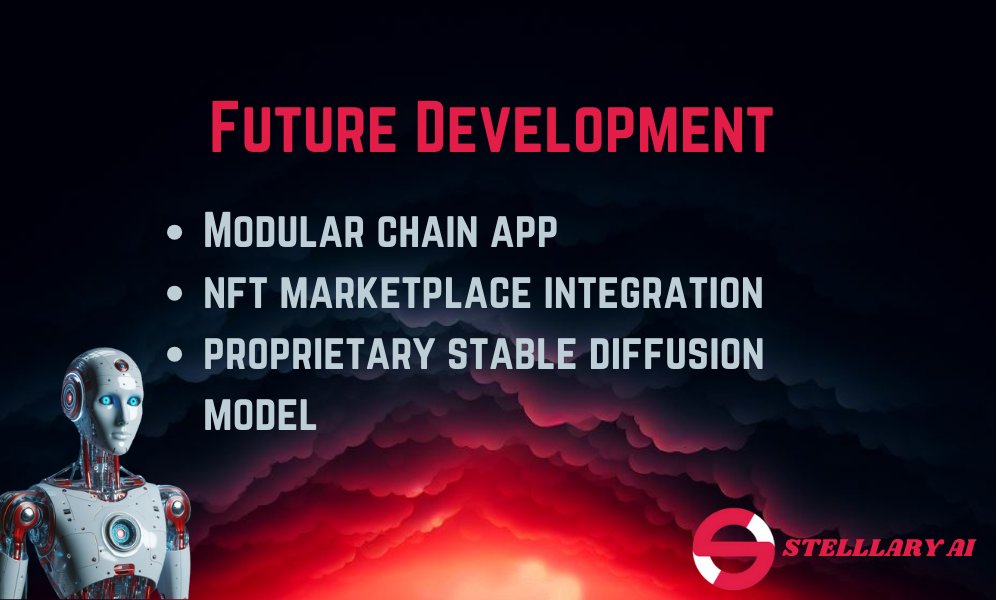
𝐅𝐮𝐭𝐮𝐫𝐞 𝐃𝐞𝐯𝐞𝐥𝐨𝐩𝐦𝐞𝐧𝐭
They include;
• Modular App Chain
• NFT Marketplace Integration
• Proprietary Stable Diffusion Models
𝘓𝘦𝘵'𝘴 𝘴𝘦𝘦 𝘦𝘢𝘤𝘩 𝘣𝘳𝘪𝘦𝘧𝘭𝘺
𝙈𝙤𝙙𝙪𝙡𝙖𝙧 𝘼𝙥𝙥 𝘾𝙝𝙖𝙞𝙣
@StellaryAI is moving to its modular app chain.
𝐅𝐮𝐭𝐮𝐫𝐞 𝐃𝐞𝐯𝐞𝐥𝐨𝐩𝐦𝐞𝐧𝐭
They include;
• Modular App Chain
• NFT Marketplace Integration
• Proprietary Stable Diffusion Models
𝘓𝘦𝘵'𝘴 𝘴𝘦𝘦 𝘦𝘢𝘤𝘩 𝘣𝘳𝘪𝘦𝘧𝘭𝘺
𝙈𝙤𝙙𝙪𝙡𝙖𝙧 𝘼𝙥𝙥 𝘾𝙝𝙖𝙞𝙣
@StellaryAI is moving to its modular app chain.
Here's what this means for you:
• Transactions will be faster and up to 100 times cheaper.
• Generating AI content will be easier with one-click generation.
• AI will recommend prompts and settings to help you get better results.
• All your creations will be securely
• Transactions will be faster and up to 100 times cheaper.
• Generating AI content will be easier with one-click generation.
• AI will recommend prompts and settings to help you get better results.
• All your creations will be securely
recorded on the blockchain.
𝙉𝙁𝙏 𝙈𝙖𝙧𝙠𝙚𝙩𝙥𝙡𝙖𝙘𝙚 𝙄𝙣𝙩𝙚𝙜𝙧𝙖𝙩𝙞𝙤𝙣
@StellaryAI will integrate an NFT marketplace allowing you to:
1. Mint your AI creations as NFTs.
2. Sell your NFTs with flexible pricing or auctions.
This will also benefit model creators by:
𝙉𝙁𝙏 𝙈𝙖𝙧𝙠𝙚𝙩𝙥𝙡𝙖𝙘𝙚 𝙄𝙣𝙩𝙚𝙜𝙧𝙖𝙩𝙞𝙤𝙣
@StellaryAI will integrate an NFT marketplace allowing you to:
1. Mint your AI creations as NFTs.
2. Sell your NFTs with flexible pricing or auctions.
This will also benefit model creators by:

1. Letting them sell exclusive AI models as NFTs (granting access to the model for generating content).
2. Offering them a royalty system for every NFT sale (both initial and future sales on other marketplaces).
The marketplace will also have features for:
2. Offering them a royalty system for every NFT sale (both initial and future sales on other marketplaces).
The marketplace will also have features for:
1. Easy searching and browsing of NFTs.
2. Secure transactions using popular crypto wallets.
3. Participating in auctions for high-demand NFTs.
4. Following creators and interacting with the community.
2. Secure transactions using popular crypto wallets.
3. Participating in auctions for high-demand NFTs.
4. Following creators and interacting with the community.
𝙋𝙧𝙤𝙥𝙧𝙞𝙚𝙩𝙖𝙧𝙮 𝙎𝙩𝙖𝙗𝙡𝙚 𝘿𝙞𝙛𝙛𝙪𝙨𝙞𝙤𝙣 𝙈𝙤𝙙𝙚𝙡𝙨
@StellaryAI is creating its own special effects for generating images with AI (Stable Diffusion models).
There will be 3 models:
1. Realistic Imagery Model: This will make very realistic images, like photos.
@StellaryAI is creating its own special effects for generating images with AI (Stable Diffusion models).
There will be 3 models:
1. Realistic Imagery Model: This will make very realistic images, like photos.
2. Cartoon/Anime Model: This will make images in cartoon or anime styles.
3. Artistic Expression Model: This will let you create images in many different art styles, or even abstract or surreal art.
𝘾𝙤𝙣𝙣𝙚𝙘𝙩𝙞𝙣𝙜 𝙔𝙤𝙪𝙧 𝙒𝙖𝙡𝙡𝙚𝙩
StellaryAI requires a Web3 wallet to
3. Artistic Expression Model: This will let you create images in many different art styles, or even abstract or surreal art.
𝘾𝙤𝙣𝙣𝙚𝙘𝙩𝙞𝙣𝙜 𝙔𝙤𝙪𝙧 𝙒𝙖𝙡𝙡𝙚𝙩
StellaryAI requires a Web3 wallet to

use its features. Here's how to go about it:
1. You need a Web3 wallet (like Rabby Wallet) to use StellaryAI.
2. Download and install the Web3 wallet extension for your browser.
3. Create a new wallet or import an existing one and back it up securely.
4. Go to website
1. You need a Web3 wallet (like Rabby Wallet) to use StellaryAI.
2. Download and install the Web3 wallet extension for your browser.
3. Create a new wallet or import an existing one and back it up securely.
4. Go to website
and click "Connect Wallet".
5. Choose your Web3 wallet and authorize the connection.
6. Now you can use StellaryAI features like generating AI art.
7. Keep your wallet secure, update it regularly, and explore StellaryAI.
5. Choose your Web3 wallet and authorize the connection.
6. Now you can use StellaryAI features like generating AI art.
7. Keep your wallet secure, update it regularly, and explore StellaryAI.
𝐒𝐭𝐞𝐥𝐥𝐚𝐫𝐲𝐀𝐈 𝐓𝐨𝐤𝐞𝐧
StellaryAI has a token called $STELAI (ERC-20) with a total supply of 1 billion.
Here's what you need to know:
Transaction fees: Used to buy/sell things on the platform.
Incentivizes participation: Rewards users and creators for using StellaryAI.
StellaryAI has a token called $STELAI (ERC-20) with a total supply of 1 billion.
Here's what you need to know:
Transaction fees: Used to buy/sell things on the platform.
Incentivizes participation: Rewards users and creators for using StellaryAI.
Supply:
• 10% for the team
8% burned (removed from circulation)
• 20% for marketing and community programs
• 70% for liquidity (buying/selling easily)
Buy/Sell tax: 4% total, split as:
• 1% goes to liquidity pool
• 3% goes to marketing and development
• 10% for the team
8% burned (removed from circulation)
• 20% for marketing and community programs
• 70% for liquidity (buying/selling easily)
Buy/Sell tax: 4% total, split as:
• 1% goes to liquidity pool
• 3% goes to marketing and development
Staking your StellaryAI tokens ($STELAI) lets you earn rewards, get special features, and influence the platform's future.
There are 3 tiers:
1. Innovator (highest): Most tokens staked for longest time = biggest rewards, all features, strong voting power.
There are 3 tiers:
1. Innovator (highest): Most tokens staked for longest time = biggest rewards, all features, strong voting power.

2. Explorer (mid-level): Moderate tokens staked for moderate time = balanced rewards, most features, moderate voting power.
3. Enthusiast (entry-level): Least tokens staked for shortest time = some rewards, some features, weak voting power.
3. Enthusiast (entry-level): Least tokens staked for shortest time = some rewards, some features, weak voting power.
𝐌𝐂 𝐏𝐫𝐨𝐠𝐫𝐚𝐦
@StellaryAI's MC Program helps creators who develop AI models for images, videos, or music make money.
Creators earn money every time their model is used to generate something on StellaryAI.
There are monthly competitions to show off new models and get them
@StellaryAI's MC Program helps creators who develop AI models for images, videos, or music make money.
Creators earn money every time their model is used to generate something on StellaryAI.
There are monthly competitions to show off new models and get them
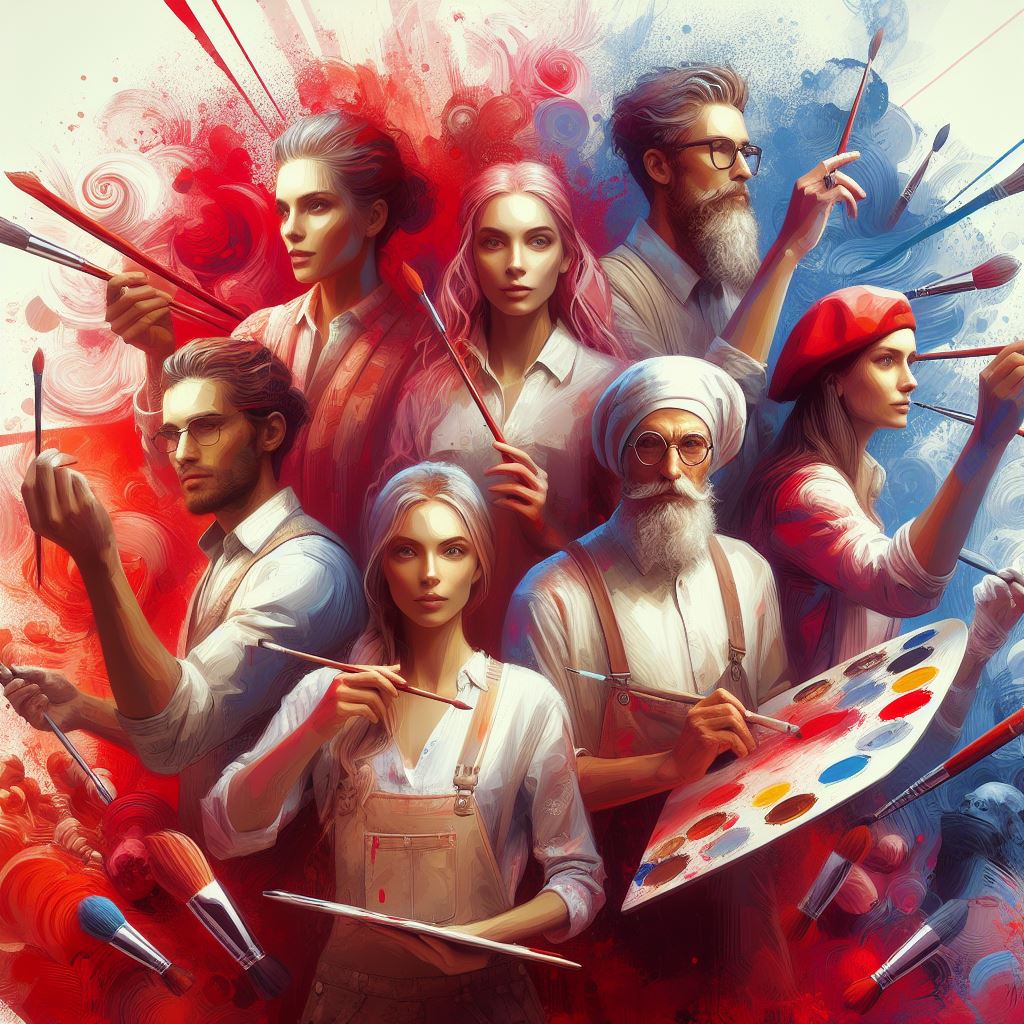
@StellaryAI noticed.
To join, you need to apply and be accepted. They only accept the most creative and useful models.
Benefits for creators:
1. Earn money every time someone uses your model.
2. Get featured spots on @StellaryAI to promote your model.
To join, you need to apply and be accepted. They only accept the most creative and useful models.
Benefits for creators:
1. Earn money every time someone uses your model.
2. Get featured spots on @StellaryAI to promote your model.
@StellaryAI Why I'm excited about @StellaryAI:
I can create stunning images and art with AI.
I can easily generate art without being an expert.
I can customize the AI-generated images to perfectly match my taste.
I can even earn money selling the art I create with AI on the marketplace.
I can create stunning images and art with AI.
I can easily generate art without being an expert.
I can customize the AI-generated images to perfectly match my taste.
I can even earn money selling the art I create with AI on the marketplace.


Loading suggestions...