

It's official — the GPT Store is coming next week.
Create a viral GPT app early, and you could make millions.
Here's how to create a GPT app, step-by-step:
Create a viral GPT app early, and you could make millions.
Here's how to create a GPT app, step-by-step:
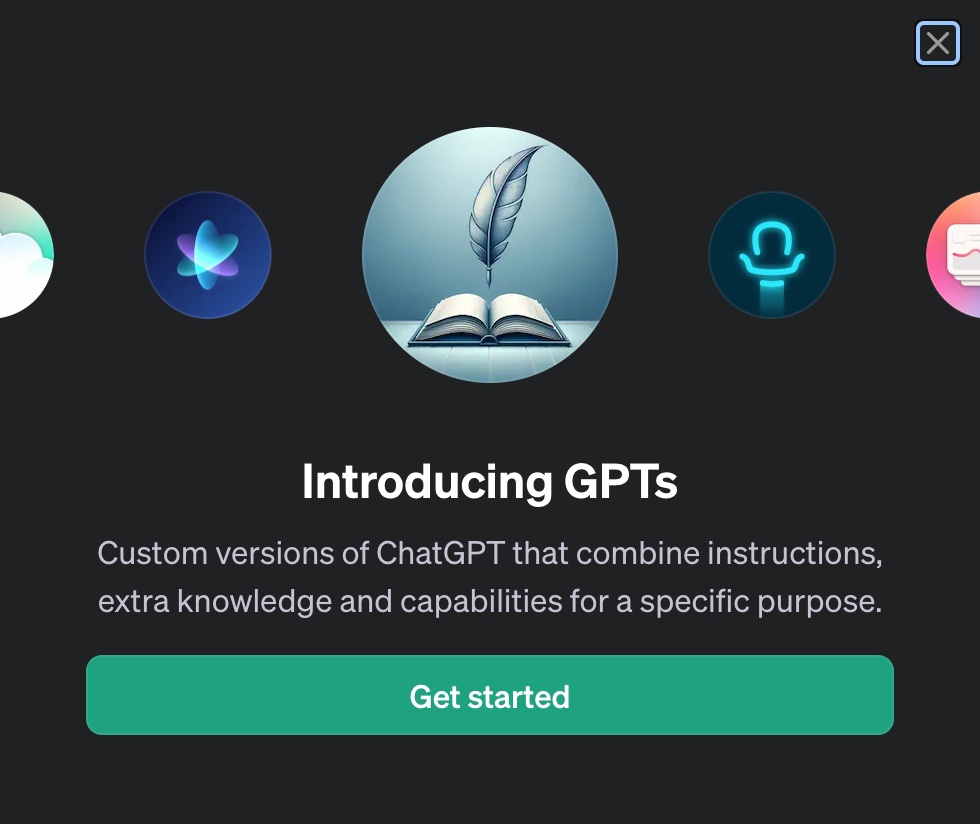
Step 1: Describe your GPT
Navigate to the Explore tab, then "Create a GPT."
Write a quick description of what you'd like your GPT to do.
Example:
"Make a replica of Steve Jobs who guides me in entrepreneurship and product development."
Navigate to the Explore tab, then "Create a GPT."
Write a quick description of what you'd like your GPT to do.
Example:
"Make a replica of Steve Jobs who guides me in entrepreneurship and product development."

Step 2: Name & PFP
Tell ChatGPT what you'd like to name your GPT.
ChatGPT will name it and generate a profile pic for your app accordingly.
Example:
"JobsGPT"
Tell ChatGPT what you'd like to name your GPT.
ChatGPT will name it and generate a profile pic for your app accordingly.
Example:
"JobsGPT"

Step 3: How to Engage
Next, describe to ChatGPT how you'd like your GPT to engage with the user.
Things to describe:
• Writing style
• Tone of voice
• Response types (questions, explanations, etc.)
Example:
Next, describe to ChatGPT how you'd like your GPT to engage with the user.
Things to describe:
• Writing style
• Tone of voice
• Response types (questions, explanations, etc.)
Example:

Step 4: Train with Knowledge
Next, upload a file to specify any knowledge you'd like your GPT app to specialize in.
Example:
"Make Something Wonderful: Steve Jobs in His Own Words"
This auto-biography perfectly captures the essence of Steve Jobs, which will improve JobsGPT.
Next, upload a file to specify any knowledge you'd like your GPT app to specialize in.
Example:
"Make Something Wonderful: Steve Jobs in His Own Words"
This auto-biography perfectly captures the essence of Steve Jobs, which will improve JobsGPT.

Step 5: Interact
Your GPT is now ready for interactions!
Start by using one of the suggested prompts, or come up with your own questions.
Here's a brilliant response from JobsGPT (sounds just like something Steve would say):
Your GPT is now ready for interactions!
Start by using one of the suggested prompts, or come up with your own questions.
Here's a brilliant response from JobsGPT (sounds just like something Steve would say):

Step 6: Publish
Press save on the top right, then publish your GPT to the public.
That's a wrap!
Here's a bonus JobsGPT response to show how amazing these GPT apps can be:
Press save on the top right, then publish your GPT to the public.
That's a wrap!
Here's a bonus JobsGPT response to show how amazing these GPT apps can be:

I built a free 5-day course on how to use AI to:
• Create $100M offers
• Learn high-income internet skills
• Create compelling stories that sell
These are the exact systems I used to scale to 130K+ followers & $300K+ revenue.
Get it 100% free here: aibizoperator.com
• Create $100M offers
• Learn high-income internet skills
• Create compelling stories that sell
These are the exact systems I used to scale to 130K+ followers & $300K+ revenue.
Get it 100% free here: aibizoperator.com

Thanks for reading!
If you enjoyed this thread:
1. Follow me @aisolopreneur for more on AI
2. RT the first tweet below to share with your audience:
If you enjoyed this thread:
1. Follow me @aisolopreneur for more on AI
2. RT the first tweet below to share with your audience:
Loading suggestions...