

Microsoft is Offering FREE Power BI Courses with Certificates for 2023.
No Payment Required!
Checkout these FREE Power BI Courses to become skilled in 2023 ( all-new )⬇️
[ Bookmark for future 🔖]
No Payment Required!
Checkout these FREE Power BI Courses to become skilled in 2023 ( all-new )⬇️
[ Bookmark for future 🔖]
1. Getting Started with Power BI Desktop
Power BI Desktop is a free, self-service business intelligence (BI) and data visualization application from Microsoft.
→ Beginner level
→ 2 hours
→ Hands-on learning
🔗#next-steps" target="_blank" rel="noopener" onclick="event.stopPropagation()">learn.microsoft.com
Power BI Desktop is a free, self-service business intelligence (BI) and data visualization application from Microsoft.
→ Beginner level
→ 2 hours
→ Hands-on learning
🔗#next-steps" target="_blank" rel="noopener" onclick="event.stopPropagation()">learn.microsoft.com


2. Microsoft Certified: Power BI Data Analyst Associate – Certification
Power BI Data Analyst Associate certification is a role-based certification that validates your skills and knowledge in using Power BI to perform data analysis.
🔗learn.microsoft.com
Power BI Data Analyst Associate certification is a role-based certification that validates your skills and knowledge in using Power BI to perform data analysis.
🔗learn.microsoft.com


3. Build Dashboards in Power BI
→ Build a Dashboard in Power BI by building a report and visuals.
→ 1.5 Hours
→ Intermediate level
🔗 learn.microsoft.com
→ Build a Dashboard in Power BI by building a report and visuals.
→ 1.5 Hours
→ Intermediate level
🔗 learn.microsoft.com


4. Learn DAX basics in Power BI Desktop
DAX (Data Analysis Expressions) is a formula language that is used in Power BI to create calculated columns, measures, and custom tables.
🔗 learn.microsoft.com
DAX (Data Analysis Expressions) is a formula language that is used in Power BI to create calculated columns, measures, and custom tables.
🔗 learn.microsoft.com


5. Use Power BI for Financial Data Analysis
→ Analyze your financial statements
→ Create budgets and forecasts
→ Track your key performance indicators (KPIs)
🔗coursera.org
→ Analyze your financial statements
→ Create budgets and forecasts
→ Track your key performance indicators (KPIs)
🔗coursera.org

![Project: Use Power Bi for Financial Data Analysis [2 hrs] | Coursera](https://pbs.twimg.com/news_img/1702260597562236928/2ZIY017n?format=jpg&name=orig)
6. Data-Driven Decisions with Power BI
The Data-Driven Decisions with Power BI course is a beginner-level course that teaches you how to use Power BI to make data-driven decisions.
→ Beginner level
→ Approx. 13 hours to complete
🔗 coursera.org
The Data-Driven Decisions with Power BI course is a beginner-level course that teaches you how to use Power BI to make data-driven decisions.
→ Beginner level
→ Approx. 13 hours to complete
🔗 coursera.org

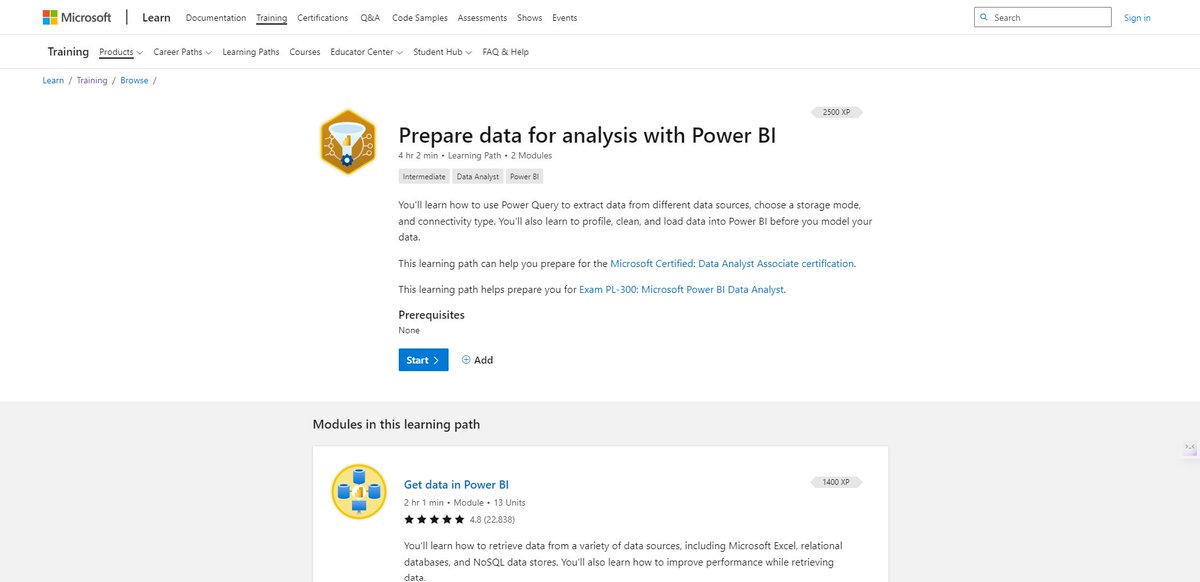
7. Prepare data for analysis with Power BI
You'll learn how to use Power Query to extract data from different data sources, choose a storage mode, and connectivity type
→ Intermediate
→ 4 hours
→ 2 Modules
🔗 learn.microsoft.com
You'll learn how to use Power Query to extract data from different data sources, choose a storage mode, and connectivity type
→ Intermediate
→ 4 hours
→ 2 Modules
🔗 learn.microsoft.com
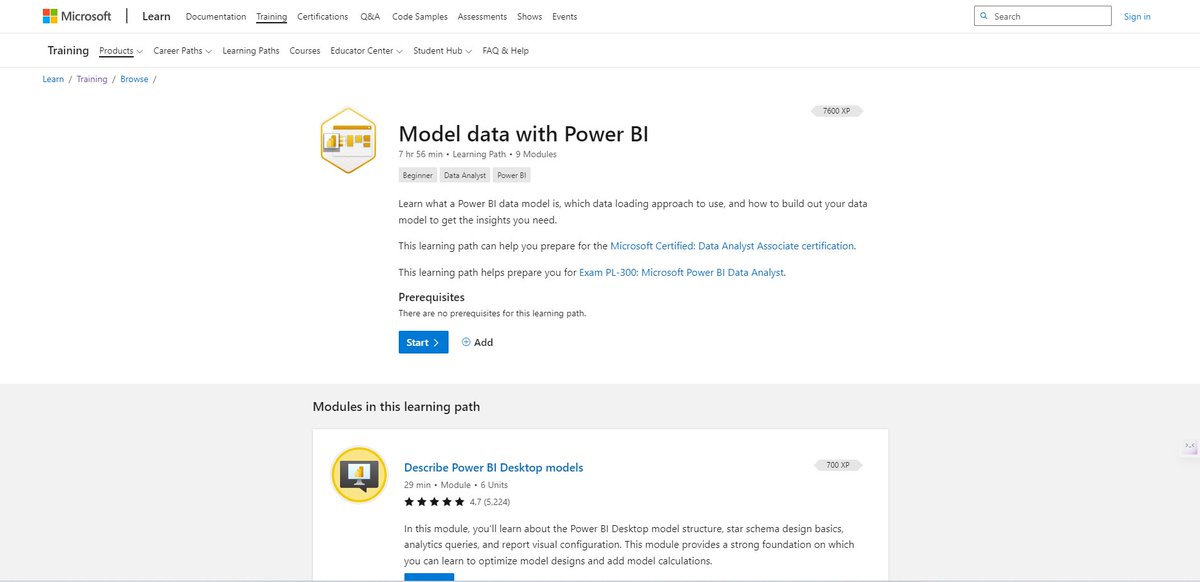
8. Model data with Power BI
Learn what a Power BI data model is, which data loading approach to use, and how to build out your data model to get the insights you need.
→ Beginner
→ 8 hours
→ 9 Modules
**🔗** learn.microsoft.com
Learn what a Power BI data model is, which data loading approach to use, and how to build out your data model to get the insights you need.
→ Beginner
→ 8 hours
→ 9 Modules
**🔗** learn.microsoft.com

9. Build Power BI visuals and reports
Turn data into interactive, actionable insights with Power BI Desktop visuals and reports.
→ Beginner
→ 6 hours 12 min
→ 6 Modules
🔗 learn.microsoft.com
Turn data into interactive, actionable insights with Power BI Desktop visuals and reports.
→ Beginner
→ 6 hours 12 min
→ 6 Modules
🔗 learn.microsoft.com


10. Manage workspaces and datasets in Power BI
You'll learn how to create workspaces, manage related items, and data refreshes for up-to-date reports.
→ Intermediate
→ 3 hours
→ 4 Modules
🔗 learn.microsoft.com
You'll learn how to create workspaces, manage related items, and data refreshes for up-to-date reports.
→ Intermediate
→ 3 hours
→ 4 Modules
🔗 learn.microsoft.com


If you enjoyed this thread.
→ Follow me @saidul_dev for more threads.
→ Like, Repost, and share with your friends & family.
→ Follow me @saidul_dev for more threads.
→ Like, Repost, and share with your friends & family.

Loading suggestions...