

ChatGPT can finish your hours of work in minutes.
But many people don't know the hack to 10x Prompt Writing.
Here's how to access your ChatGPT Prompts instantly:
[🔖 Bookmark for later]
But many people don't know the hack to 10x Prompt Writing.
Here's how to access your ChatGPT Prompts instantly:
[🔖 Bookmark for later]

Use Text Blaze - Eliminate repetitive typing and mistakes.
1. Go to textblaze.me
Login and get Chrome extension
2. Create new snippet.
3. Fill in your prompt details
- Label: Title of your Prompt
- Shortcut: Always starts with "/"
- Description: Prompt
1. Go to textblaze.me
Login and get Chrome extension
2. Create new snippet.
3. Fill in your prompt details
- Label: Title of your Prompt
- Shortcut: Always starts with "/"
- Description: Prompt

4. Go to ChatGPT and type your shortcut like this:
/<shortcut>
Your ChatGPT prompt will show automatically
/<shortcut>
Your ChatGPT prompt will show automatically

Text Blaze Prompt Library:
You can also try Text Blaze Prompt Library.
Skip typing your ChatGPT Prompts repeatedly, instead use ChatGPT Prompt Library
You can also try Text Blaze Prompt Library.
Skip typing your ChatGPT Prompts repeatedly, instead use ChatGPT Prompt Library
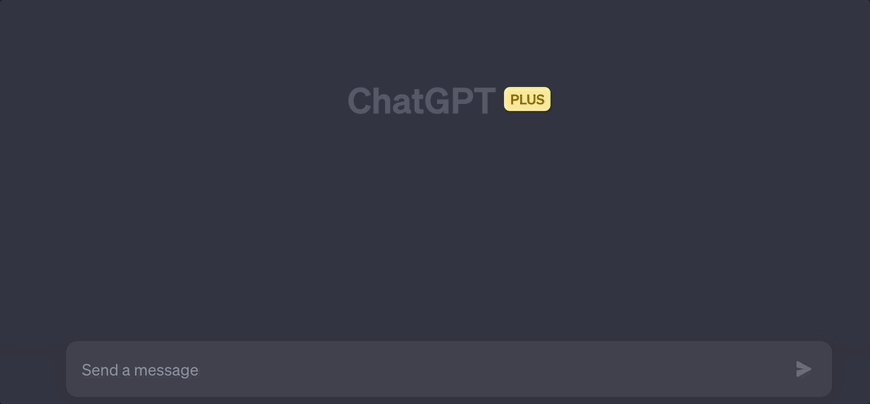
Proper Communication:
Ensure accurate and complete communications at a fraction of the time
Ensure accurate and complete communications at a fraction of the time

Seamless Integration:
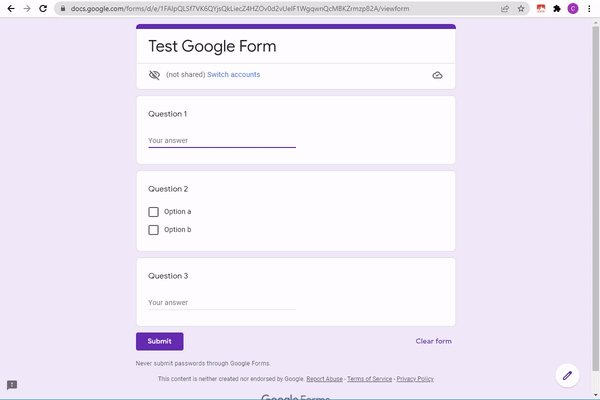
Text Blaze works smoothly on Gmail, Google Docs, LinkedIn, Salesforce, and other website in Chrome.
Text Blaze works smoothly on Gmail, Google Docs, LinkedIn, Salesforce, and other website in Chrome.
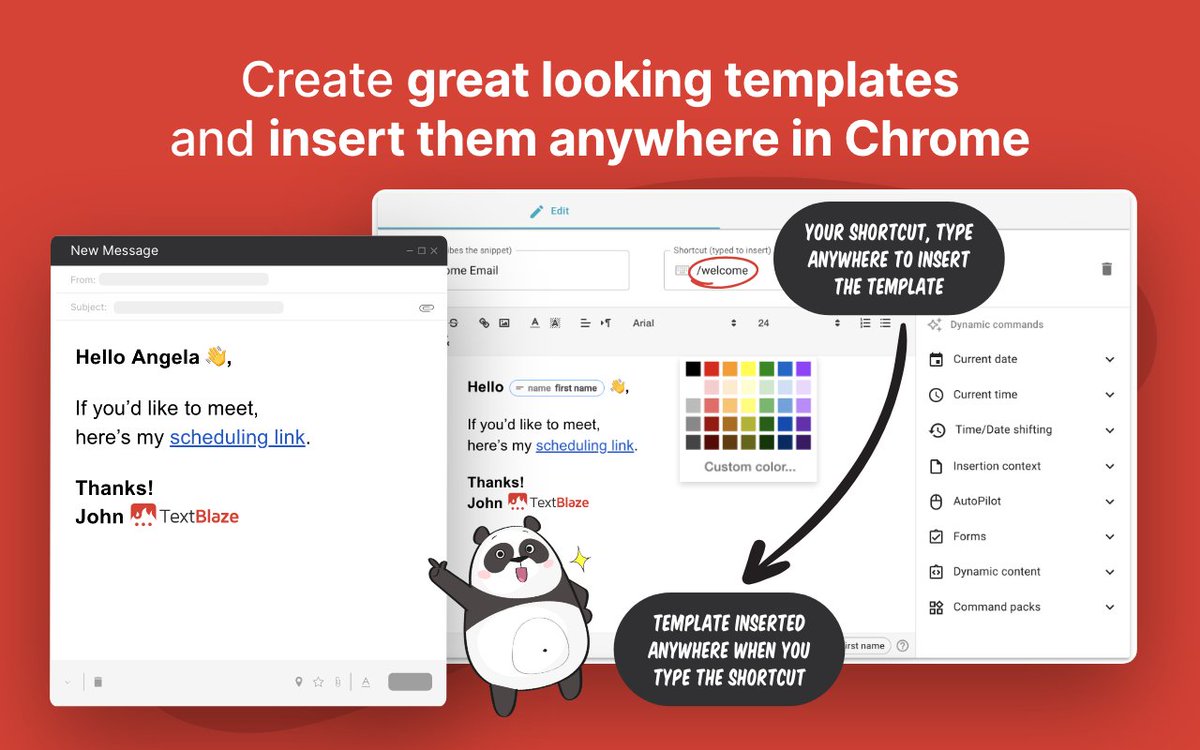
Beautiful Templates
- Create cool templates
- You can share it with your colleagues
- Create cool templates
- You can share it with your colleagues
Eliminate typos and endless typing.
- Boost your productivity with its AI Chrome extension
- Text Blaze works on every website
- Enter your shortcut and skip the typing
Link: textblaze.me
- Boost your productivity with its AI Chrome extension
- Text Blaze works on every website
- Enter your shortcut and skip the typing
Link: textblaze.me
That's a wrap!
Connect for more Web Development, AI updates.
If you enjoyed reading this post, please :
❤️ Like the post
🔃 Repost the first post for support.
🚀Follow me to never miss updates
🔗 Subscribe to FREE Newsletter for AI updates:
aitoast.beehiiv.com
Connect for more Web Development, AI updates.
If you enjoyed reading this post, please :
❤️ Like the post
🔃 Repost the first post for support.
🚀Follow me to never miss updates
🔗 Subscribe to FREE Newsletter for AI updates:
aitoast.beehiiv.com

Loading suggestions...