
Updated thread on how to interact on @LayerZero_Labs to qualify for the upcoming speculated #Airdrop.
Possible airdrop multiplier strategies.
BIG MAINNET INTERACTION.
A thread 🧵
Possible airdrop multiplier strategies.
BIG MAINNET INTERACTION.
A thread 🧵

If you're new to this and want to learn more about @LayerZero_Labs, I have a comprehensive guide that covers everything you need to know, including how to create basic transactions in @LayerZero_Labs.
Exciting news! The latest code update on their GitHub reveals that the $ZRO token will function as the gas fee in the upcoming @StargateFinance V2 version. We're getting closer to finally receiving the long-awaited speculated coins we've been anticipating!
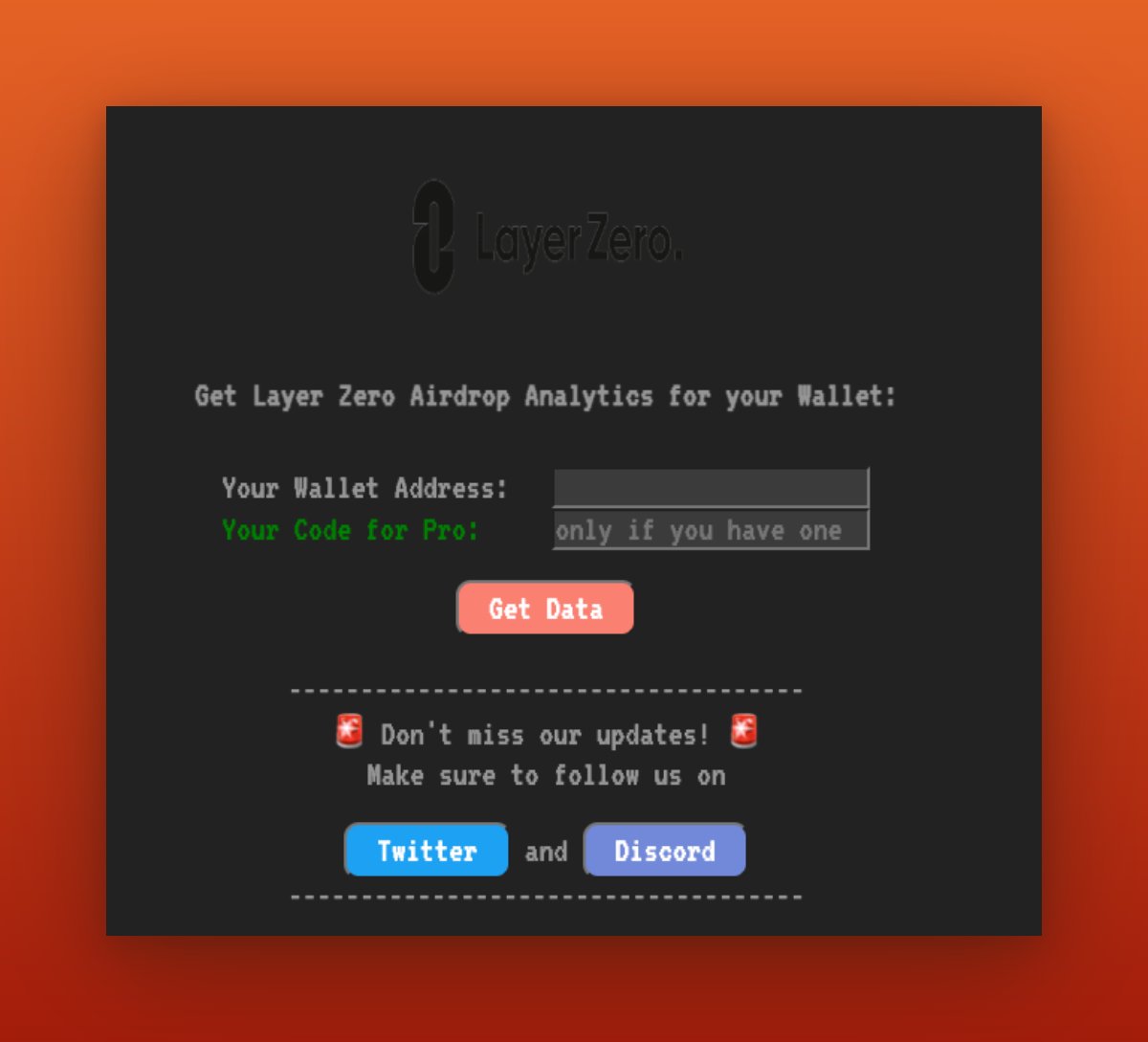
To check your wallet ranking for the @LayerZero_Labs airdrop, visit this website: 10kdrop.com. It will provide you with information about your wallet status for the airdrop.

Let's clarify the concept of the contract count we aim to increase in this tutorial. To illustrate, consider bridging USDT from Polygon to Arbitrum, which constitutes one contract. Similarly, bridging USDC from Polygon to Arbitrum represents another contract.
In conclusion, continuously bridging the same token from the same network to the same destination chain will not increase your contract count. It will only increase your transaction count. To increase the contract count, we should bridge different tokens to different chains.
Now, let's delve into multiplier strategies. We'll explore how to increase the multiples of source chains, destination chains, and interacted contracts. By doing so, we can position ourselves for maximum token gains while also increasing our transaction counts.
Note: Before getting started, please be aware that this tutorial involves mainnet interaction. Therefore, you will need real funds for every transaction. Additionally, you may need to transfer some funds from a centralized exchange (CEX) to cover transaction fees. e,g @binance
Firstly, if you bridge an NFT from one chain to another, it will increase the count of your contracts. To get started, visit minter.merkly.com and connect your @MetaMask wallet.
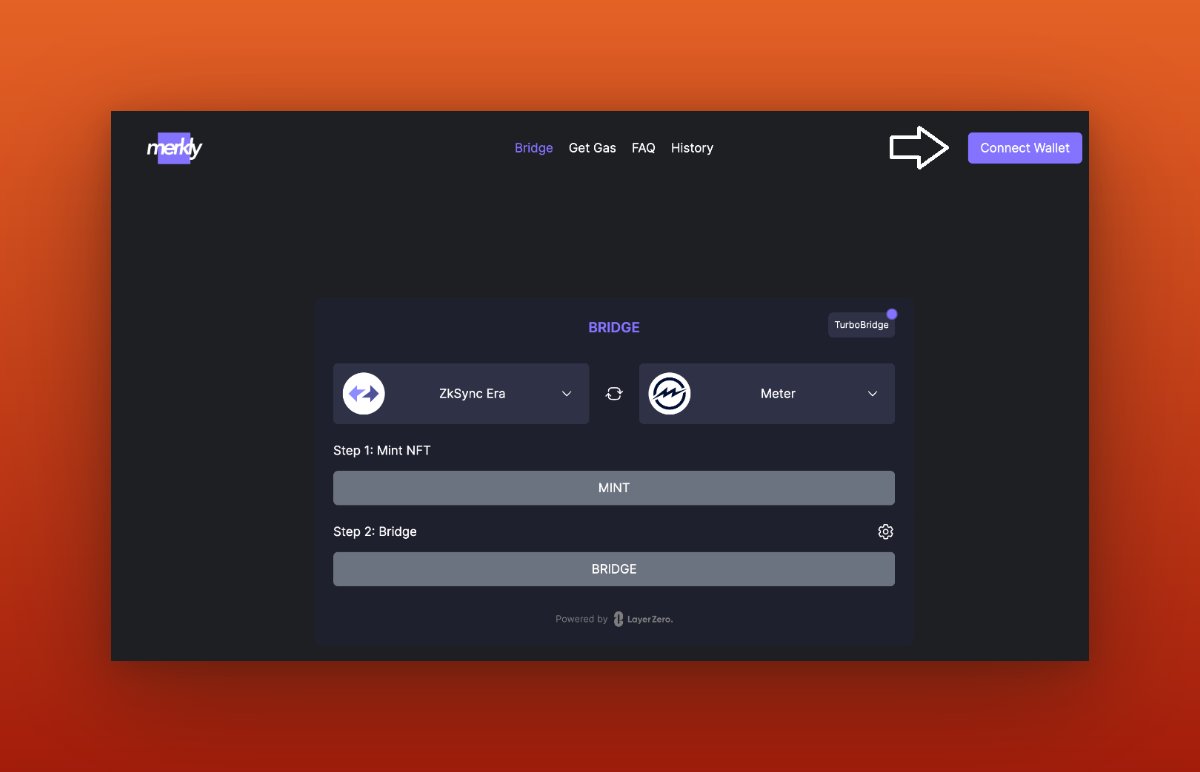
For example, let's mint an NFT on the Avalanche chain and bridge it to the Kava chain. This will undoubtedly increase our contract count.
To do this, you may need funds in the Avalanche chain to cover transaction fees.
To do this, you may need funds in the Avalanche chain to cover transaction fees.
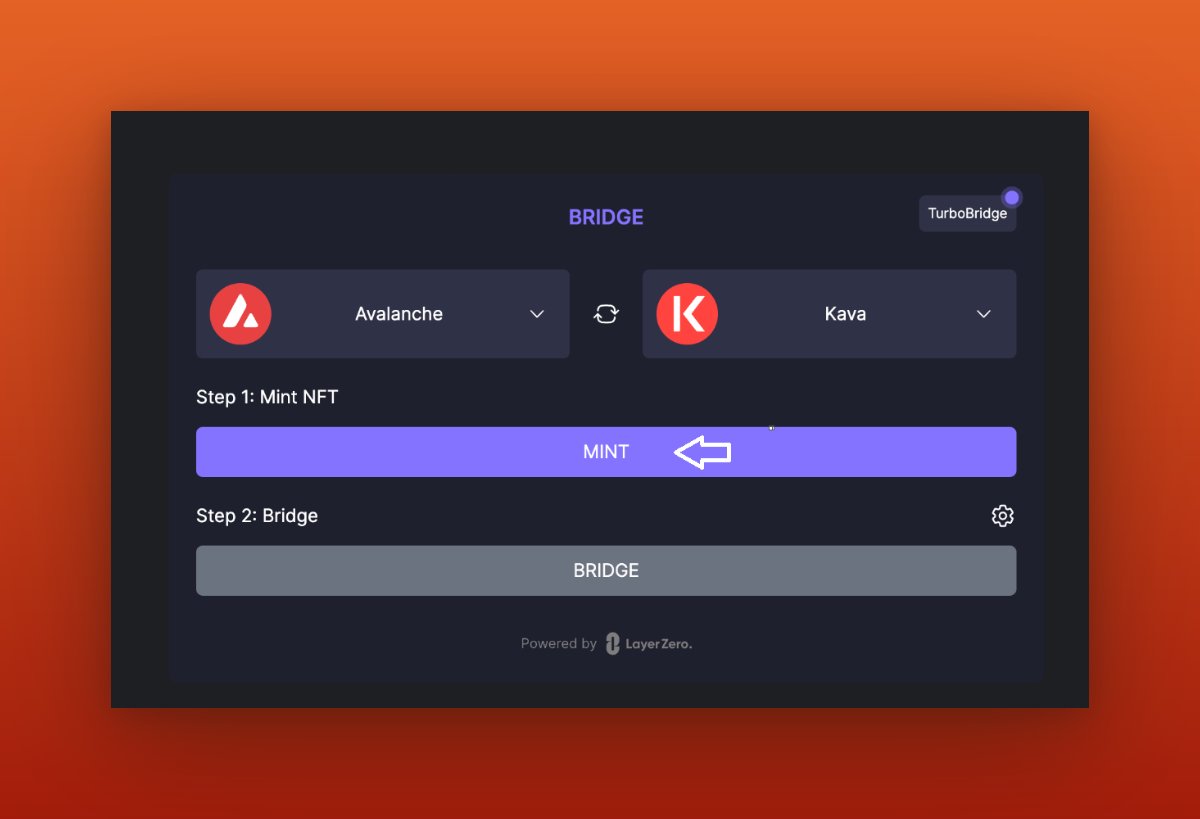
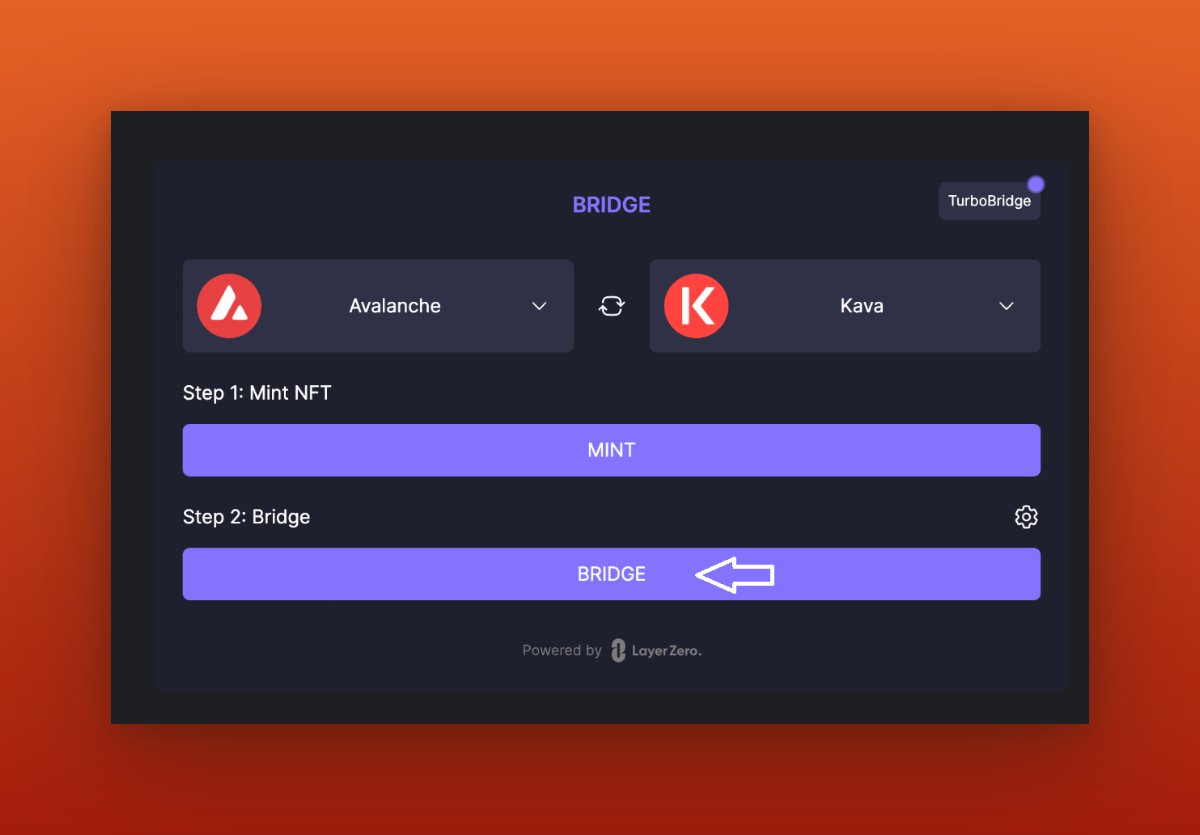
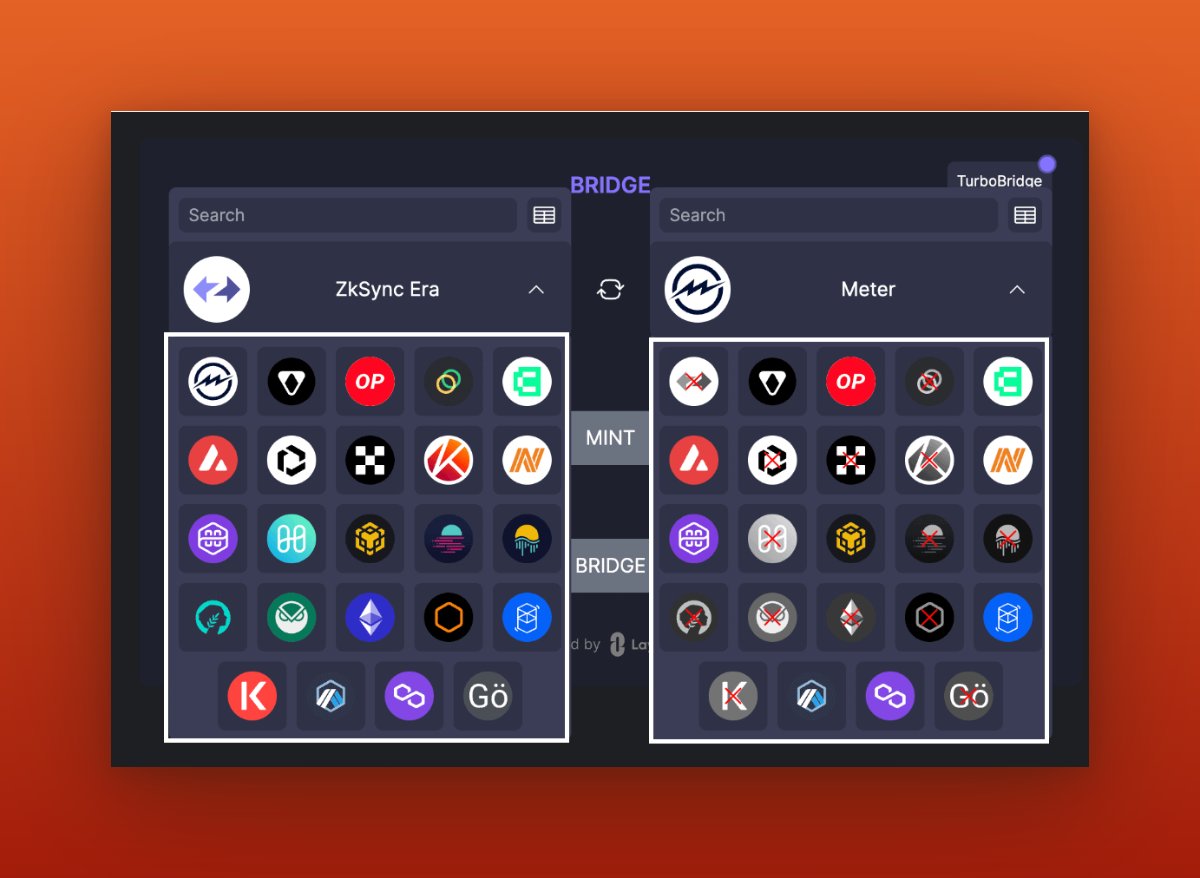
Here, you'll find numerous source chains and destination chains. This is the place where you can enhance all the elements we are targeting. So, take your time to mint and bridge NFTs on various chains.
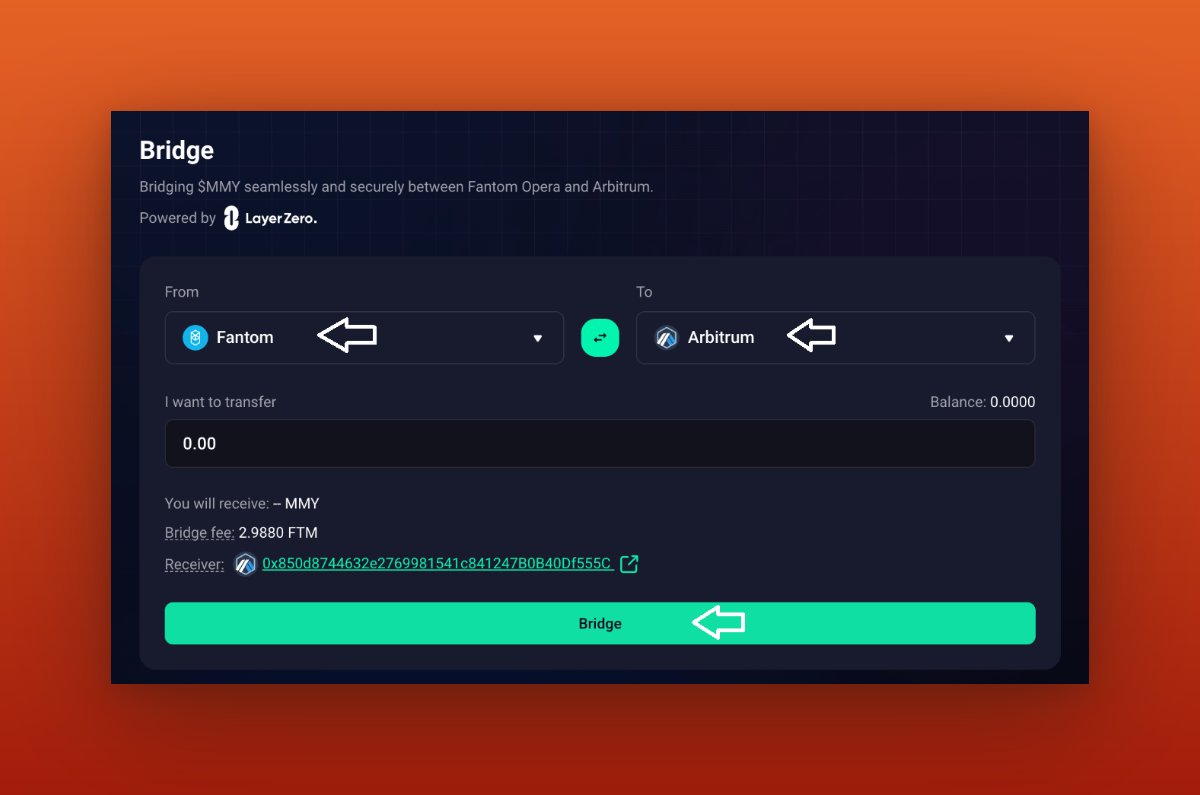
Now I will bridge some $MMY tokens from Fantom to Arbitrum, which will expand our network of chains and contracts, So purchase the $MMY token on the Fantom chain. You can buy a small amount of $MMY tokens by visiting this link: matcha.xyz
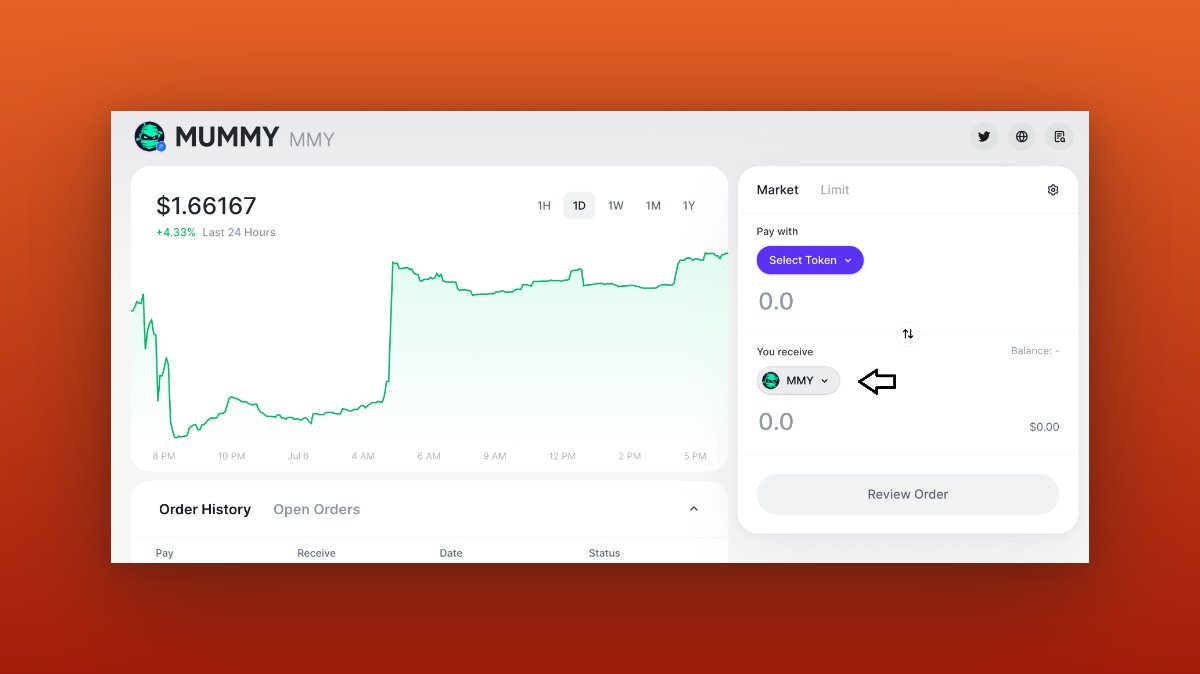

Next, you can visit: bridge.mummy.finance to bridge $MMY tokens to Arbitrum and vice versa. After that, you can sell your tokens back.
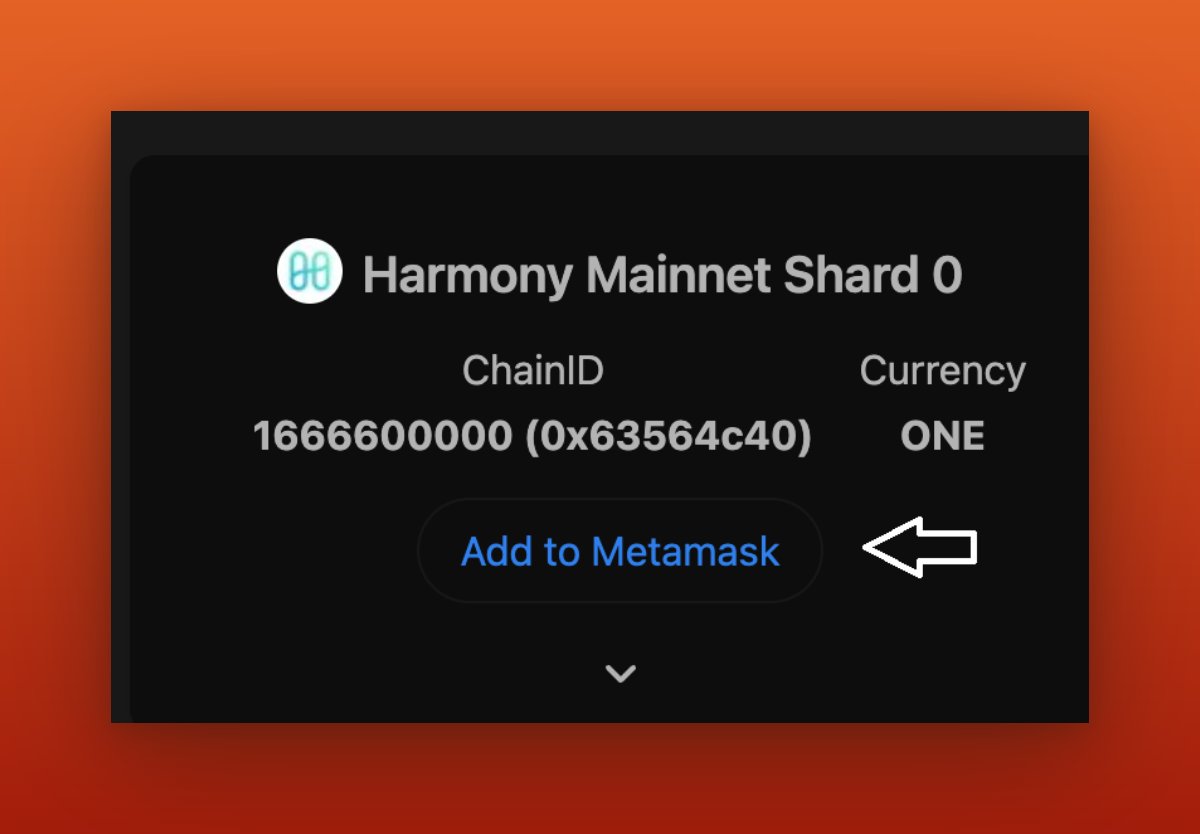
Now I will bridge some $ONE tokens from BSC to HARMONY, which will expand our network of chains and contracts, so let's add the HARMONY chain to our @MetaMask wallet by following this link:chainlist.org
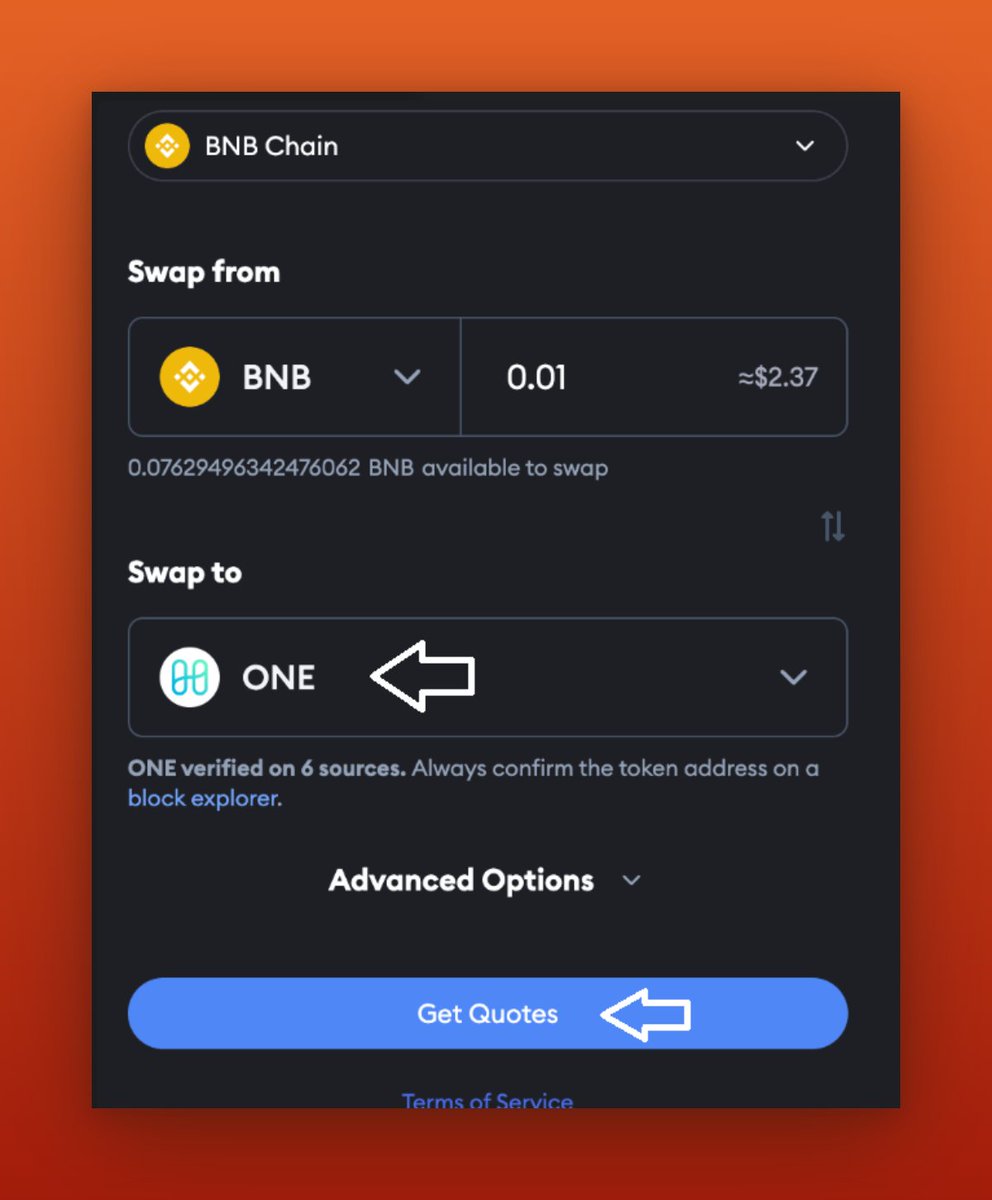
Next, I will Visit: portfolio.metamask.io and exchange a small amount of $BNB for some $ONE token.
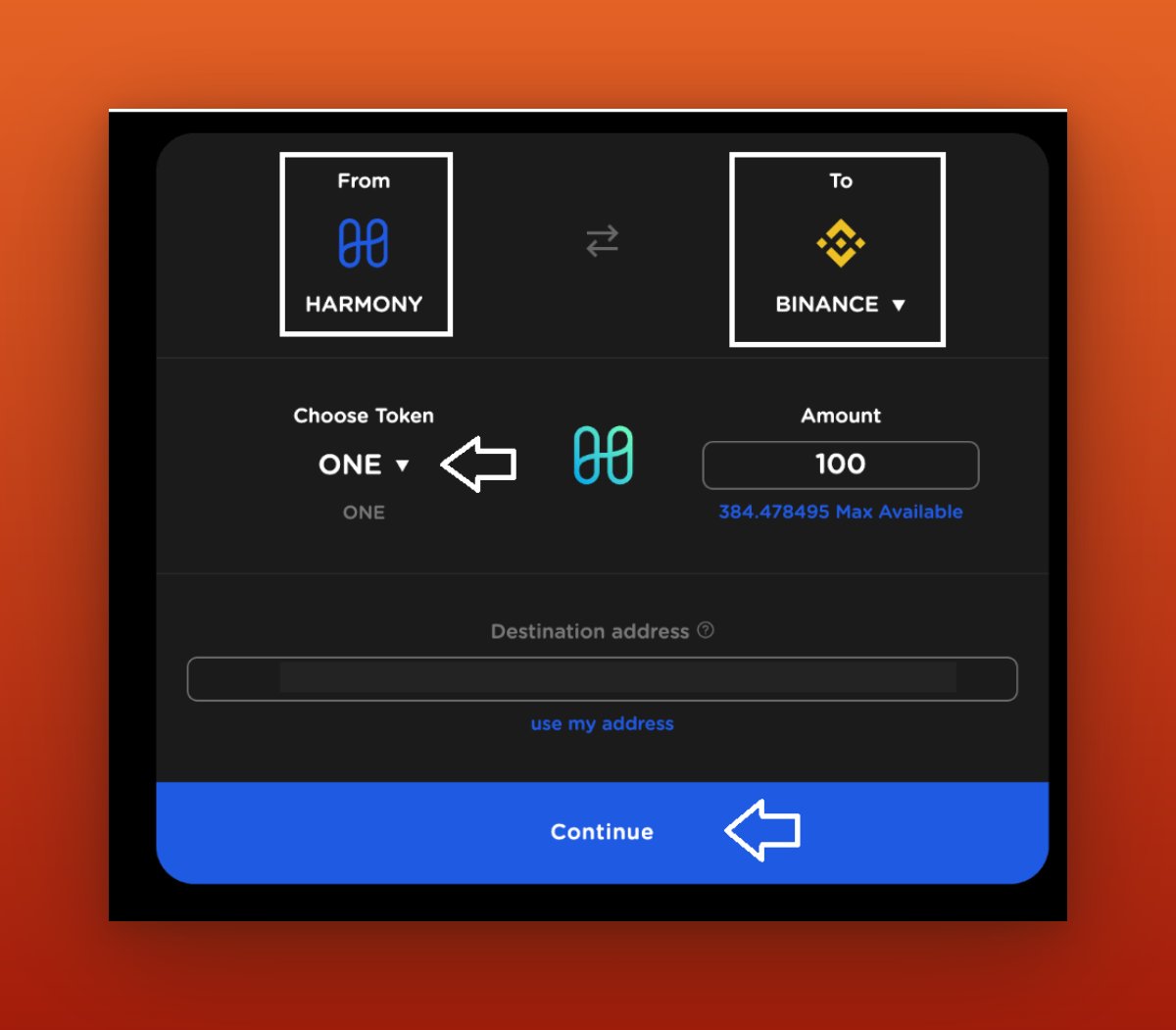
Next, I will visit: layerzero.bridge.harmony.one and use it to bridge the $ONE token from the BSC Chain to the HARMONY chain.
Next, I will visit: layerzero.bridge.harmony.one and use it to bridge the $ONE token from the BSC Chain to the HARMONY chain.
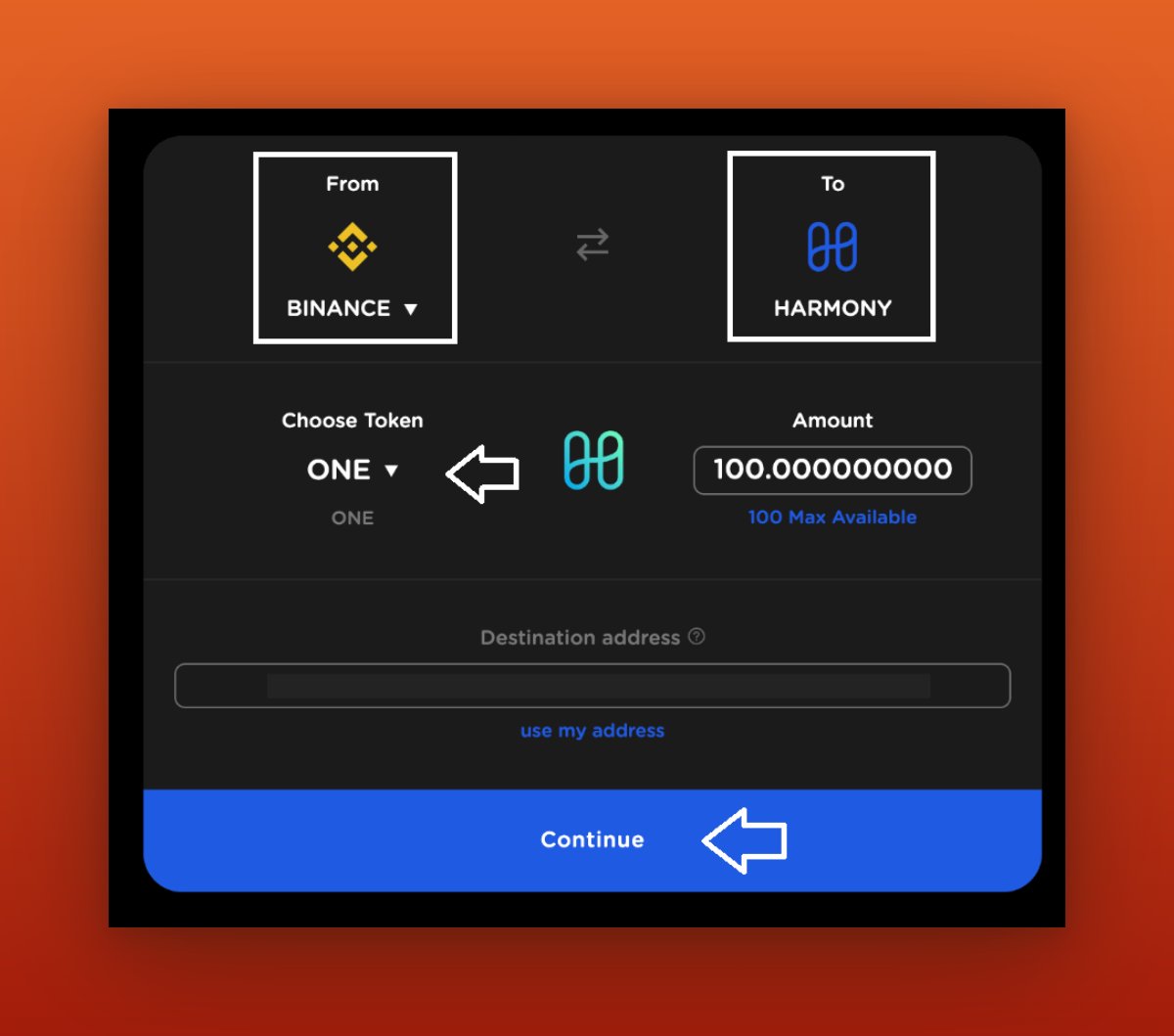
Now, I will bridge a small portion of $ONE tokens back to the BSC Chain in order to expand the number of contracts.
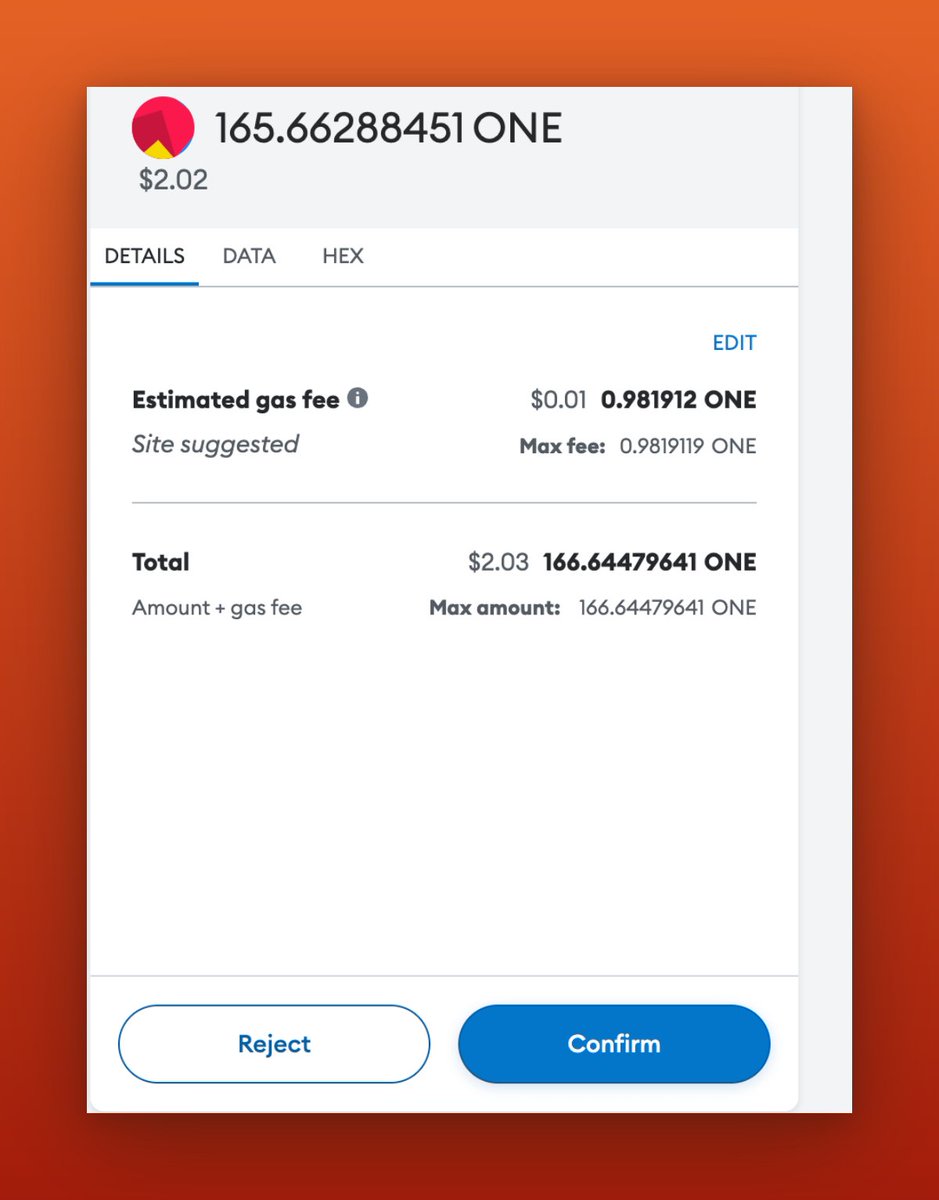
Now I will be Bridging the $MIM token from Arbitrum to MOONRIVER
Expanding my network of chains and contracts, I will now bridge the $MIM token from Arbitrum to MOONRIVER.
Expanding my network of chains and contracts, I will now bridge the $MIM token from Arbitrum to MOONRIVER.
I will visit: chainlist.org to add the Moonriver chain to your @MetaMask wallet, and purchase a small portion of the MIM token on the Arbitrum chain by visiting this link portfolio.metamask.io.
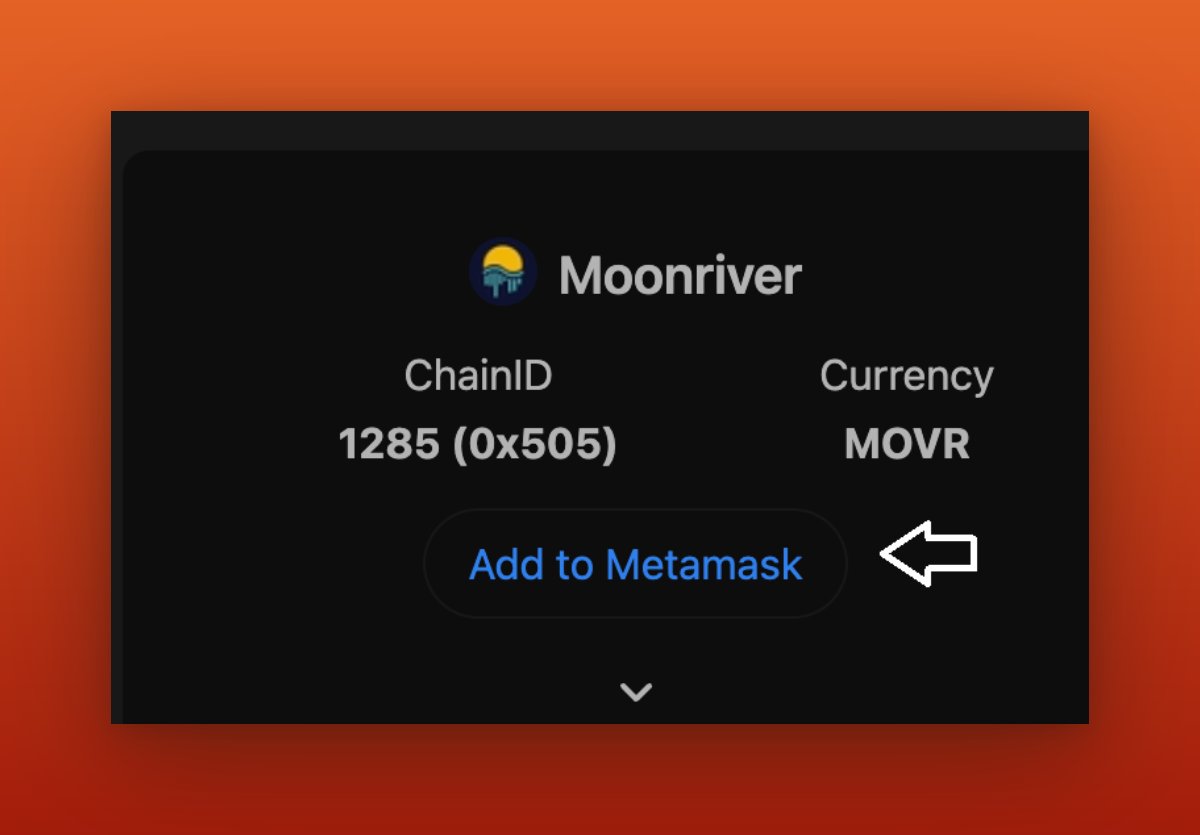
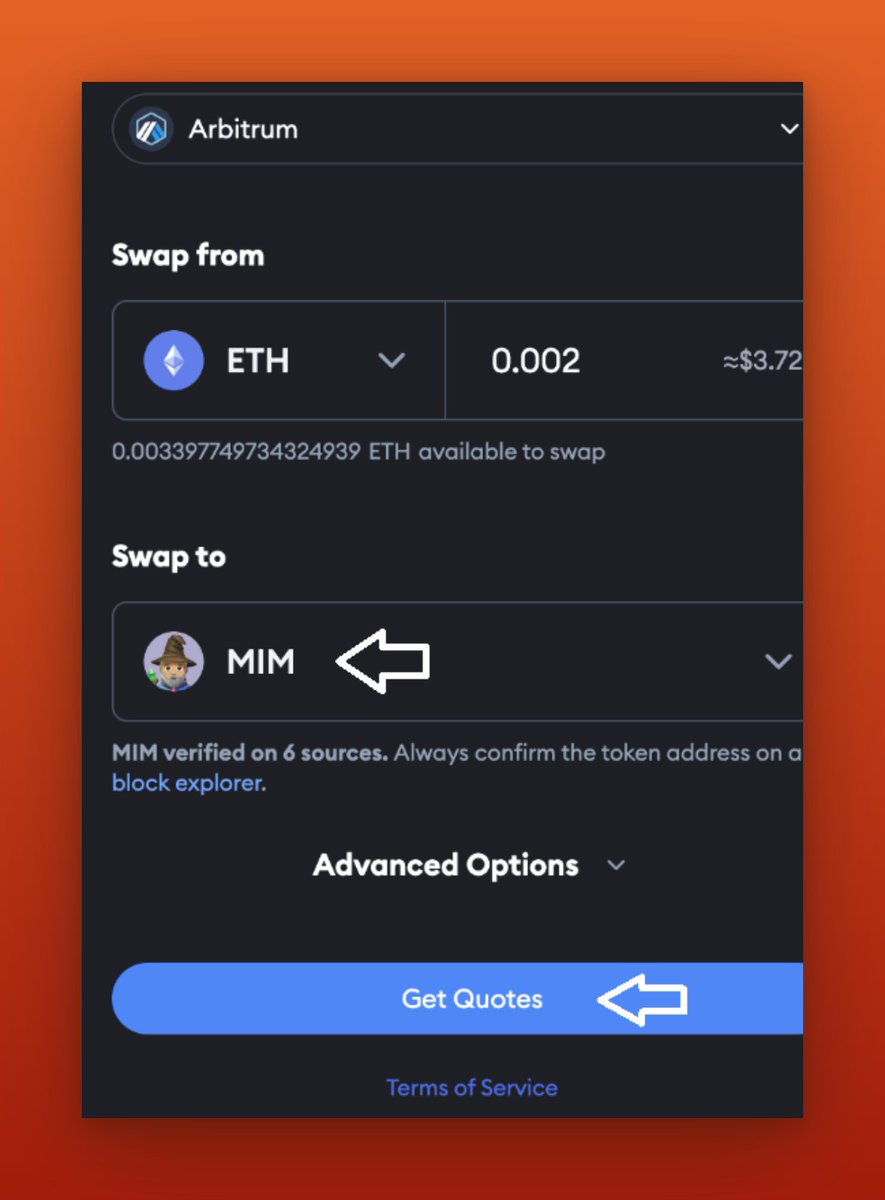
I will go to app.abracadabra.money, connect my @MetaMask wallet, and bridge $MIM from @arbitrum to @MoonriverNW.
This will increase both contract counts and the destination chain.
This will increase both contract counts and the destination chain.
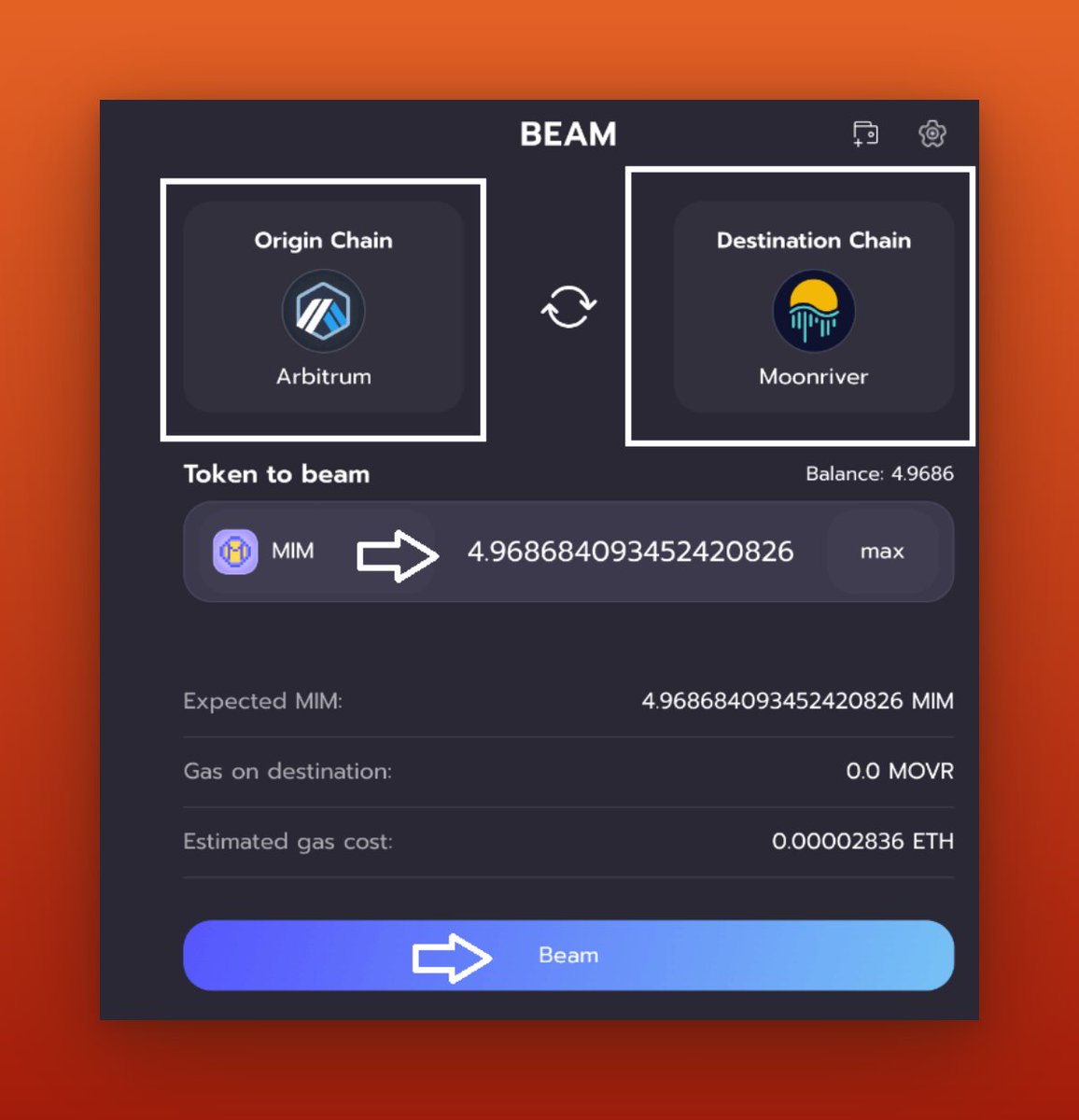
Now I will bridge $MIM tokens back to @arbitrum. To do this, I need $MOVR for the transaction fee in the Moonriver network. I can easily transfer a small amount of $MOVR from a centralized exchange and then sell the $MIM token.
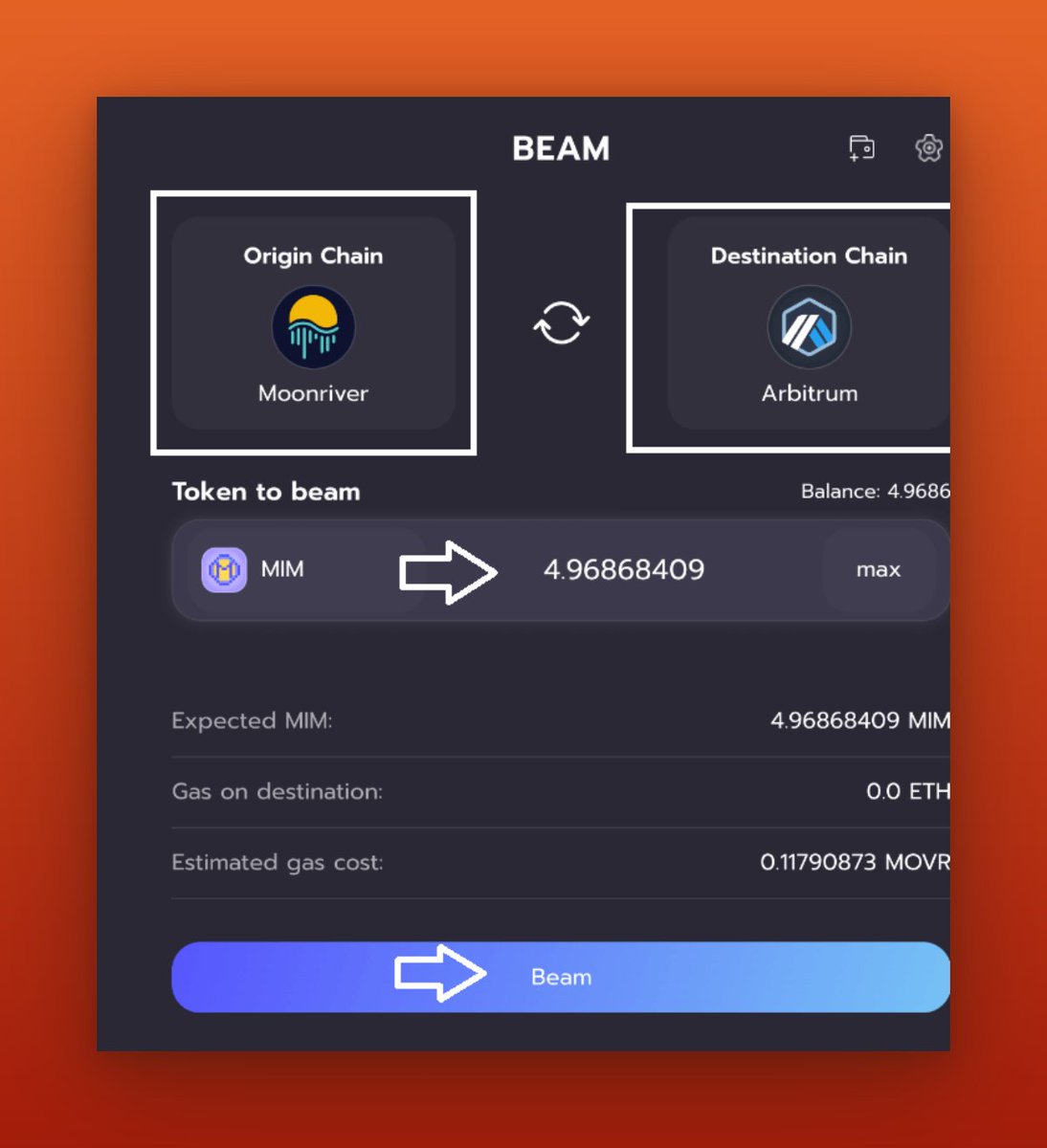
Now I will add some necessary networks for the next thing I'm doing.
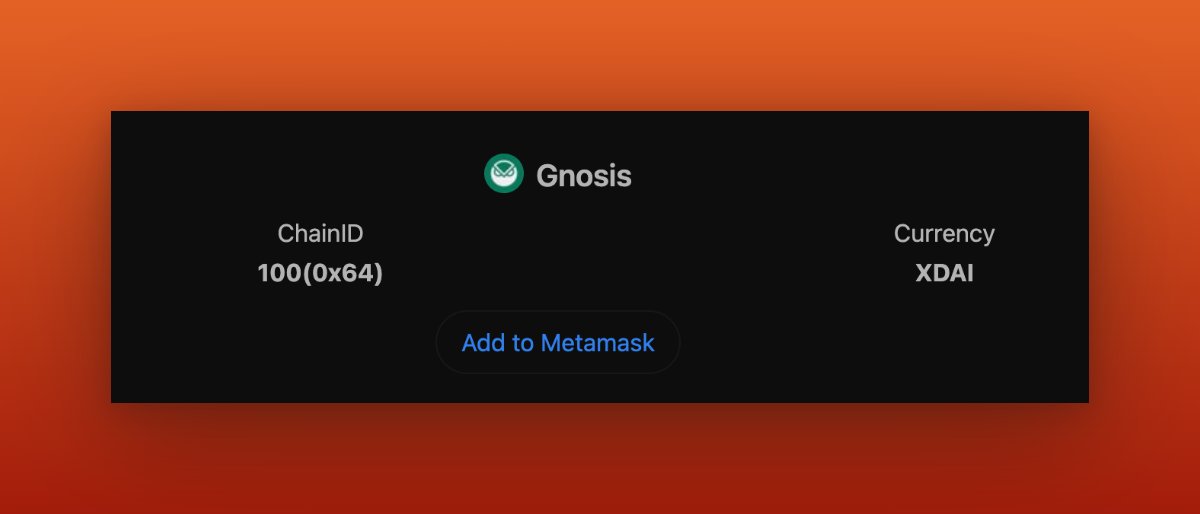
By going to chainlist.org and adding Celo mainnet. Then, visit chainlist.org and add the Gnosis chain.
By going to chainlist.org and adding Celo mainnet. Then, visit chainlist.org and add the Gnosis chain.
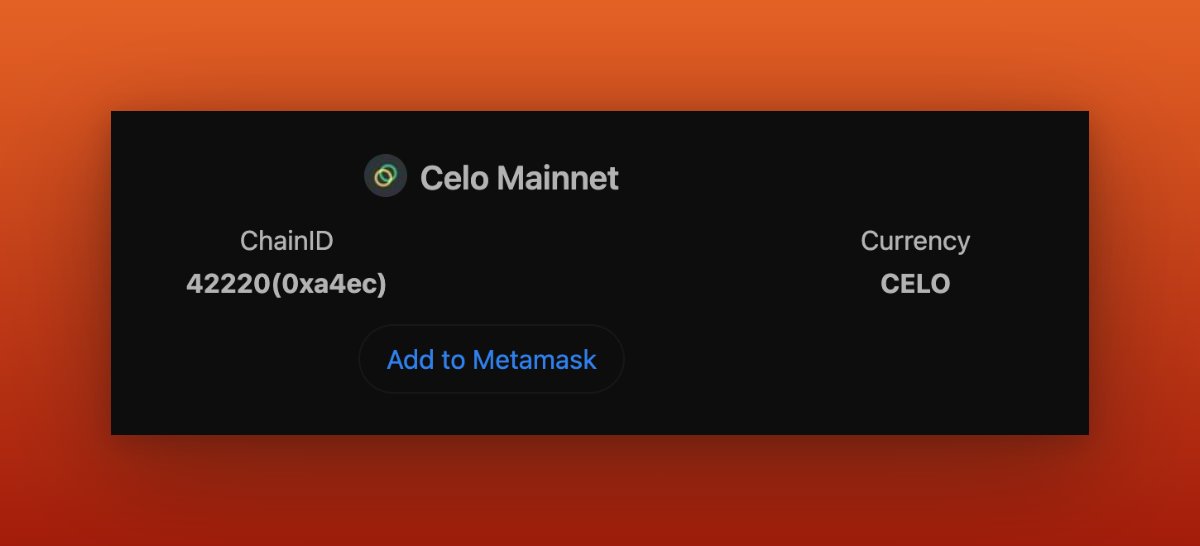
chainlist.org/chain/42220
Celo Mainnet RPC and Chain settings | Chainlist
Find the best Celo Mainnet RPC to connect to your wallets and Web3 middleware providers.
chainlist.org/chain/100
Gnosis RPC and Chain settings | Chainlist
Find the best Gnosis RPC to connect to your wallets and Web3 middleware providers.
Now I will Visit app.angle.money and connect my MetaMask wallet, I will be purchasing agEUR on the Polygon chain.
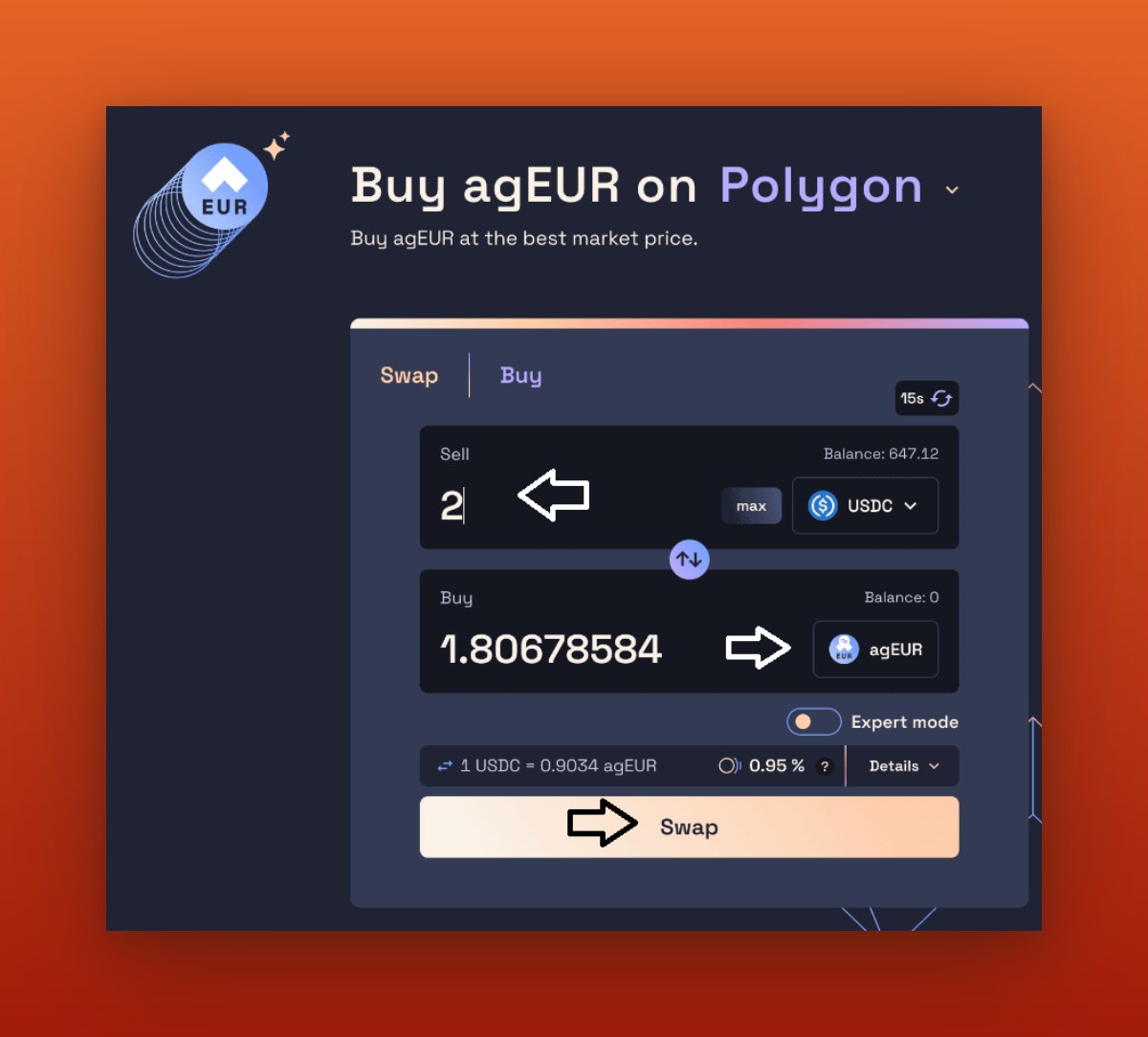

Now I will visit: app.angle.money to bridge a small portion of the $agEUR token from @0xPolygon to the Gnosis chain, then I will bridge some of the $agEUR tokens from Polygon to Celo Mainnet.
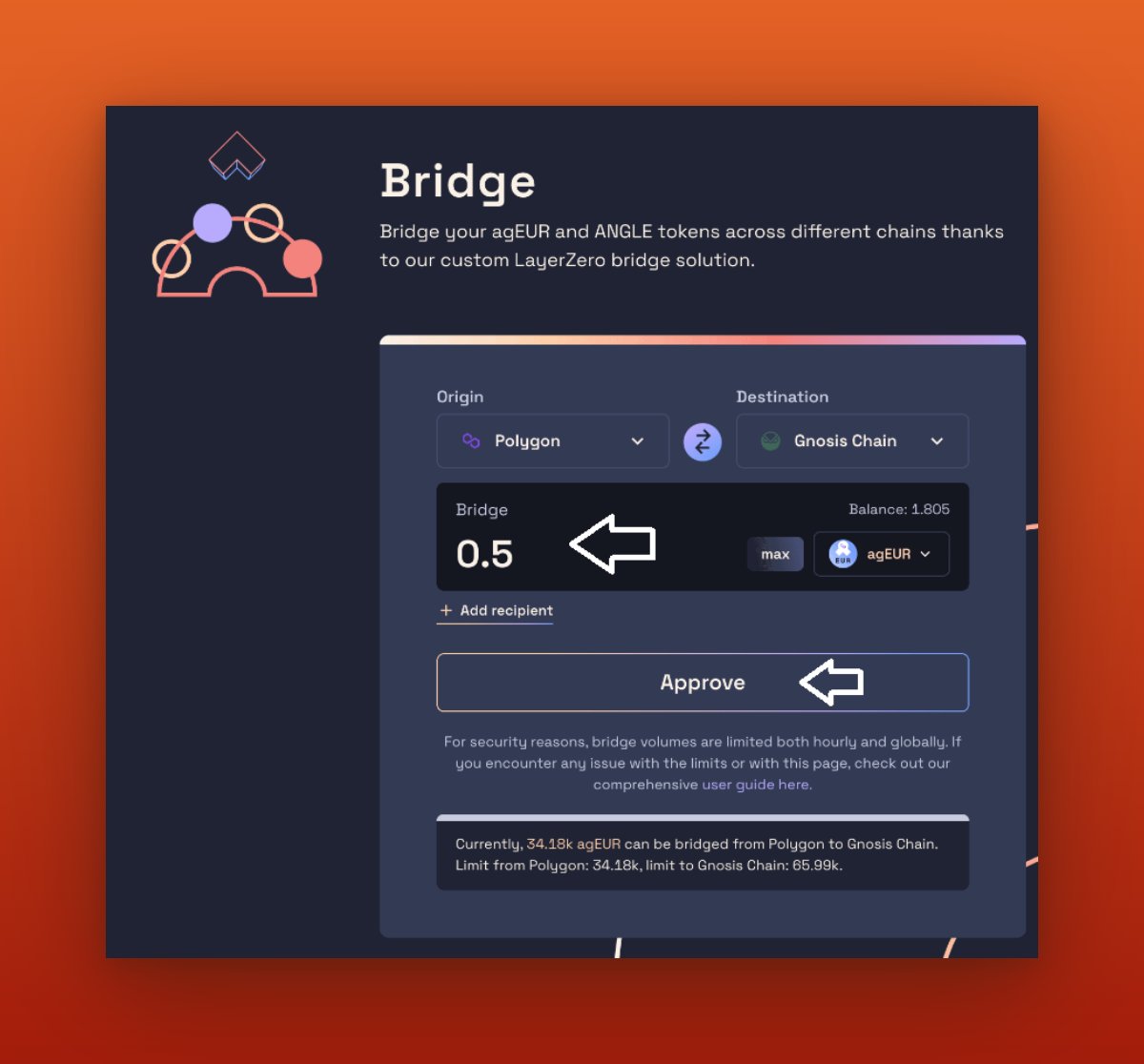
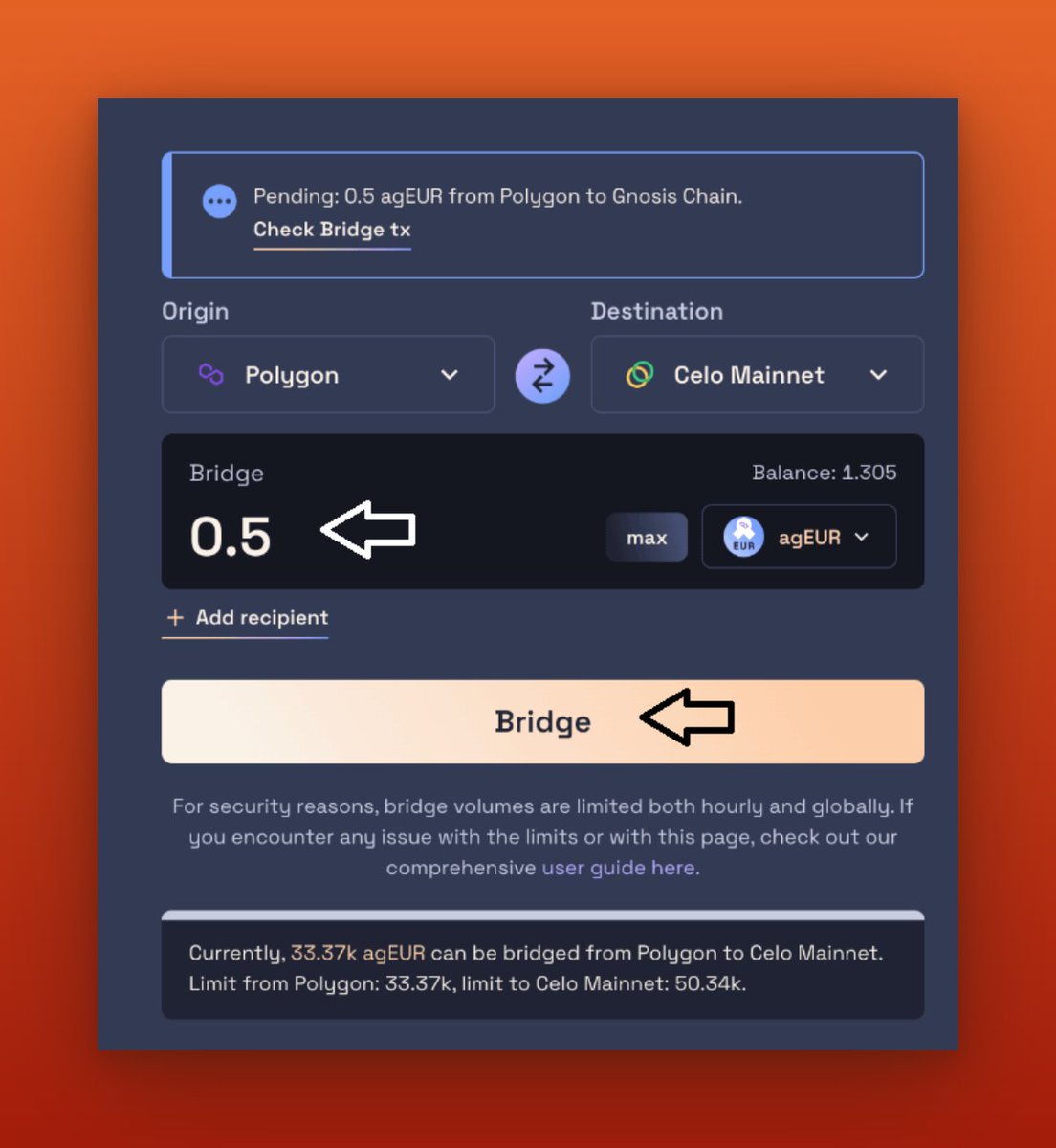

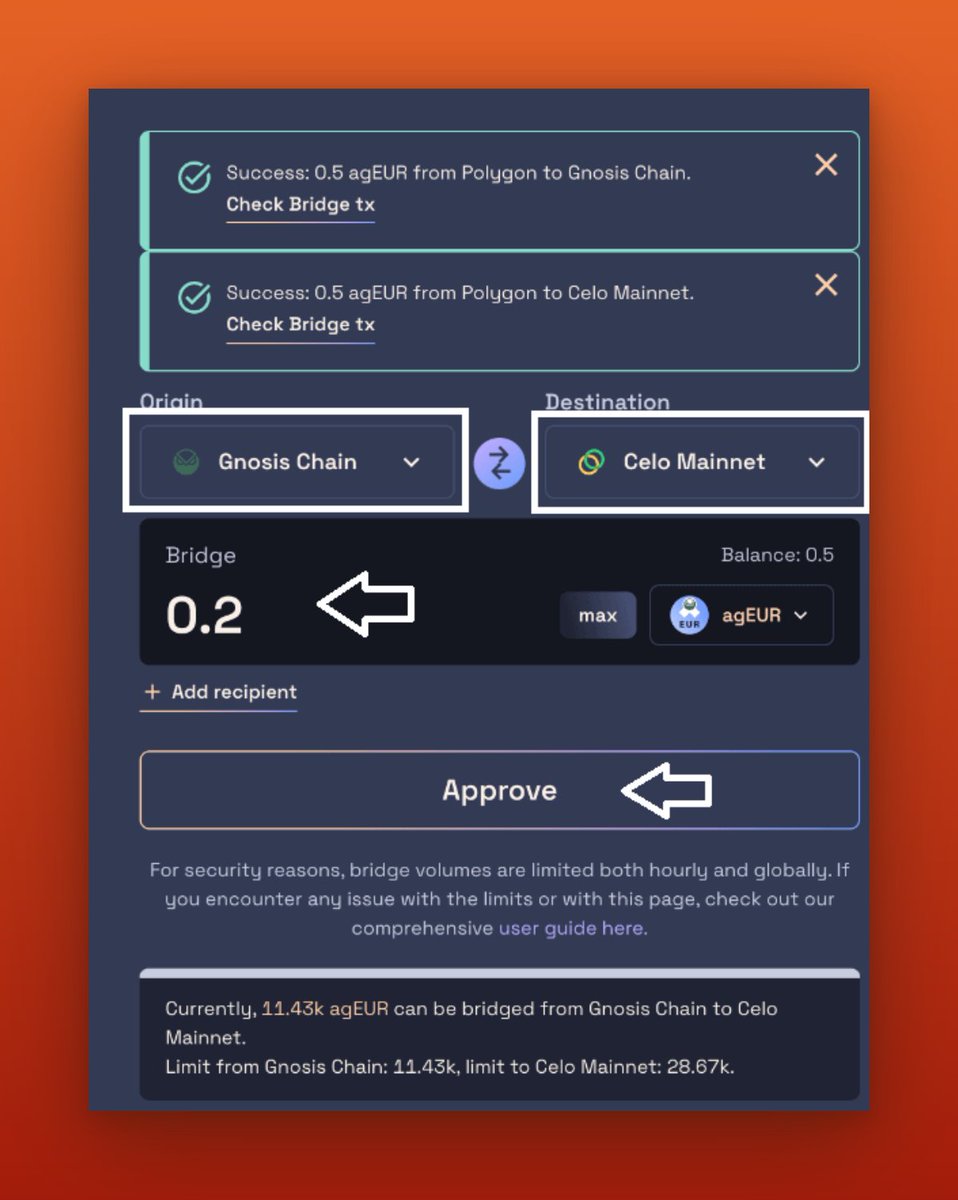
To bridge funds from the Gnosis chain to Celo Mainnet, I will need some funds in the Gnosis chain for transaction fees. The easiest way is to visit jumper.exchange and swap some USDC from @0xPolygon for $xDAI on the Gnosis chain.
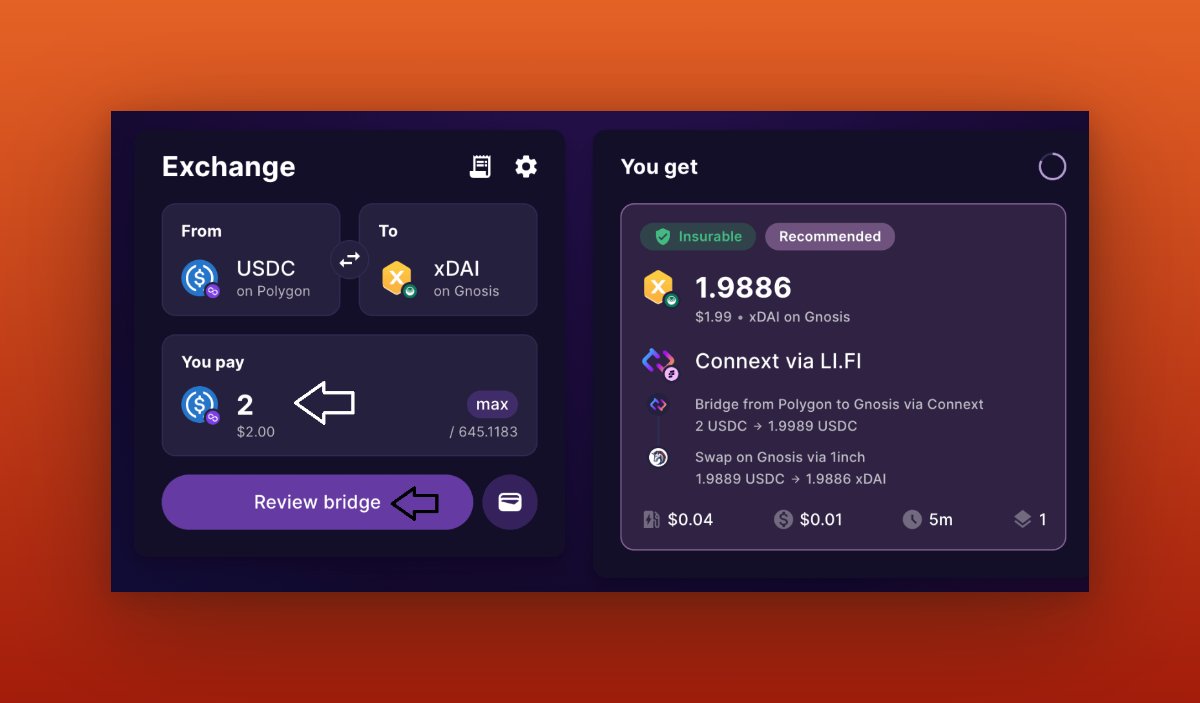

Now that I have a native token on the Gnosis chain, I will bridge a small portion of $agEUR to the Celo Mainnet. This will help increase my number of contracts.
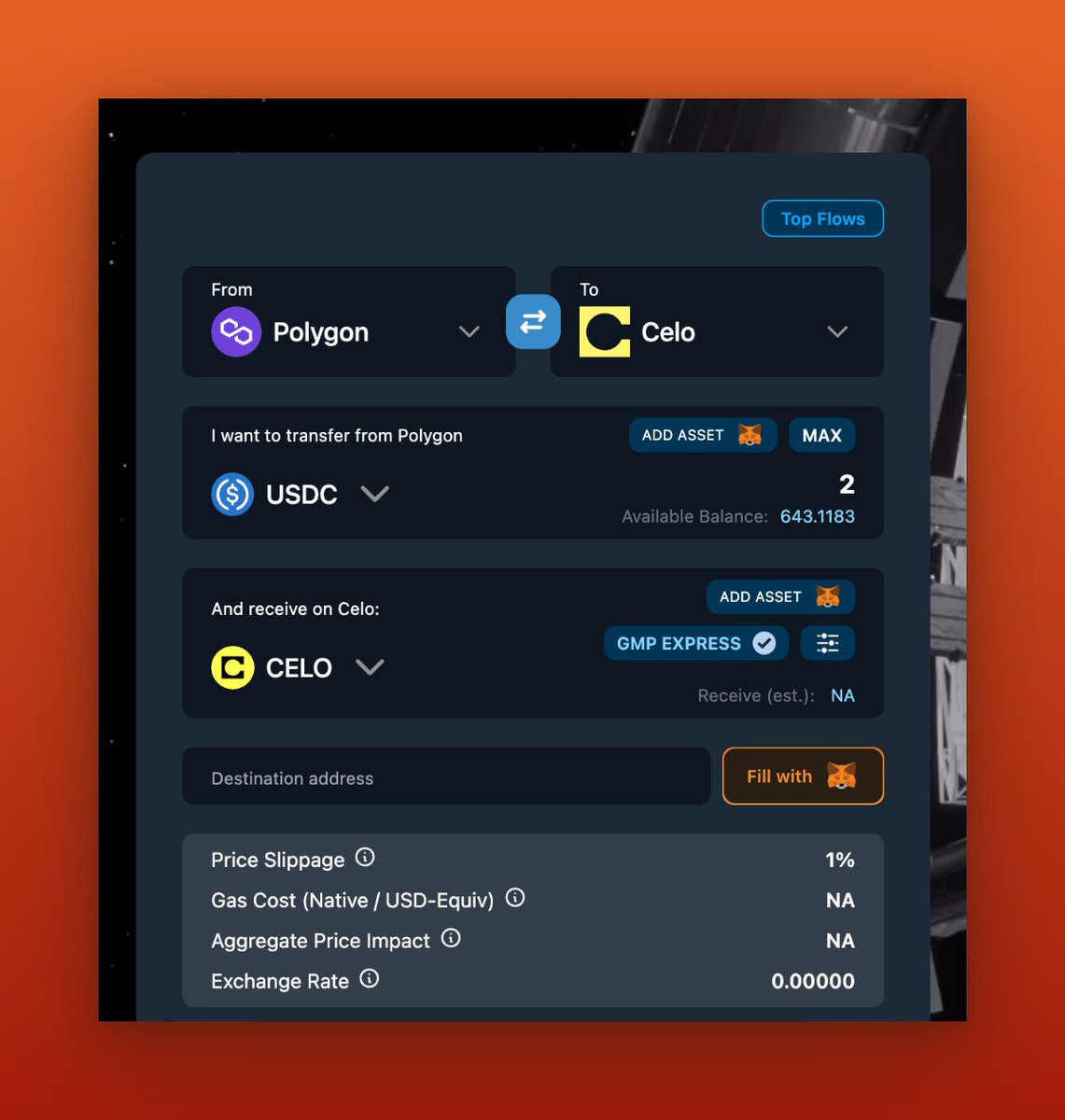
If I want to bridge funds from Celo Mainnet to the Gnosis chain, I will need $Celo to cover the transaction fees. The easiest way to acquire it is by visiting satellite.money
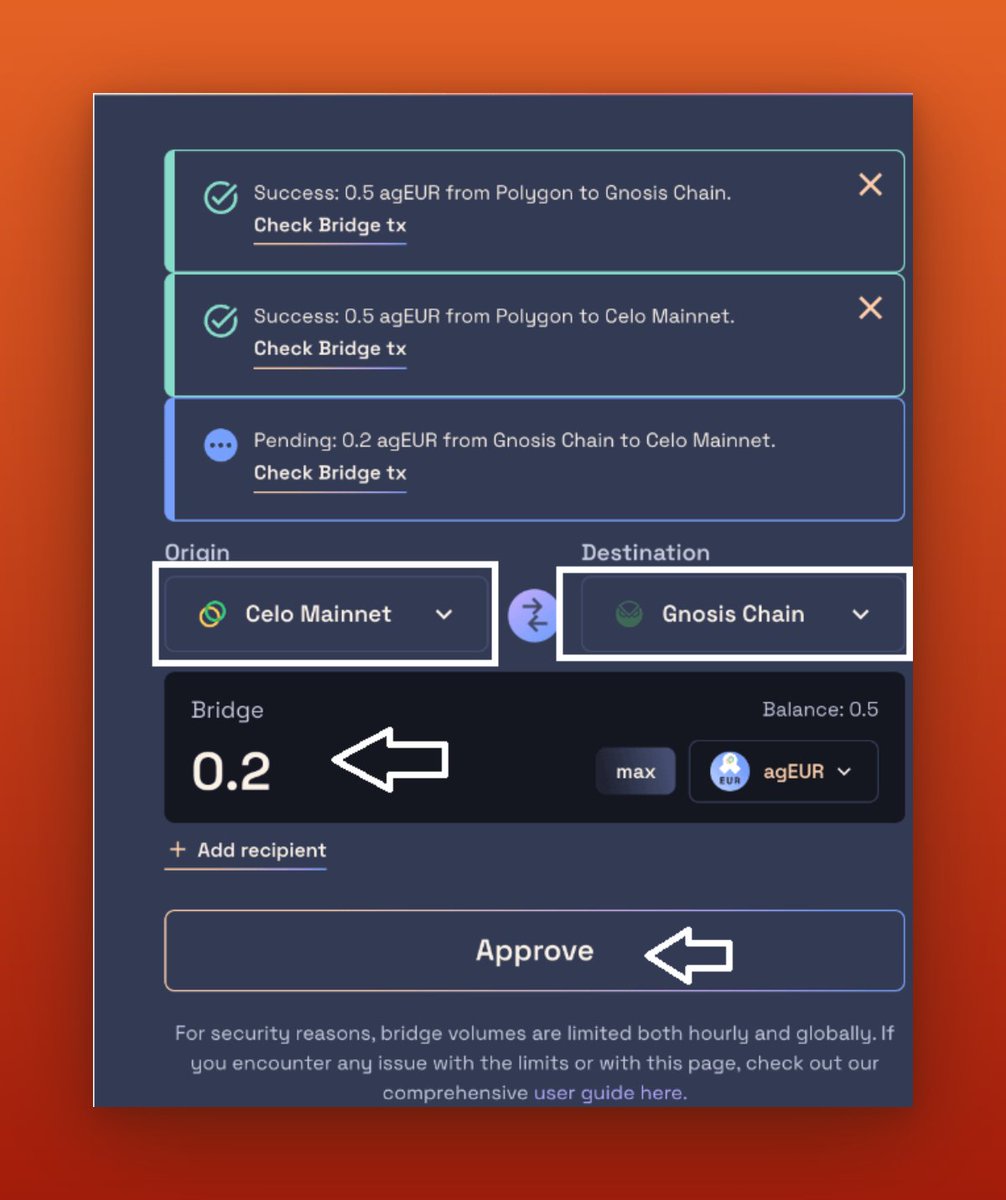
Now that I have a native token on the Celo Mainnet chain, I will bridge a small portion of $agEUR to the Gnosis chain.
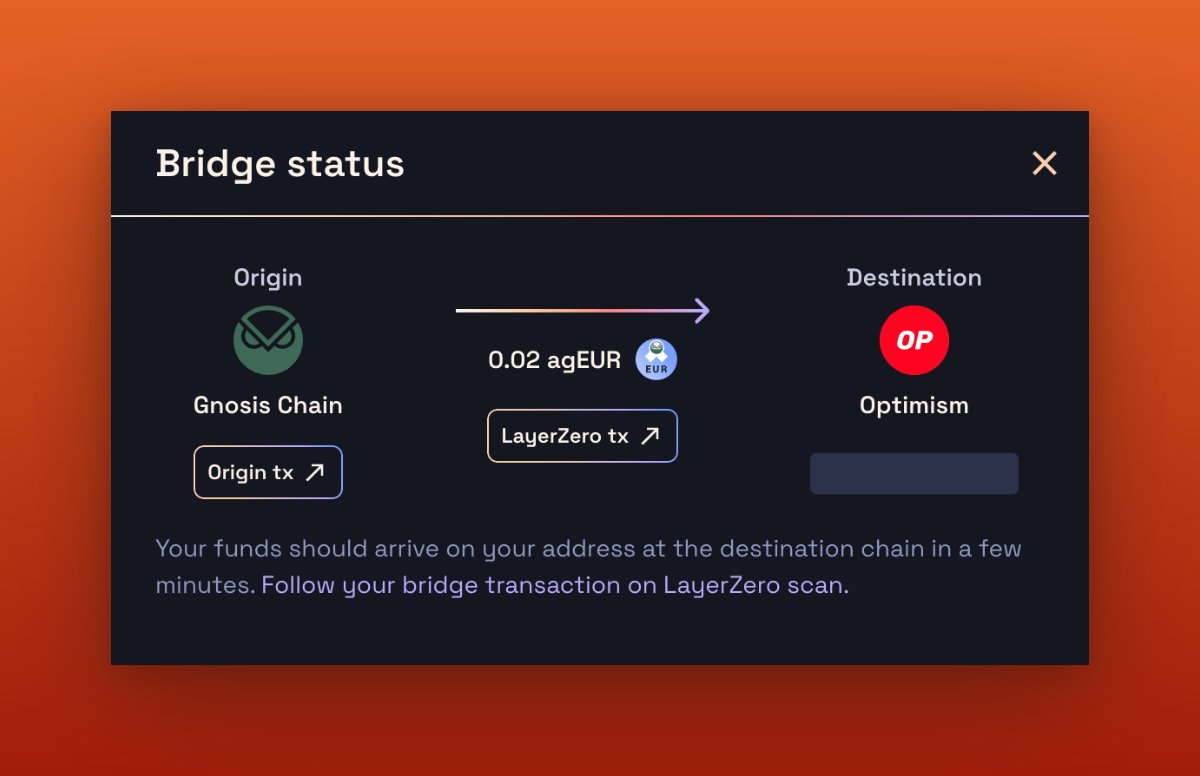
These examples I've shown you are just the beginning. There are many more chains to explore, allowing you to target everything from here. I can bridge the same $agEUR from the Gnosis chain to Optimism.
Next, I will go to app.slingshot.finance and connect my MetaMask wallet. Change my network to the Arbitrum network, Now I will purchase some $PNP tokens and bridge them to the BSC Chain.
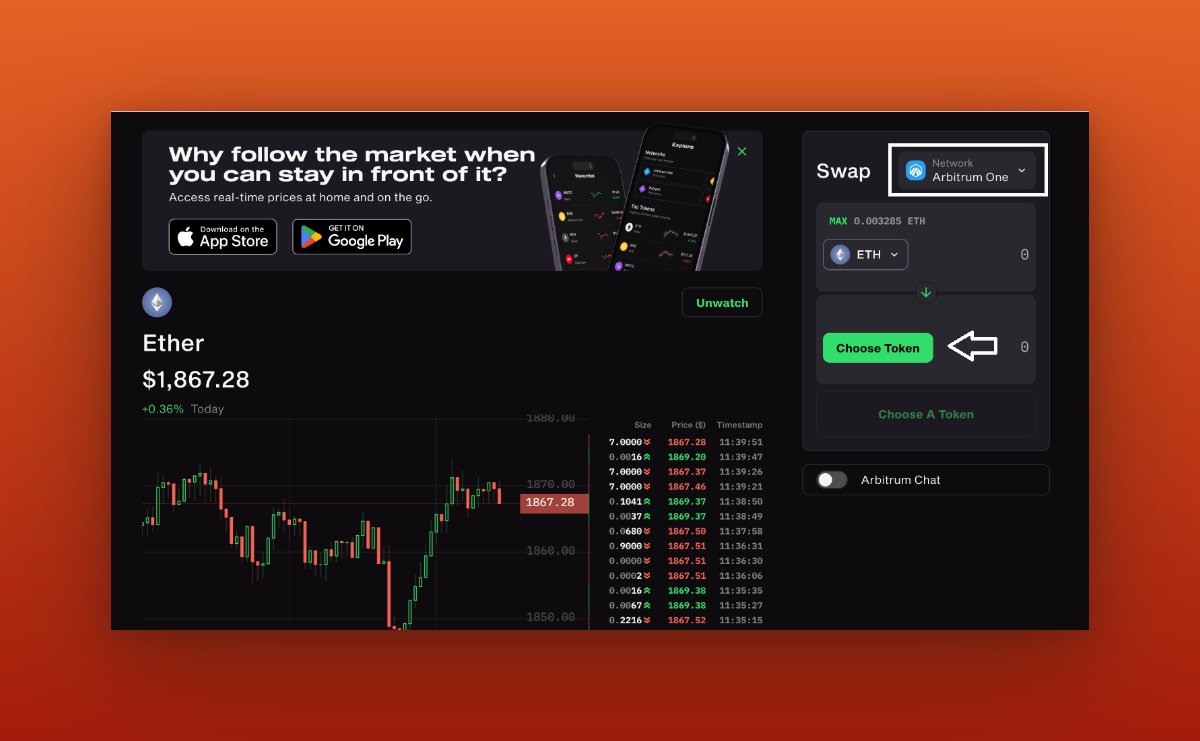
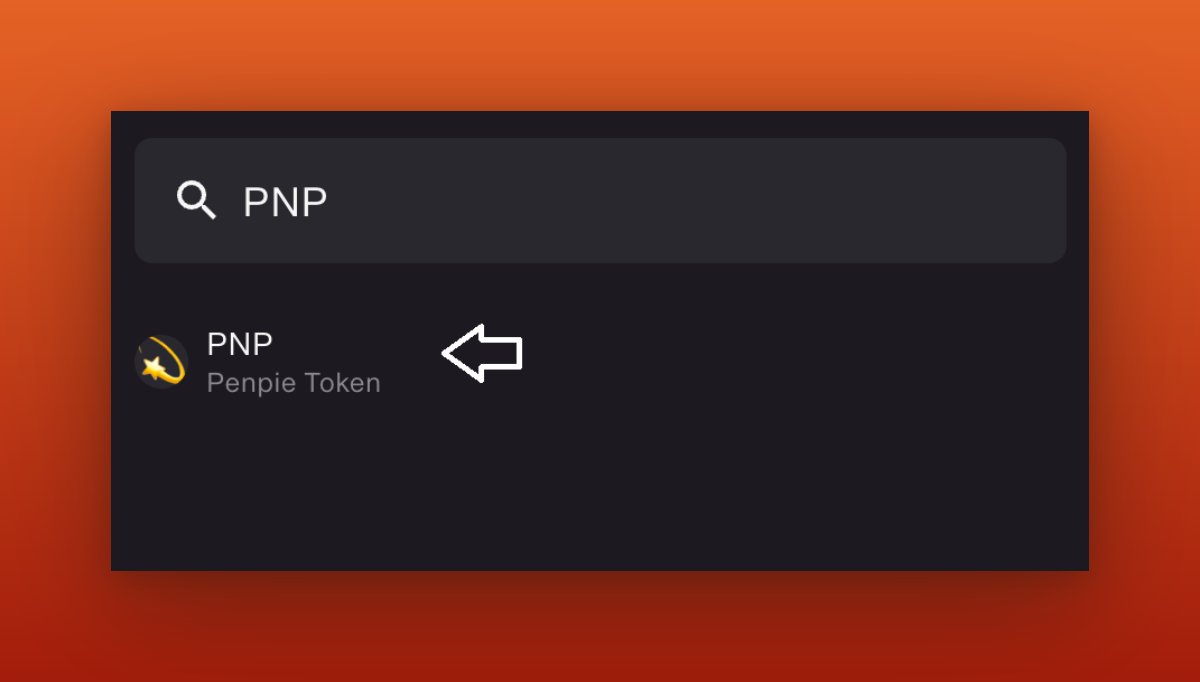
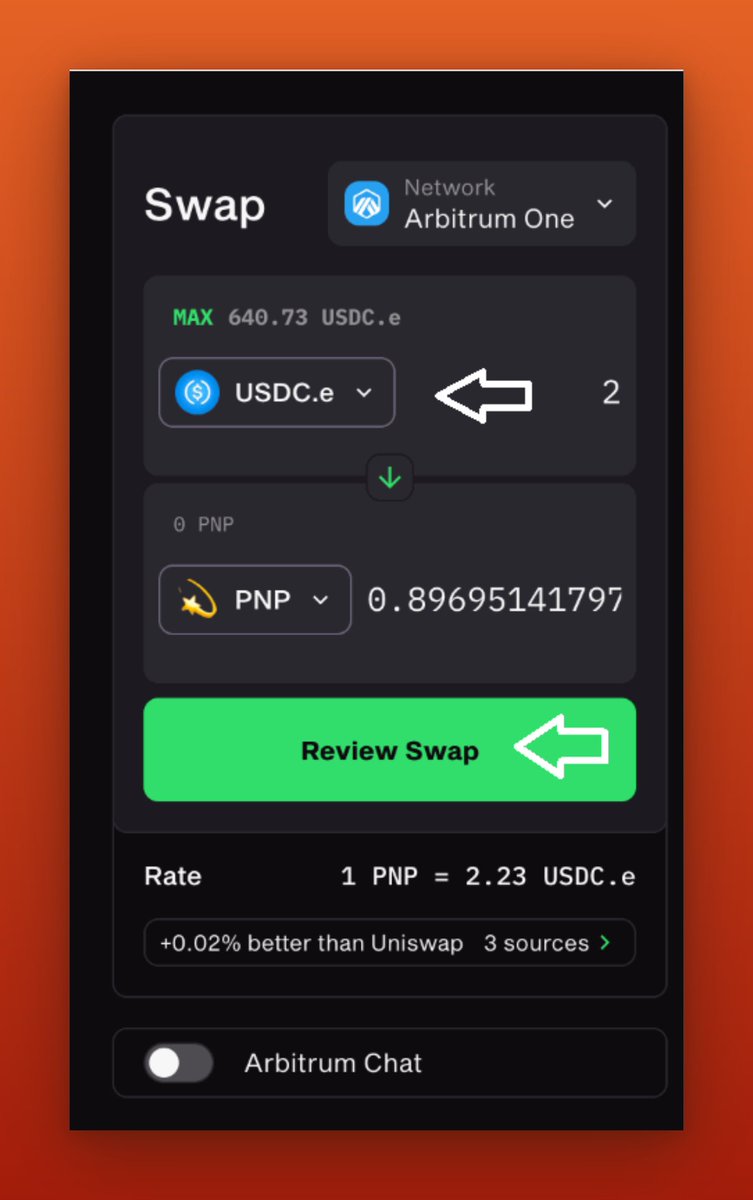
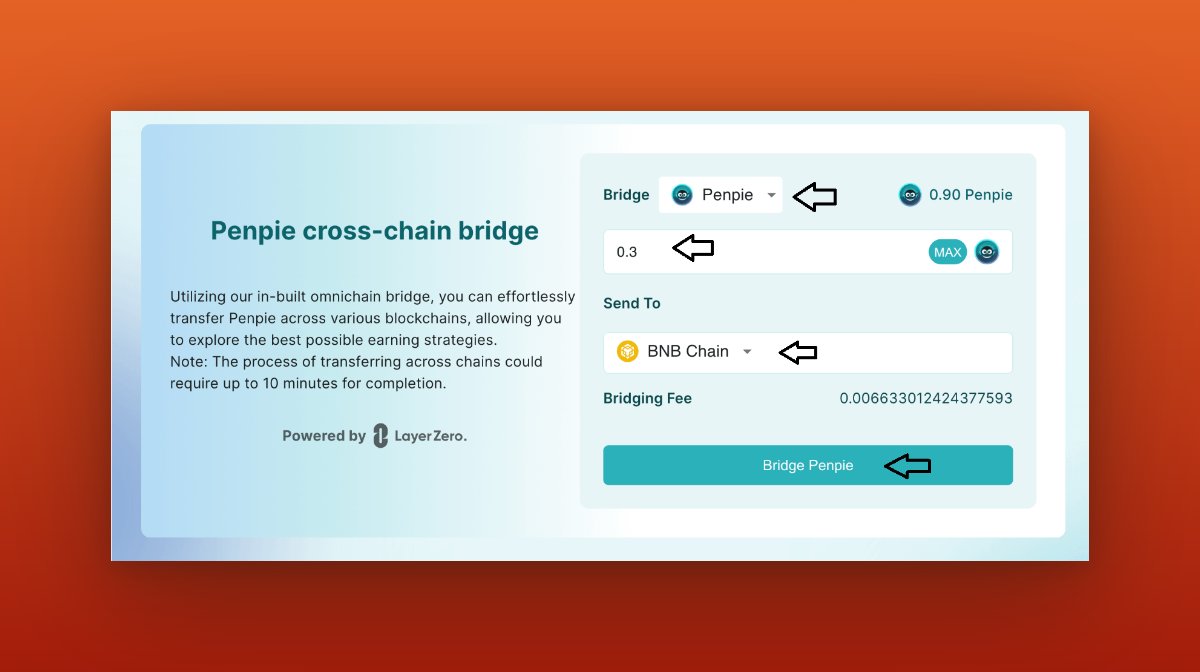
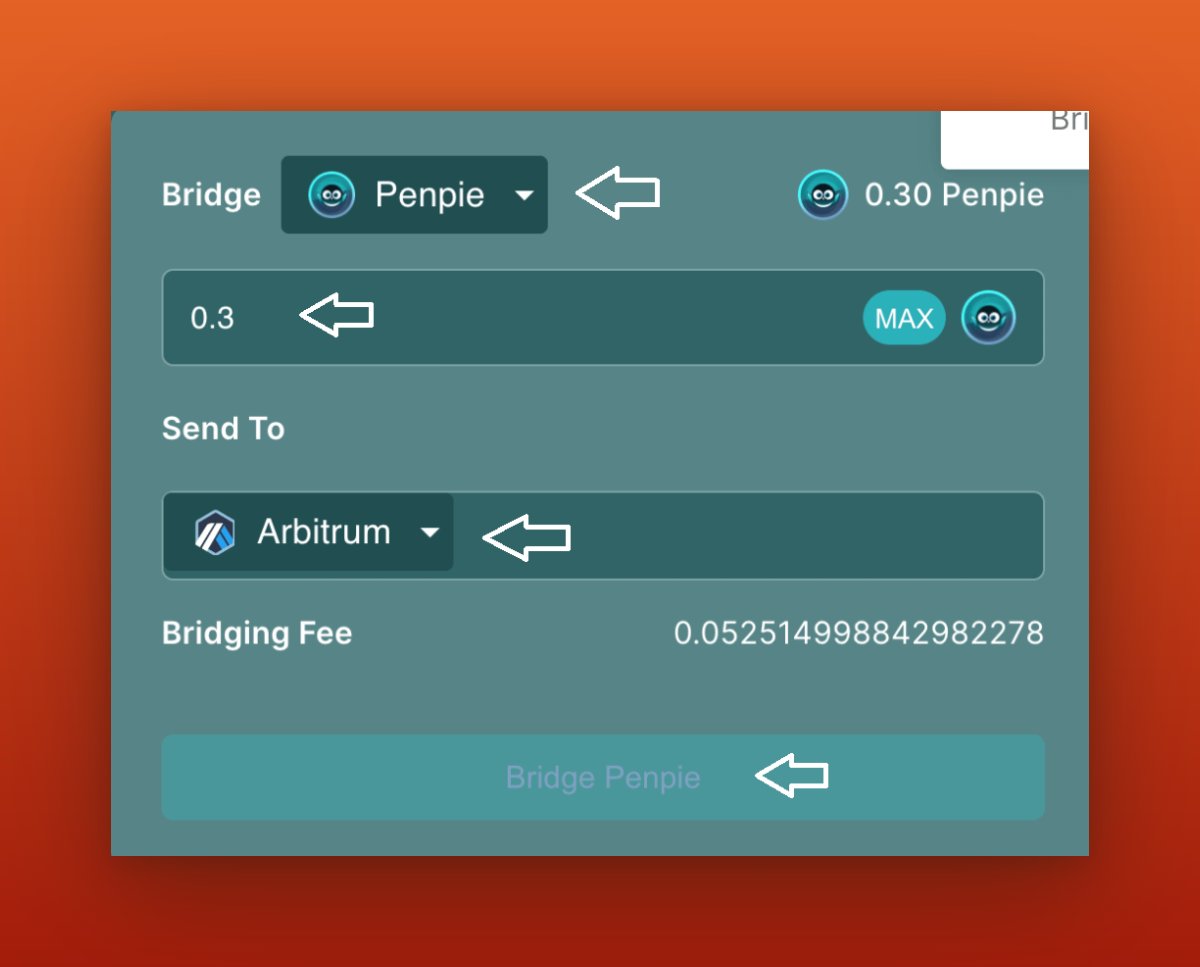
Now that I have $PNP tokens in my wallet, I will go to pendle.magpiexyz.io and bridge a small portion of my $PNP tokens to the BSC Chain, Next, I will bridge my $PNP token from the BSC chain to Arbitrum and sell it to retrieve your initial funds.

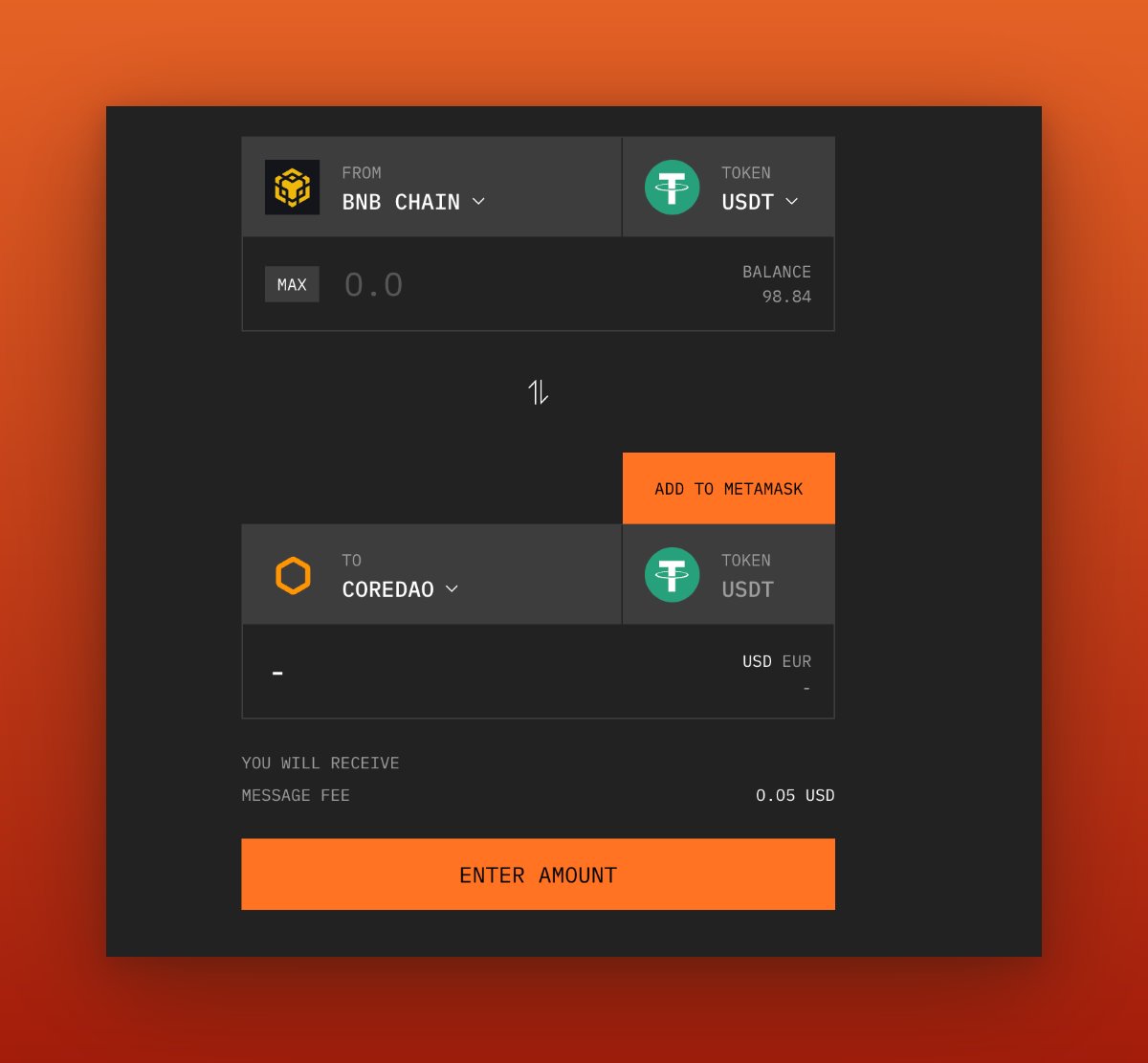
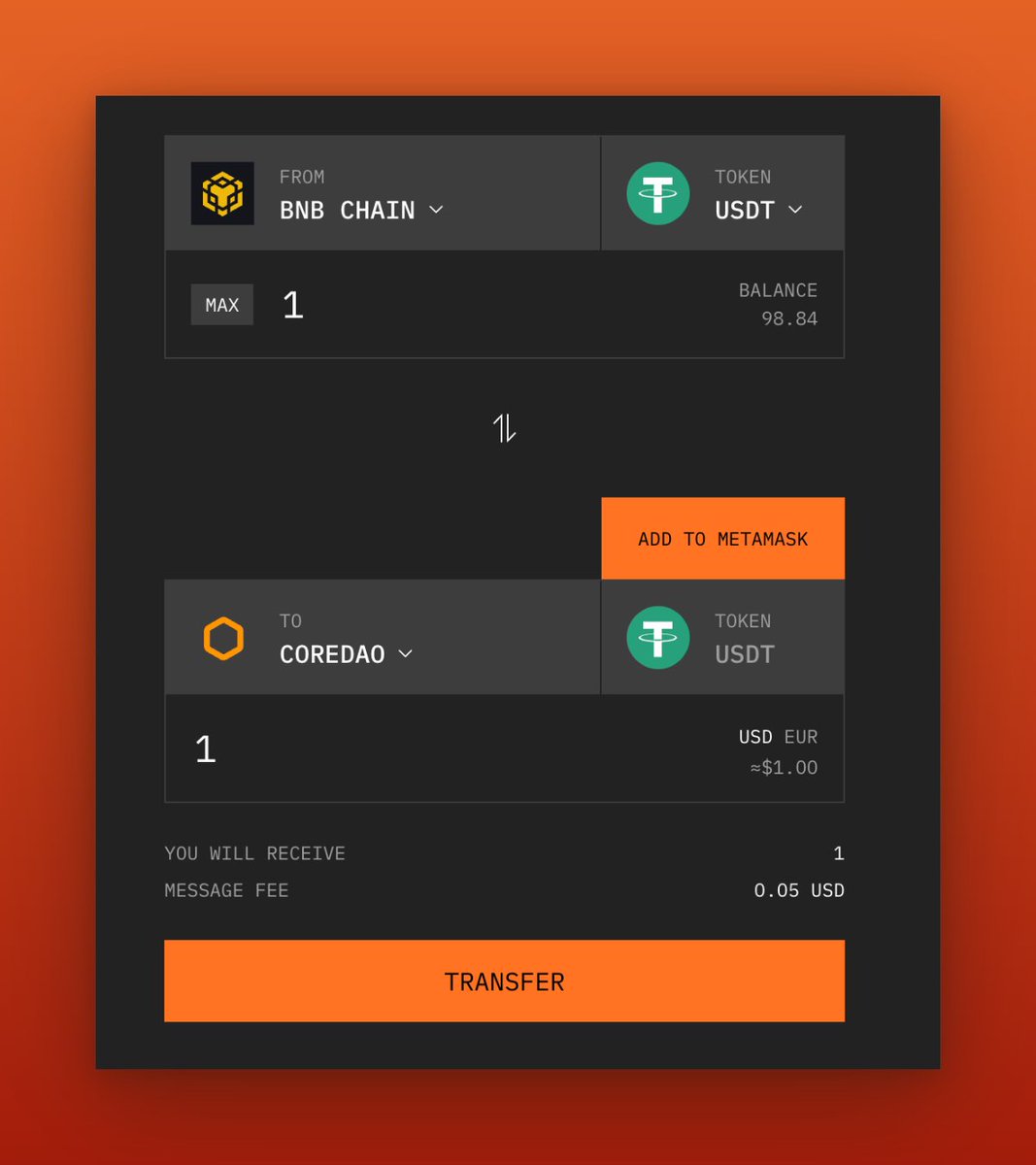
Now I will visit bridge.coredao.org and connect your @MetaMask wallet, and transfer a small amount of USDT from the BSC Chain to the COREDAO chain.
Without further ado will go to synapseprotocol.com and connect my metamask wallet.
After connecting my wallet, I will change my network to "Polygon Mainnet."
and choose "DFK Chain" as the destination chain. Click on the drop-down menu and search for "DFK Chain."
After connecting my wallet, I will change my network to "Polygon Mainnet."
and choose "DFK Chain" as the destination chain. Click on the drop-down menu and search for "DFK Chain."
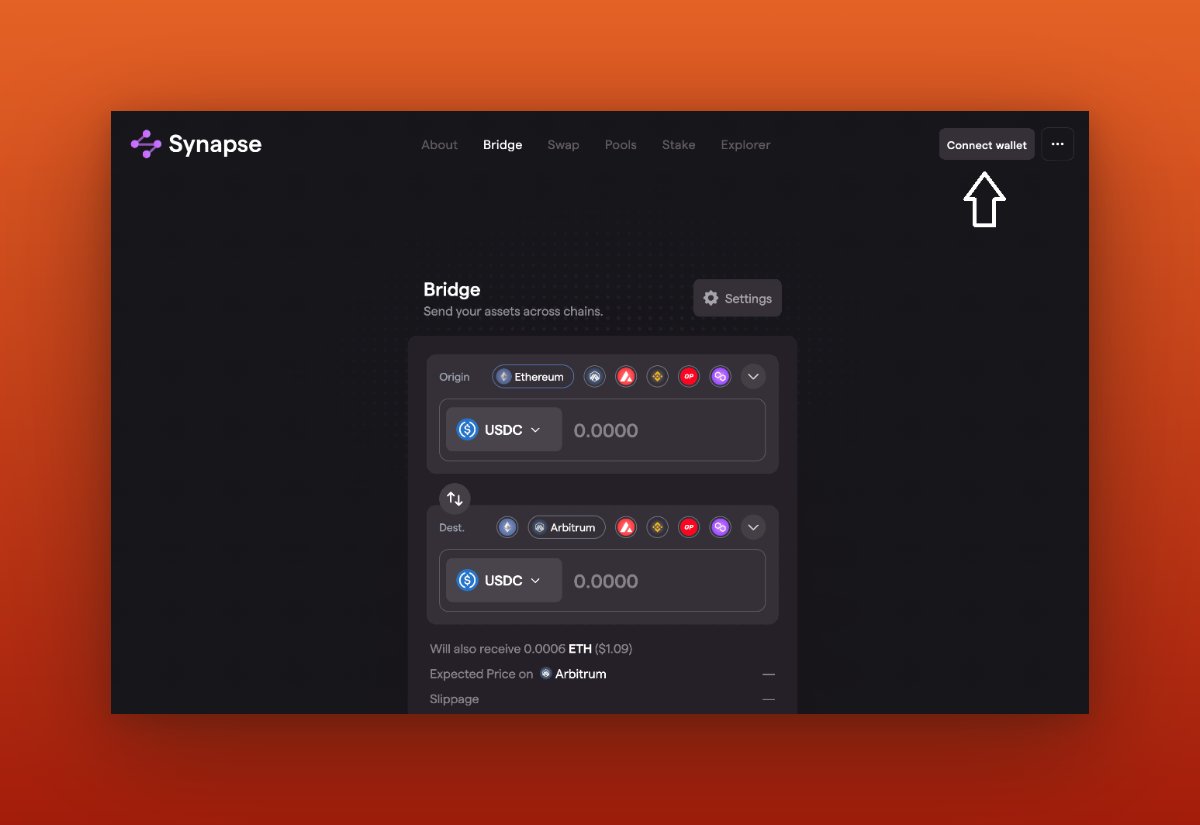
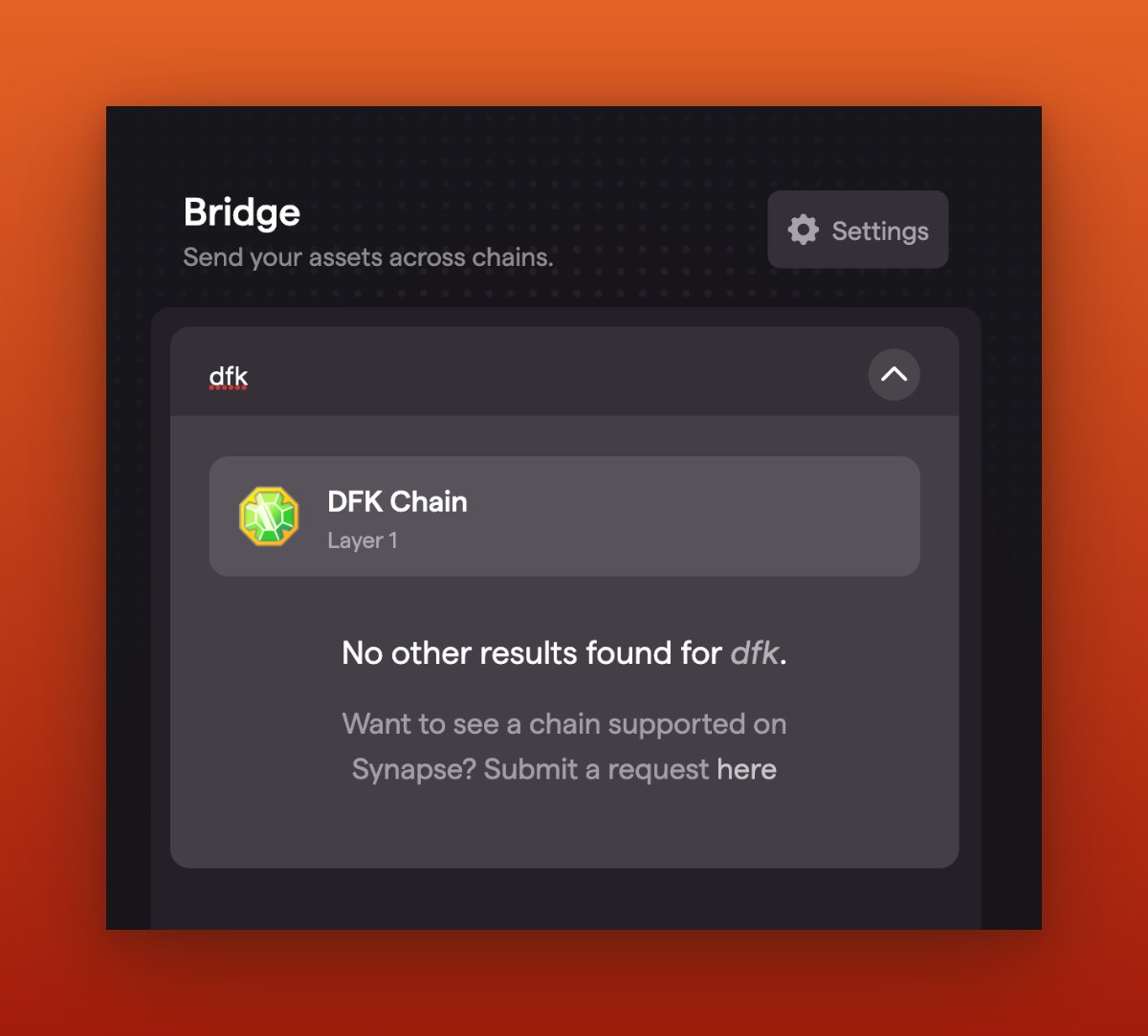
Once I have selected both the origin chain and destination chain, I will proceed to change the asset to USDC on both chains.
Next, I will need to bridge some USDC from the Polygon chain to the DFK Chain.
Next, I will need to bridge some USDC from the Polygon chain to the DFK Chain.
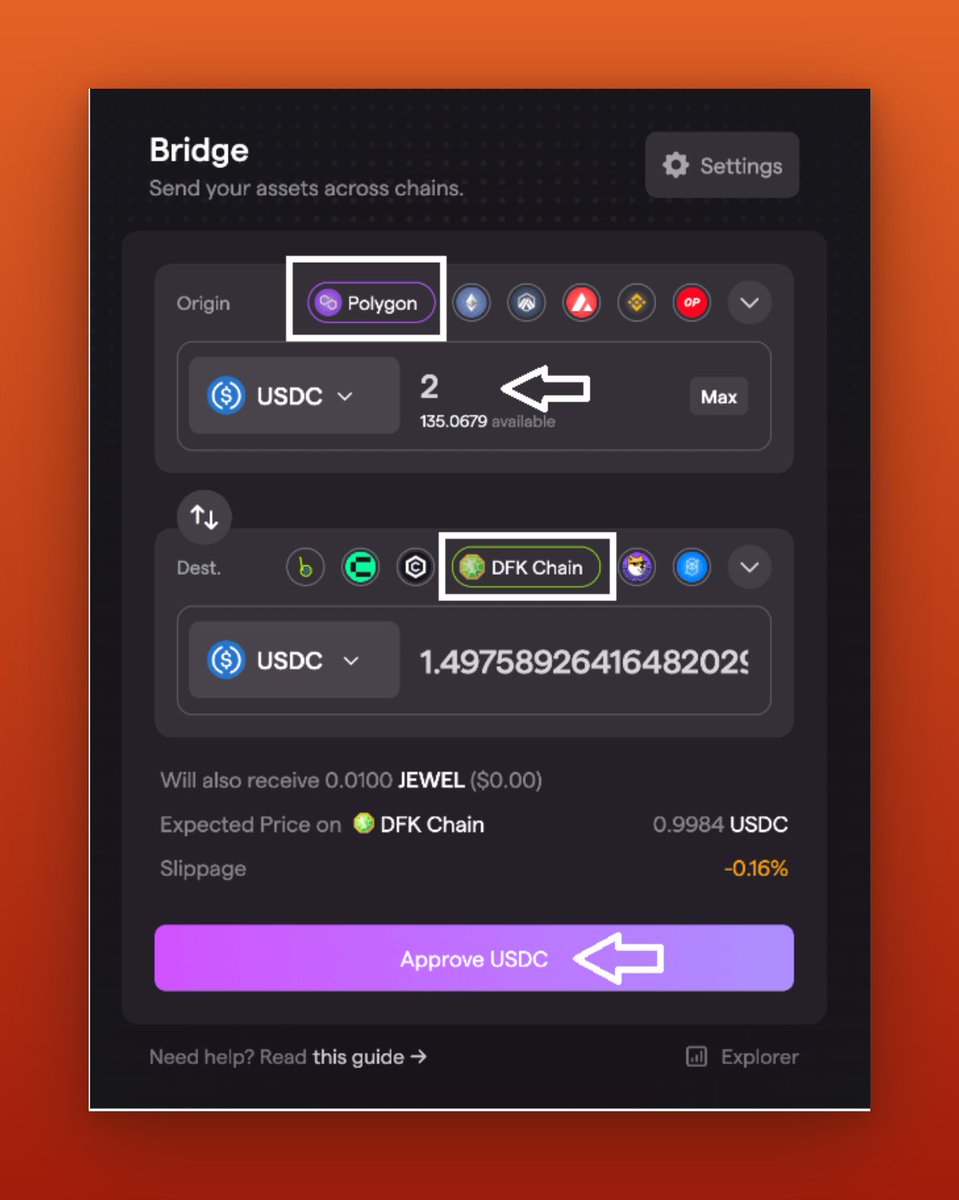
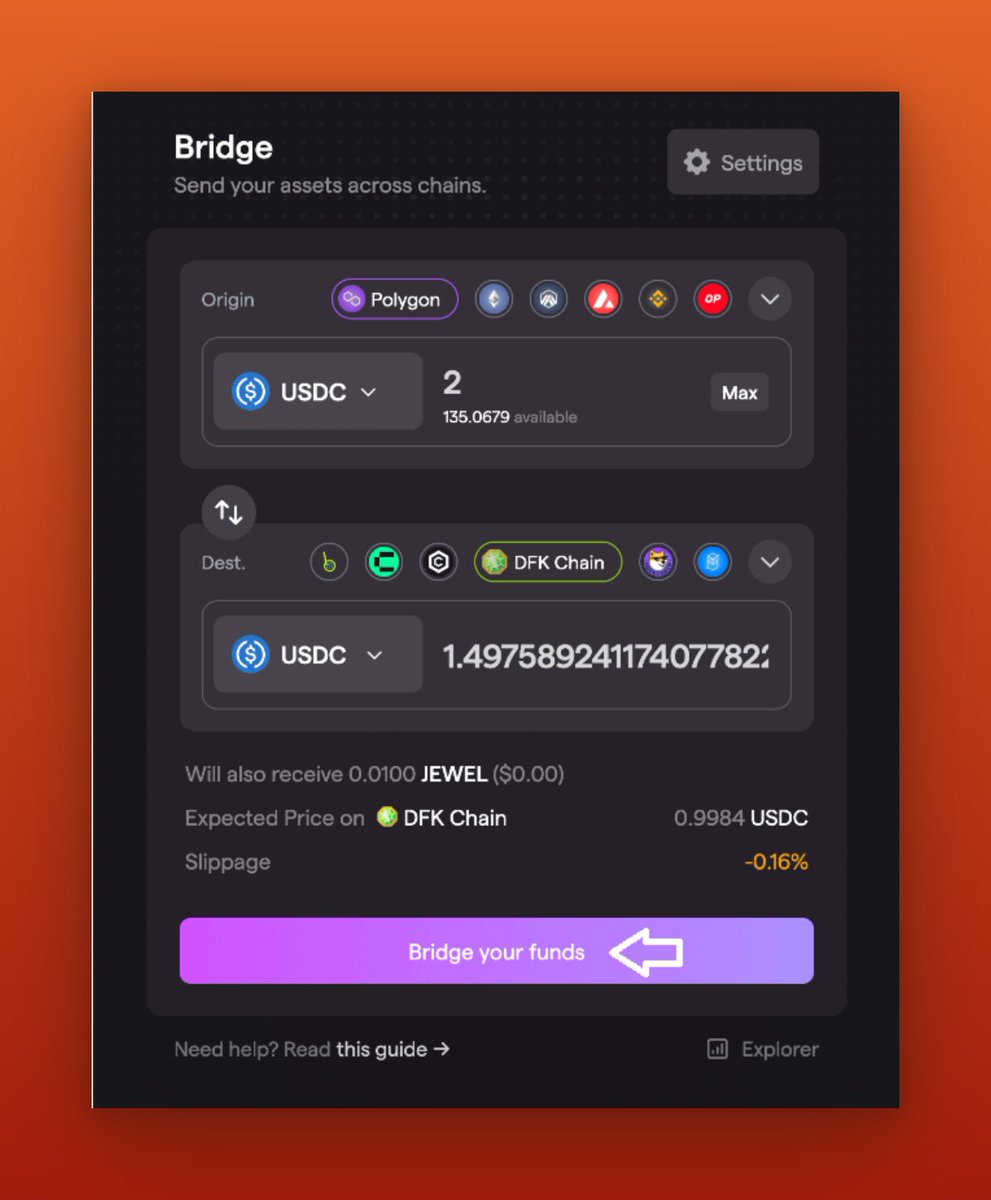
Once I have approved my USDC, I will click on "Bridge Your Funds." Then, complete the transaction using Metamask.
Note: After a successful transaction, my wallet will be rewarded with 0.01 $JEWEL tokens to cover the gas fee on the DFK chain.
Note: After a successful transaction, my wallet will be rewarded with 0.01 $JEWEL tokens to cover the gas fee on the DFK chain.
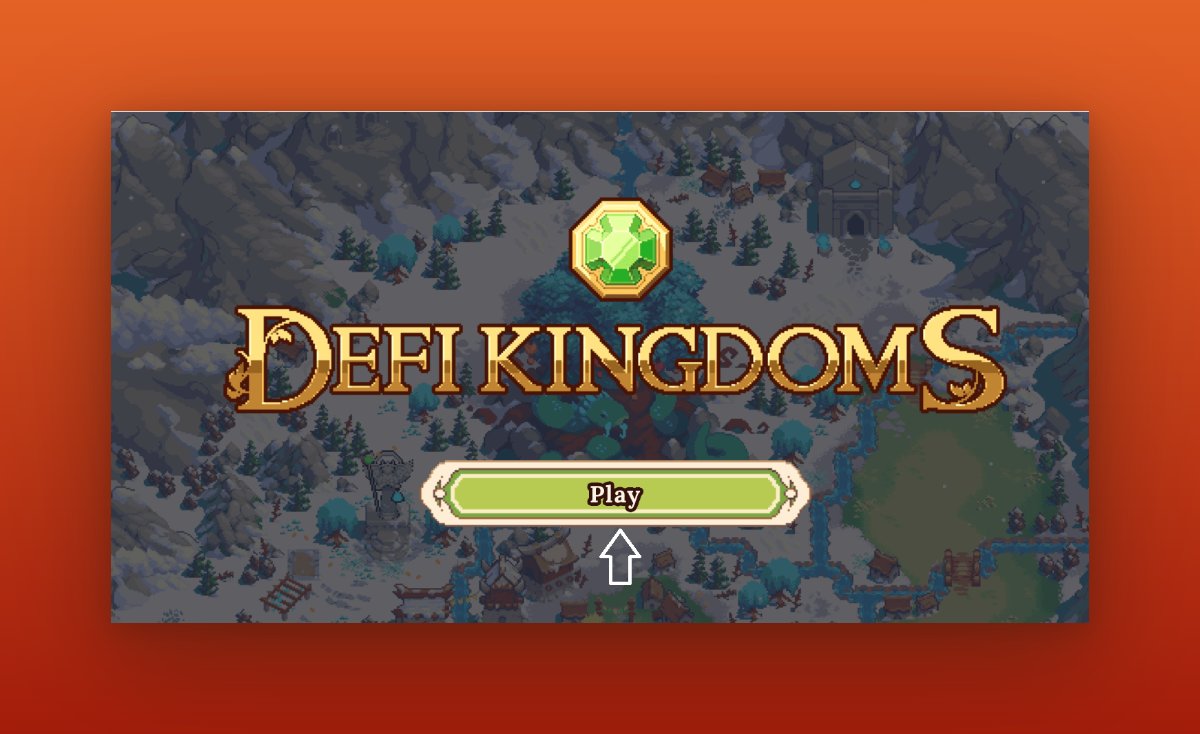
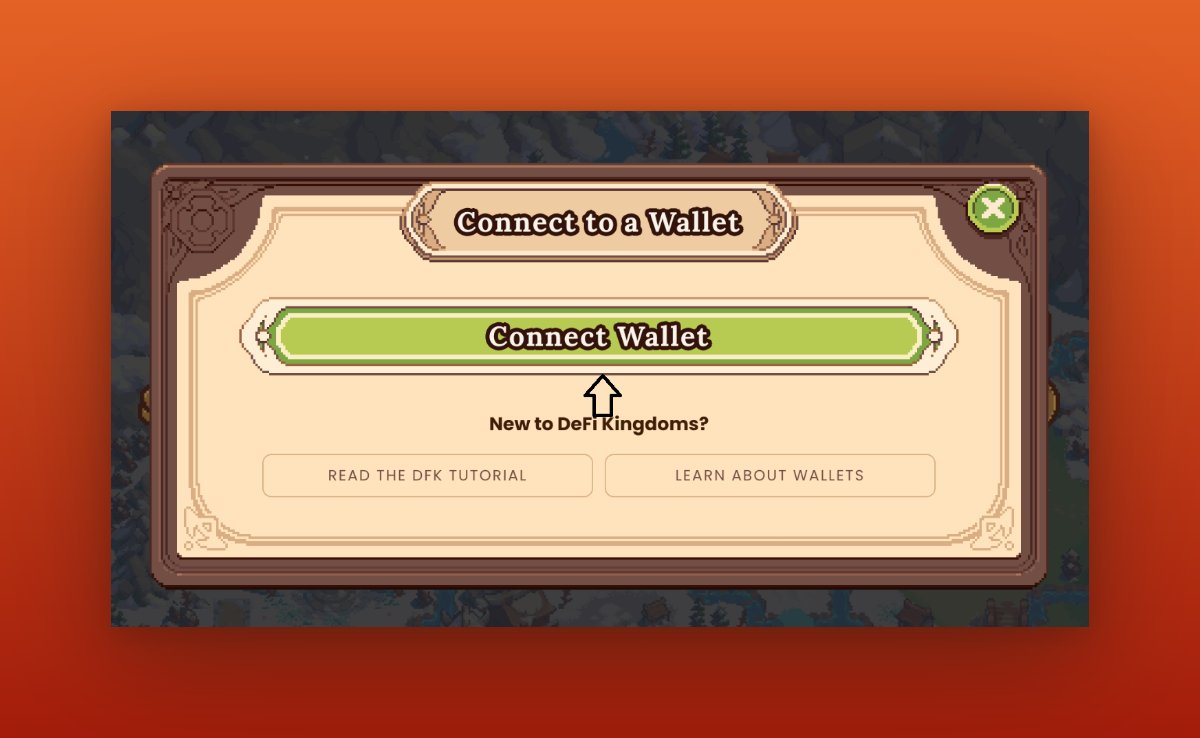
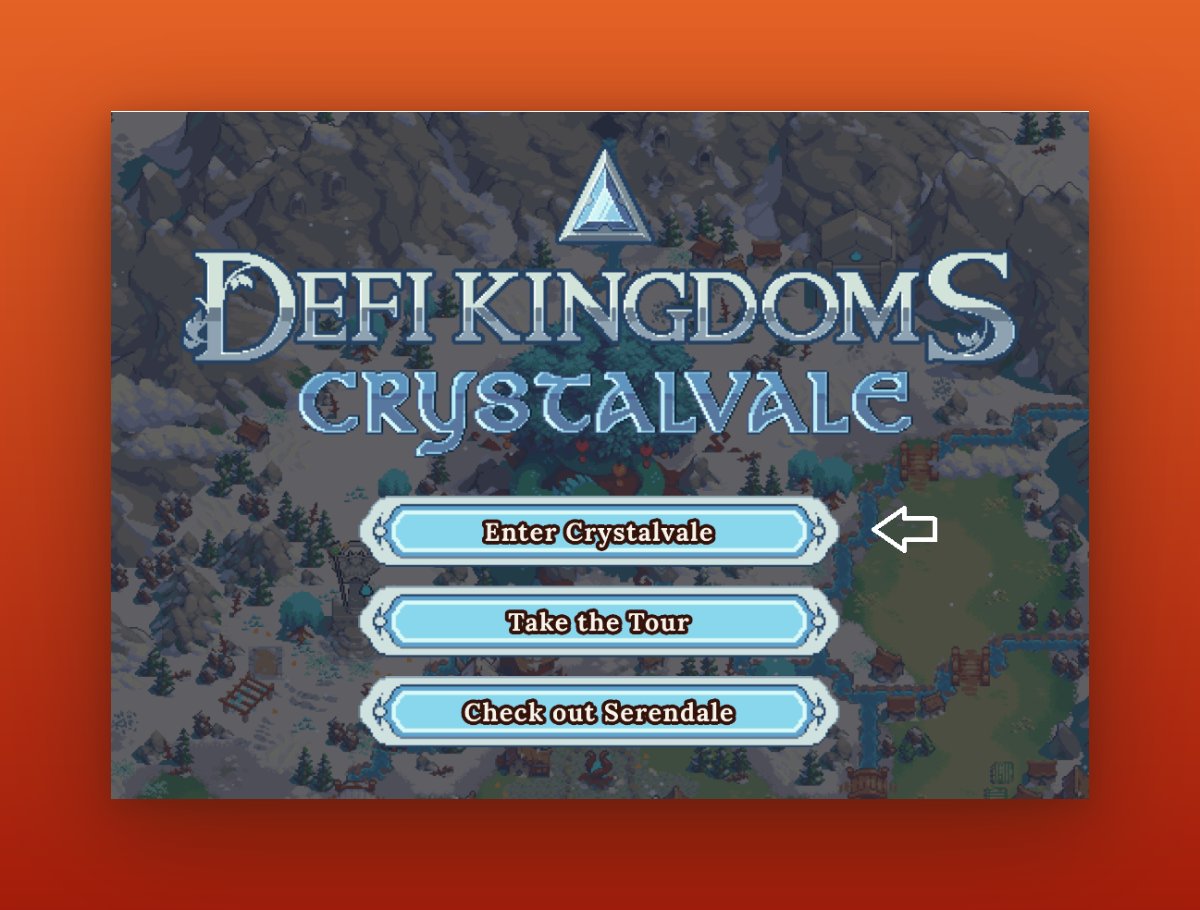
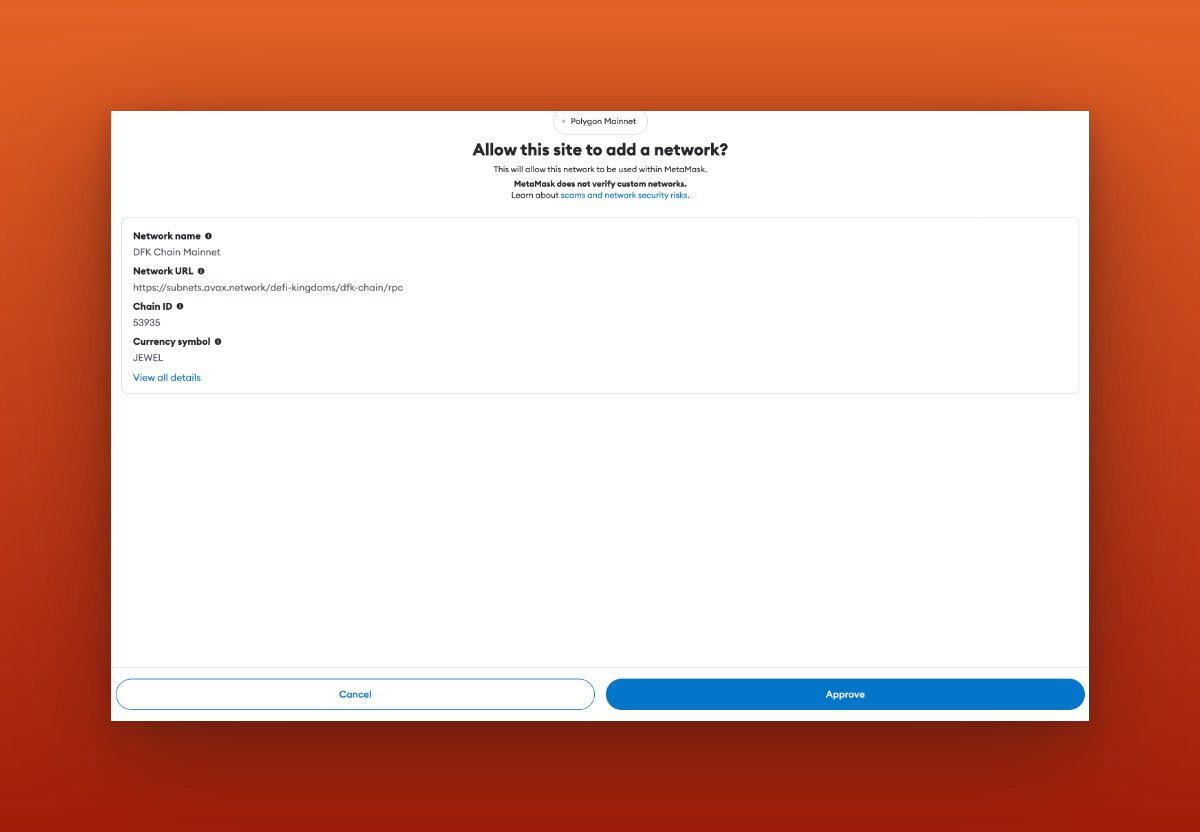
Now that I have funds in DFK Chain, I will visit: game.defikingdoms.com and connect your @MetaMask wallet, then click on "Enter Crystal Vale." Then metamask popup will be prompted to add the DFK chain Mainnet into the @MetaMask wallet. Click on the "Approve" button.
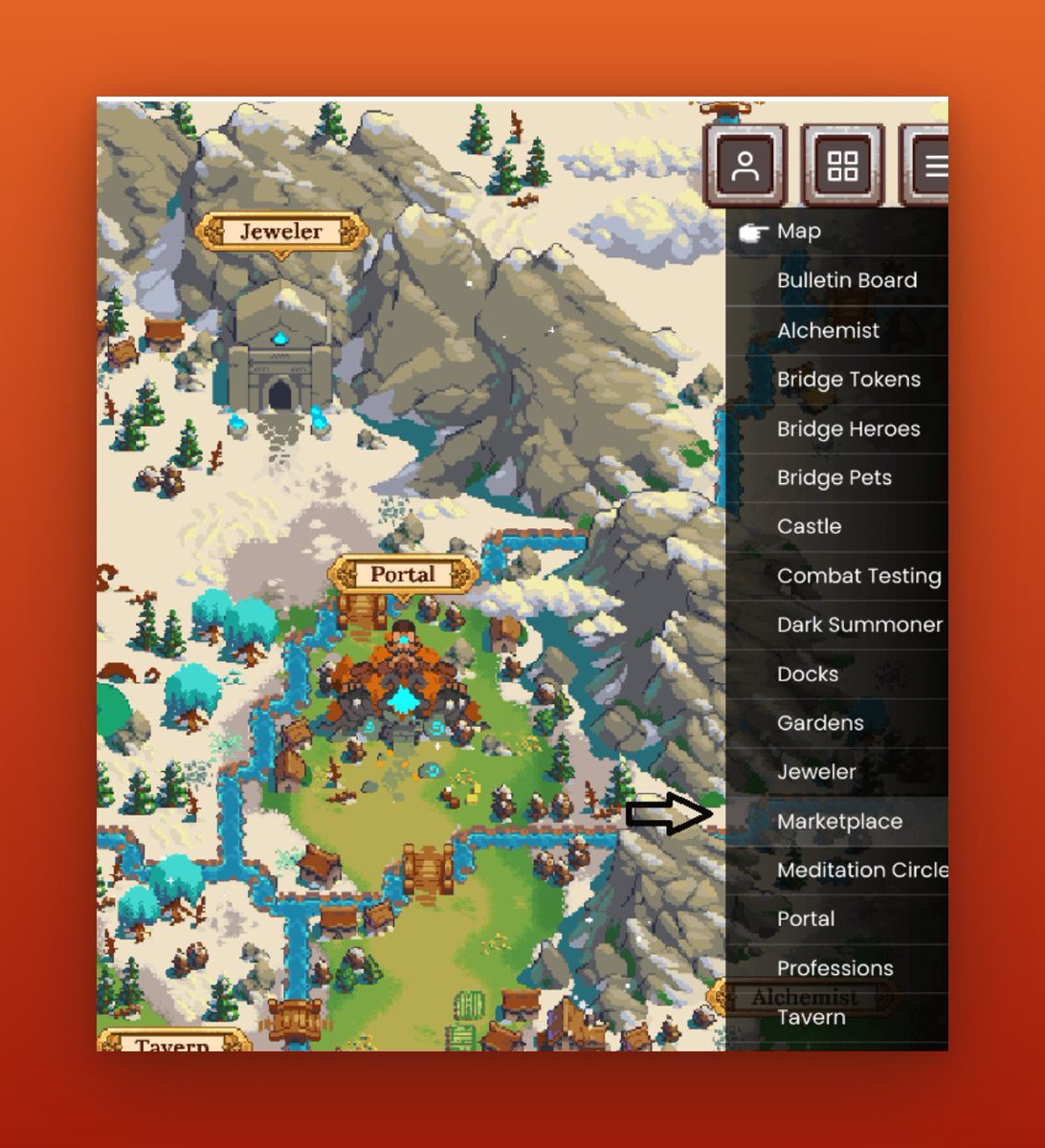
After starting the game, I can now access the marketplace by clicking the hamburger menu in the top-right corner, Once I navigate to the marketplace page, locate the "Trader" standing in the middle of the screen and click on it.
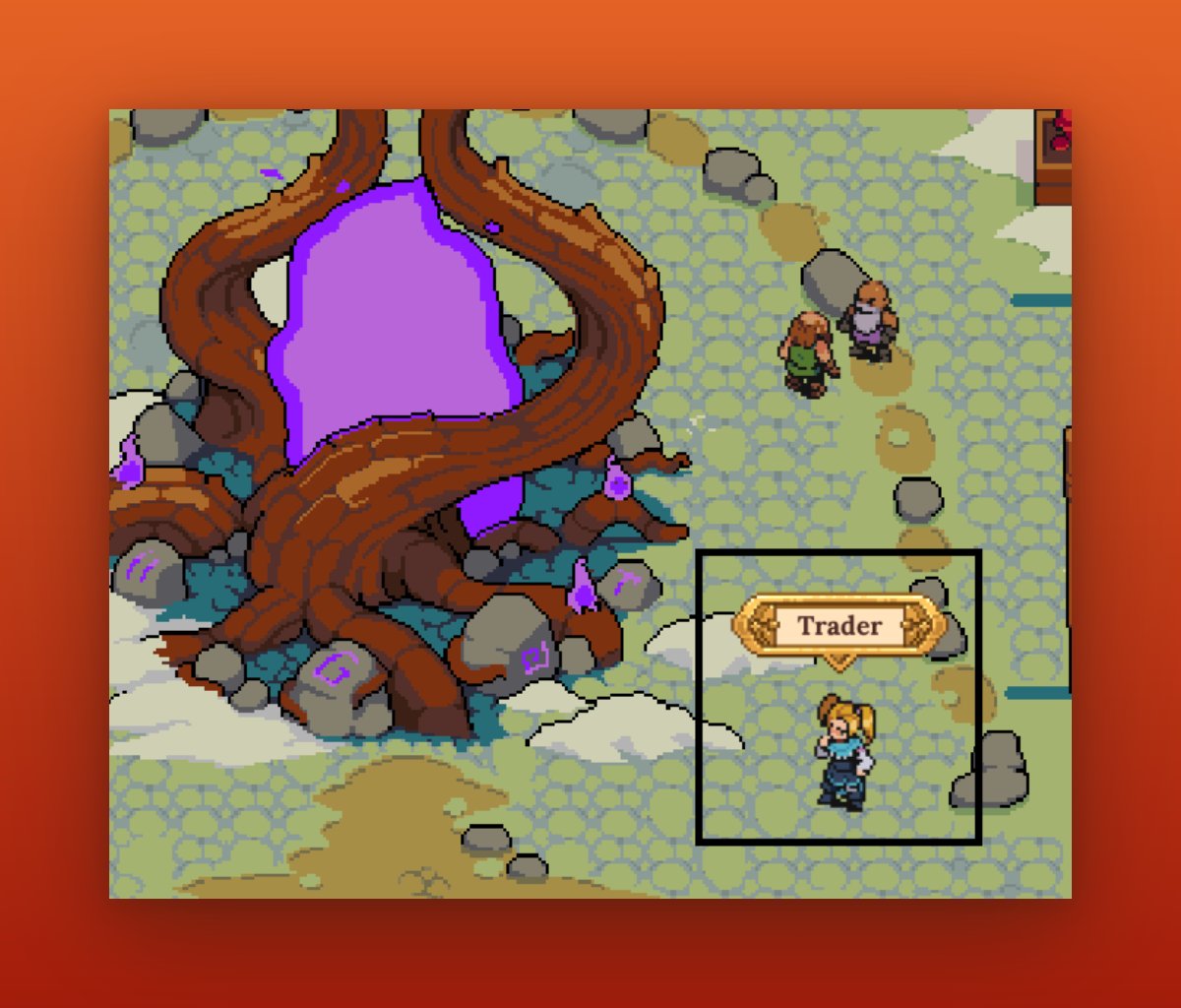
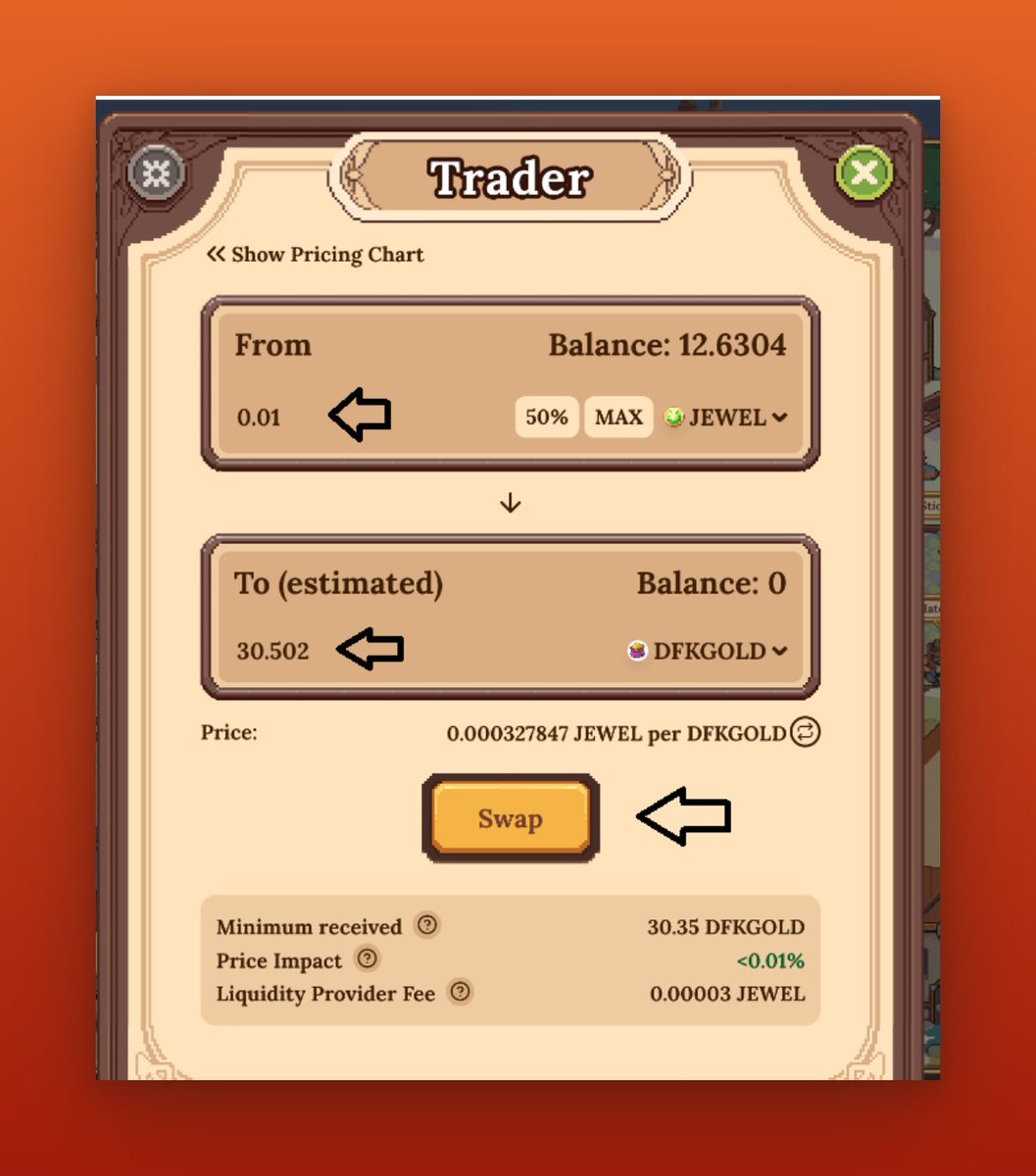
Next, I will convert some USDC into $JEWEL tokens, Approve USDC and make a swap, Next, I will convert that 0.01 $JEWEL token to $DFKGOLD, which will be sufficient for future transactions.
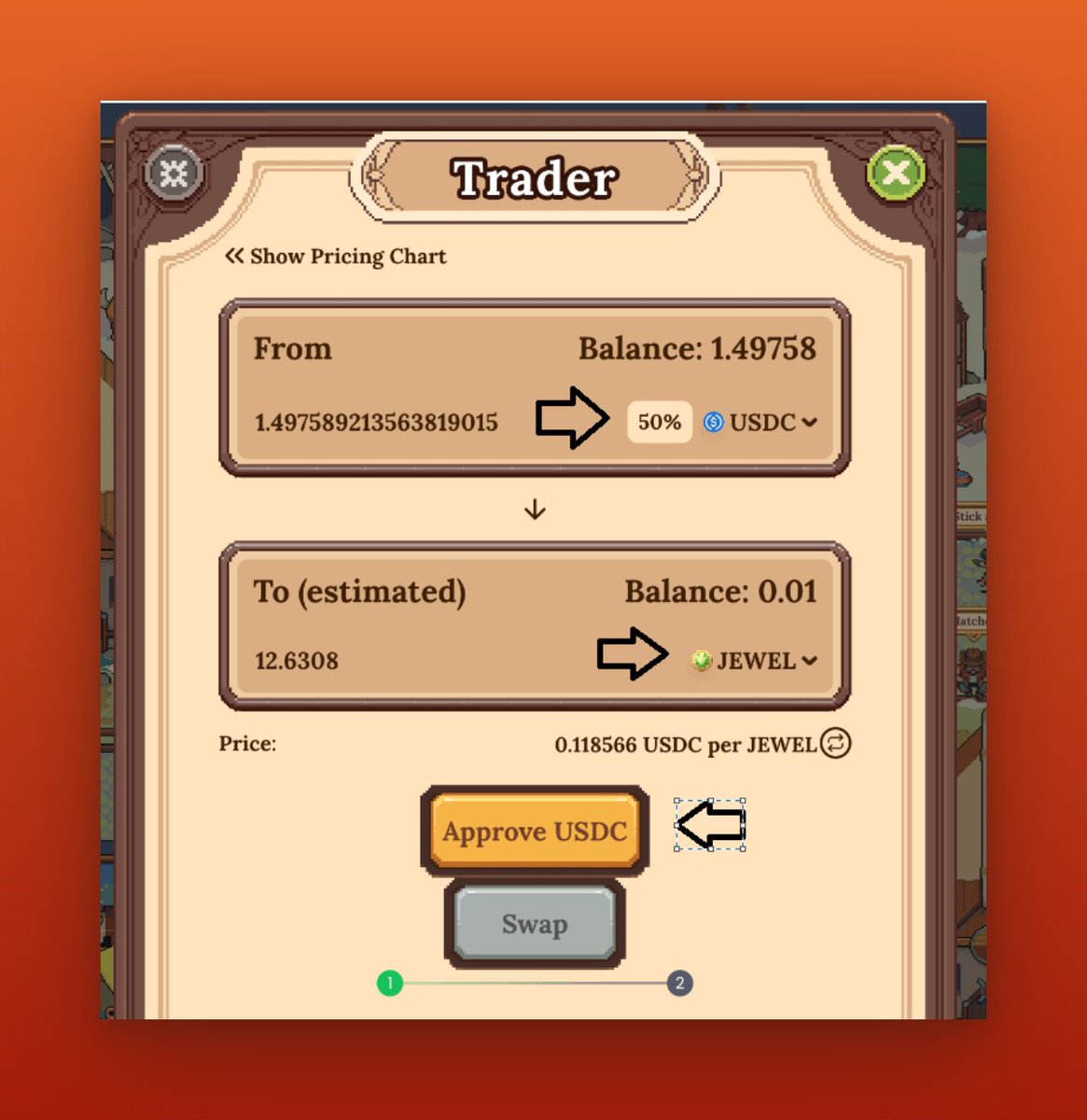
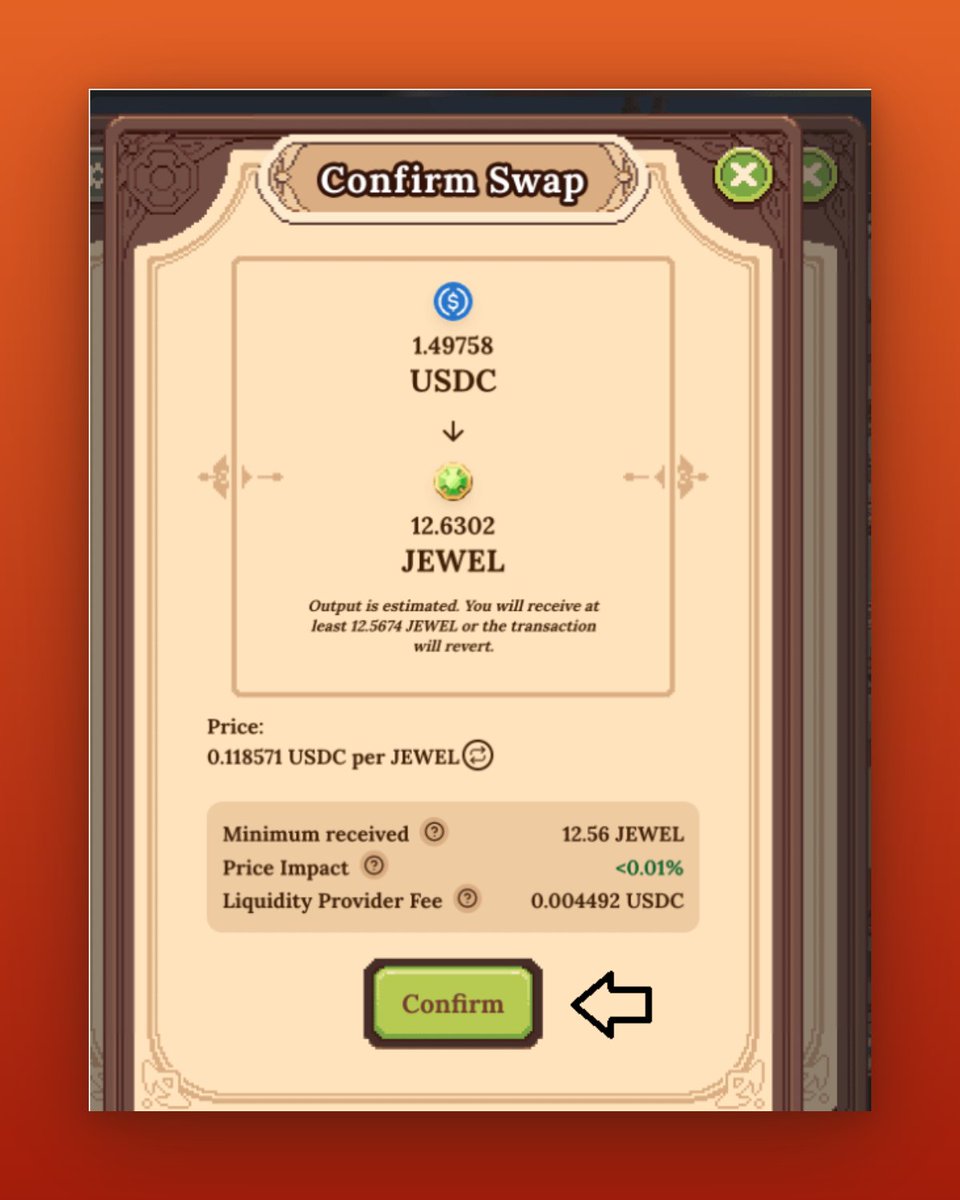
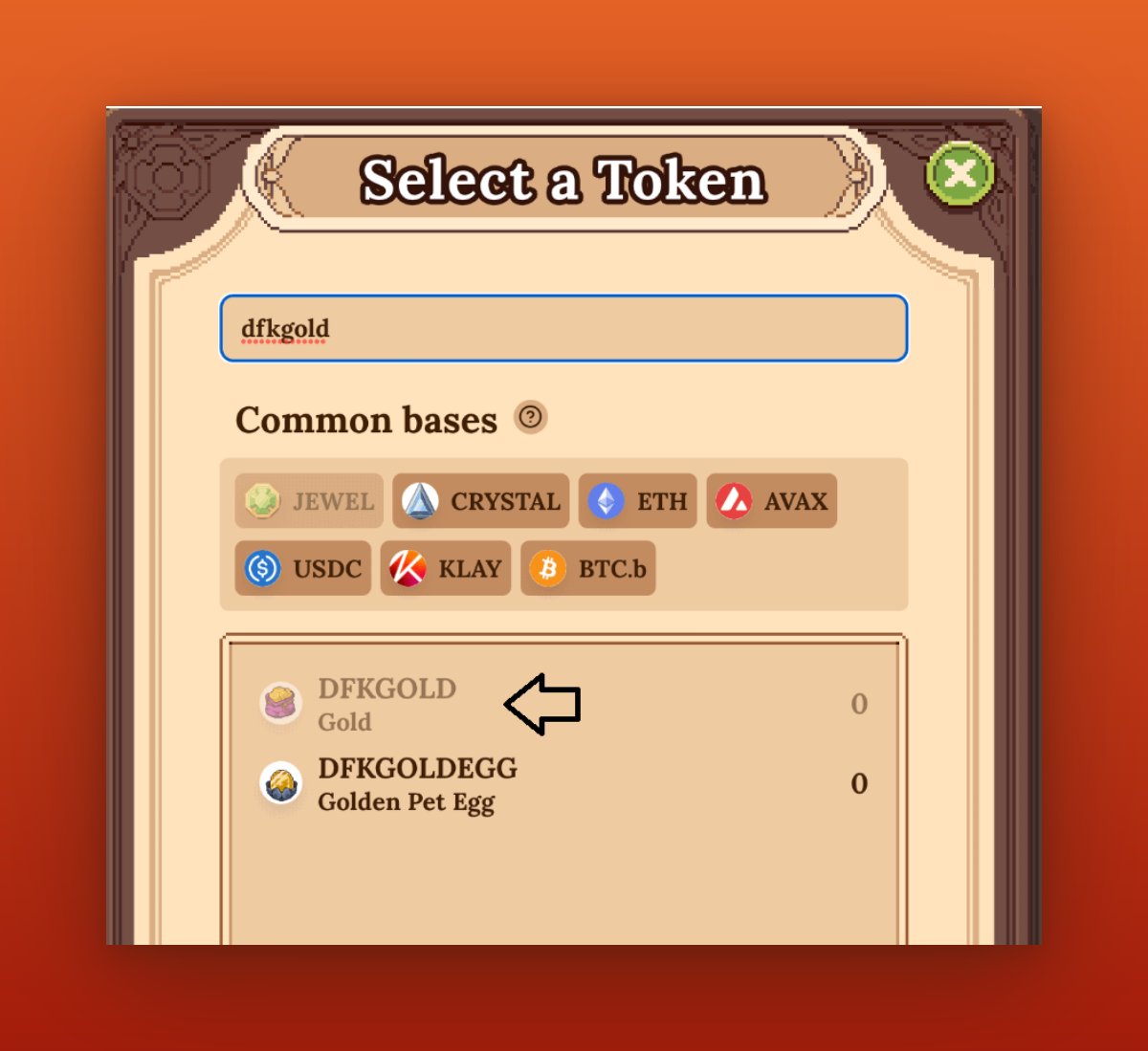
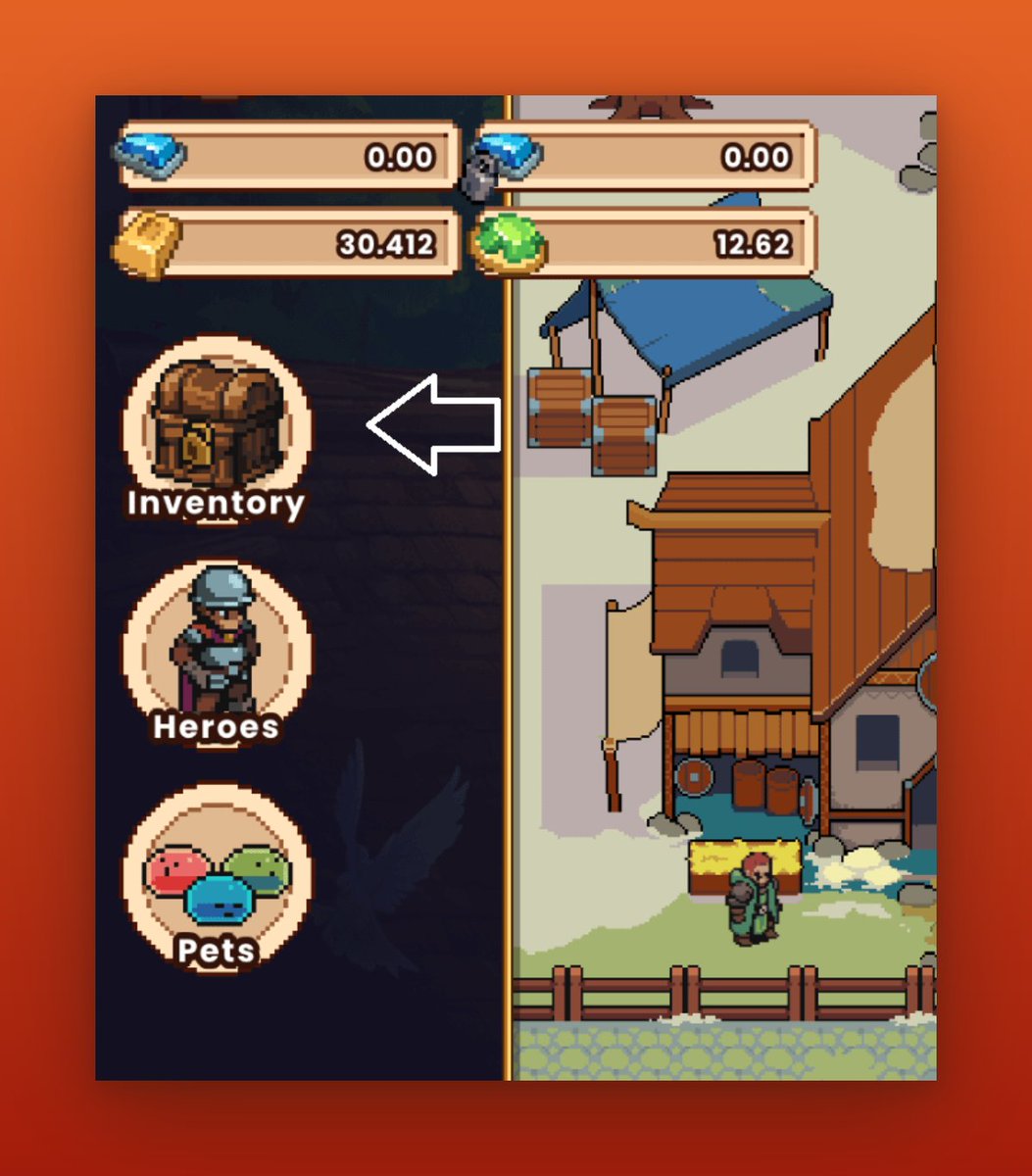
Now that I have all the necessary tokens for this guide, I will bridge them together. To begin, I will click on the "Inventory" icon located in the center-left corner of your screen.
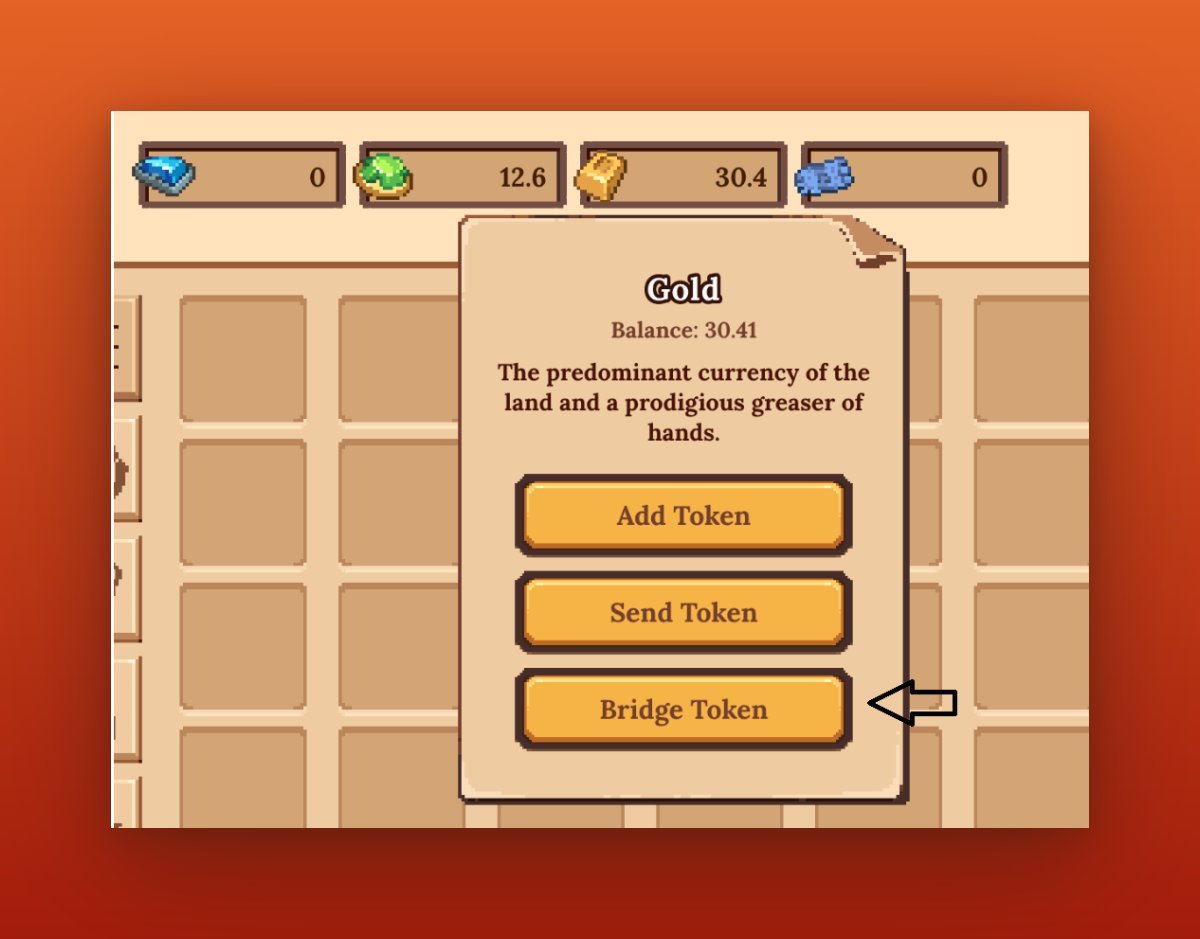
Next, I will click the "Gold" icon and select "Bridge Token.", Then, "Approve Contract"
Next, I will click the "Gold" icon and select "Bridge Token.", Then, "Approve Contract"
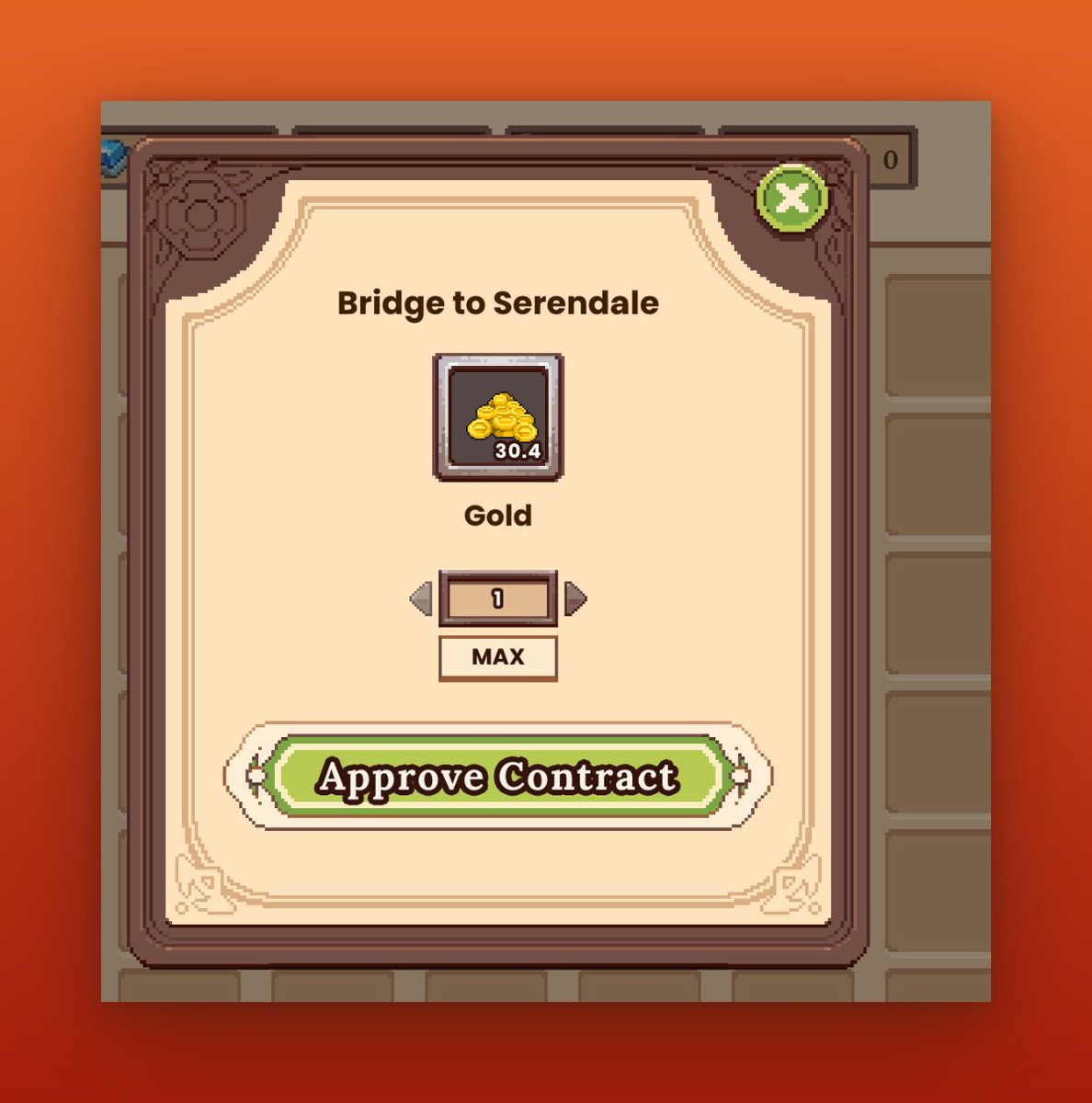
After approving the contract, i bridge 1 $GOLD.
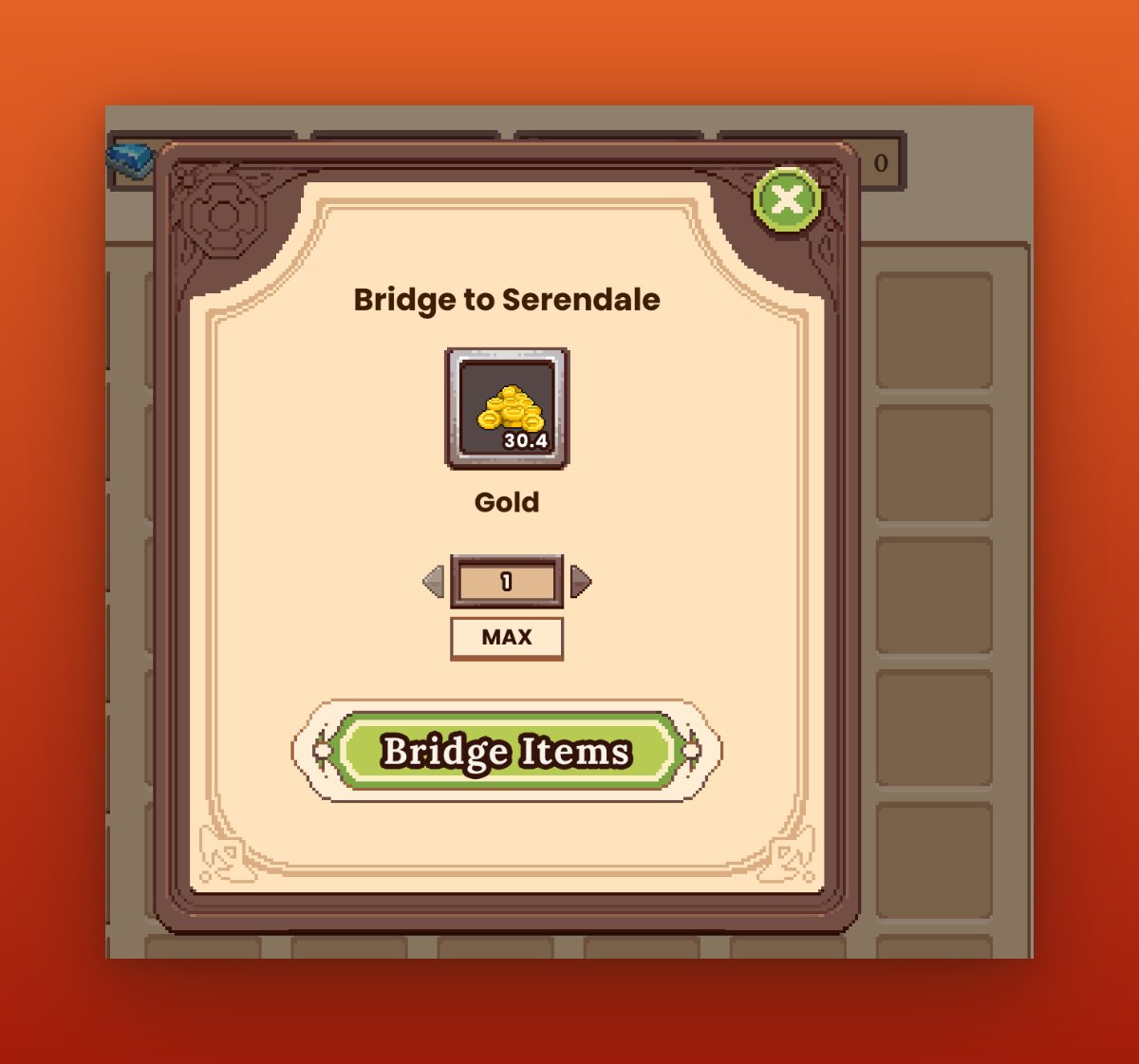
Currently, one bridge costs 0.28 $JEWEL tokens, and we have 12.6 $JEWEL tokens in our wallet.
With some calculations, I can make a total of 45 transactions with 12.6 $JEWEL tokens. However, since I only have 30 gold in my wallet, i can make 30 transactions.
With some calculations, I can make a total of 45 transactions with 12.6 $JEWEL tokens. However, since I only have 30 gold in my wallet, i can make 30 transactions.
You might be wondering how we will be interacting with @LayerZero_Labs with these transactions. Click on "View on DFK Explorer" to navigate to a new page and copy the transaction hash from there.
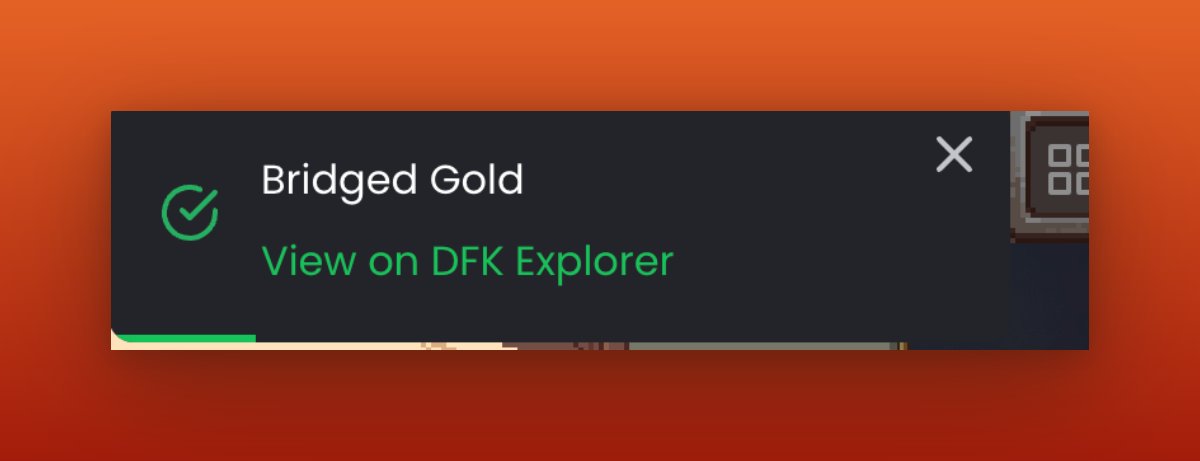
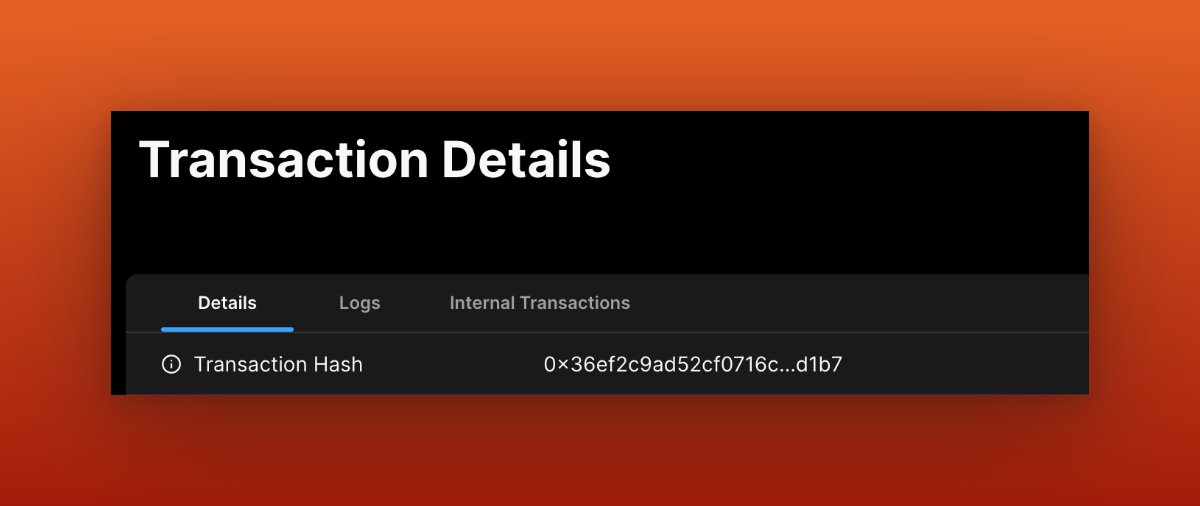
After copying your transaction hash, visit layerzeroscan.com and paste the hash into the provided field. If the transaction appears on this website, it means you are interacting with @LayerZero_Labs and will also be interacting with two new chains.
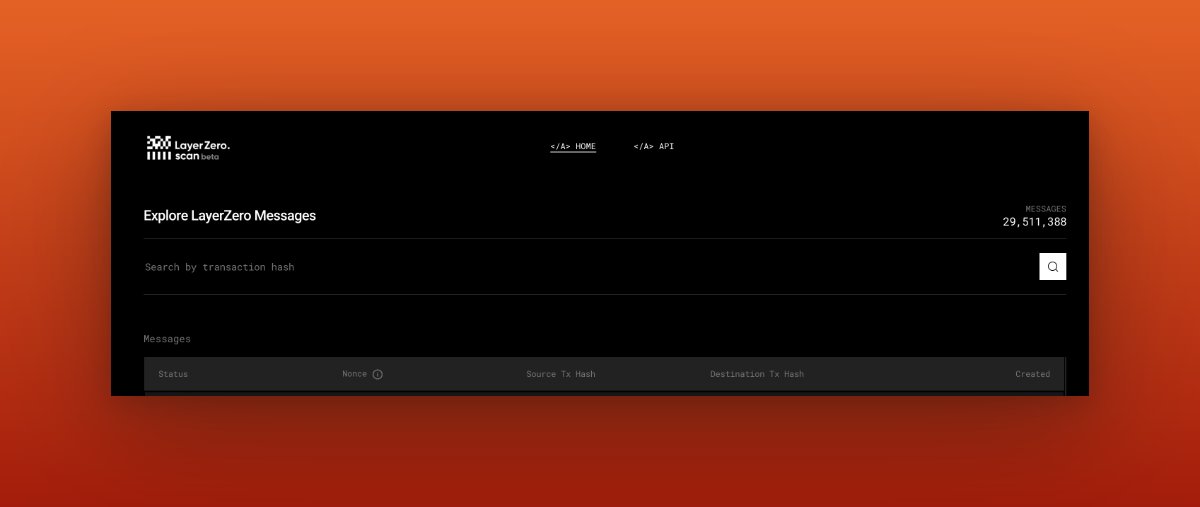
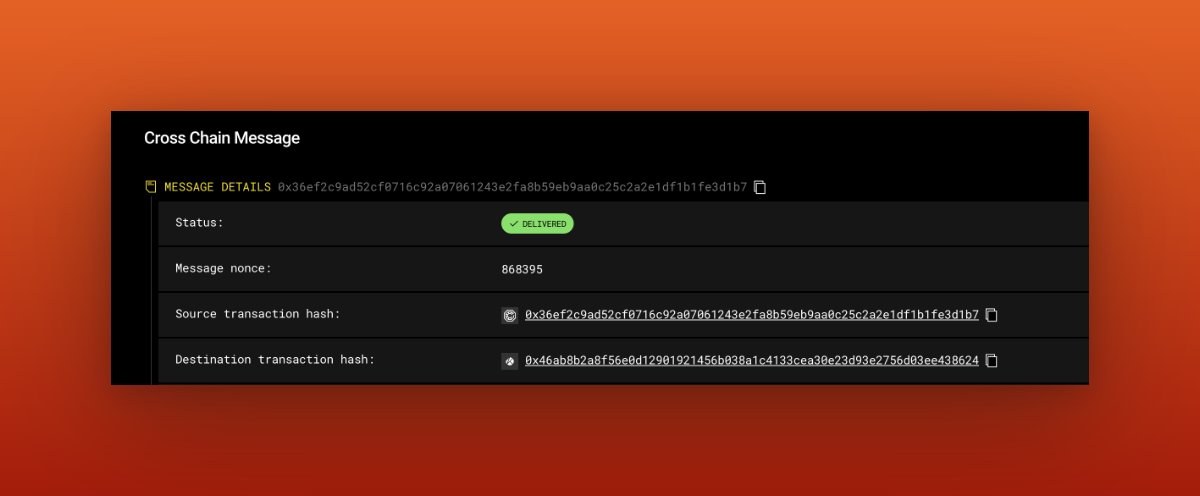

By doing this, you will increase your unique active days on @LayerZero_Labs. This could potentially be the multiplier for the upcoming drop, following @arbitrum's airdrop criteria.
To check your wallet activity on the @LayerZero_Labs chain, visit this link: dune.com. Paste your wallet address to view your activity on @LayerZero_Labs.


Now everything is all speculations and I advise you to only use them when needed, Do not perform unnecessary transactions,
This is it for @LayerZero_Labs for now.
Please do well to follow, like, retweet, and tag your friends so they do not miss out. And don't forget to turn on posts with 🔔 too. Thank you😌
Please do well to follow, like, retweet, and tag your friends so they do not miss out. And don't forget to turn on posts with 🔔 too. Thank you😌
Loading suggestions...