

The 10 essential JavaScript events to improve your web development.
Learn how to use these key JavaScript events:
Learn how to use these key JavaScript events:

1. click Event
This event is triggered when a user clicks on an element, such as a button or a link.
This event is triggered when a user clicks on an element, such as a button or a link.
HTML
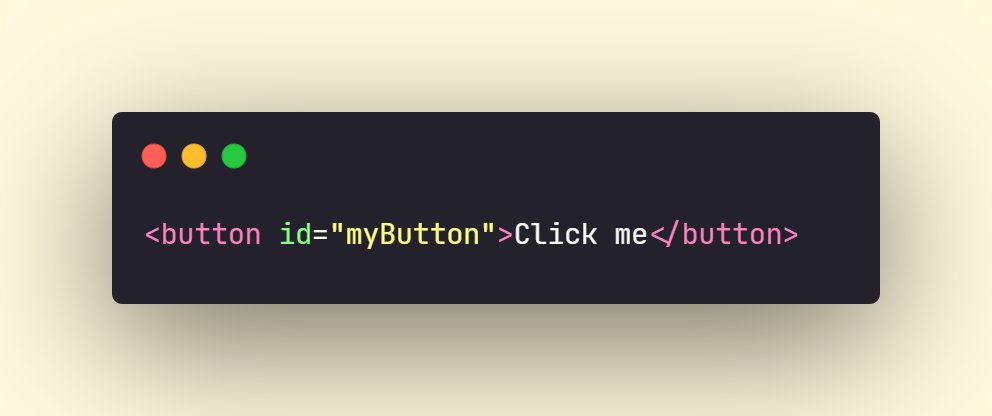
JavaScript

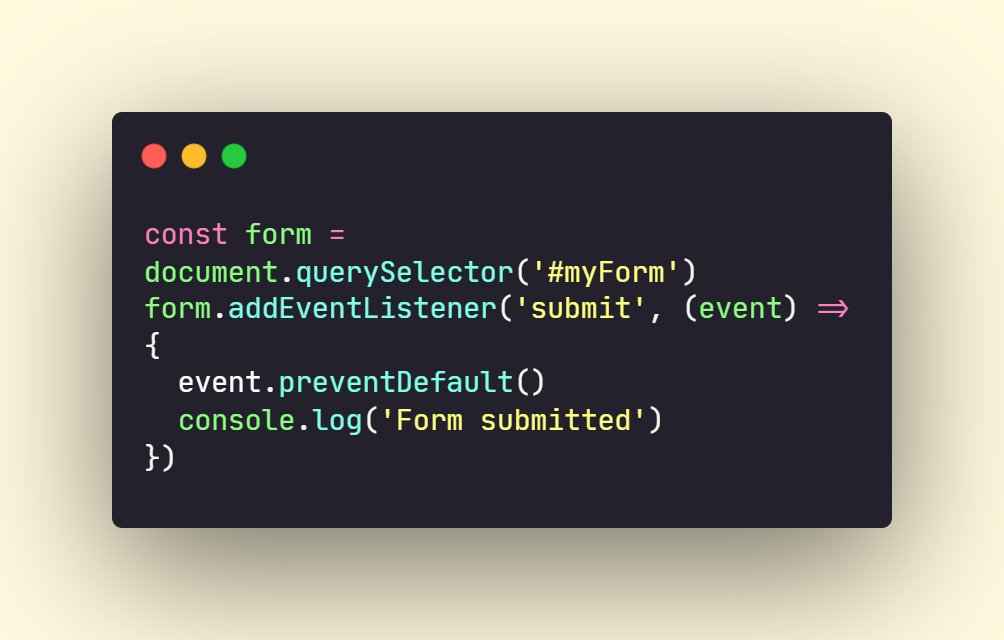
2. submit Event
This event is triggered when a user submits a form.
This event is triggered when a user submits a form.
HTML
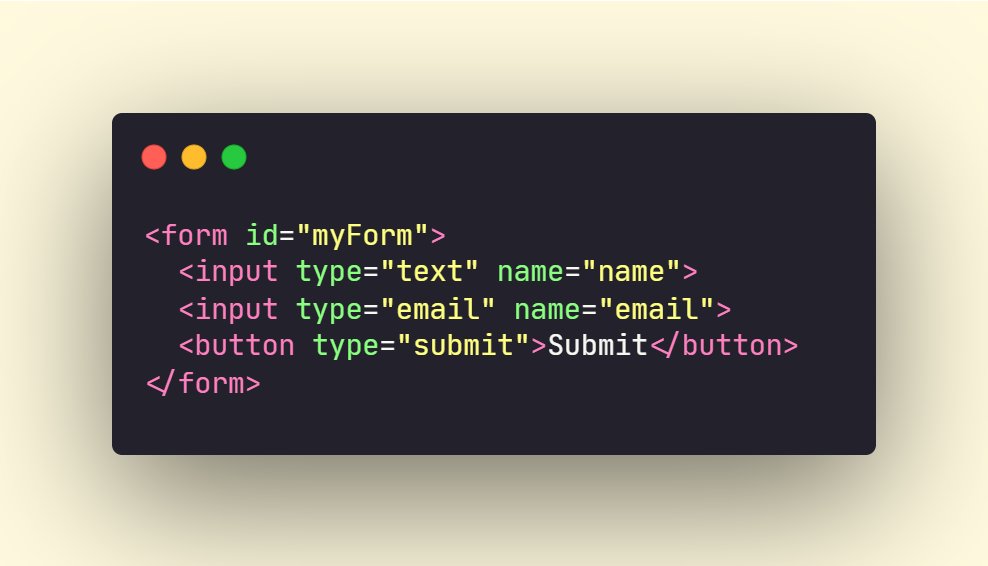
JavaScript
3. keydown Event
This event is triggered when a user presses a key on the keyboard.
This event is triggered when a user presses a key on the keyboard.

4. load Event
This event is triggered when a web page finishes loading.
This event is triggered when a web page finishes loading.

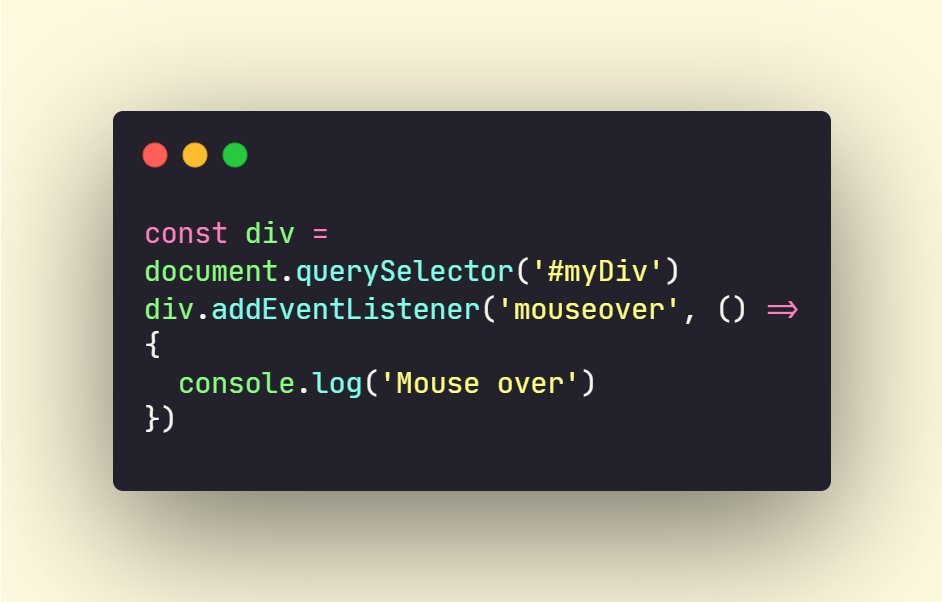
5. mouseover Event:
This event is triggered when a user moves their mouse over an element.
This event is triggered when a user moves their mouse over an element.
HTML

JavaScript
6. change Event
This event is triggered when the value of an element changes, such as when a user selects an option from a dropdown menu.
This event is triggered when the value of an element changes, such as when a user selects an option from a dropdown menu.
HTML
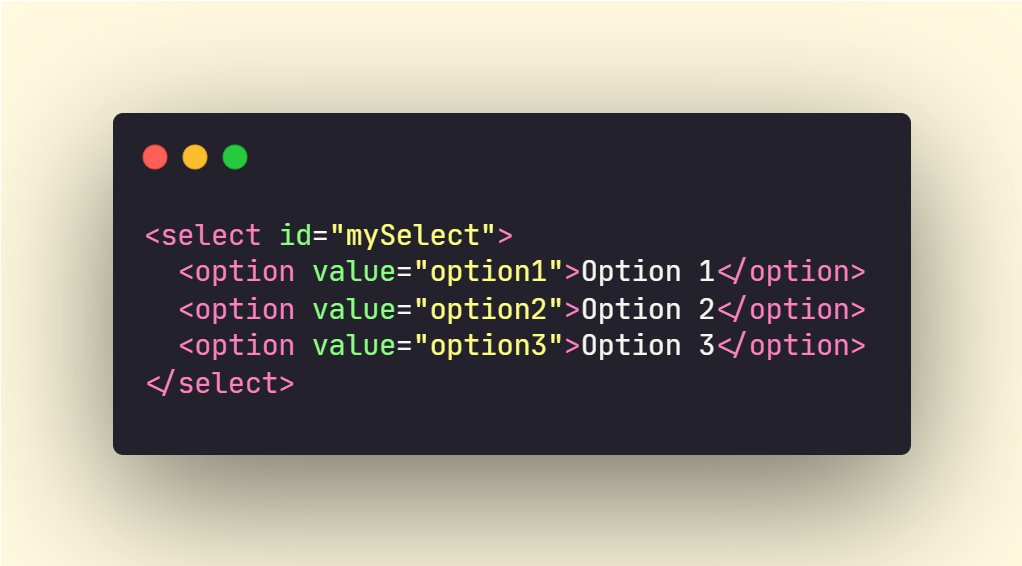
JavaScript

7. focus Event:
This event is triggered when an element gains focus, such as when a user clicks on a form field.
This event is triggered when an element gains focus, such as when a user clicks on a form field.
HTML
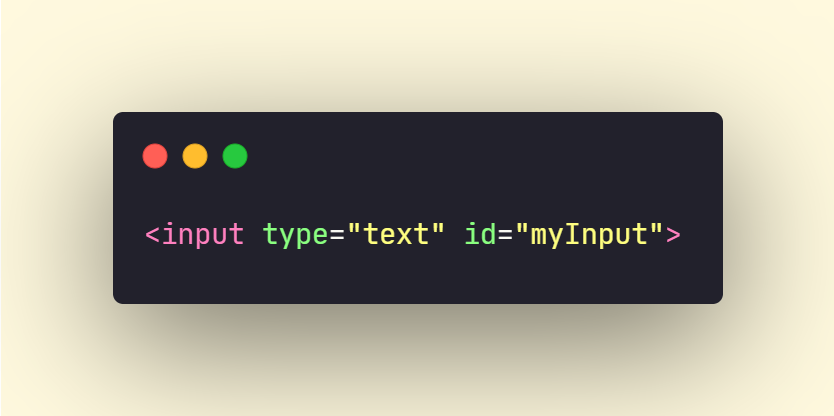
JavaScript

8. blur Event
This event is triggered when an element loses focus.
This event is triggered when an element loses focus.
HTML

JavaScript

9. scroll Event
This event is triggered when the user scrolls the page.
This event is triggered when the user scrolls the page.

10. error Event
This event is triggered when an error occurs while loading an external resource, such as an image or a script.
This event is triggered when an error occurs while loading an external resource, such as an image or a script.
HTML
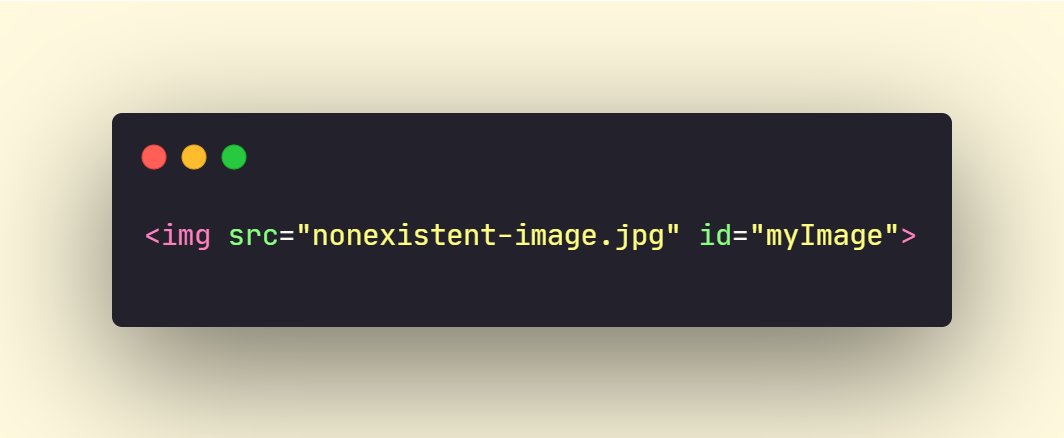
JavaScript

Before I conclude this thread, please take a moment to review my free JavaScript e-book, which has been downloaded more than 1000 worldwide. It contains a comprehensive list of free resources, which number up to 200.
🔗 haiderkh1.gumroad.com
🔗 haiderkh1.gumroad.com

🚨 Job/Internship Opportunity 🚨
Ready to take the first step towards your dream job or internship in the tech industry? Join our pool and fill out the form now!
🔗 pooools.com
Ready to take the first step towards your dream job or internship in the tech industry? Join our pool and fill out the form now!
🔗 pooools.com
That's a wrap!
If you enjoyed this thread:
1. Follow me @slow_developer for more of these
2. RT the tweet below to share this thread with your audience
If you enjoyed this thread:
1. Follow me @slow_developer for more of these
2. RT the tweet below to share this thread with your audience
Loading suggestions...