

VSCode + AI = Mind blown🤯
(pssst, you too can get this killer setup for free in just 3 simple steps! 🧵↓)
(pssst, you too can get this killer setup for free in just 3 simple steps! 🧵↓)
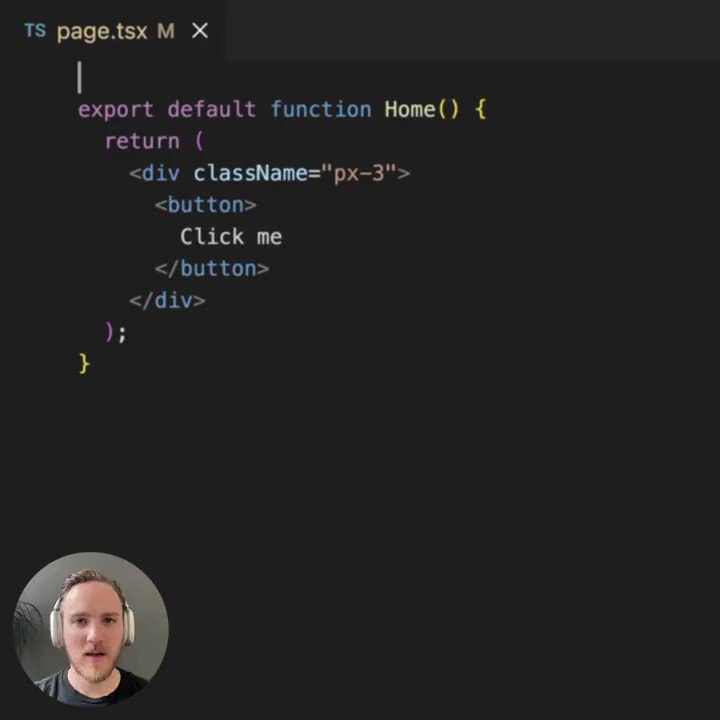
So here's the secret sauce, courtesy of @Steve8708! 🤓
1⃣ Sign up for GitHub Copilot Labs:
🔗 githubnext.com
2⃣ Download the Copilot Labs extension:
🔗 marketplace.visualstudio.com.
3⃣ Once installed, head over to `custom brushes`! ✨
More about them below ↓
1⃣ Sign up for GitHub Copilot Labs:
🔗 githubnext.com
2⃣ Download the Copilot Labs extension:
🔗 marketplace.visualstudio.com.
3⃣ Once installed, head over to `custom brushes`! ✨
More about them below ↓

To use the custom brushes (located in VSCode's bottom left pane), simply follow these steps:
- Select any piece of code (or text).
- Write a prompt with your instructions.
- Copilot Labs will modify the code/text accordingly!
It's like magic! ✨
But wait, there's more! ↓
- Select any piece of code (or text).
- Write a prompt with your instructions.
- Copilot Labs will modify the code/text accordingly!
It's like magic! ✨
But wait, there's more! ↓
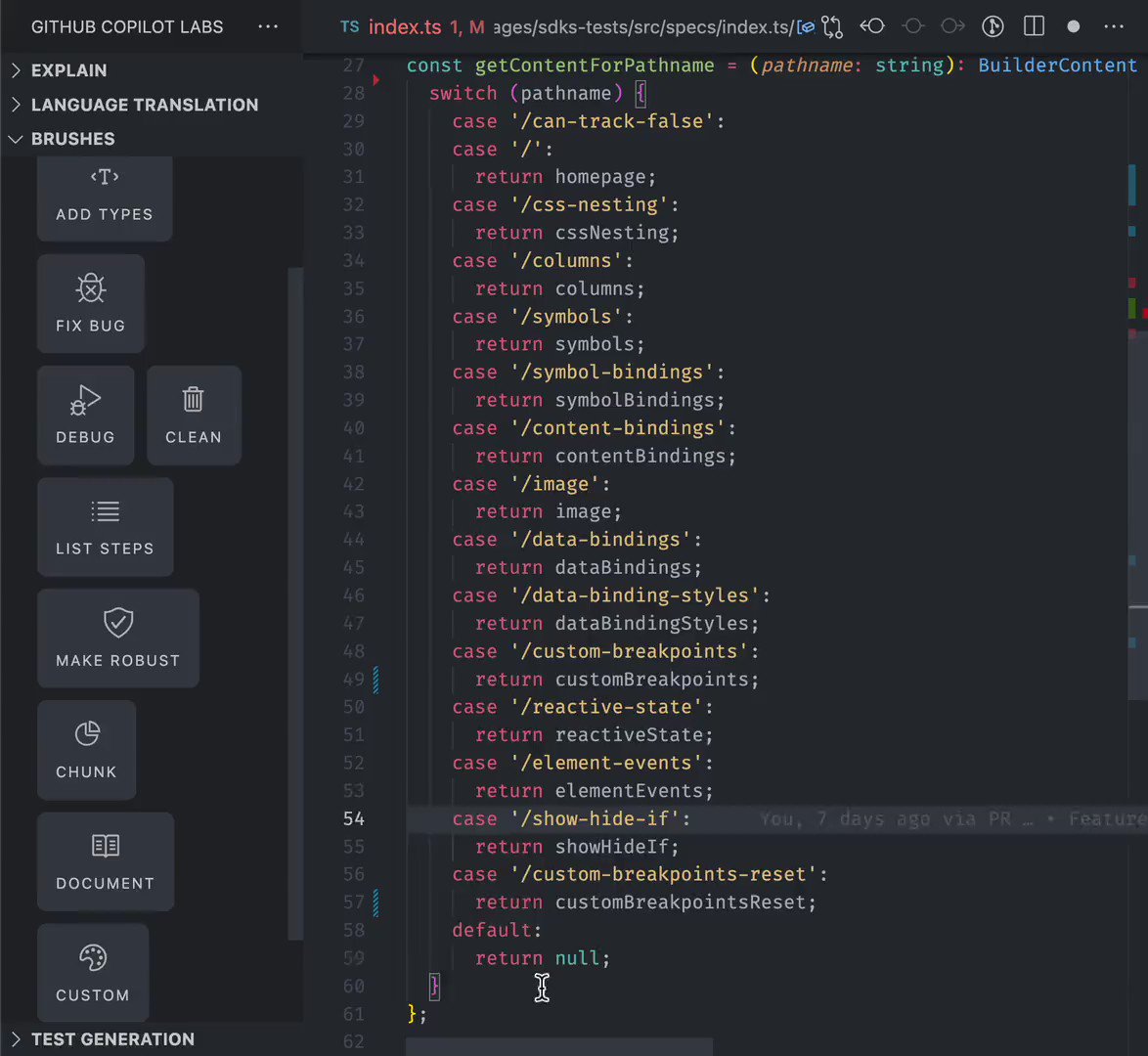
As with every feature in VS @Code, custom brushes can be also assigned to custom keybindings, which means you can access them via shortcuts! 🤯
Enabling them is easy as pie! Check how @Steve8708 does it in the demo video below ↓
Enabling them is easy as pie! Check how @Steve8708 does it in the demo video below ↓

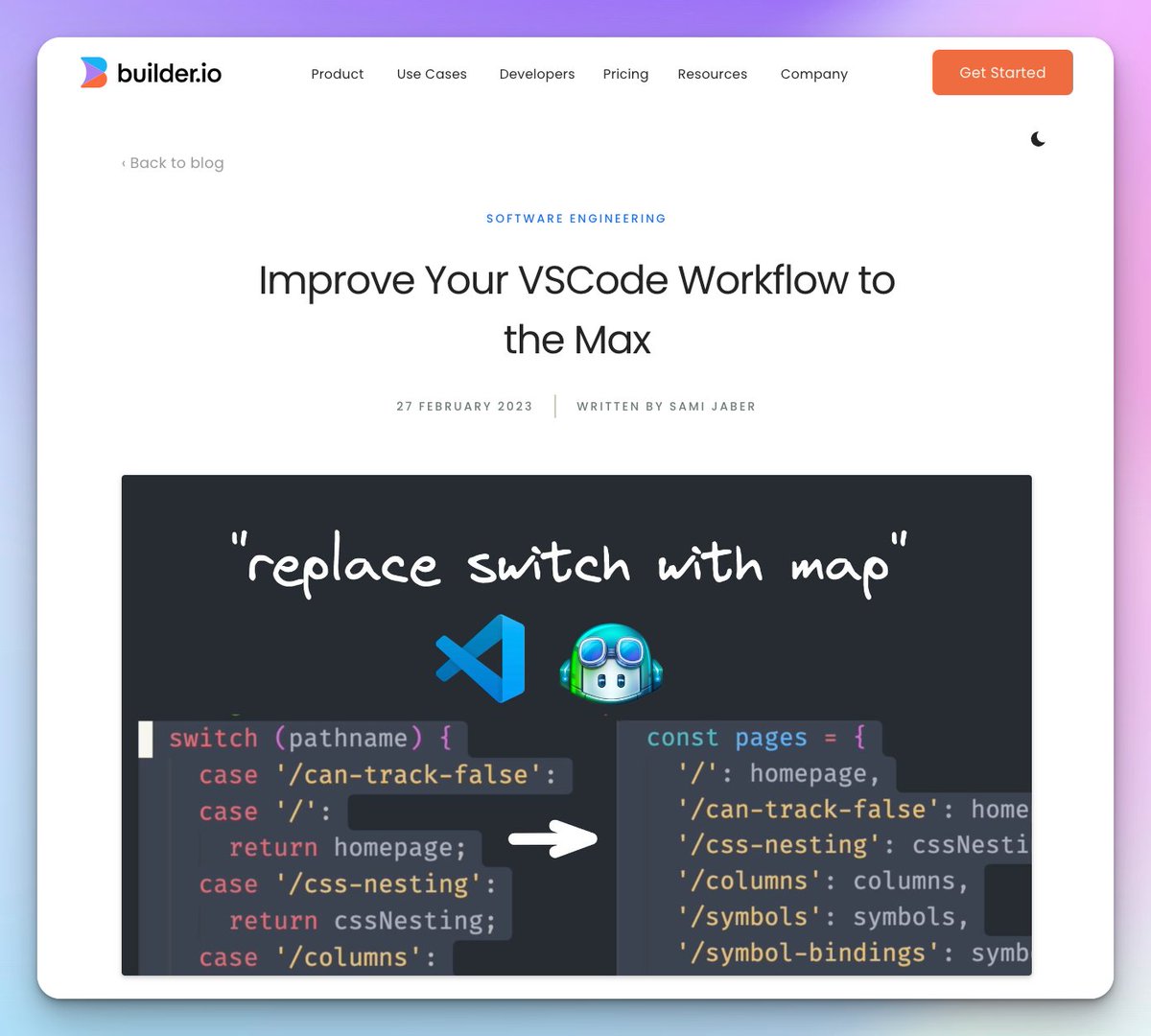
For more tricks, check out @samijaber_'s ace step-by-step walkthrough on @builderio's website!
🔗 #github-copilot-brushes" target="_blank" rel="noopener" onclick="event.stopPropagation()">builder.io
🔗 #github-copilot-brushes" target="_blank" rel="noopener" onclick="event.stopPropagation()">builder.io
Here's the thread unrolled:
threadreaderapp.com
threadreaderapp.com
If you're still here, make sure you follow me
@DataChaz for more stuff like this! ;)
@DataChaz for more stuff like this! ;)
Loading suggestions...