

Find gaps in your research in 2 minutes
See how 👇
See how 👇
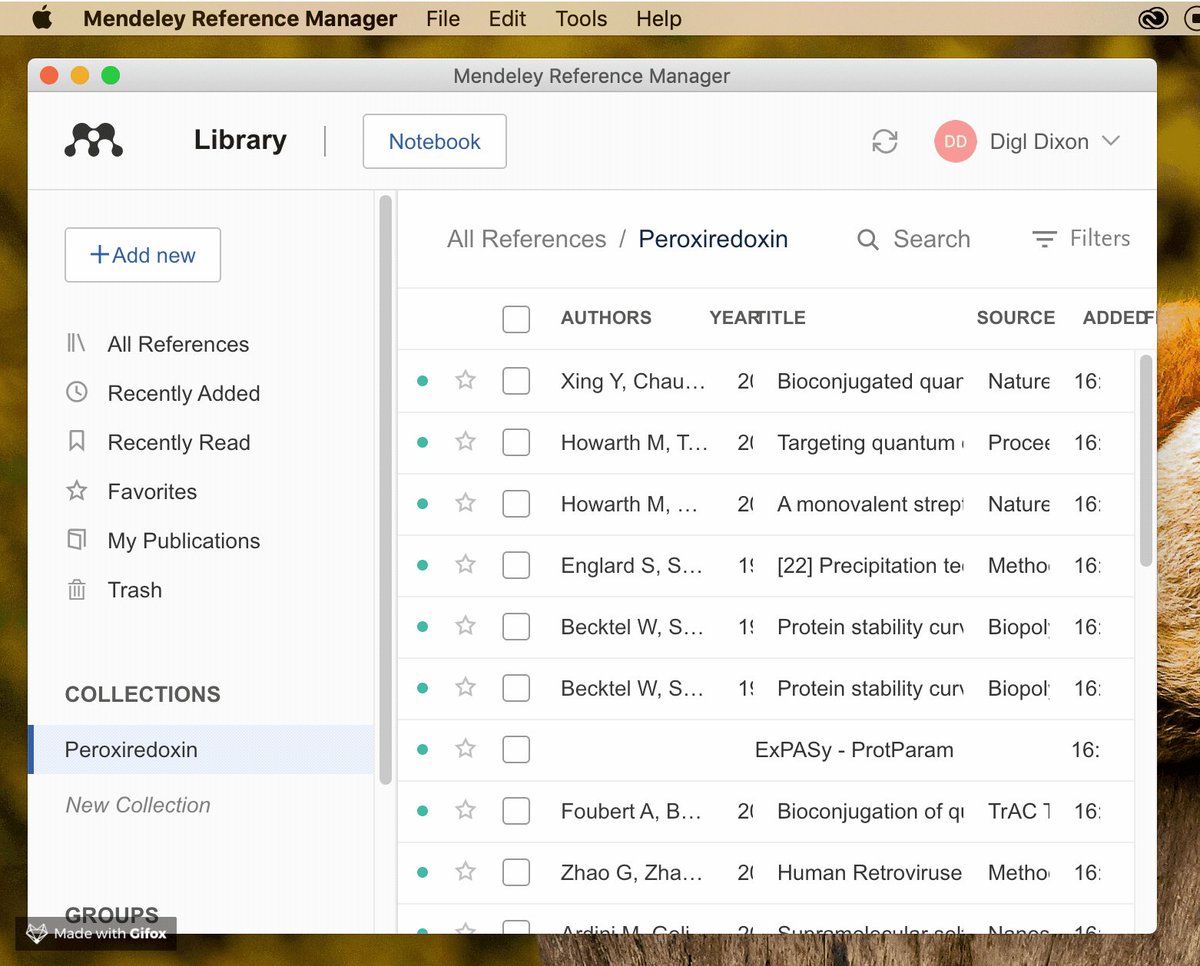
[Step 1] You might be organizing your library with a research manager – one like Zotero, Mendeley, or EndNote.
To use it with Litmaps, we'll need to export a BibTeX file. These are special files that contain your references.
This only takes a couple of clicks, see below.
To use it with Litmaps, we'll need to export a BibTeX file. These are special files that contain your references.
This only takes a couple of clicks, see below.
@Zotero:
→ Right click your collection in the sidebar
→ Choose "Export Library"
→ Select "BibTeX" from the Format dropdown
→ Right click your collection in the sidebar
→ Choose "Export Library"
→ Select "BibTeX" from the Format dropdown


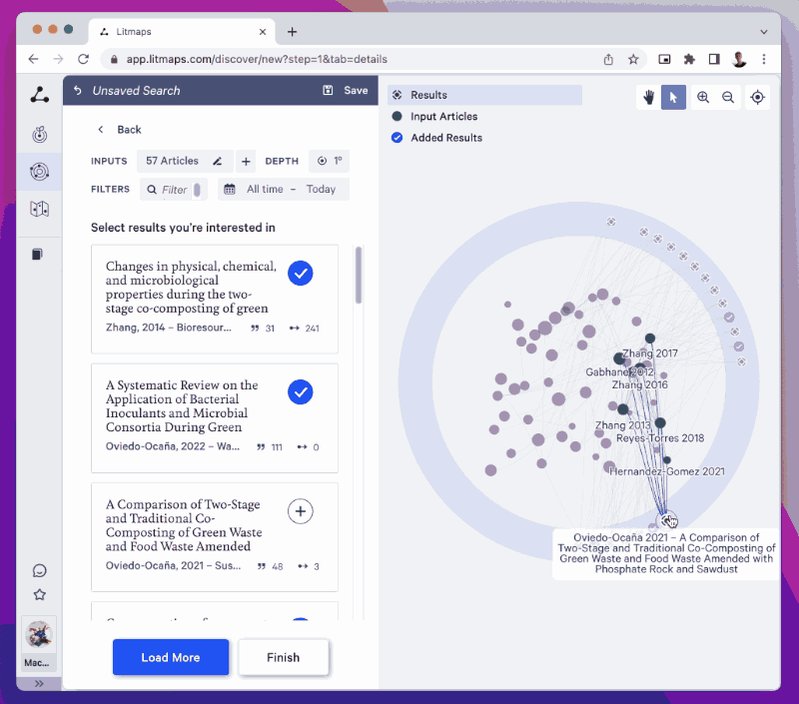
@zotero @Mendeley @endnote [Step 2] We'll use Discover to find articles that are closely related to your library.
→ Go to app.litmaps.com
→ Click on "Discover"
→ Click on "New Search"
→ Choose "Import from Reference Manager"
→ Upload the BibTeX we exported
→ Click the ⏩ icon to get started
→ Go to app.litmaps.com
→ Click on "Discover"
→ Click on "New Search"
→ Choose "Import from Reference Manager"
→ Upload the BibTeX we exported
→ Click the ⏩ icon to get started

![@zotero @Mendeley @endnote [Step 3] In the outer circle you can see your library's top 20 citing/ref...](https://pbs.twimg.com/media/FqokYtIWcAY15oZ.jpg)

Loading suggestions...