

Filter property in CSS 🚀
👇 🧵
👇 🧵
Don't forget to bookmarked it for future reference..
Filter property
• Used to apply visual effects on elements
• similar to a blur or color shifting
• commonly used on images, but here we are applying it on a div box
• Used to apply visual effects on elements
• similar to a blur or color shifting
• commonly used on images, but here we are applying it on a div box
There are several functions to apply for the value, such as:
→blur()
→brightness()
→contrast()
→drop-shadow()
→grayscale()
→hue-rotate()
→invert()
→opacity()
→saturate()
→sepia()
→url()
Let's look at some of these using examples.
→blur()
→brightness()
→contrast()
→drop-shadow()
→grayscale()
→hue-rotate()
→invert()
→opacity()
→saturate()
→sepia()
→url()
Let's look at some of these using examples.
→ without using filter property

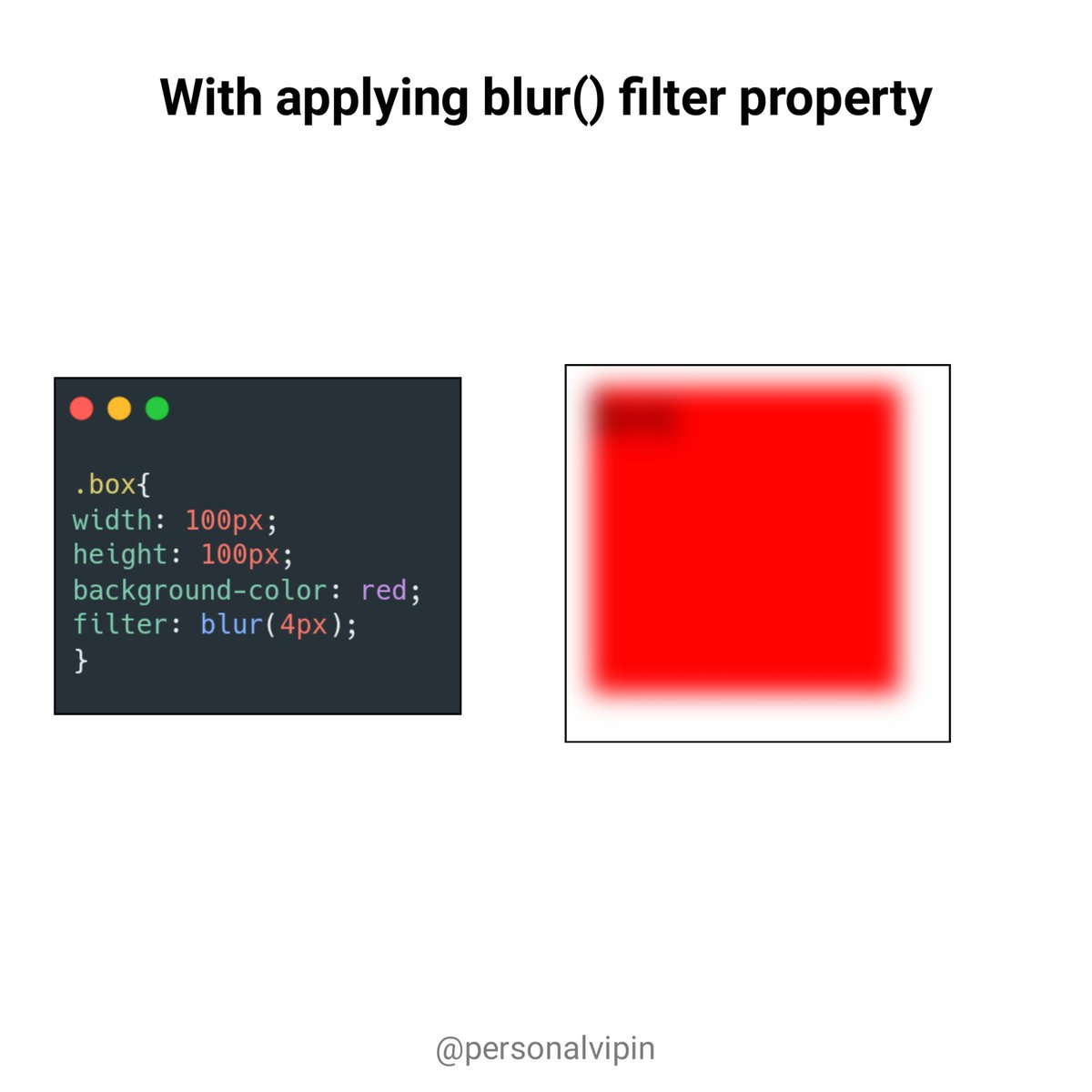
→ blur()
• Applies a blur to the element
• Doesn't accept percentage values
• Applies a blur to the element
• Doesn't accept percentage values
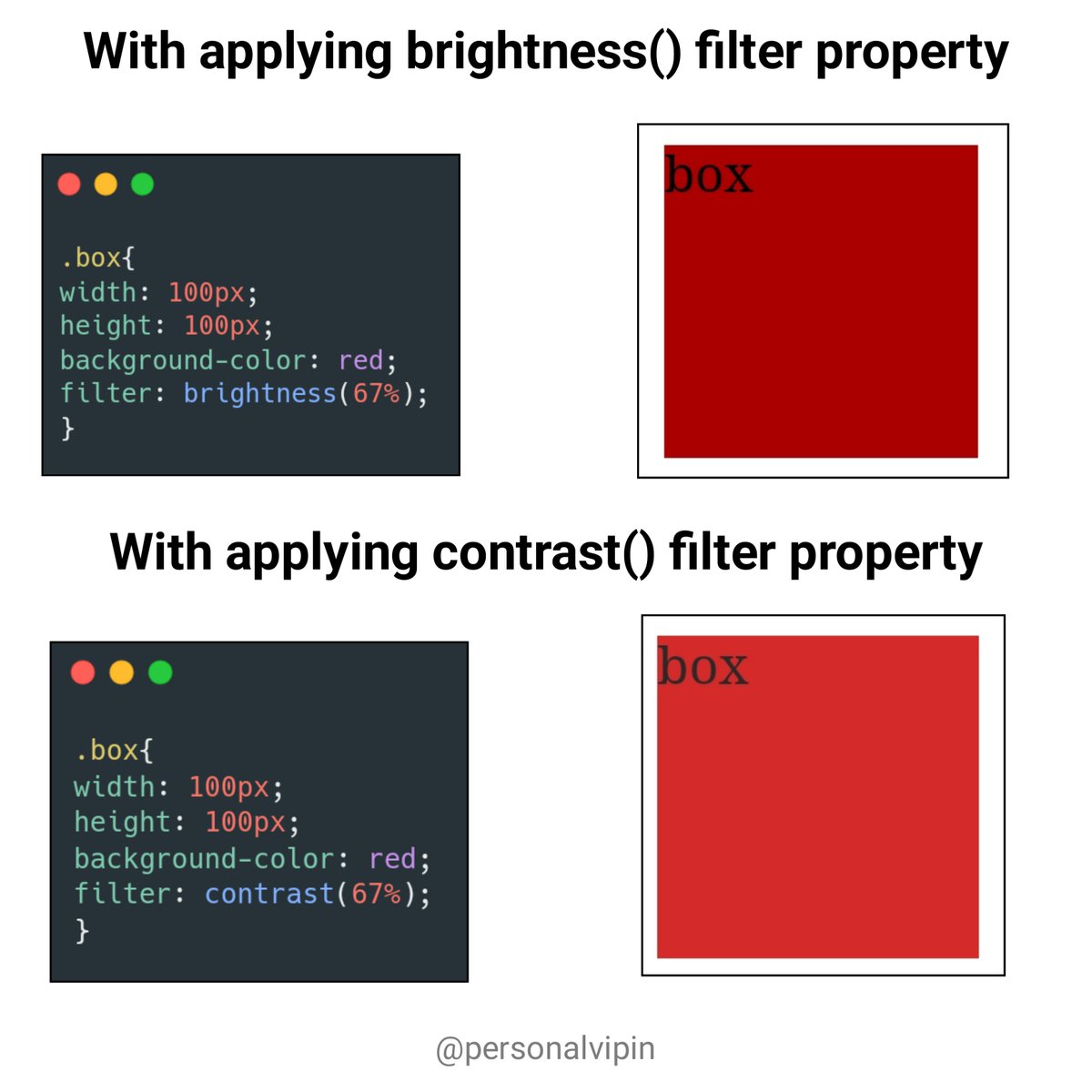
→brightness()
• Apply to change the brightness of the elements
• Value between 0%(black) to 100%(original)
→contrast()
• Adjusts the contrast of the elements
• Value between 0%(black) to 100%(original)
• Apply to change the brightness of the elements
• Value between 0%(black) to 100%(original)
→contrast()
• Adjusts the contrast of the elements
• Value between 0%(black) to 100%(original)
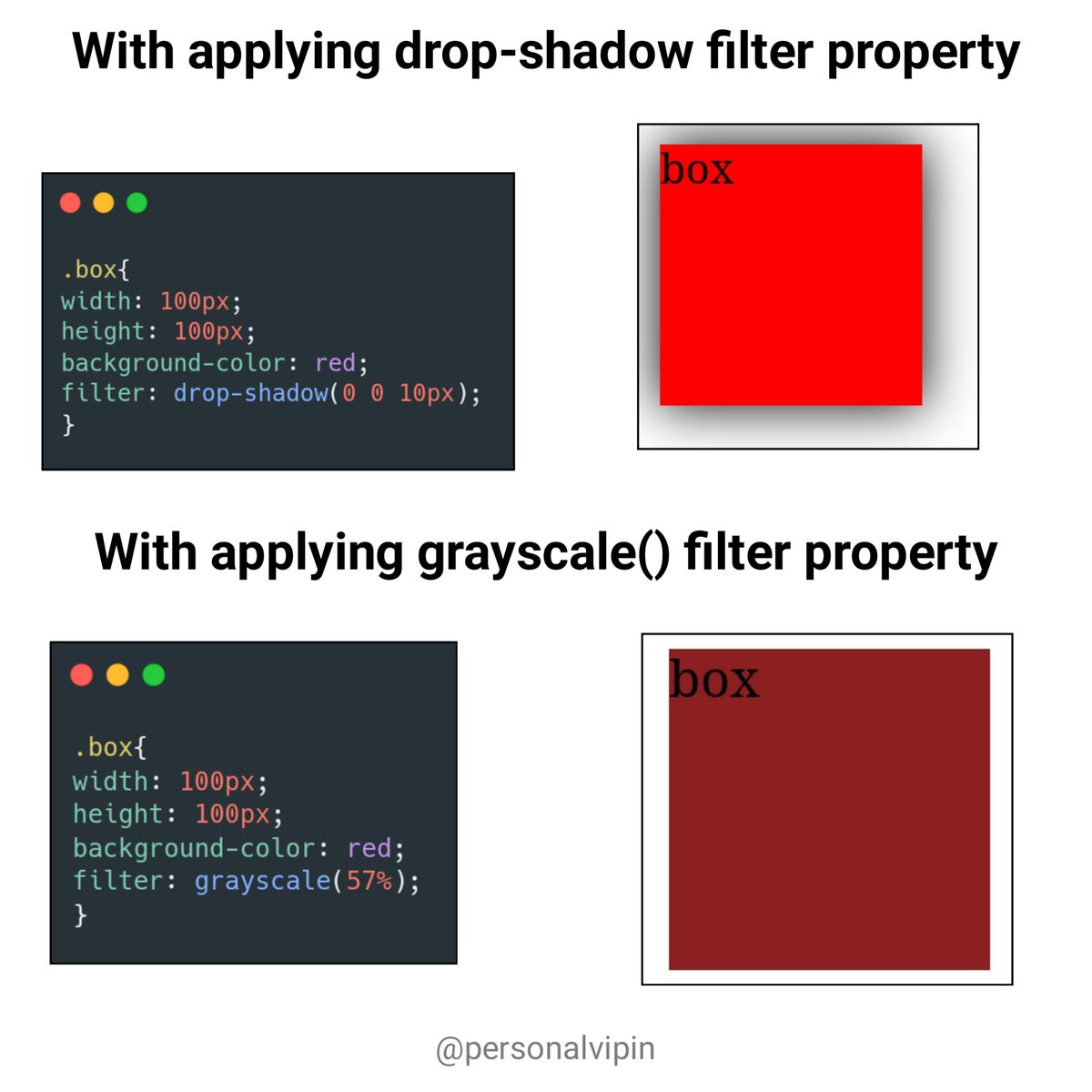
→drop-shadow()
• Apply a drop shadow effect to the elements
• similar to the box-shadow effect
→grayscale()
• Apply to obtain grayscale effect on the elements
• Value between 0%(black) to 100%(original)
• Apply a drop shadow effect to the elements
• similar to the box-shadow effect
→grayscale()
• Apply to obtain grayscale effect on the elements
• Value between 0%(black) to 100%(original)
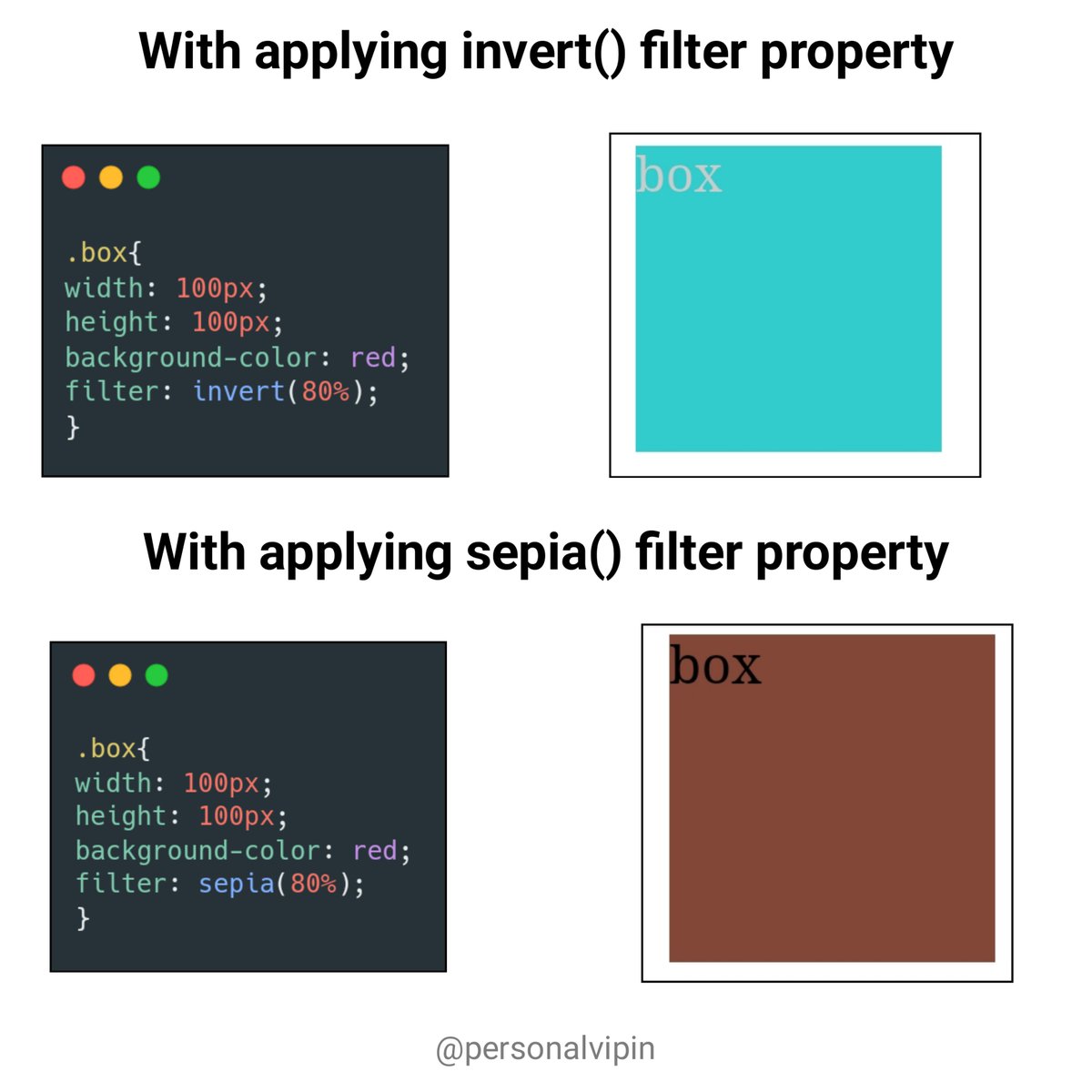
→invert()
• Inverts the samples
• Value between 0%(unchanged) to 100%(completely inverted)
→sepia()
• similar to a invert ()
• Inverts the samples
• Value between 0%(unchanged) to 100%(completely inverted)
→sepia()
• similar to a invert ()
→url()
• url() function takes the location of an XML file that specifies an SVG filter
• It's not prefer to use mostly
End thread 🧵
• url() function takes the location of an XML file that specifies an SVG filter
• It's not prefer to use mostly
End thread 🧵
If this thread helpful for you then
1. Do Retweet the FIRST TWEET.
2. Follow me and turn on the notifications: @personalvipin
Thank you ❣️
1. Do Retweet the FIRST TWEET.
2. Follow me and turn on the notifications: @personalvipin
Thank you ❣️
جاري تحميل الاقتراحات...