

We can use Node.js and Express to build different APIs.
Let’s look at how we can use environment variables in a Node.js app.
- Install the "dotenv" package
- Create .env file
- Require the package
- Access variables
Thread 👇🧵
Let’s look at how we can use environment variables in a Node.js app.
- Install the "dotenv" package
- Create .env file
- Require the package
- Access variables
Thread 👇🧵
To use a .env file in a Node.js application, you must use the "dotenv" package.
1️⃣ Install the "dotenv" package:
1️⃣ Install the "dotenv" package:

2️⃣ Create .env file
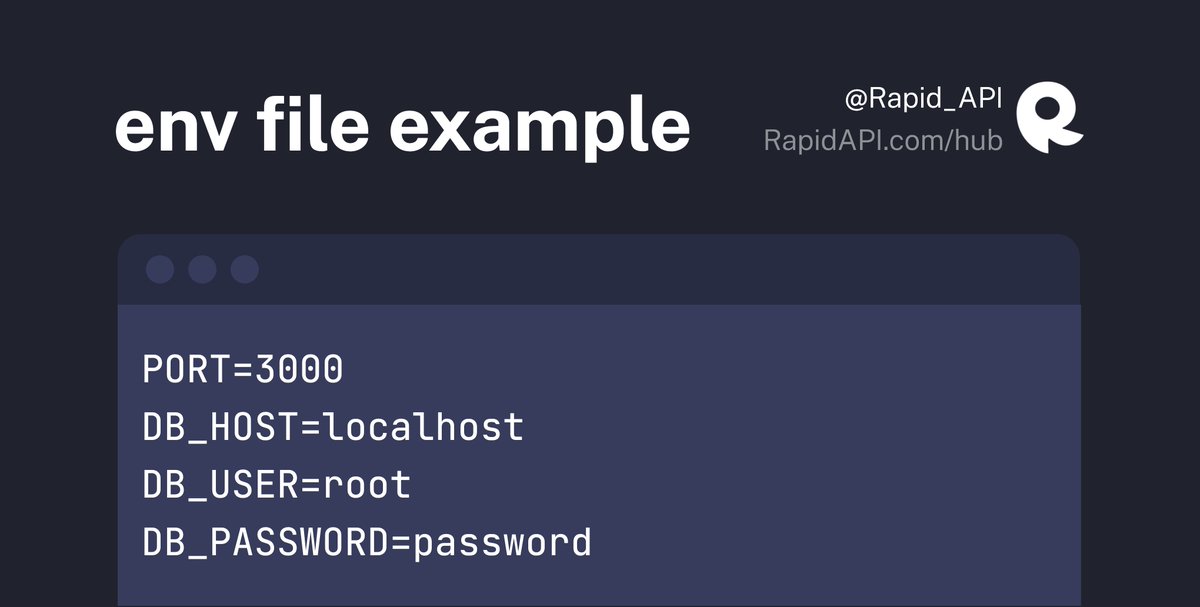
Create a .env file in the root directory of your Node.js project.
This file will contain key-value pairs in the format NAME=VALUE.
One per line.
For example:
Create a .env file in the root directory of your Node.js project.
This file will contain key-value pairs in the format NAME=VALUE.
One per line.
For example:
3️⃣ Require the package
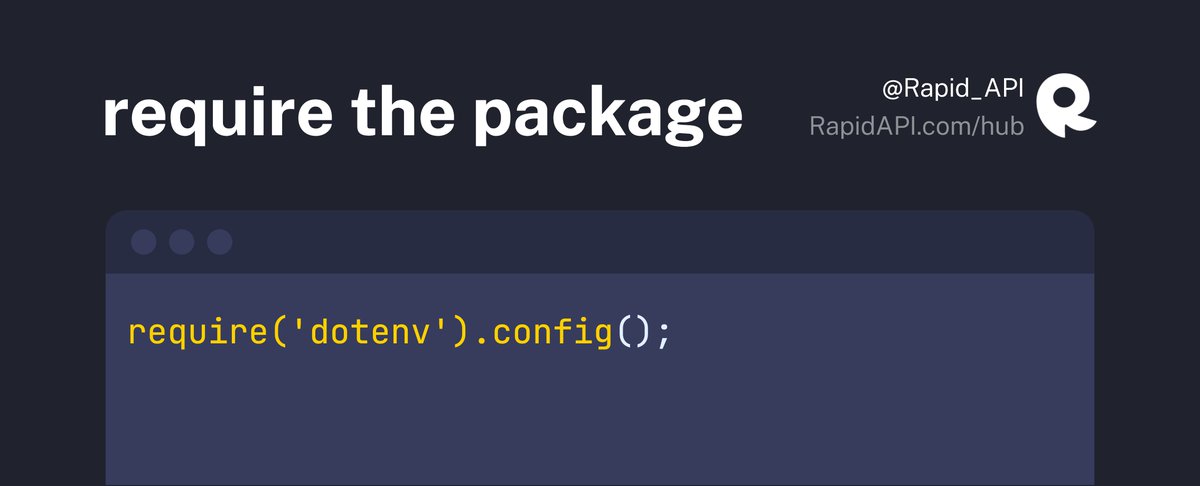
At the top of your Node.js application, require the "dotenv" package and call the config() method:
At the top of your Node.js application, require the "dotenv" package and call the config() method:
4️⃣ Access variables
Now you can access all the variables defined in the env file.
Environment variables are part of the process.env object now.
Now you can access all the variables defined in the env file.
Environment variables are part of the process.env object now.

If you want to place your .env file in a different directory, you can pass a path to the config() method.

💡Tip
If you don't want to create an env file and want to pass the environment variables manually in CLI, you can do so by using the following method:
If you don't want to create an env file and want to pass the environment variables manually in CLI, you can do so by using the following method:

Thanks for reading!
Follow us @Rapid_API for more exclusive content. 🐙💙
Follow us @Rapid_API for more exclusive content. 🐙💙
جاري تحميل الاقتراحات...