

How to create a simple API with Fastify
Thread 🧵👇
Thread 🧵👇
Fastify is a Node.js based web framework that provides low-latency, high-performance, and extensible.
Let's learn how to build a basic API server with Fastify.
Let's learn how to build a basic API server with Fastify.
1️⃣ Initiate a new project and install Fastify
Run the following commands after opening your terminal:
Run the following commands after opening your terminal:

2️⃣ Server code
Make a file called index.js in the project folder.
Simple Fastify server code running on port 3000 can be found below.
Before creating the app, we first need to import Fastify (saved in the app variable)
Make a file called index.js in the project folder.
Simple Fastify server code running on port 3000 can be found below.
Before creating the app, we first need to import Fastify (saved in the app variable)

The server is then actually launched on port 3000 using the "app.listen" function.
We also implemented a GET method that provides a simple JSON response.
Returning to the command line, type "node index.js" to start the server.
We also implemented a GET method that provides a simple JSON response.
Returning to the command line, type "node index.js" to start the server.
You can access your newly created server at http://localhost:3000
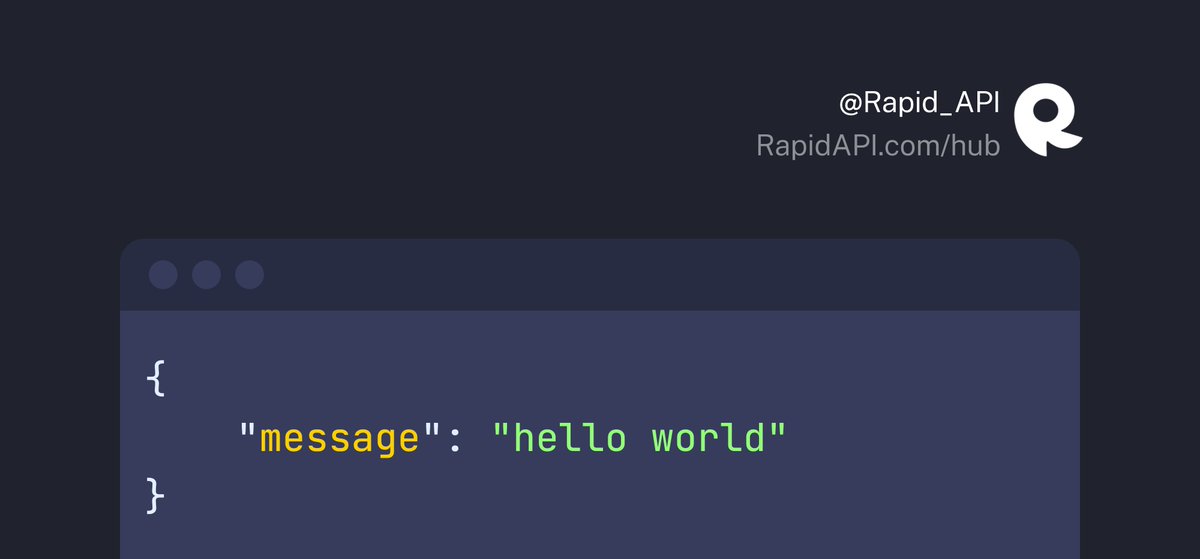
You should receive the following:
You should receive the following:
The simple POST request created in Fastify is displayed in the example below.
As you can see, this situation calls for the POST technique.
By using the "request.body" method, we are also receiving the request payload.
As you can see, this situation calls for the POST technique.
By using the "request.body" method, we are also receiving the request payload.

The PUT request created in Fastify is displayed in the example below.
We're getting the User ID from the request parameters.
We're getting the User ID from the request parameters.

Hope you enjoyed this short tutorial.
If you found this thread useful, follow @Rapid_API 🐙💙
If you found this thread useful, follow @Rapid_API 🐙💙
جاري تحميل الاقتراحات...