

4 ways to import external data into Excel:
1. PDF
If you’ve tried copying and pasting PDF data into Excel, you know the results aren't pretty; instead of entering the data manually, go to the Data Tab > Get Data > From File > From PDF. Then, select the PDF and hit load to import the data into your worksheet.
If you’ve tried copying and pasting PDF data into Excel, you know the results aren't pretty; instead of entering the data manually, go to the Data Tab > Get Data > From File > From PDF. Then, select the PDF and hit load to import the data into your worksheet.
2. Multiple Workbooks
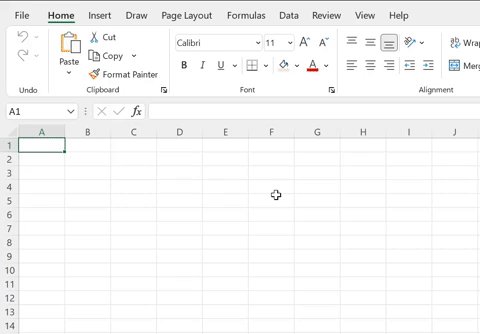
If you need to combine data from multiple workbooks for analysis, instead of combining them manually, go to the Data tab > Get Data > From File > From Folder > select the folder containing the files > select combine & load!
If you need to combine data from multiple workbooks for analysis, instead of combining them manually, go to the Data tab > Get Data > From File > From Folder > select the folder containing the files > select combine & load!
3. The Web
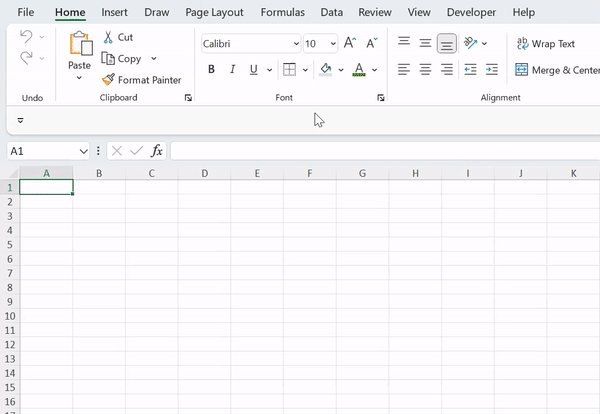
Copying and pasting data from the web is tedious and contains many external links and images when pasted. Instead of copying the data from the web, go to the Data tab > From Web > enter URL > Select the data table and hit load the data into our worksheet.
Copying and pasting data from the web is tedious and contains many external links and images when pasted. Instead of copying the data from the web, go to the Data tab > From Web > enter URL > Select the data table and hit load the data into our worksheet.

4. Printed Data
Do you have printed-out data that you need to insert into Excel? Instead of inserting the data manually, you can take a picture of the data using your iPhone. Open the Excel app open Excel app > Insert > Data From Picture > take a picture of data > Insert. Done!
Do you have printed-out data that you need to insert into Excel? Instead of inserting the data manually, you can take a picture of the data using your iPhone. Open the Excel app open Excel app > Insert > Data From Picture > take a picture of data > Insert. Done!

Thanks to these Excel tools, teleportation (data) is possible!
Follow me @exceldictionary for even more Excel tips and tricks.
And if you never want to forget my excel tips at your desk, check out my shortcut merch and ebooks. shop.morningbrew.com
Follow me @exceldictionary for even more Excel tips and tricks.
And if you never want to forget my excel tips at your desk, check out my shortcut merch and ebooks. shop.morningbrew.com
Loading suggestions...