

⚡ Hello world, in the Qwik framework!
A Thread 🧵
A Thread 🧵

So in this thread, we are going to set-up and build a Hello world app with the Qwik framework.
Prerequisite:
❍ Node
❍ Editor(VS Code)
Prerequisite:
❍ Node
❍ Editor(VS Code)
We can create a Qwik app with CLI that allows you to create a basic working skeleton of an application.
1️⃣ Run this command in the terminal:
This command also asked for ` npm installation ` then type "y" to approve.
1️⃣ Run this command in the terminal:
This command also asked for ` npm installation ` then type "y" to approve.

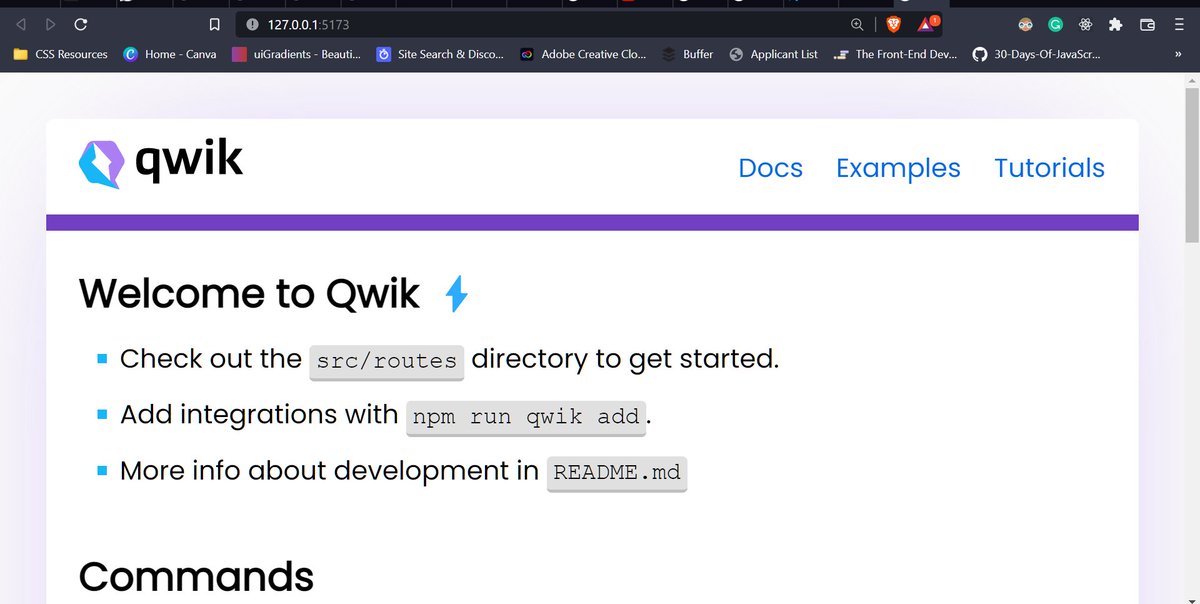
After running the above command, it creates a the Qwik app folder something like this.👇

Once the application is created, we have to change the working directory created by the above command.
2️⃣ cd <Name of the Qwik app folder>
3️⃣ npm start
2️⃣ cd <Name of the Qwik app folder>
3️⃣ npm start

🎉 Congratulations, you have created your first Qwik app successfully.
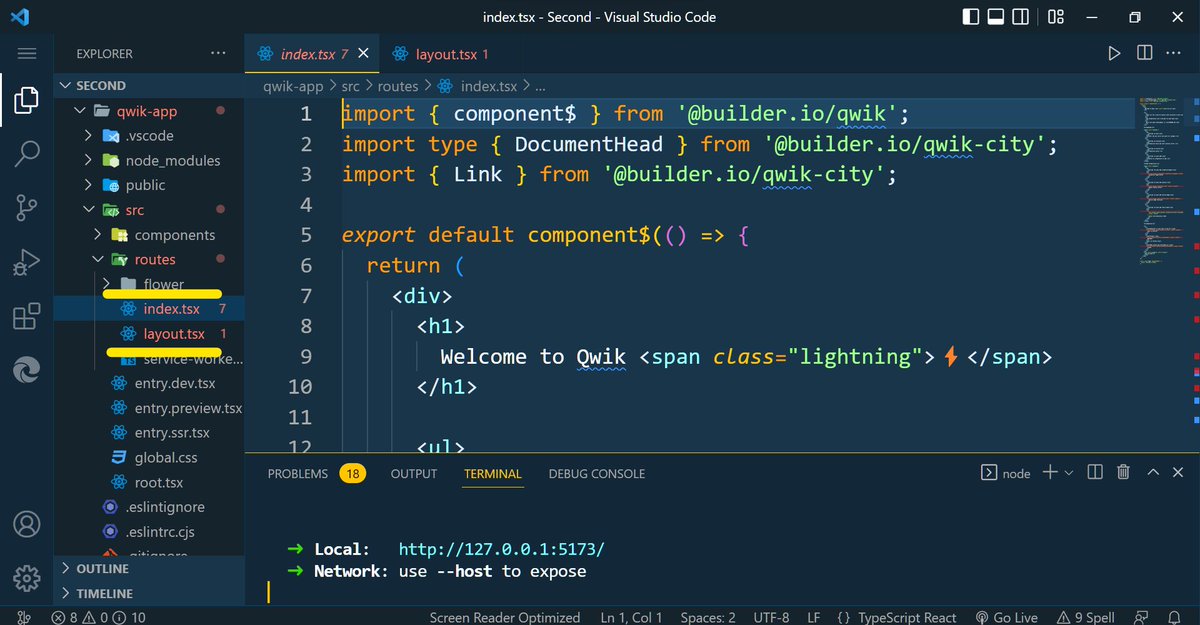
Now inside the "src" folder, there is a "routes" folder, in this folder, you will get 2 files that are "index.tsx" and "layout.tsx"
src/routes
Actually, these both files contain the all elements of the default page of the Qwik app.
src/routes
Actually, these both files contain the all elements of the default page of the Qwik app.

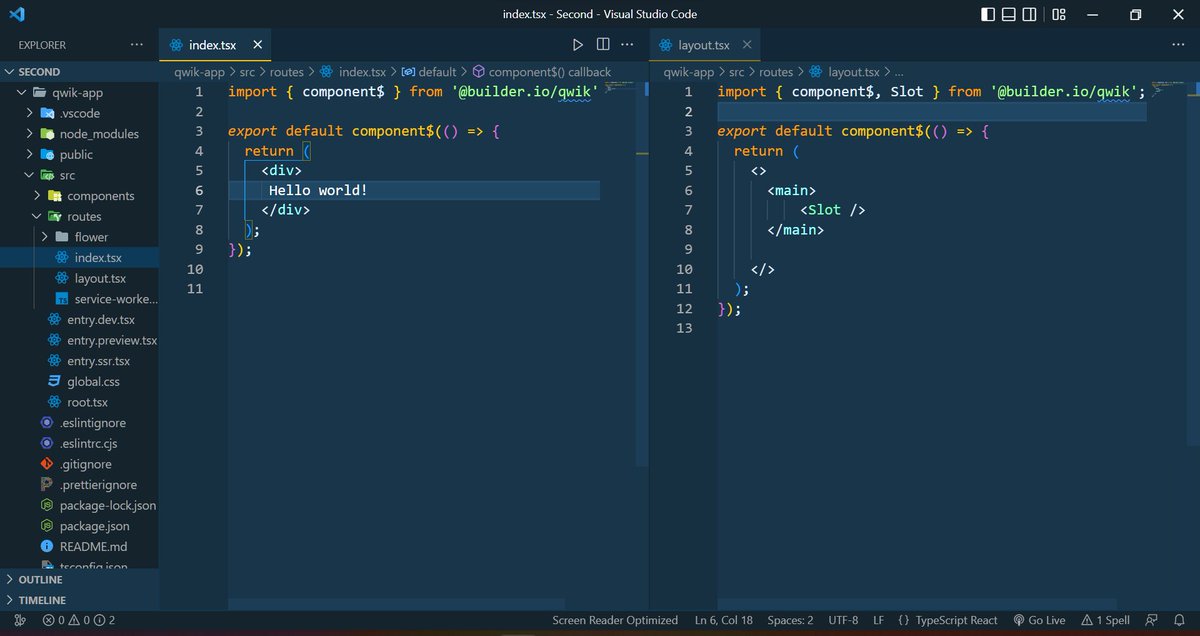
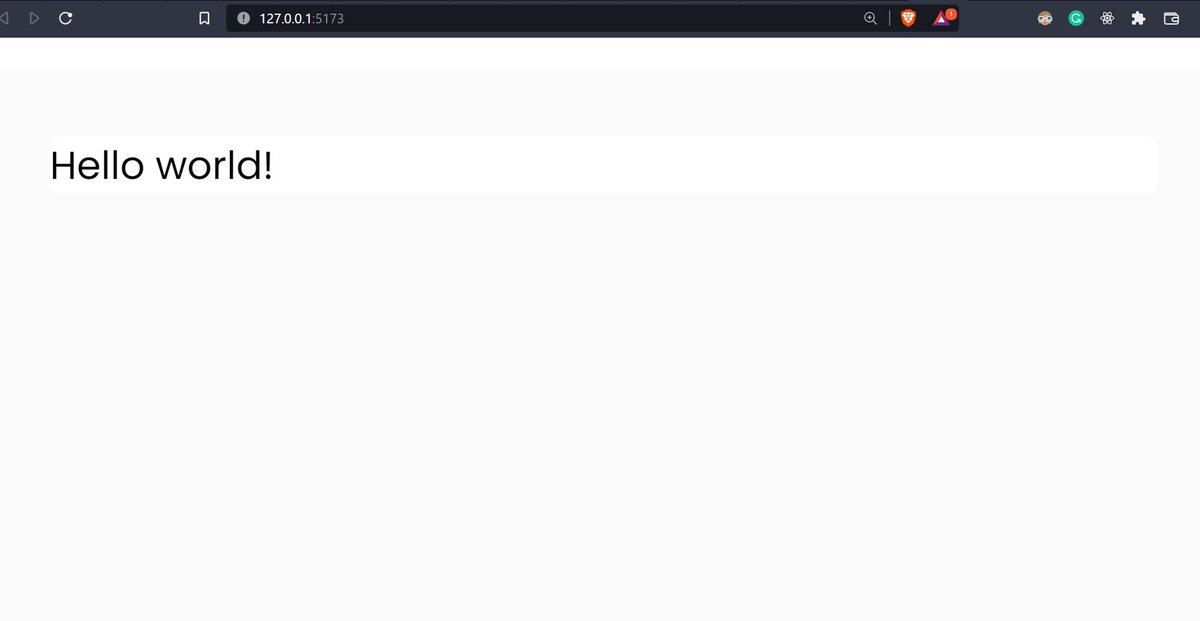
So, I am going to remove some default code for creating our "Hello world" app.😊
⛔ If you have any doubt, follow the official docs:
qwik.builder.io
qwik.builder.io
Loading suggestions...