

9 free design tools to make your presentations elegant AF:
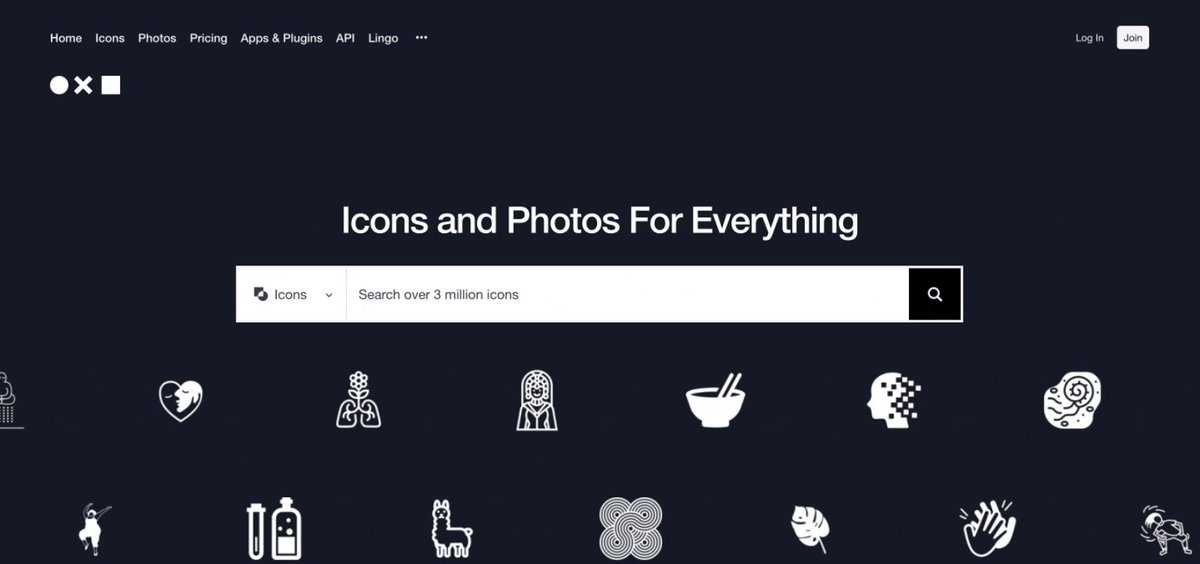
1. The Noun Project
Want to spruce up your next presentation?
Check out The Noun Project.
It's a diverse collection of free + premium icons.
But they're not your typical stale business ones…
You'll find trendy icons from top creatives.
thenounproject.com
Want to spruce up your next presentation?
Check out The Noun Project.
It's a diverse collection of free + premium icons.
But they're not your typical stale business ones…
You'll find trendy icons from top creatives.
thenounproject.com
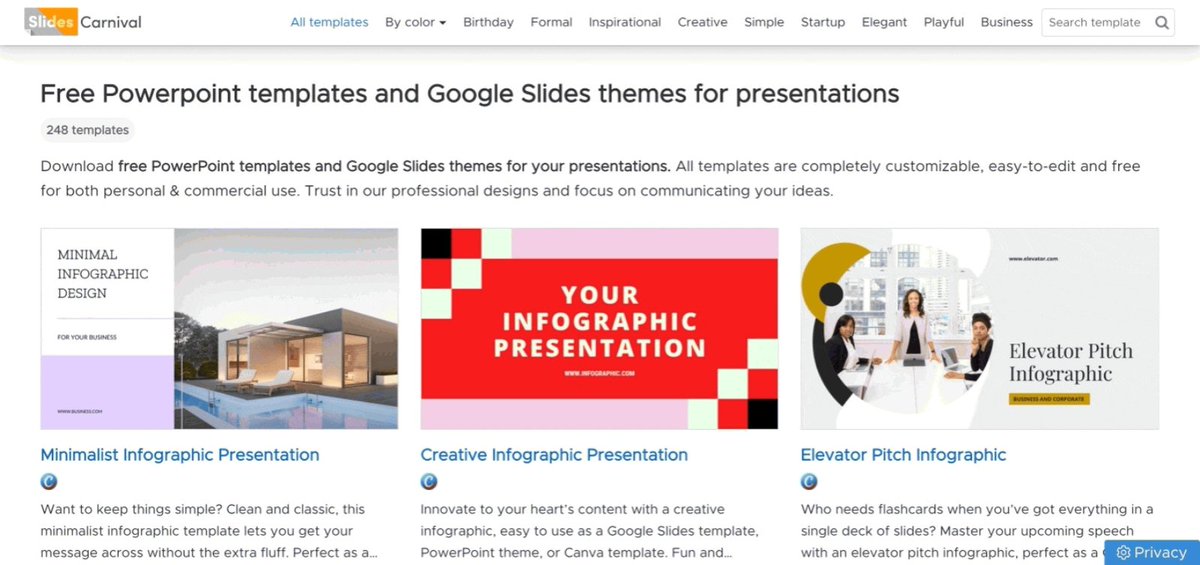
2. Slides Carnival
Browse beautiful free templates.
Download editable files for:
• PPT
• Google Slides
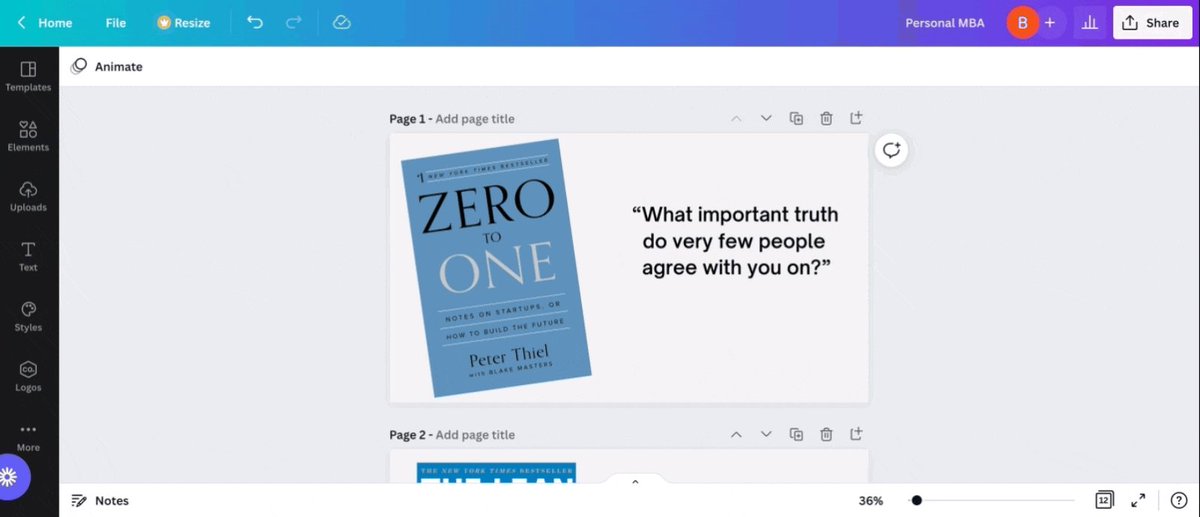
• Canva
There’s no registration or download limits.
Don't start from scratch, start here.
slidescarnival.com
Browse beautiful free templates.
Download editable files for:
• PPT
• Google Slides
• Canva
There’s no registration or download limits.
Don't start from scratch, start here.
slidescarnival.com
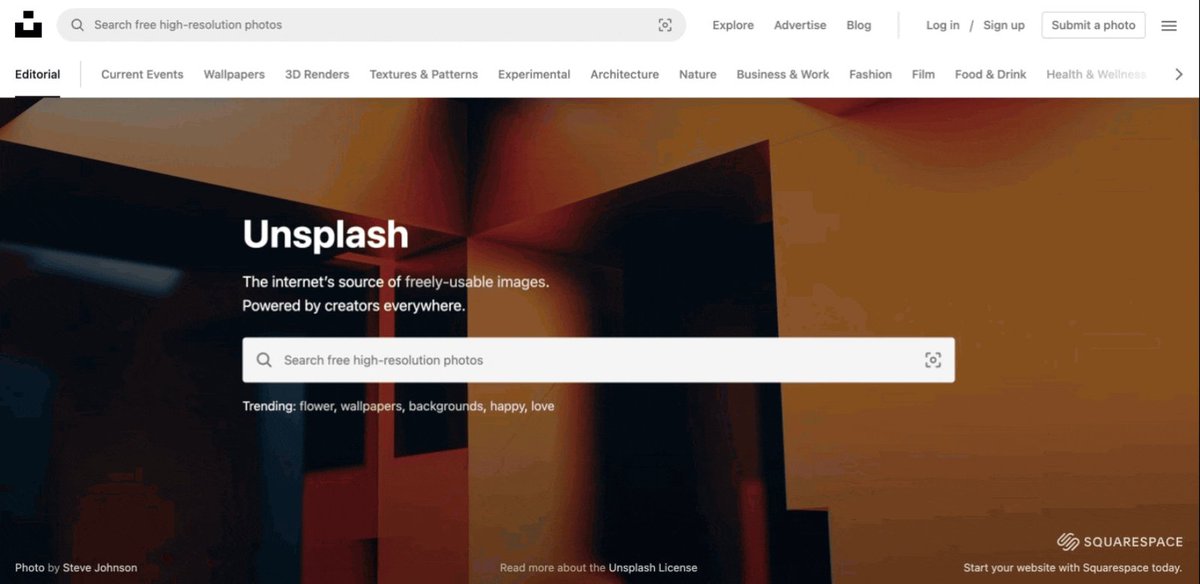
3. Unsplash
Need images for your next presentation?
Try Unsplash.
Browse an extensive catalog of free images.
With Getty Images running upwards of $499(!) each,
Unsplash will save you thousands.
unsplash.com
Need images for your next presentation?
Try Unsplash.
Browse an extensive catalog of free images.
With Getty Images running upwards of $499(!) each,
Unsplash will save you thousands.
unsplash.com
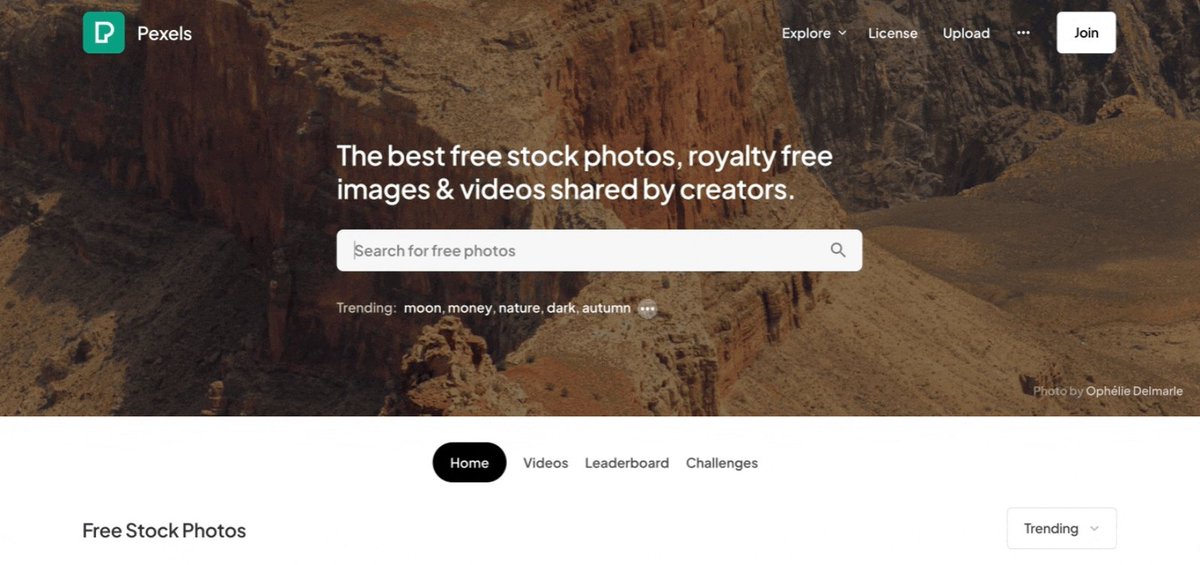
4. Pexels
Like Unsplash, this is another excellent free image catalog.
Browse images contributed from creatives around the world.
Btw, you can also find some classy Teams/Zoom backgrounds here.
pexels.com
Like Unsplash, this is another excellent free image catalog.
Browse images contributed from creatives around the world.
Btw, you can also find some classy Teams/Zoom backgrounds here.
pexels.com
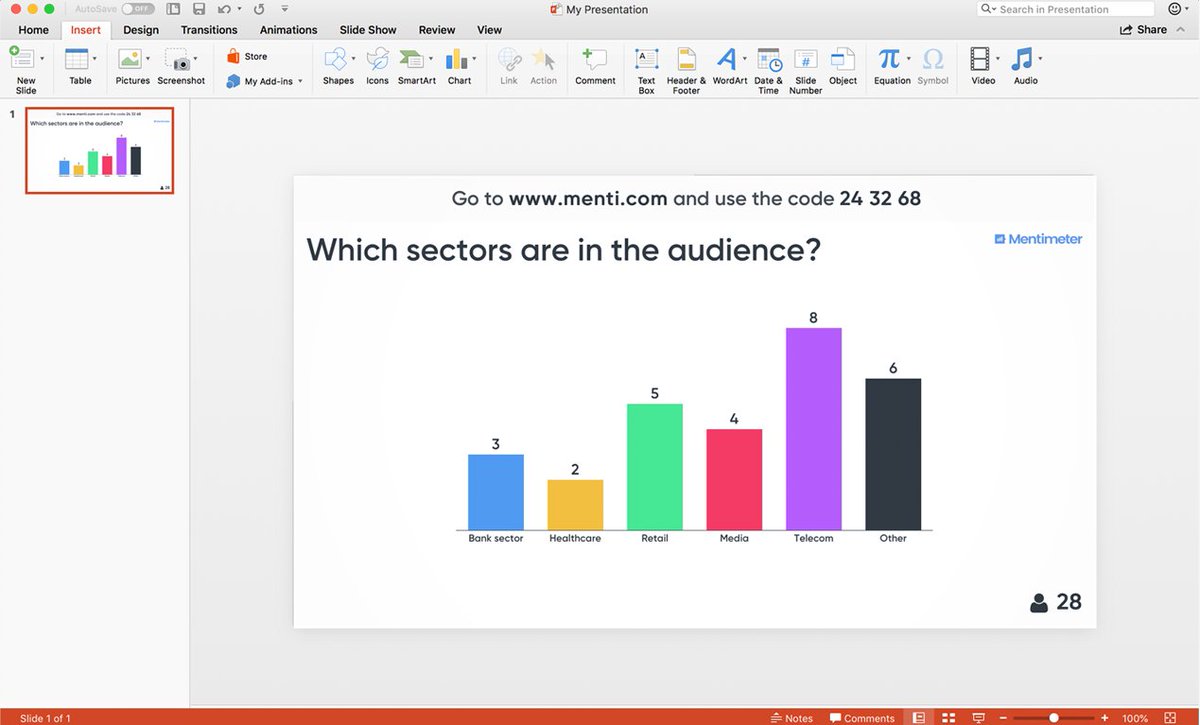
6. Mentimeter
Make your presentations interactive.
Engage your audience with:
• Live polls
• Quizzes
• Word clouds
• FAQs
mentimeter.com
Make your presentations interactive.
Engage your audience with:
• Live polls
• Quizzes
• Word clouds
• FAQs
mentimeter.com
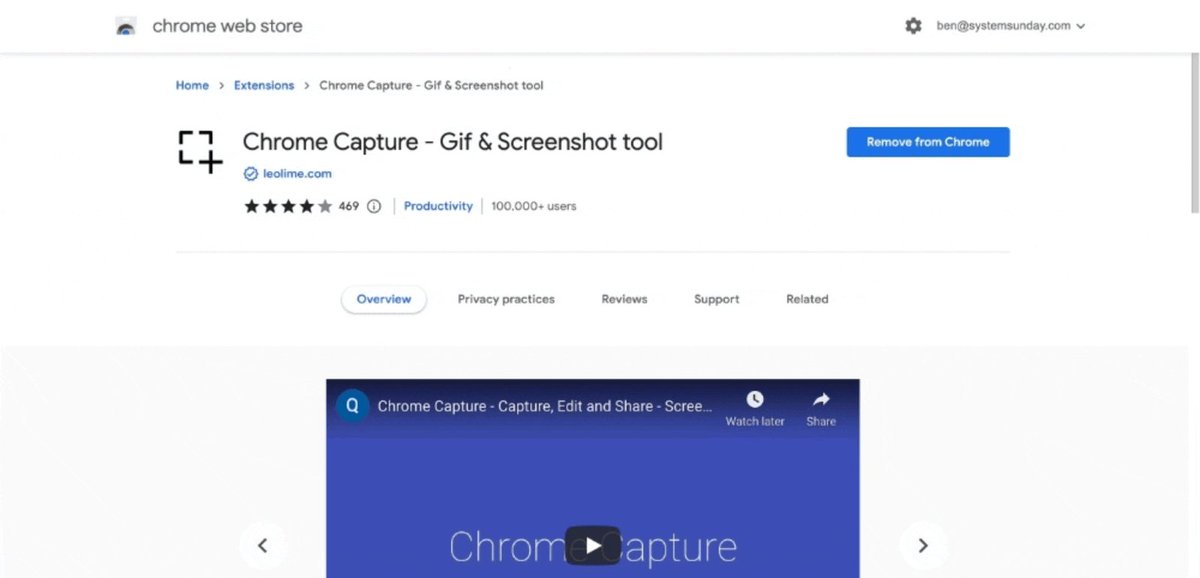
7. Chrome Capture
A Google Chrome extension for creating screen-recorded GIFs (used in this thread).
• Show how-to steps visually
• Boost presentation’s value (real + perceived)
chrome.google.com
A Google Chrome extension for creating screen-recorded GIFs (used in this thread).
• Show how-to steps visually
• Boost presentation’s value (real + perceived)
chrome.google.com
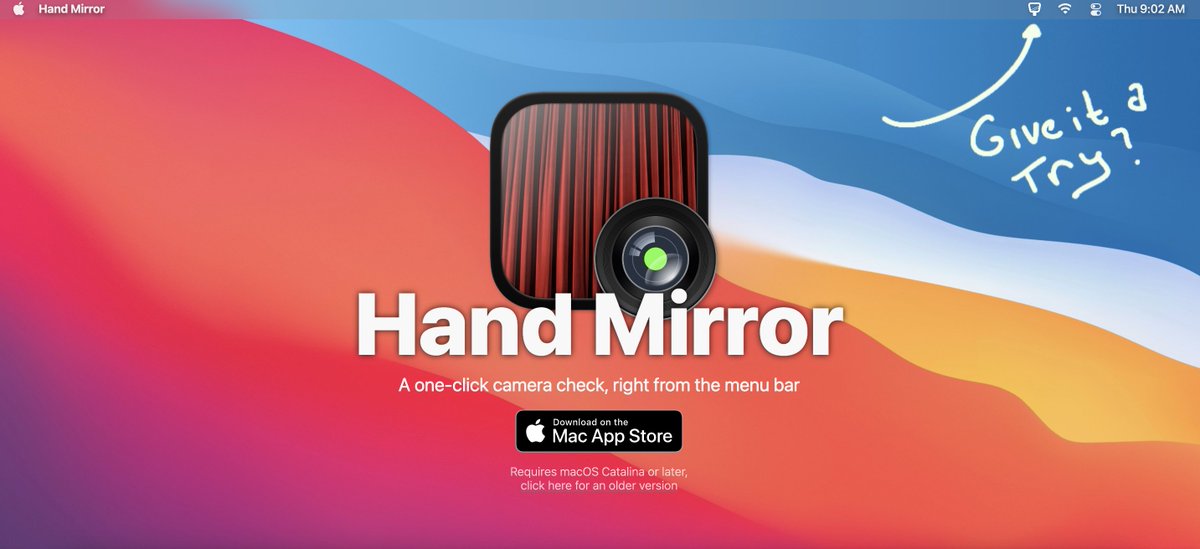
8. Hand Mirror (for Macs)
Get a quick preview of how you (and your background) look on camera—before joining any call.
Download this macOS app that lives in the menu bar.
handmirror.app
Get a quick preview of how you (and your background) look on camera—before joining any call.
Download this macOS app that lives in the menu bar.
handmirror.app

Thanks for reading! Follow me @SystemSunday for more content like this.
P.S. If you like productivity, you will love my weekly newsletter (it’s free).
Every Sunday I feature the best tech products for wealth, health, and free time.
Try it here:
getrevue.co
Every Sunday I feature the best tech products for wealth, health, and free time.
Try it here:
getrevue.co
Loading suggestions...