

What is JSON?
The Complete Guide:
Thread 🧵
The Complete Guide:
Thread 🧵
JSON stands for Javascript Object Notation. JSON is a text-based data format that is used to store and transfer data.
Syntax-
Syntax-
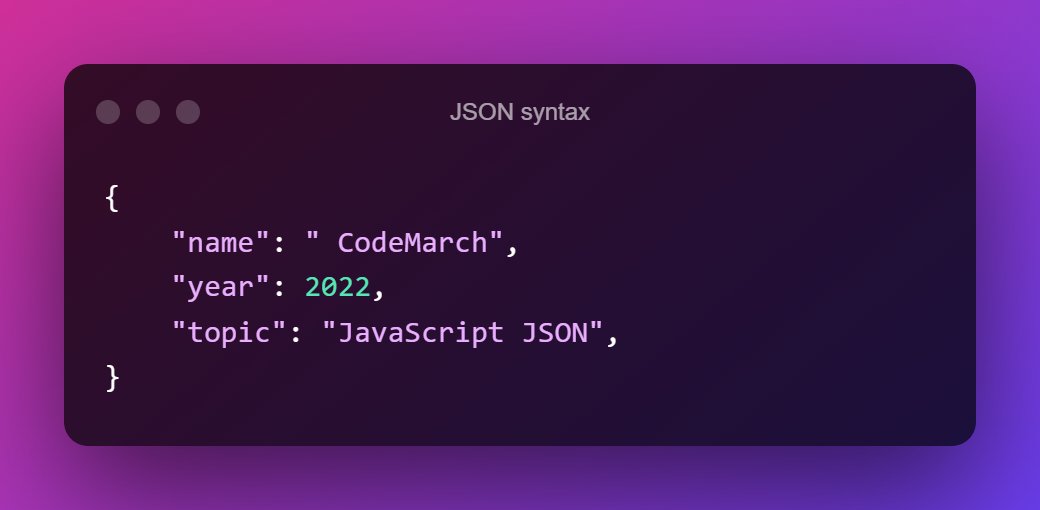
In JSON, the data are in "key/value" pairs separated by a comma " , ".
JSON was derived from JavaScript. So, the JSON syntax resembles JavaScript object literal syntax. However, the JSON format can be accessed and created by other programming languages too.
JSON was derived from JavaScript. So, the JSON syntax resembles JavaScript object literal syntax. However, the JSON format can be accessed and created by other programming languages too.
JSON Data -
JSON data consists of "key/value" pairs similar to JavaScript object properties. The key and values are written in double quotes separated by a colon " : ".
➡️Example-
JSON data consists of "key/value" pairs similar to JavaScript object properties. The key and values are written in double quotes separated by a colon " : ".
➡️Example-

JSON Object -
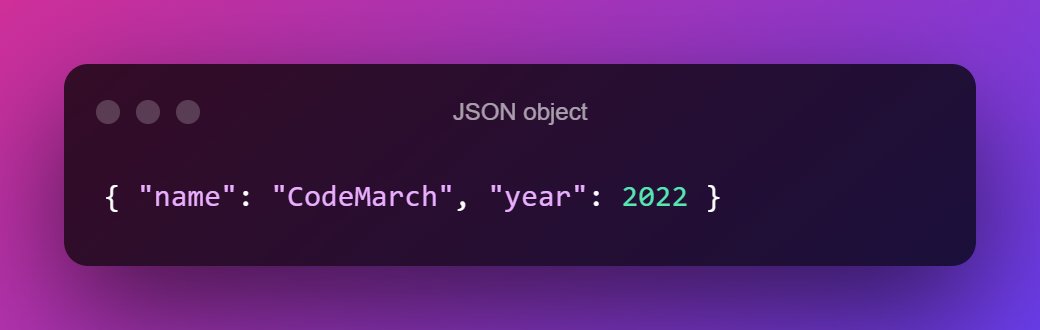
The JSON object is written inside curly braces `{ }`. JSON objects can contain multiple "key/value" pairs.
➡️Example-
The JSON object is written inside curly braces `{ }`. JSON objects can contain multiple "key/value" pairs.
➡️Example-
JSON Array -
JSON array is written inside square brackets `[ ]`.
➡️Example-
JSON array is written inside square brackets `[ ]`.
➡️Example-
![JSON Array -
JSON array is written inside square brackets `[ ]`.
➡️Example- https://t.co/qZpMAhRG...](https://pbs.twimg.com/media/FbdZNLdWYAAq5WB.jpg)
Accessing JSON Data -
You can access JSON data using the dot notation.
➡️Example-
You can access JSON data using the dot notation.
➡️Example-

JavaScript Objects VS JSON -
Though the syntax of JSON is similar to the JavaScript object, JSON is different from JavaScript objects.
Though the syntax of JSON is similar to the JavaScript object, JSON is different from JavaScript objects.

Converting JSON to JavaScript Object -
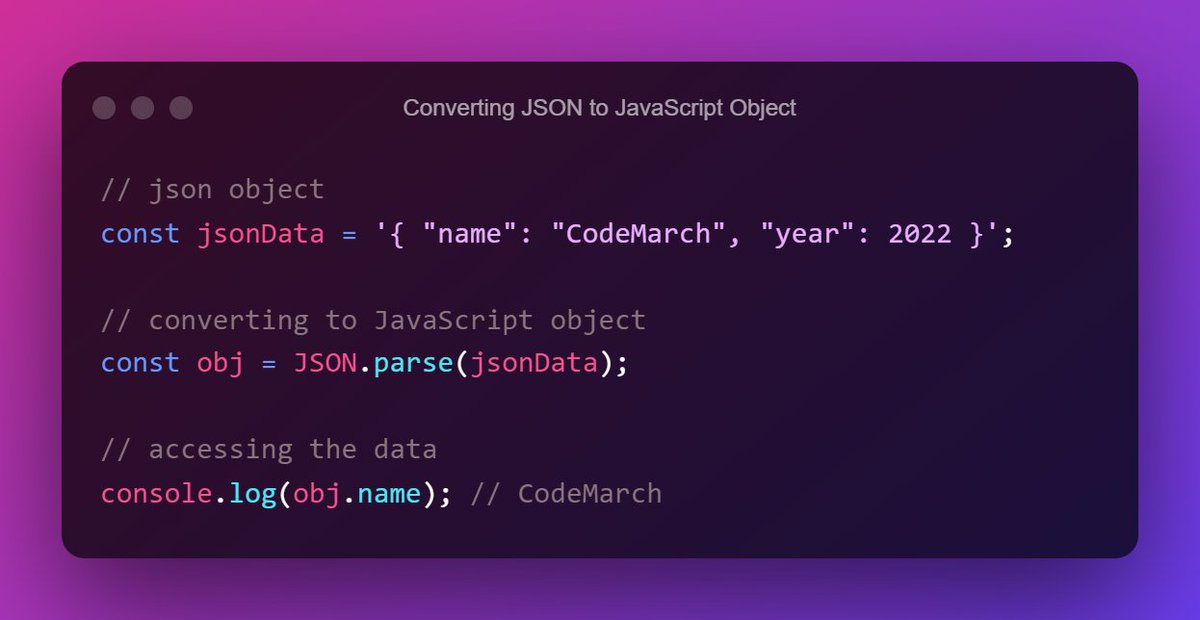
You can convert JSON data to a JavaScript object using the built-in `JSON.parse()` function.
➡️Example-
You can convert JSON data to a JavaScript object using the built-in `JSON.parse()` function.
➡️Example-
Converting JavaScript Object to JSON -
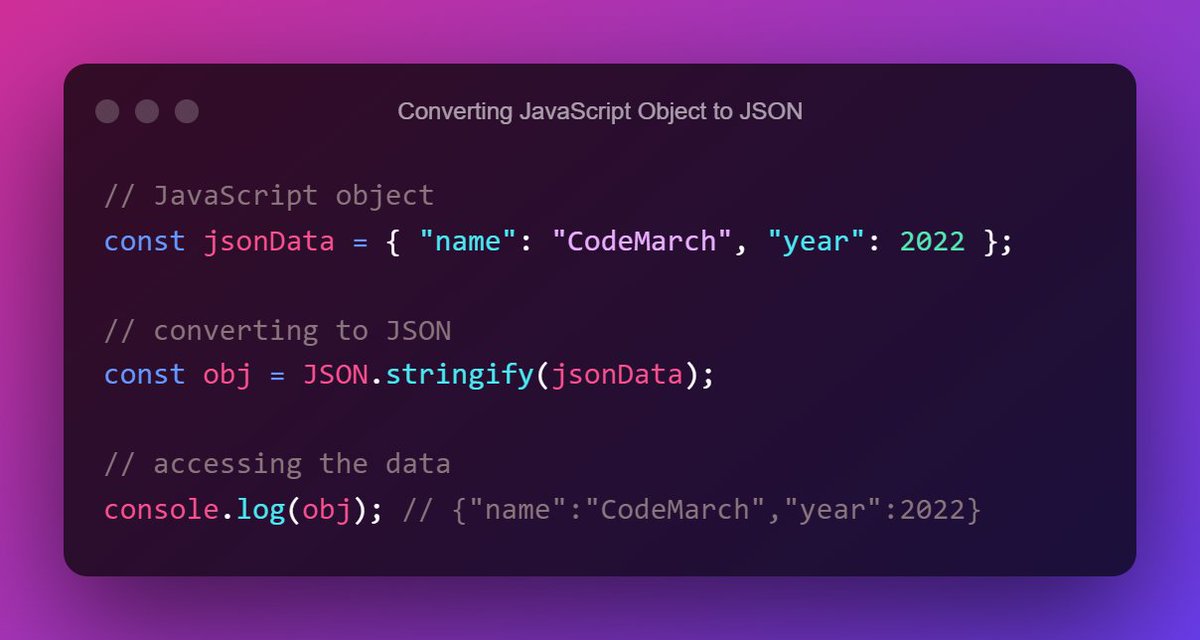
You can also convert JavaScript objects to JSON format using the JavaScript built-in `JSON.stringify()` function.
➡️Example-
You can also convert JavaScript objects to JSON format using the JavaScript built-in `JSON.stringify()` function.
➡️Example-
Use of JSON:
JSON is the most commonly used format for transmitting data (data interchange) from a server to a client and vice-versa.
JSON data are very easy to parse and use. It is fast to access and manipulate JSON data as they only contain text.
JSON is the most commonly used format for transmitting data (data interchange) from a server to a client and vice-versa.
JSON data are very easy to parse and use. It is fast to access and manipulate JSON data as they only contain text.
JSON is language-independent. You can create and use JSON in other programming languages too.
If you want to learn more about ‘ JSON ‘ then you can also go through it
🔗 developer.mozilla.org
🔗 developer.mozilla.org
If you enjoyed reading this thread, please do the following:
1. Like the thread❤️
2. Retweet the first tweet.🔃
3. Follow me and enable notifications: ✅
@CodeMarch
Thank you for reading all the way through.
1. Like the thread❤️
2. Retweet the first tweet.🔃
3. Follow me and enable notifications: ✅
@CodeMarch
Thank you for reading all the way through.
Download our free JavaScript Resources ebook Here:
codemarch.gumroad.com
codemarch.gumroad.com

جاري تحميل الاقتراحات...