

6 essential text formatting hacks every Excel user should know: ✍️
1. Split Cell
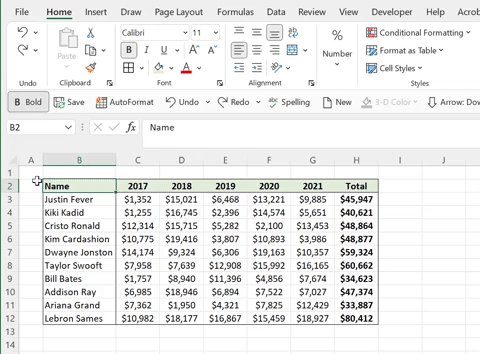
Can’t decide whether to label a row or column? Try splitting the cell to label both. To split a cell, enter both labels on separate lines and move the top header to the right of the cell. Next, open the Format Cells box > Border Tab > Split Diagonal Border > OK.
Can’t decide whether to label a row or column? Try splitting the cell to label both. To split a cell, enter both labels on separate lines and move the top header to the right of the cell. Next, open the Format Cells box > Border Tab > Split Diagonal Border > OK.
2. Rotate Text
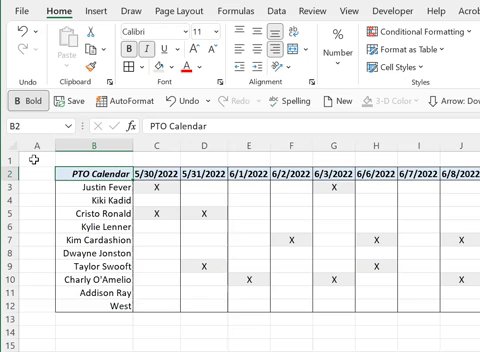
Rotating text is a great way to clean up your worksheet by removing unnecessary space in cells caused by long data headers. To rotate text, simply select the cells containing the text you want to rotate > Home tab > Orientation > Select desired orientation.
Rotating text is a great way to clean up your worksheet by removing unnecessary space in cells caused by long data headers. To rotate text, simply select the cells containing the text you want to rotate > Home tab > Orientation > Select desired orientation.
3. Justify
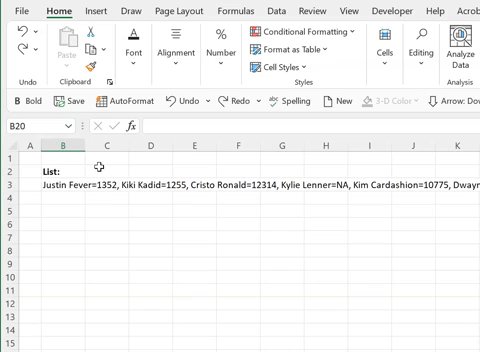
Having trouble fitting long text strings into a spreadsheet with formatted data? Meet justify. Select the cells where you want the text to appear > Home tab > Fill > Justify and Excel auto-adjusts the text to fill the selected cells without changing column widths.
Having trouble fitting long text strings into a spreadsheet with formatted data? Meet justify. Select the cells where you want the text to appear > Home tab > Fill > Justify and Excel auto-adjusts the text to fill the selected cells without changing column widths.
4. Shrink To Fit
Unable to see data because it doesn’t fit within a cell? Luckily, Shrink to Fit can help. To shrink text to fit within a cell, go to the Home tab > Alignment Settings > Shrink To Fit > OK. Now, the size of the text auto-adjusts if the column width changes.
Unable to see data because it doesn’t fit within a cell? Luckily, Shrink to Fit can help. To shrink text to fit within a cell, go to the Home tab > Alignment Settings > Shrink To Fit > OK. Now, the size of the text auto-adjusts if the column width changes.
5. Center Across Selection
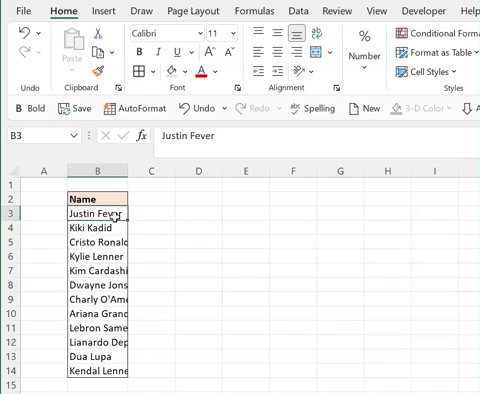
CAS cleans up data by centering text across cells without the issues that merged cells cause. Select the text followed by the cells you want to center the text across > Home tab > Alignment Settings > Center Across Selection under horizontal > OK.
CAS cleans up data by centering text across cells without the issues that merged cells cause. Select the text followed by the cells you want to center the text across > Home tab > Alignment Settings > Center Across Selection under horizontal > OK.
6. Wrap Text
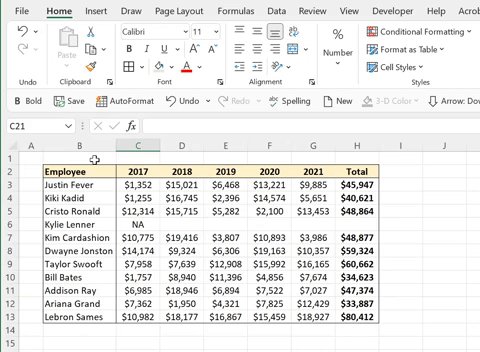
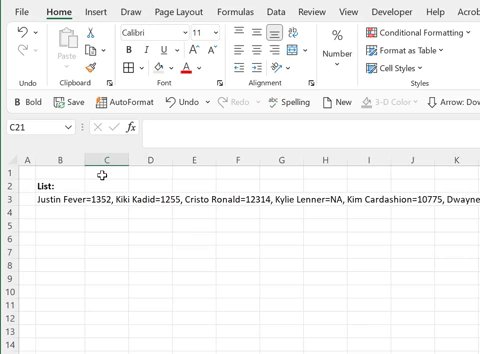
Fitting long text strings in a cell may seem complicated, but Wrap Text makes it simple. To wrap text, select the text you want to fit > Home Tab > Wrap Text, and Excel fits the entire text string into the cell width by ‘wrapping’ it into as many lines as needed.
Fitting long text strings in a cell may seem complicated, but Wrap Text makes it simple. To wrap text, select the text you want to fit > Home Tab > Wrap Text, and Excel fits the entire text string into the cell width by ‘wrapping’ it into as many lines as needed.
Annnd that’s a wrap (text). For even more Excel tips and tricks, make sure to follow @exceldictionary.
IG 👉instagram.com
TikTok 👉@exceldictionary" target="_blank" rel="noopener" onclick="event.stopPropagation()">tiktok.com
#excel #Microsoft
IG 👉instagram.com
TikTok 👉@exceldictionary" target="_blank" rel="noopener" onclick="event.stopPropagation()">tiktok.com
#excel #Microsoft
Loading suggestions...