

Anyone else love dark mode?
Here's an advanced guide 👇
Here's an advanced guide 👇
Today, I’ll show you how to go full *dark mode*.
First, what are the benefits?
• Reduce eye strain
• Limit blue light exposure
• Improve battery life
• Look sleek af
Here we go…
First, what are the benefits?
• Reduce eye strain
• Limit blue light exposure
• Improve battery life
• Look sleek af
Here we go…
~~Desktop Browser Theme~~
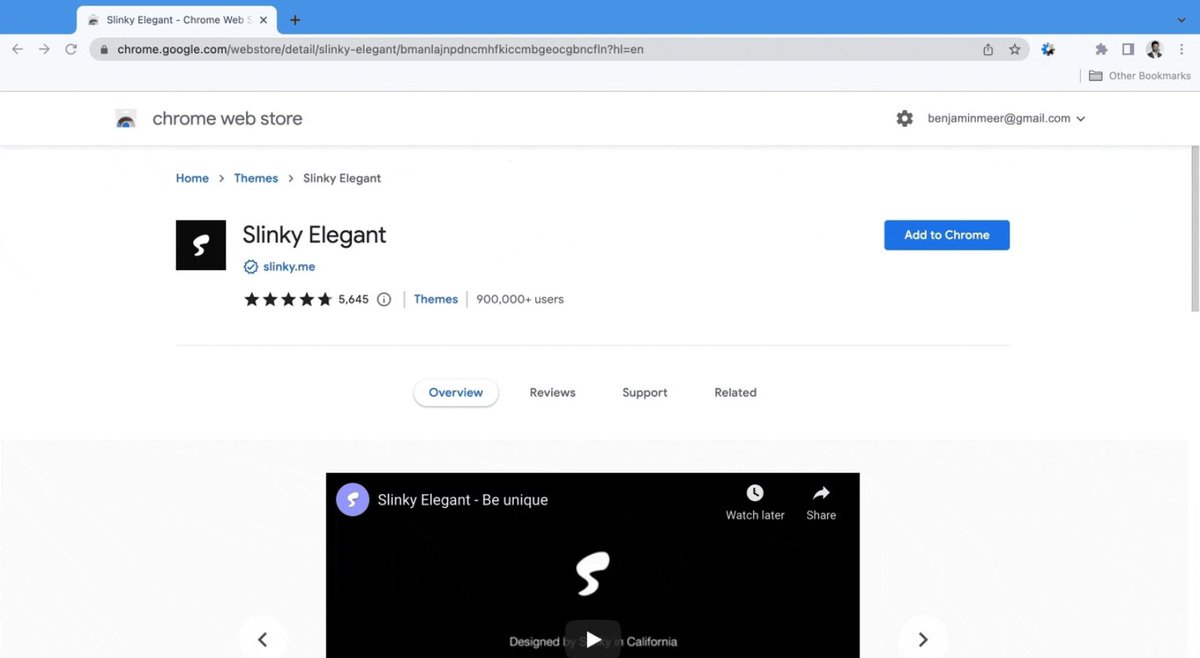
Slinky Elegant
Let’s start by darkening your Chrome browser
(for tabs, search, bookmarks, and more).
Download ‘Slinky Elegant’ Chrome Theme.
It has 900k+ users and a near perfect 5-star rating (5,645 reviews)
chrome.google.com
Slinky Elegant
Let’s start by darkening your Chrome browser
(for tabs, search, bookmarks, and more).
Download ‘Slinky Elegant’ Chrome Theme.
It has 900k+ users and a near perfect 5-star rating (5,645 reviews)
chrome.google.com
~~Desktop Web Pages~~
DarkReader
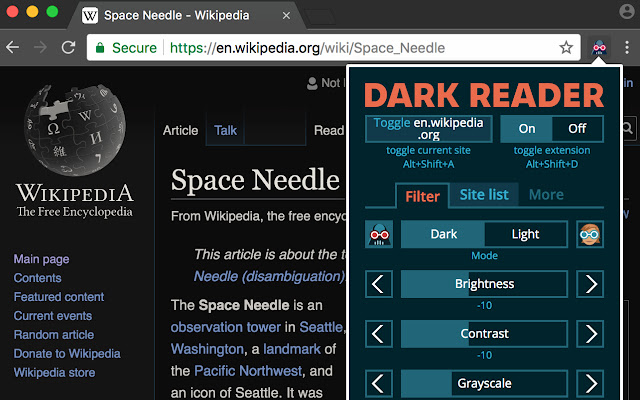
Go dark mode for every website.
Download this free Google Chrome extension.
It has 4M+ users and is close to a perfect rating (with 9,840 reviews)
chrome.google.com
DarkReader
Go dark mode for every website.
Download this free Google Chrome extension.
It has 4M+ users and is close to a perfect rating (with 9,840 reviews)
chrome.google.com
~~Desktop Background~~
Unsplash.com
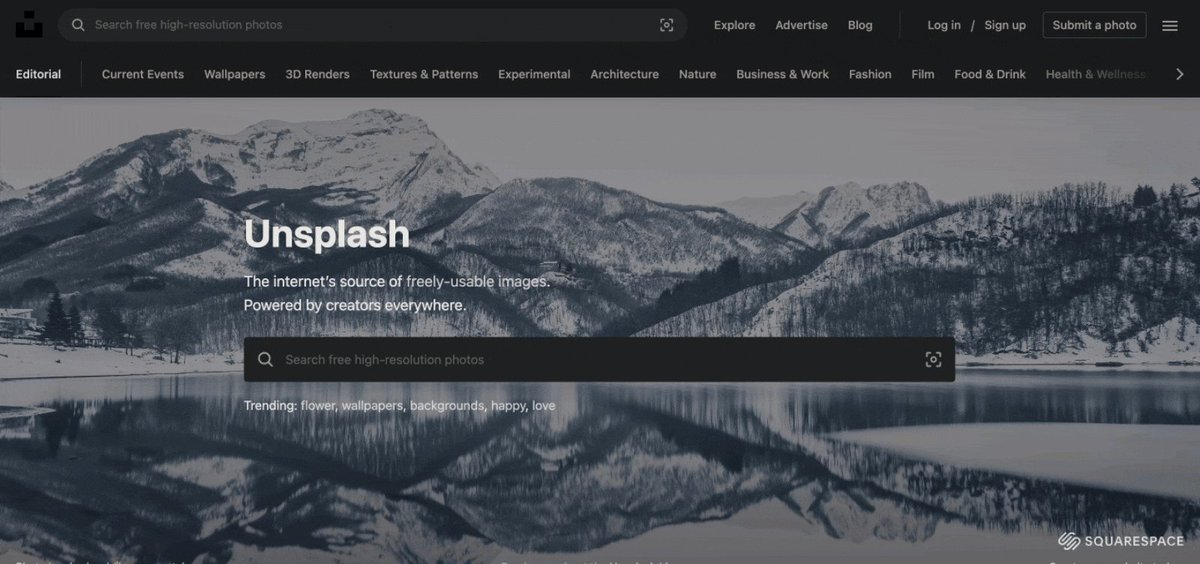
Try Unsplash to find a dark desktop background.
Search “black desktop”
Browse an extensive catalog.
Unsplash.com
Try Unsplash to find a dark desktop background.
Search “black desktop”
Browse an extensive catalog.
~~Desktop System Settings~~
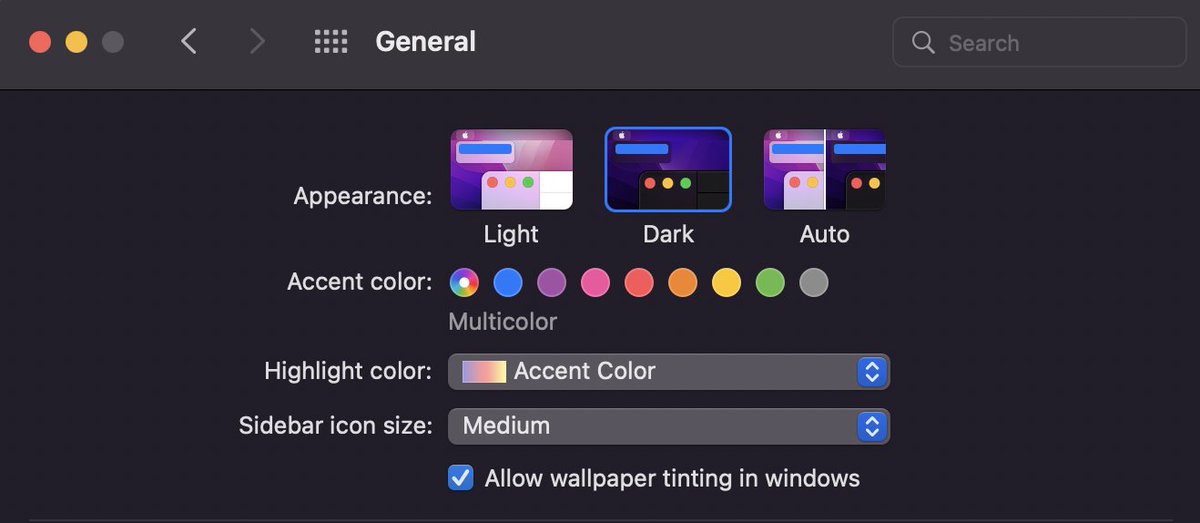
Darken the look + feel of your OS:
• Icons
• Built-in apps
• General navigation
Steps for Mac:
>Apple
>System Preferences
>General
>Appearance
>Dark
Steps for Windows:
>Start
>Settings
>Personalization
>Colors
>Choose Your Mode
>Dark
Darken the look + feel of your OS:
• Icons
• Built-in apps
• General navigation
Steps for Mac:
>Apple
>System Preferences
>General
>Appearance
>Dark
Steps for Windows:
>Start
>Settings
>Personalization
>Colors
>Choose Your Mode
>Dark
~~Mobile System Settings~~
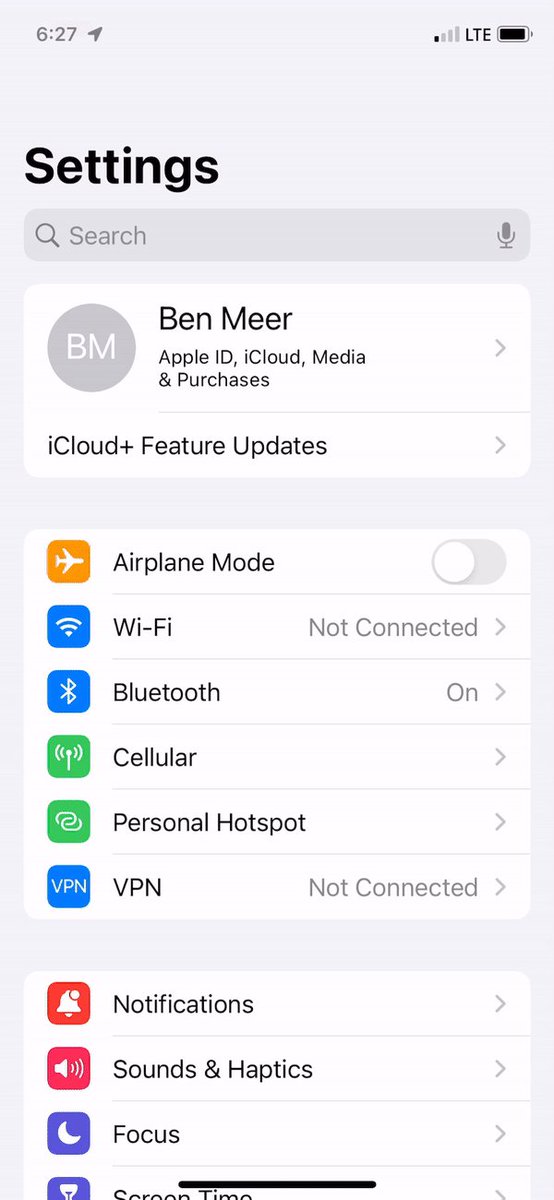
Toggle your phone’s display settings to Dark.
Here are instructions for iOS and Android:
iOS
>Settings
>Display and Brightness
>Appearance>Dark
Android
>Settings
>Accessibility.
>Display>Dark Theme
Toggle your phone’s display settings to Dark.
Here are instructions for iOS and Android:
iOS
>Settings
>Display and Brightness
>Appearance>Dark
Android
>Settings
>Accessibility.
>Display>Dark Theme
There you have it—everything you need to go dark mode.
If you enjoyed this thread, please RT the first tweet and follow me @SystemSunday
This account exists to help you:
• Learn systems + mental models
• Become your best self
All systems go,
Ben
If you enjoyed this thread, please RT the first tweet and follow me @SystemSunday
This account exists to help you:
• Learn systems + mental models
• Become your best self
All systems go,
Ben
Loading suggestions...