

10 Google Chrome extensions that will protect your focus 👇
1) Focus To-Do
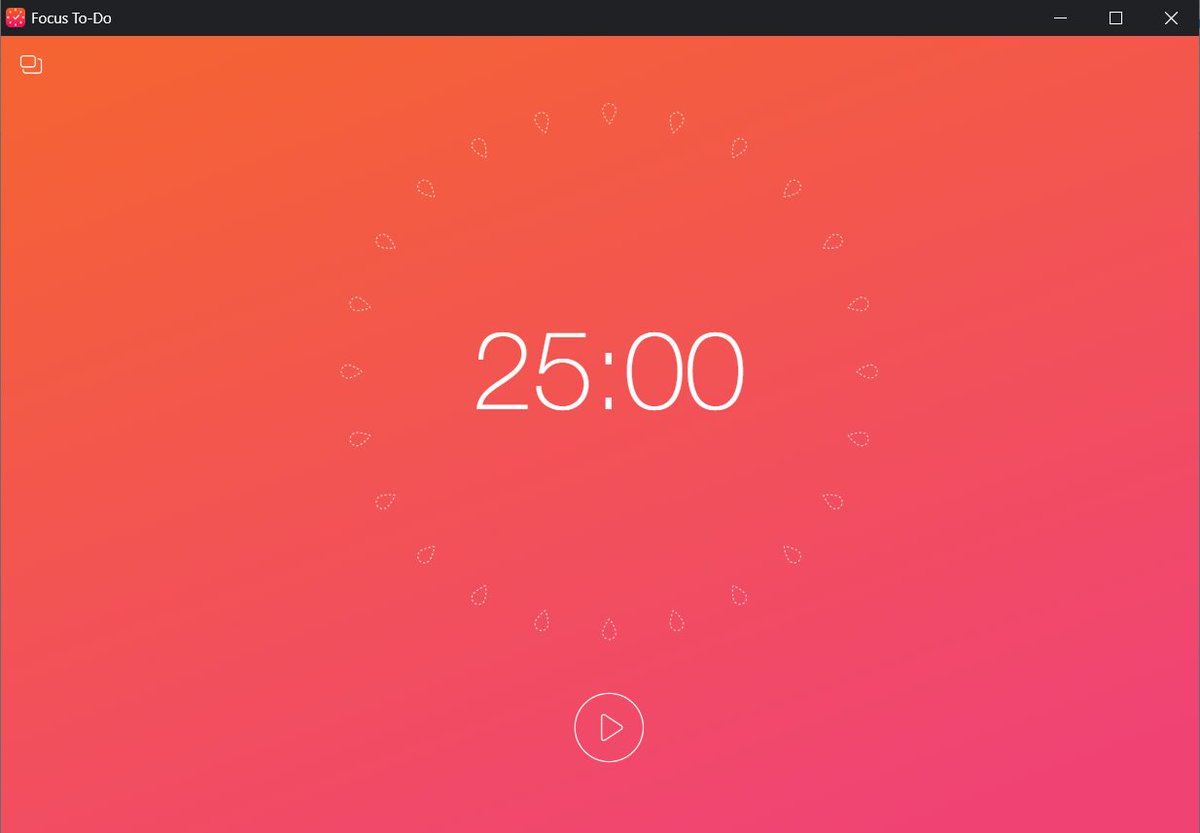
A beautiful Pomodoro timer.
Set a timer in the app for 25 mins on, 5 mins off.
25 mins of pure focus is science-backed:
It's cognitively challenging but feels attainable.
Stay motivated.
chrome.google.com
A beautiful Pomodoro timer.
Set a timer in the app for 25 mins on, 5 mins off.
25 mins of pure focus is science-backed:
It's cognitively challenging but feels attainable.
Stay motivated.
chrome.google.com
2) Adblock
YouTube is free university.
Yet it can quickly become TV (with all the ads).
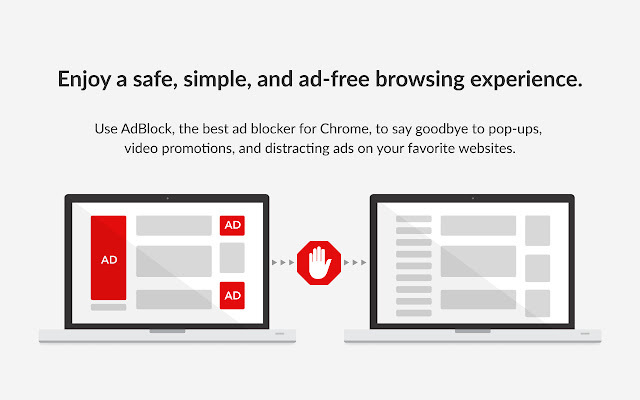
Stop annoying video ads that you can’t skip.
You’ll also eliminate pop-ups and banners.
You're welcome :)
chrome.google.com
YouTube is free university.
Yet it can quickly become TV (with all the ads).
Stop annoying video ads that you can’t skip.
You’ll also eliminate pop-ups and banners.
You're welcome :)
chrome.google.com
3) Momentum
Imagine if, with every new tab opened, you’re reminded of your day’s focus.
You’d be more likely to stay on track.
More benefits:
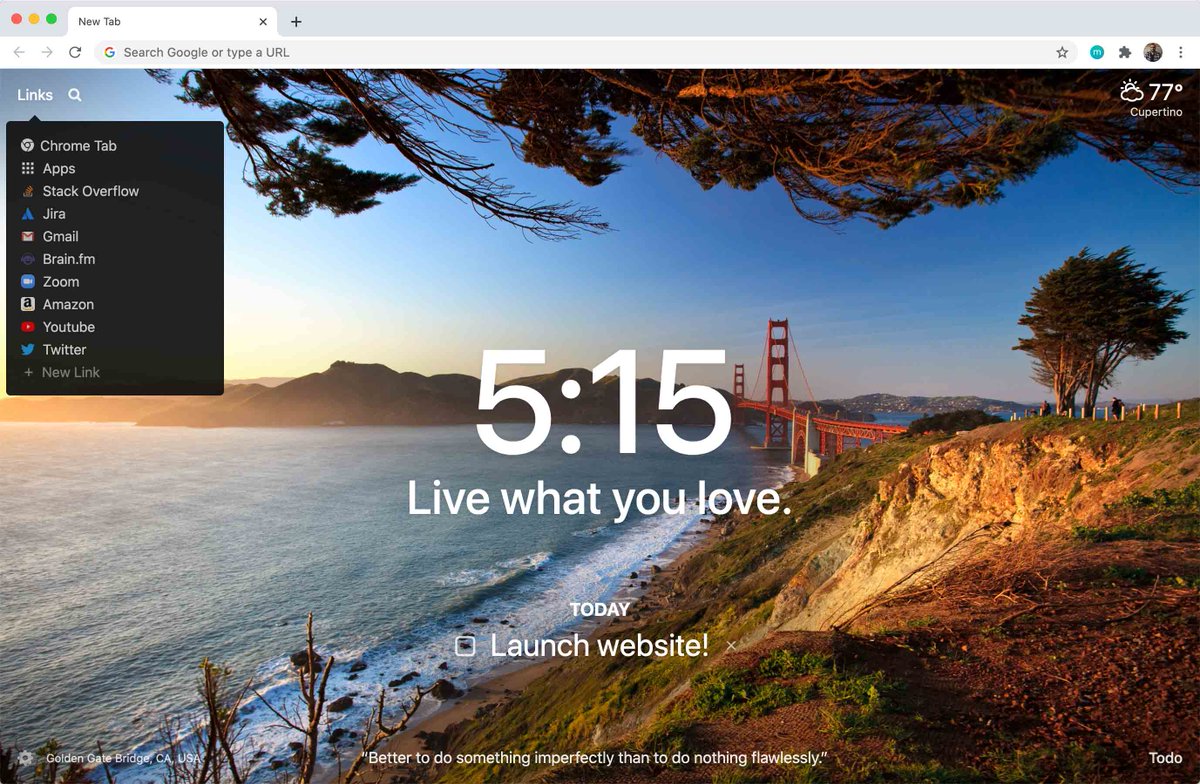
• Grounding image
• Quick links
• Simple to-do list
• Weather
Keep that momentum.
chrome.google.com
Imagine if, with every new tab opened, you’re reminded of your day’s focus.
You’d be more likely to stay on track.
More benefits:
• Grounding image
• Quick links
• Simple to-do list
• Weather
Keep that momentum.
chrome.google.com

4) Evernote Web Clipper
You see an article you want to read…
But it would derail you from the task at hand.
Know this: Multitasking is a productivity killer.
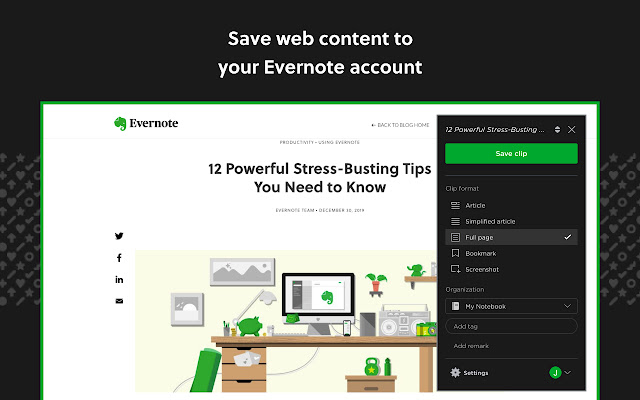
Clip that baby to Evernote; read it later.
Now you’re back on track.
chrome.google.com
You see an article you want to read…
But it would derail you from the task at hand.
Know this: Multitasking is a productivity killer.
Clip that baby to Evernote; read it later.
Now you’re back on track.
chrome.google.com

5) LastPass
Avoid the dreaded password reset
(It can quickly take you out of flow).
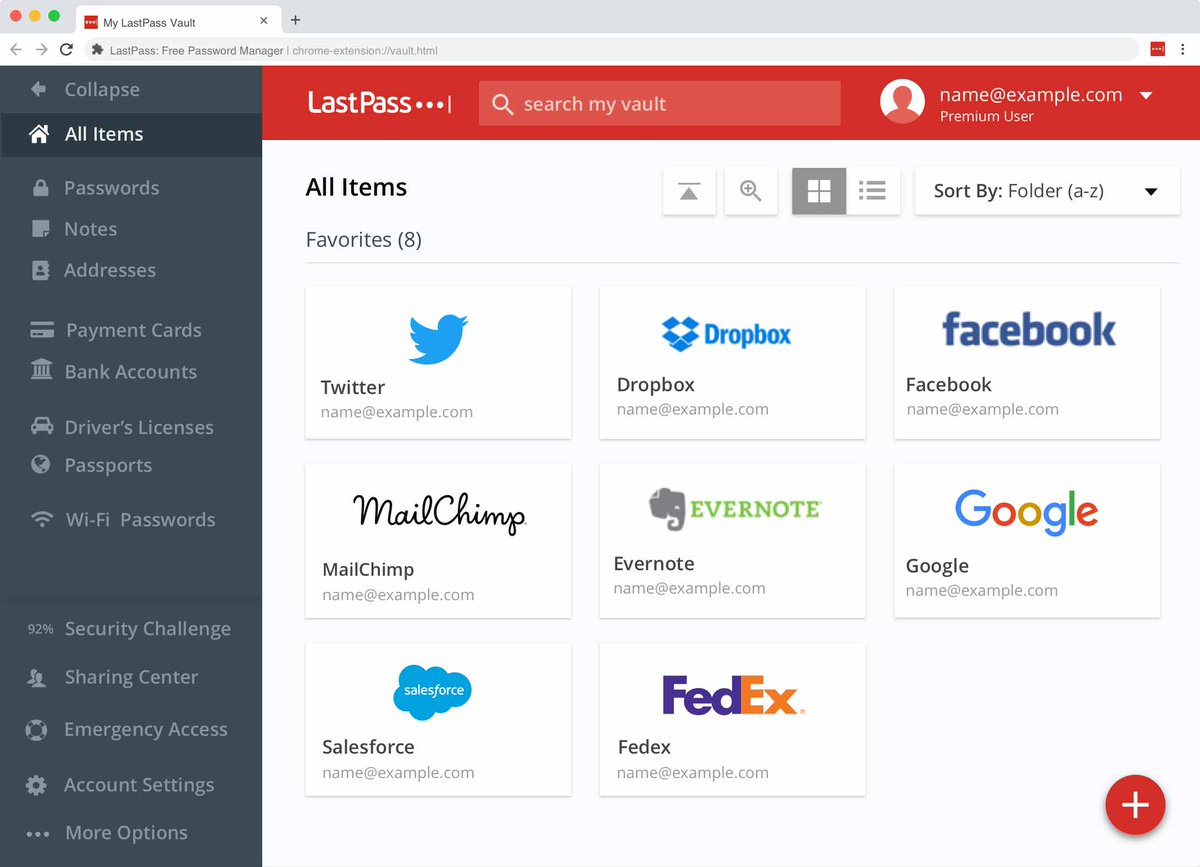
Use LastPass to manage your passwords + enjoy seamless autofill.
You can also improve your security by using stronger passcodes—that you don’t have to remember.
chrome.google.com
Avoid the dreaded password reset
(It can quickly take you out of flow).
Use LastPass to manage your passwords + enjoy seamless autofill.
You can also improve your security by using stronger passcodes—that you don’t have to remember.
chrome.google.com

6) Unhook
YouTube black holes...
We’ve all been there.
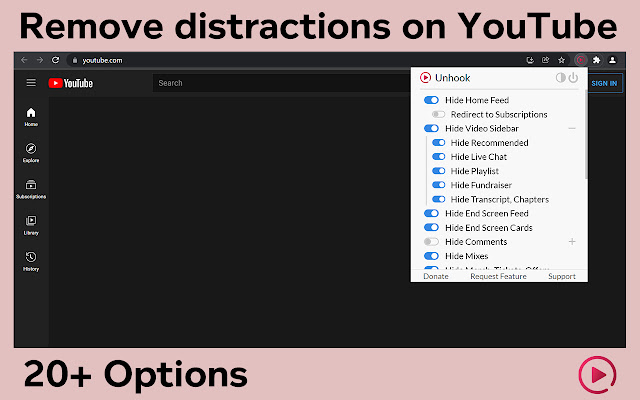
Use Unhook to block video recommendations.
Turn off comments and other distracting elements.
It's a great complement to Adblock (mentioned earlier).
Welcome to YouTube university.
chrome.google.com
YouTube black holes...
We’ve all been there.
Use Unhook to block video recommendations.
Turn off comments and other distracting elements.
It's a great complement to Adblock (mentioned earlier).
Welcome to YouTube university.
chrome.google.com

7) Distill
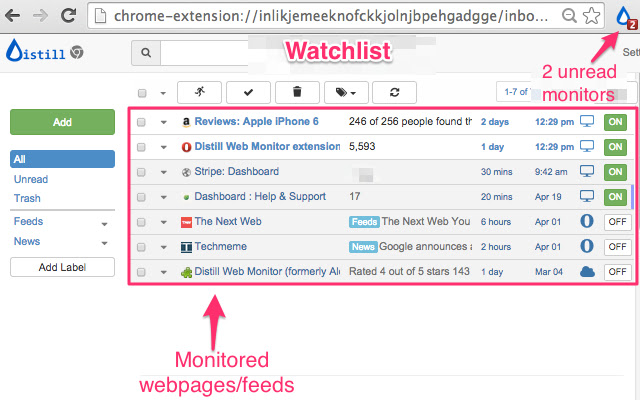
An extension that monitors web pages or social feeds for changes.
• Tickets going on sale
• Price changes
• College admission updates
Stop wasting time hitting refresh.
Instead, receive a text message after an update.
chrome.google.com
An extension that monitors web pages or social feeds for changes.
• Tickets going on sale
• Price changes
• College admission updates
Stop wasting time hitting refresh.
Instead, receive a text message after an update.
chrome.google.com
8) HotSpot Shield Free VPN
Do you often use public wifi?
Maintain peace of mind by using a VPN.
Encrypt your browser; block your identity from hackers.
You can also access geo-restricted content (without interrupting your focus).
chrome.google.com
Do you often use public wifi?
Maintain peace of mind by using a VPN.
Encrypt your browser; block your identity from hackers.
You can also access geo-restricted content (without interrupting your focus).
chrome.google.com


9) Custom Chrome
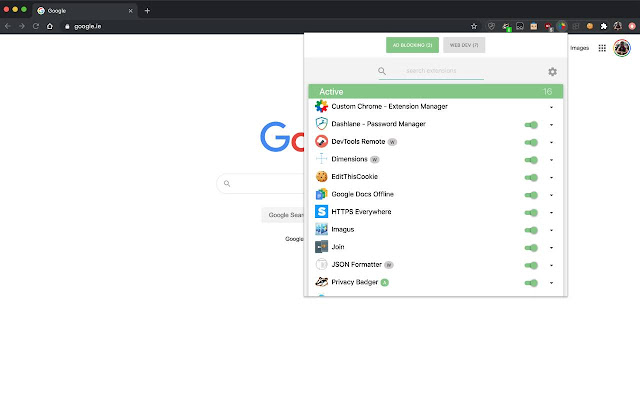
A chrome extension to manage your chrome extensions.
Sounds silly! But it’s useful for quickly toggling them on/off
(without having to leave your current tab).
Get focused, on-demand.
chrome.google.com
A chrome extension to manage your chrome extensions.
Sounds silly! But it’s useful for quickly toggling them on/off
(without having to leave your current tab).
Get focused, on-demand.
chrome.google.com

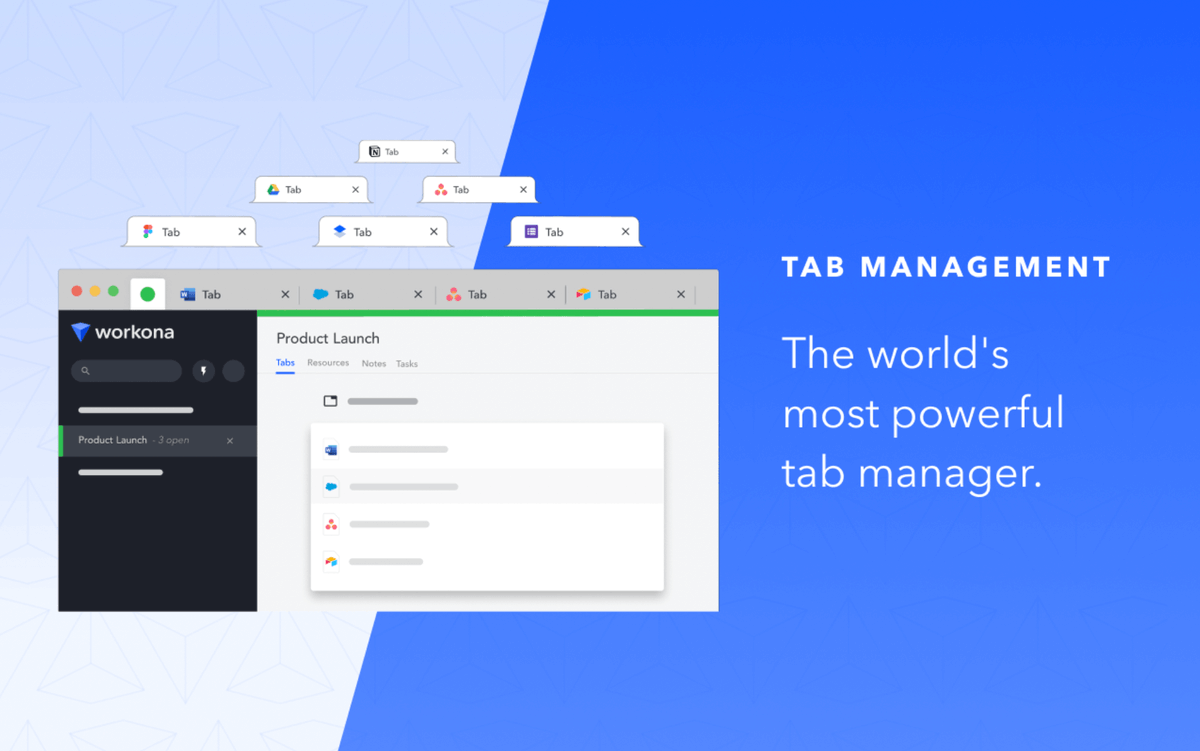
10) Workona Tab Manager
Tabs can clutter your digital space + headspace.
Use Workona to:
• Organize your tabs by project
• Find tabs via search
• Backup tabs with autosave
Download this extension, and thank me later.
chrome.google.com
Tabs can clutter your digital space + headspace.
Use Workona to:
• Organize your tabs by project
• Find tabs via search
• Backup tabs with autosave
Download this extension, and thank me later.
chrome.google.com

That’s my Chrome extension *focus stack*.
Make focus your superpower.
If you enjoyed this thread, please RT the first tweet and follow me @SystemSunday
This account exists to help you:
• Learn systems + mental models
• Become your best self
Cheers,
Ben
Make focus your superpower.
If you enjoyed this thread, please RT the first tweet and follow me @SystemSunday
This account exists to help you:
• Learn systems + mental models
• Become your best self
Cheers,
Ben
P.S. If you like productivity tools, you will love my weekly newsletter (it’s free).
Every Sunday, I feature the best tech products for wealth, health, and free time.
Try it here:
getrevue.co
Every Sunday, I feature the best tech products for wealth, health, and free time.
Try it here:
getrevue.co
Loading suggestions...