

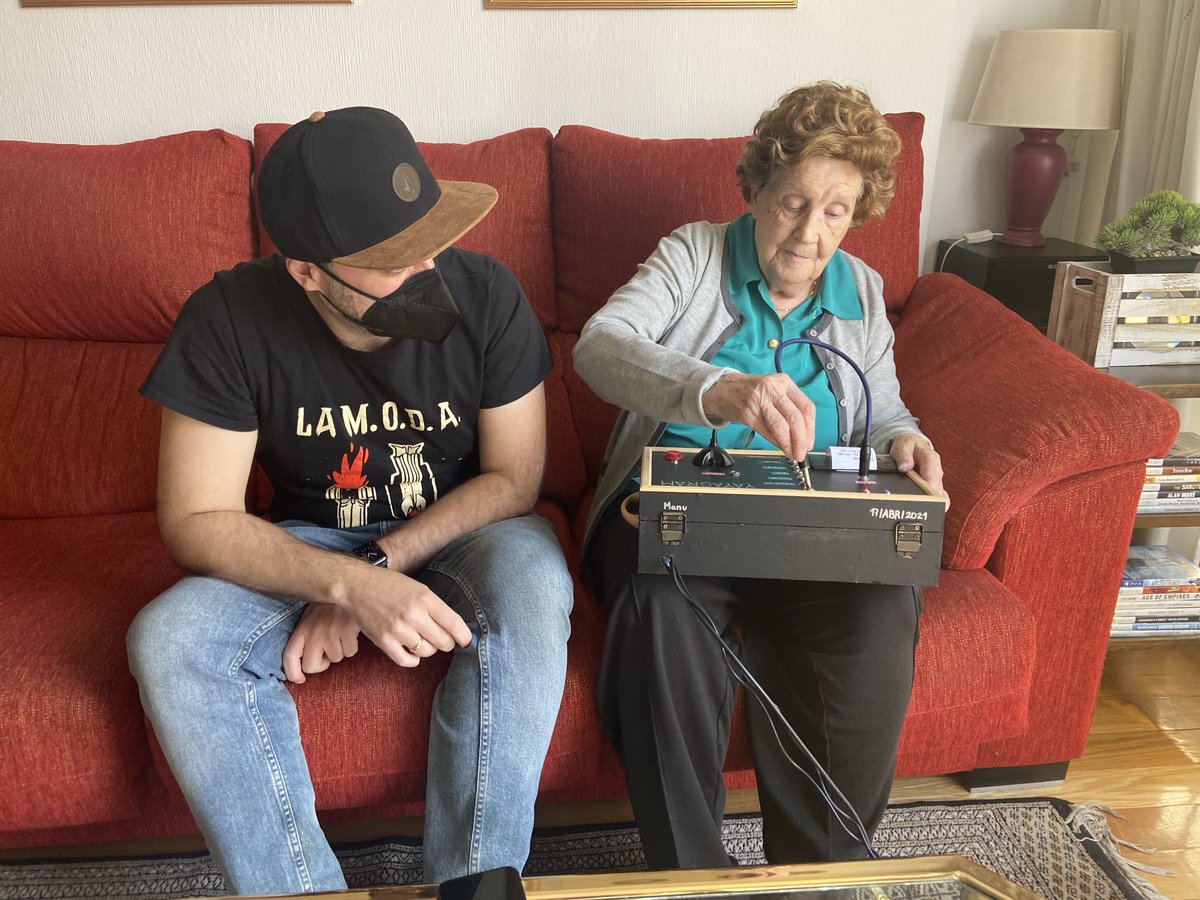
Hello world! I want to share with you a device I made, its name is "Yayagram", a machine that helps our beloved elders to keep communicating with their grandchildren . How? Let me open a thread to give you all the details of this contraption.
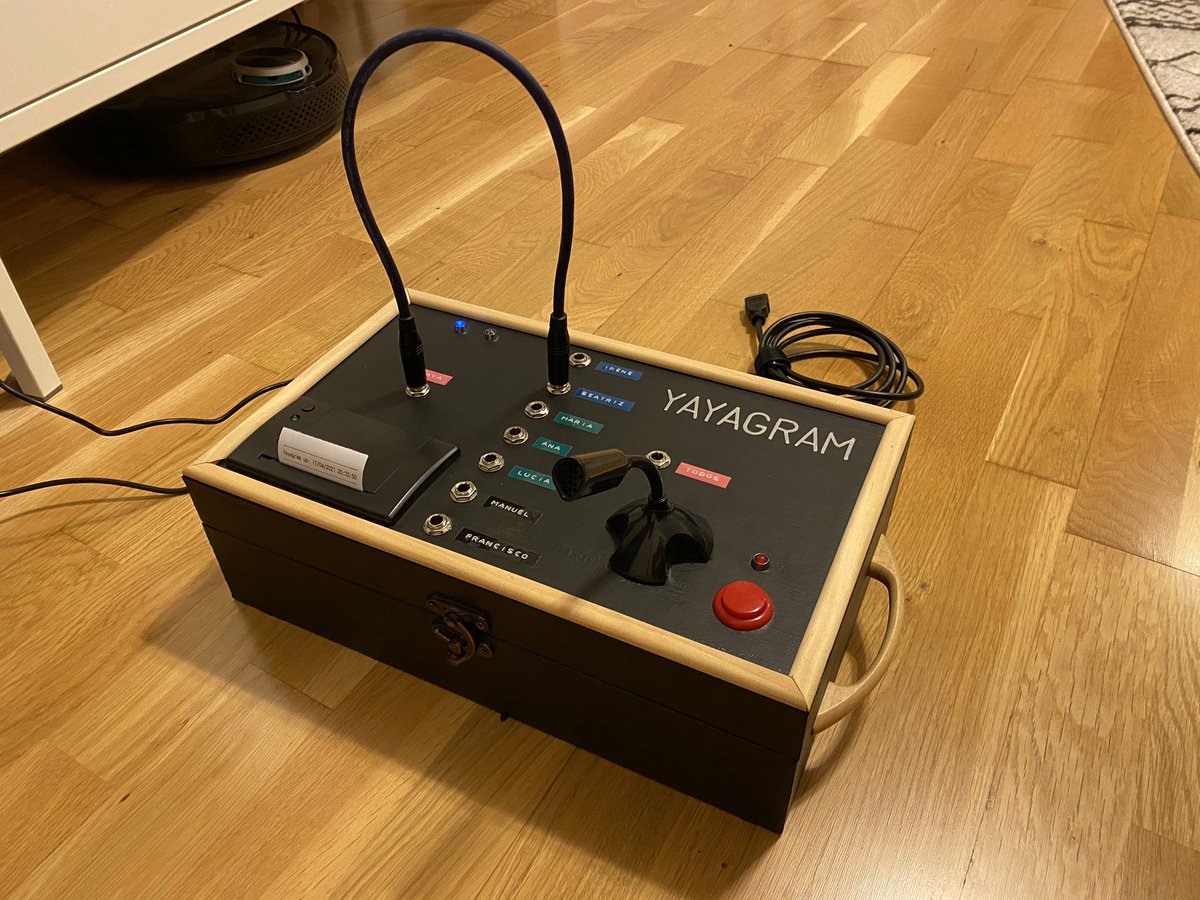
The Yayagram has two features:
🔵Send voice messages via Telegram by just pressing a button.
🔵Receive Telegram messages and physically print them on thermal paper.
🔵Send voice messages via Telegram by just pressing a button.
🔵Receive Telegram messages and physically print them on thermal paper.
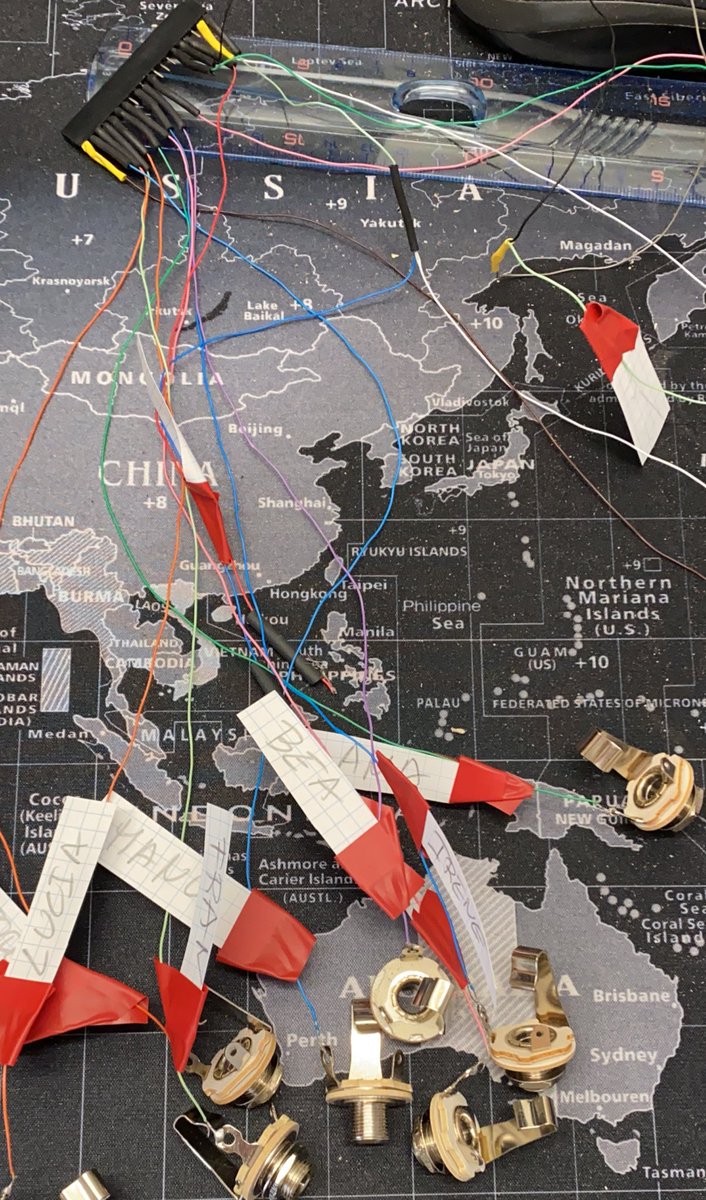
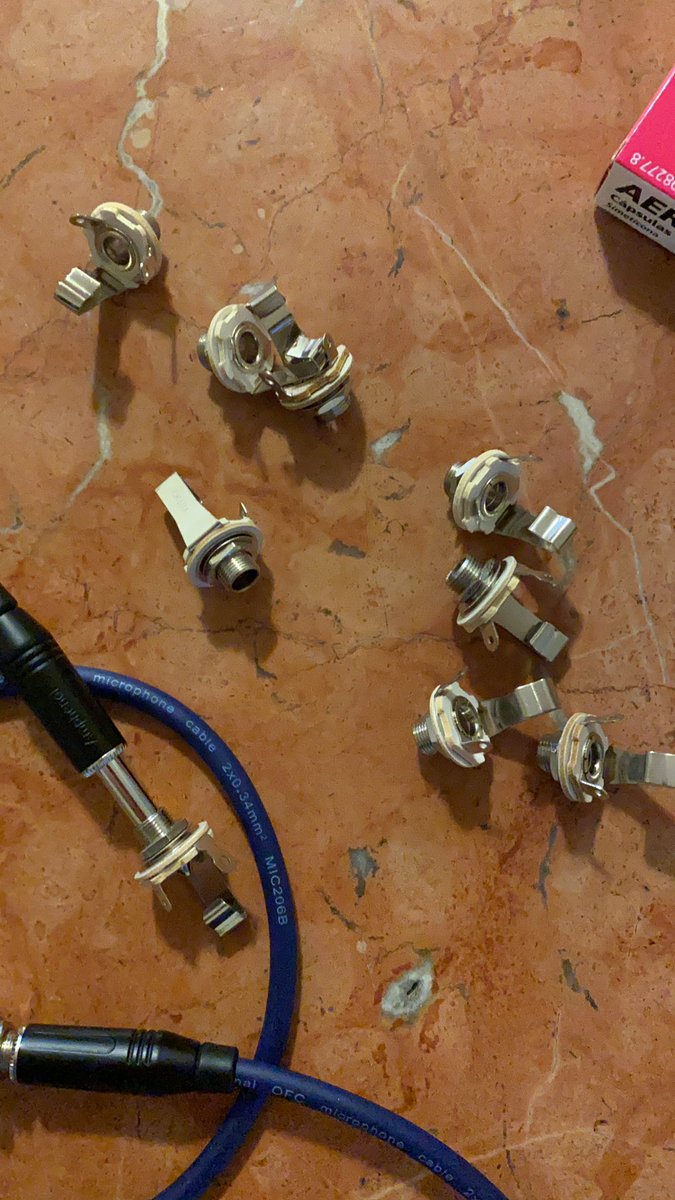
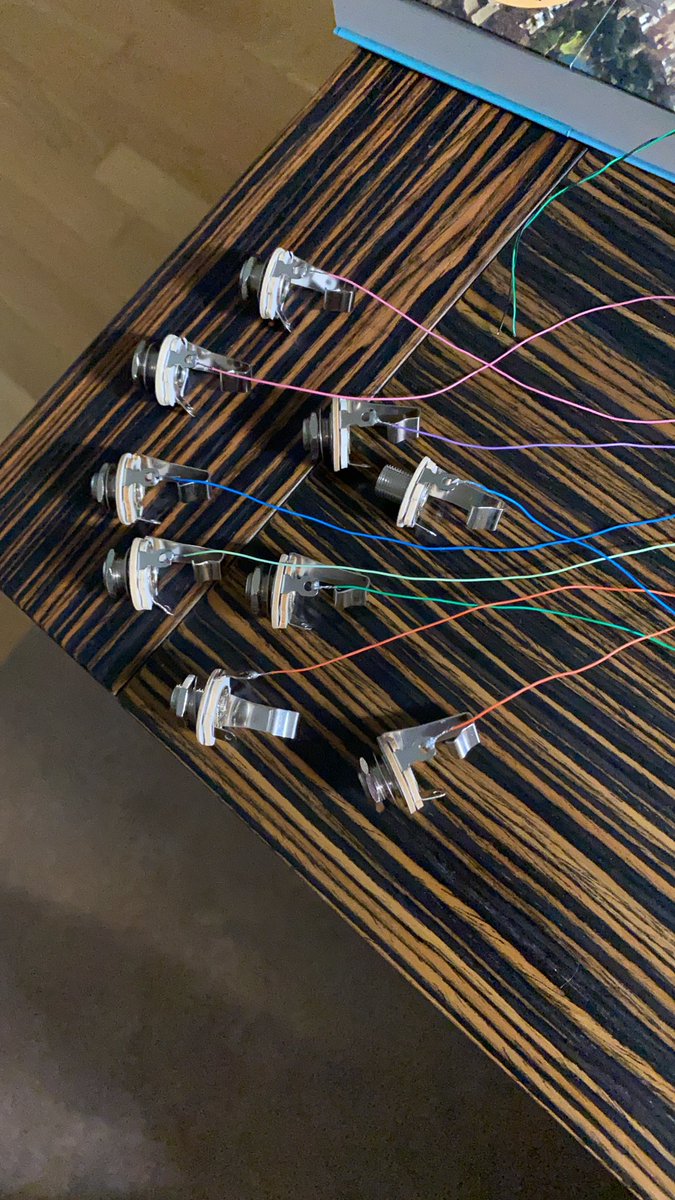
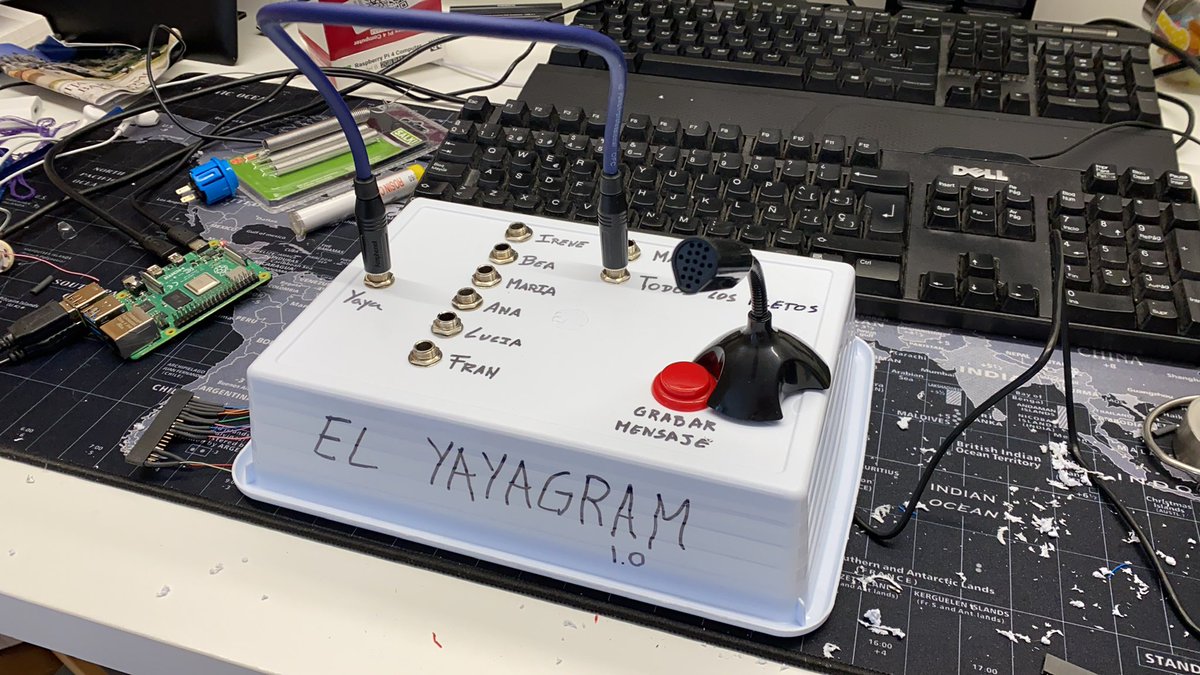
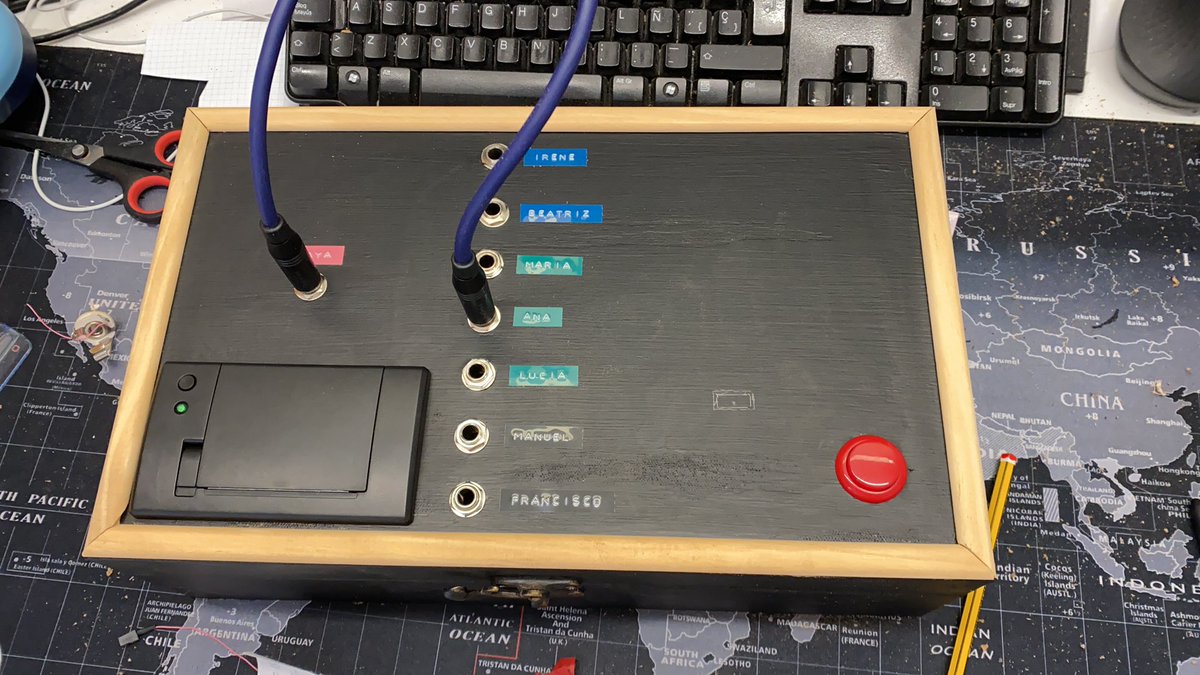
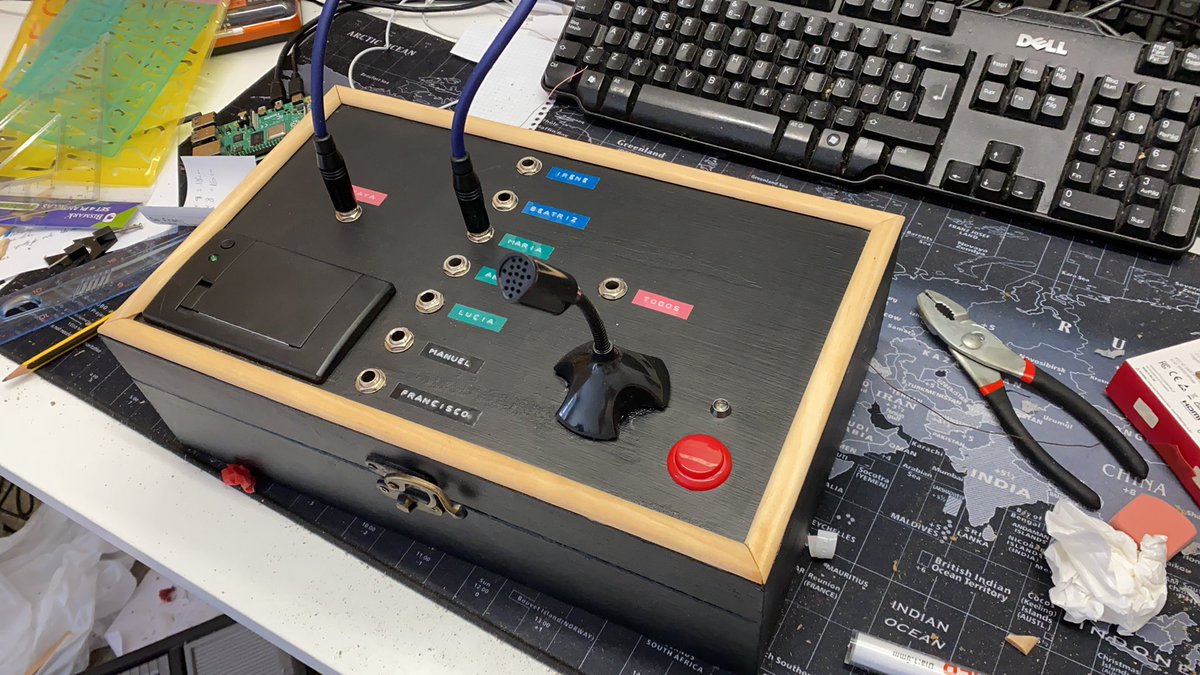
To send a new voice message you need first to choose the destination grandchild, the selection is made using a Jack connector, like the #cablegirls used to do!
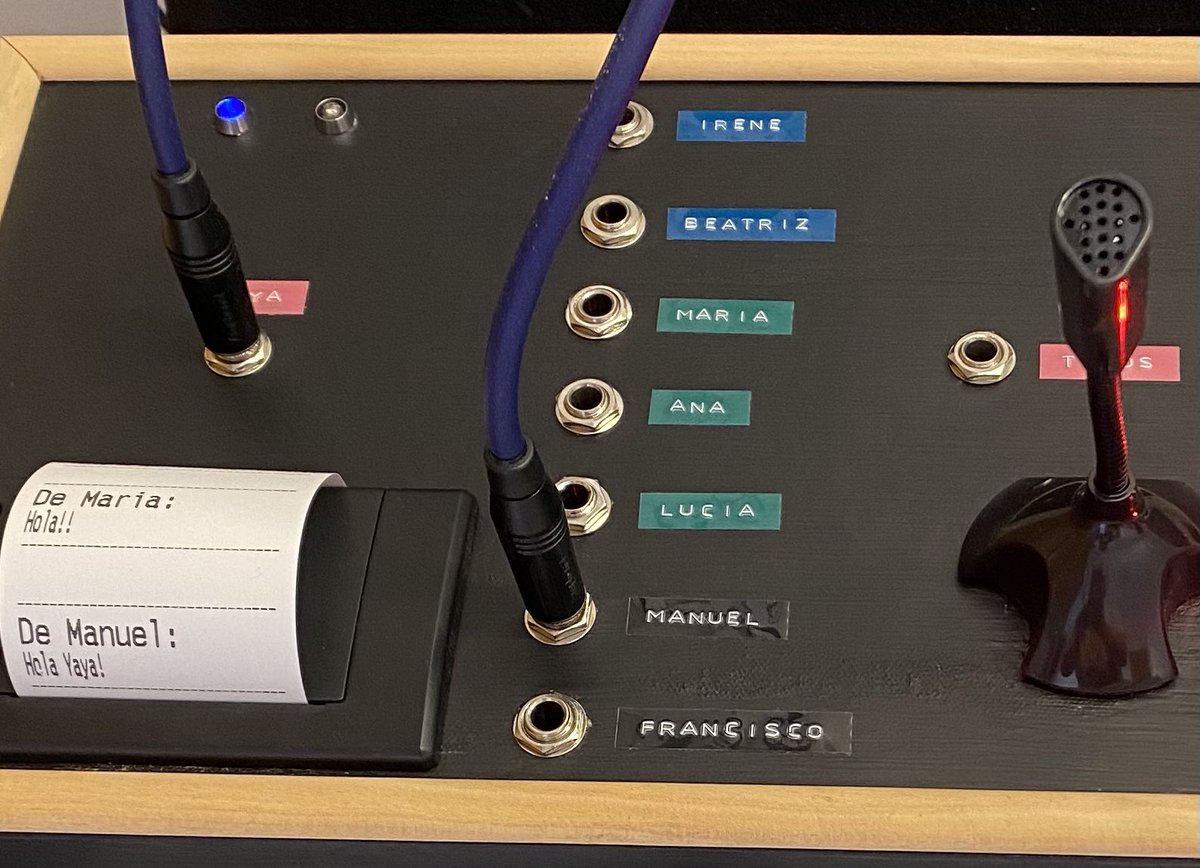
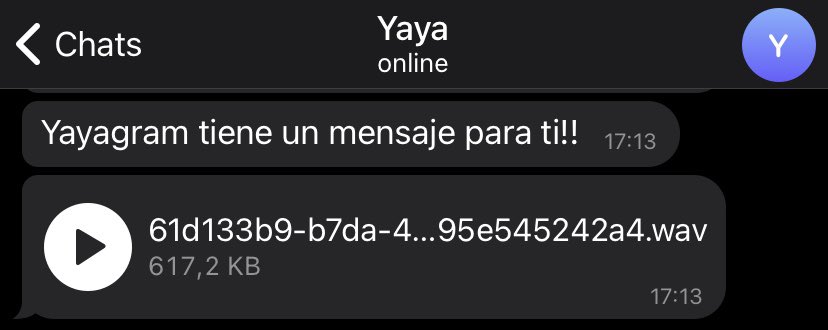
Recording a new voice message is similar to the regular #Telegram app, but here all is analog. Keep the record button pressed ➡️ Talk ➡️ Release the button and it's sent! The recipient grandchild will receive it like this:
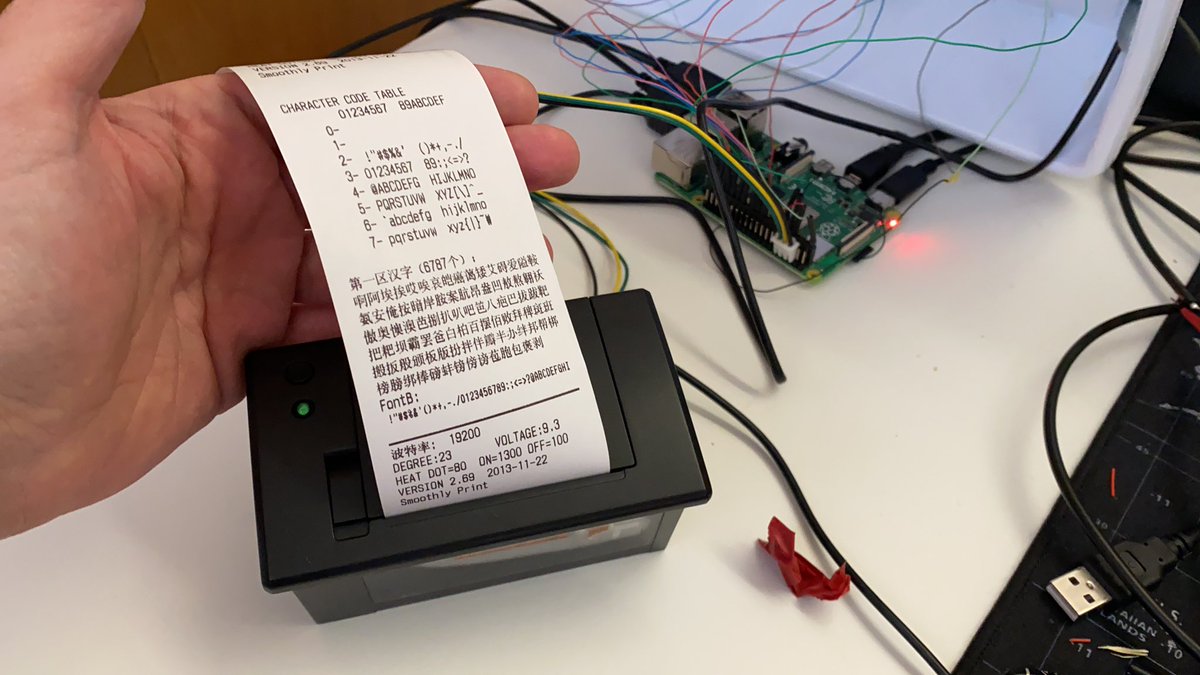
And, what happens when you send a text message back to your Granny? Well, the Yayagram prints it on thermal paper so they can touch it and read it, like the old telegrams.
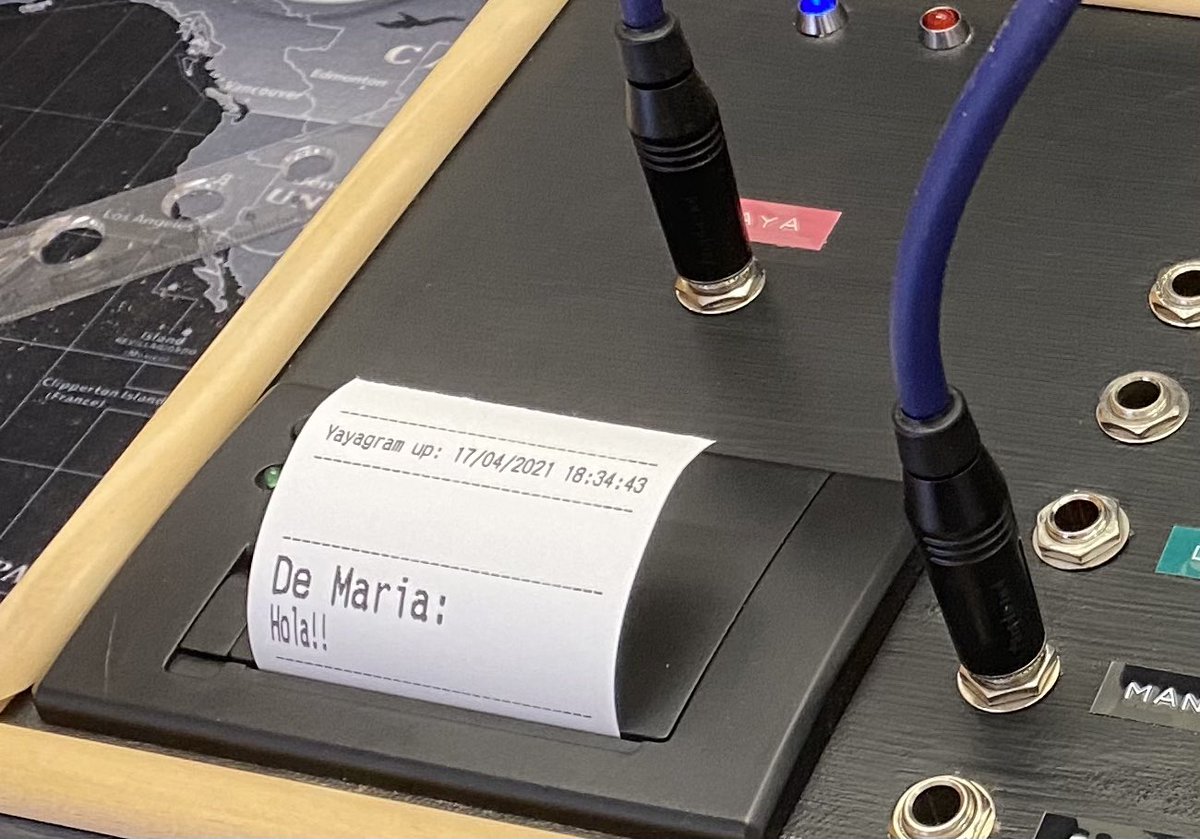
There are three LEDs to give the Yaya more information. One to show the Yayagram receives power, another one to show it's connected to Telegram, and the last one to show you are recording a voice message.
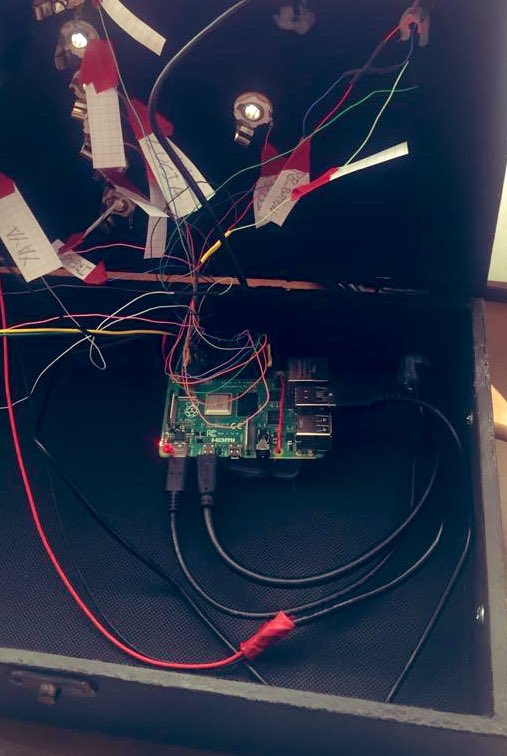
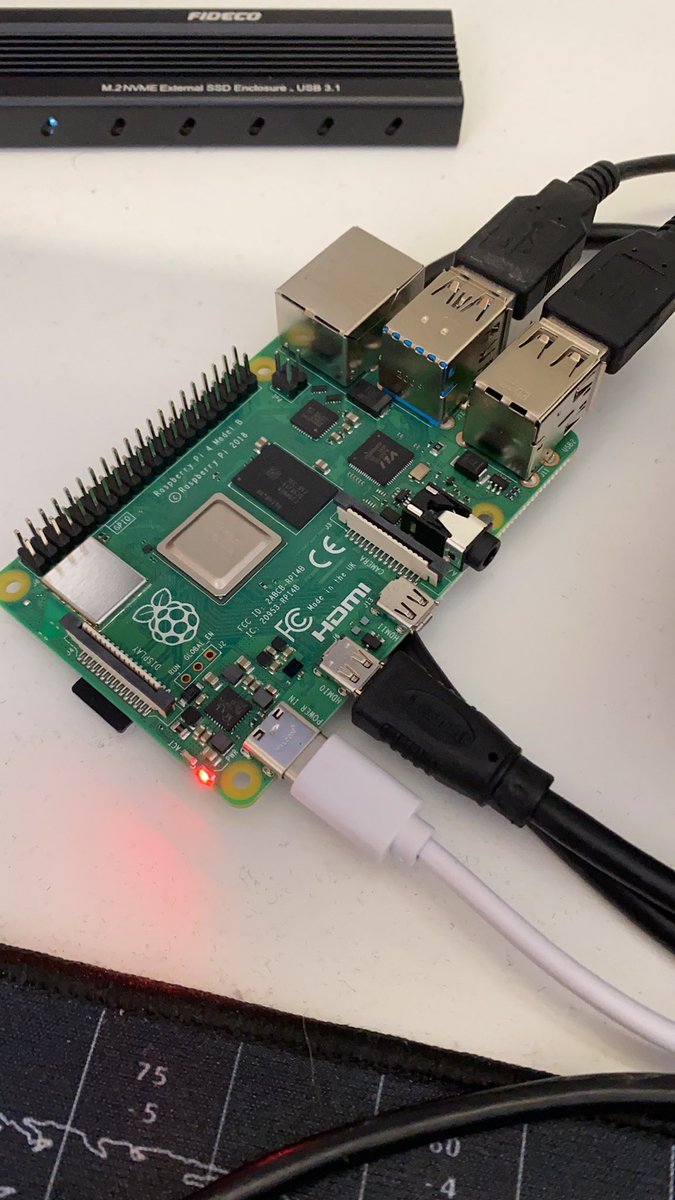
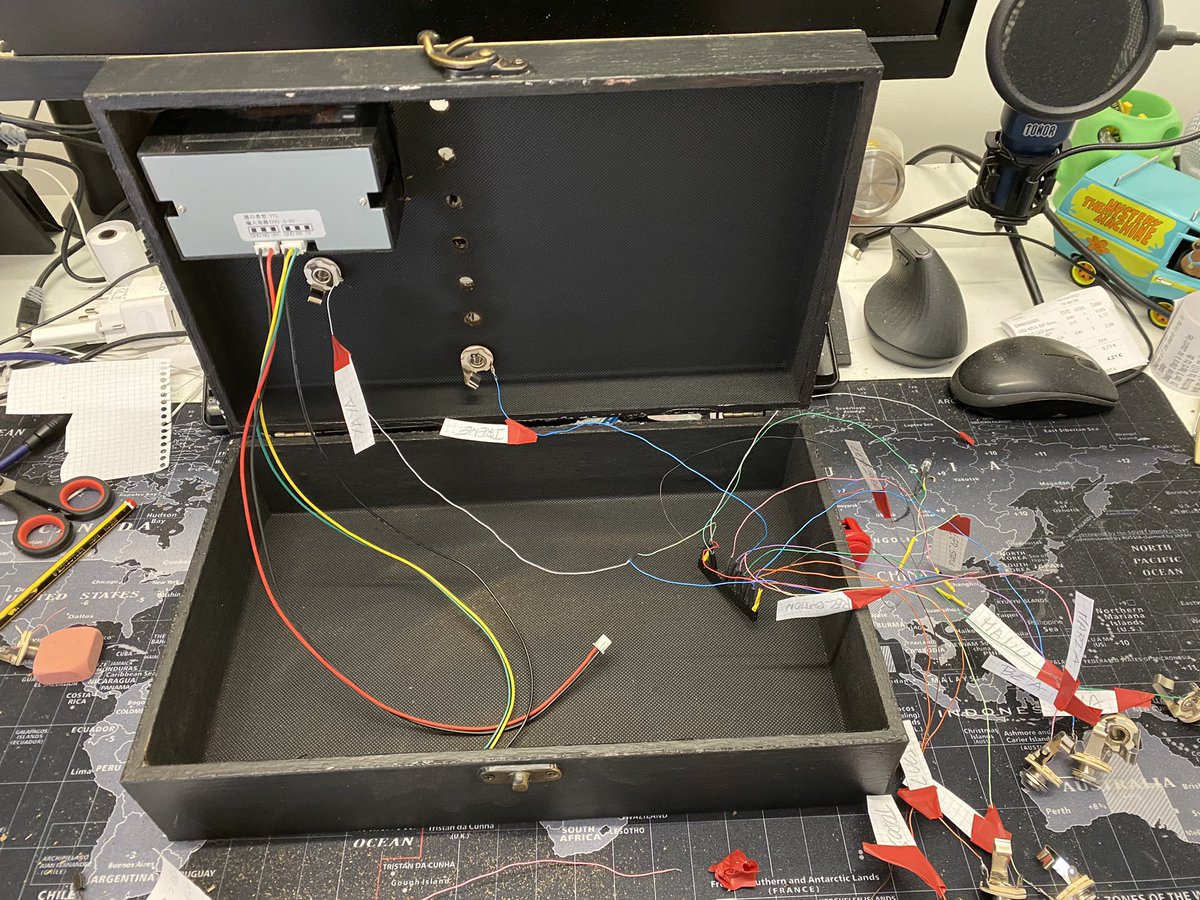
How is it made? A #raspberrypi 4 is the brain of the project. Everything runs on #Python and I use several third-party libraries to complete it. The rest is all analog, jack connectors, LEDs, cables, a printer, a mic, and a button.
The Python code uses three threads, one to receive messages, another to send messages, and the last one to monitor the Yayagram status that is later shown using the status led.
I created a Linux "systemctl" service that is in charge of starting the Yayagram application automatically whenever the device is started or rebooted because of an unexpected crash.
Regarding third-party libraries, this is the one I use to send and receive messages over Telegram: github.com
It's a fork that works like a champ. The main library doesn't work so well done! Help me to find the developer who wrote it!
It's a fork that works like a champ. The main library doesn't work so well done! Help me to find the developer who wrote it!
To light up the LEDs and control the Jack connectors and the button I simply use the GPIO pins of the Raspberry pi, it has native Python support so it's a no-brainer. Here you can find more documentation about it: raspberrypi.org
The microphone is the cheapest one I could find, It has a USB connection and I use the “arecord“ CLI command, I don't use a Python lib for this component as I found it easy enough to use the CLI instead. More info about how to configure the mic here: pimylifeup.com

Finally, for the thermal printer, I used the Rx and Tx pins to build a serial connection with the printer. There's a Python library from @adafruit that does the complicated stuff. More info here: learn.adafruit.com
Random thoughts:
🔵Do not solder directly to the rasp pins. You can break it. Build a connector instead. I learned it the hard way. F to pay respects to the first rasp pi I used.
🔵My Yaya suffers from arthritis so using a virtual keyboard on a tablet is out of her scope.
🔵Do not solder directly to the rasp pins. You can break it. Build a connector instead. I learned it the hard way. F to pay respects to the first rasp pi I used.
🔵My Yaya suffers from arthritis so using a virtual keyboard on a tablet is out of her scope.
🔵My Yaya suffers from hearing problems so using a Phone is usually hard. Moreover, she relies on my parents to take or make a call. Video calls are also not ideal.
🔵The Yayagram allows my Yaya to be more independent and start conversations with her grandchildren.
🔵The Yayagram allows my Yaya to be more independent and start conversations with her grandchildren.
🔵My Yaya lives with my parents and I visit her a lot, but because of Covid-19 movement restrictions most of the family can't visit her, I believe this will help to improve communications.
🔵Do you want to know how to pronounce "Yaya"? Check this out, @offspring will help you with this masterpiece #YaYaYaYaYaGram
youtu.be
youtu.be
🔵I chose Telegram over Whatsapp because I don't like Facebook, Telegram is more open and easy to use.
🔵Soon I'll publish an Instructables project with all the build details so you can build one. I'll publish the source code on Github as well. Stay tuned!
🔵Soon I'll publish an Instructables project with all the build details so you can build one. I'll publish the source code on Github as well. Stay tuned!
🔵If you have any questions I'll be more than happy to assist. At least, I'll try to.
🔵My Yaya is Felisa Romano Martin, from Segovia, 96 years old, and she is the best Yaya in the world.

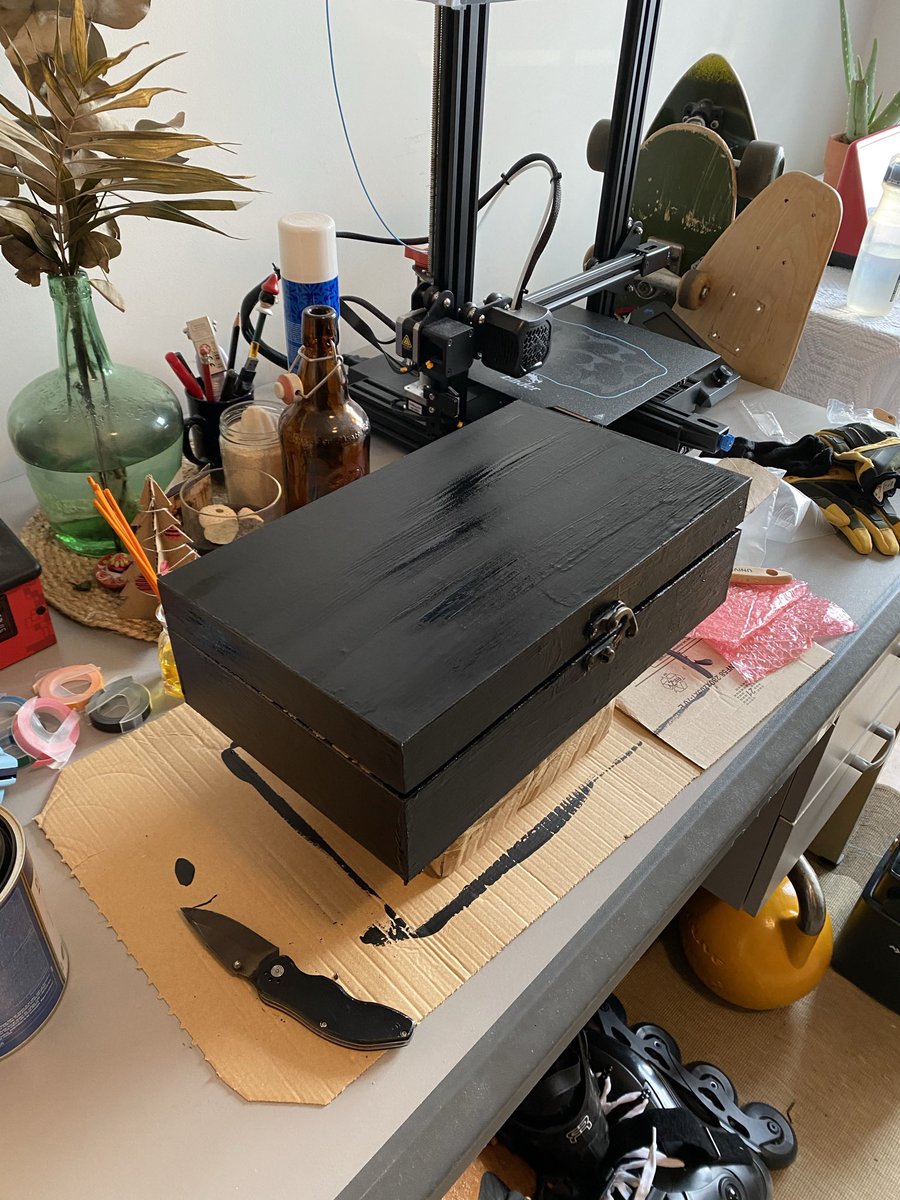
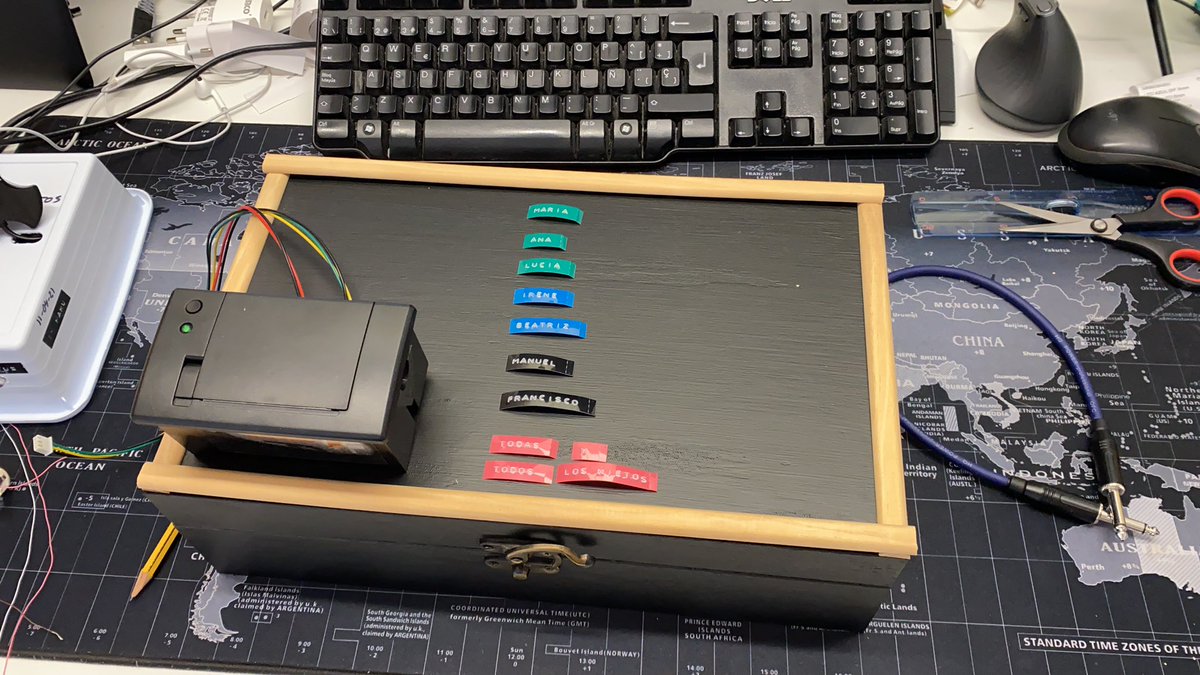
Here you have some photos of the Yayagram making up:
End!
Loading suggestions...